trivago helps travelers compare hotel prices, view photos and read reviews across multiple booking sites in one place, simplifying research and saving time when planning trips. The app aggregates offers so users can find rates, filter by preferences, and access quick booking links for hotels worldwide.
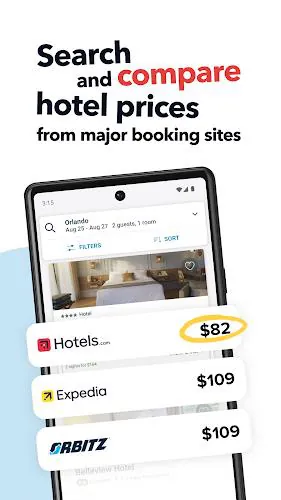
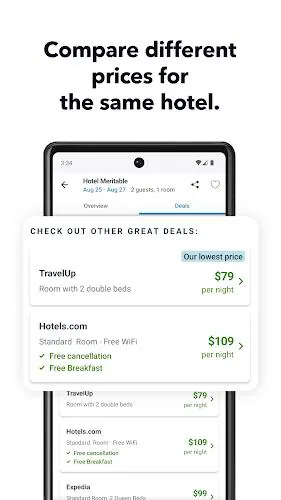
At its core, trivago functions as a meta-search tool for accommodations. Instead of visiting several booking platforms, you can run a single search and see different prices, cancellation policies, and room types side by side. It’s useful for sightseeing weekends, business trips, and longer stays where price transparency matters.
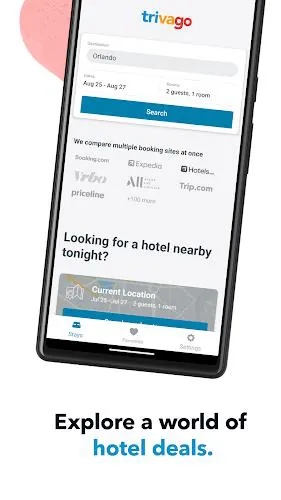
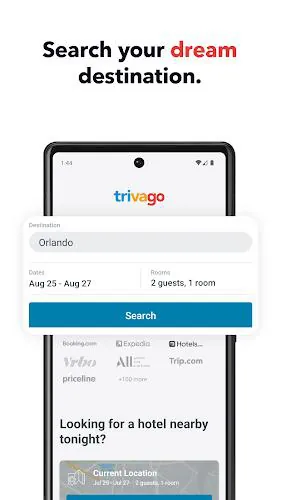
Enter your destination and travel dates, and trivago queries partner sites for available rooms. Results are normalized so you can compare room categories and prices directly. Click-throughs take you to the selected booking provider to complete the reservation; the app itself does not process payments. This design keeps searches fast and gives you the freedom to choose your preferred booking platform.
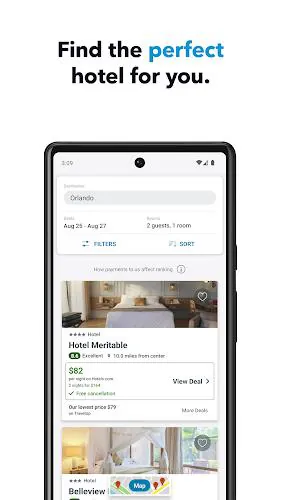
The layout focuses on scannability. Search results present a thumbnail, price highlights, and a short summary. Sorting tools let you reorder listings by lowest price, guest rating, or distance. The app is optimized for speed: images are compressed to load quickly while preserving enough detail to make informed choices.
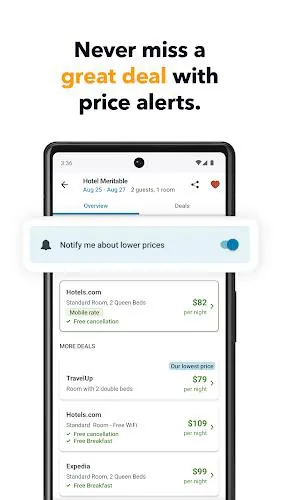
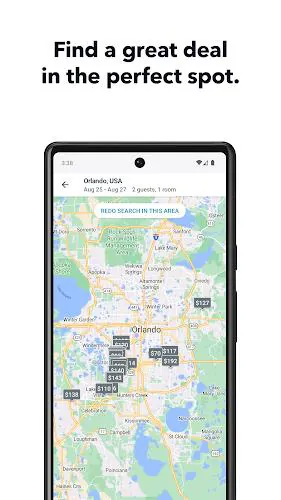
trivago includes several productivity-focused utilities. Saved searches and alerts notify you when prices drop for specific hotels or destinations. The mobile interface supports map-based discovery for users who prioritize location over brand. For repeat travelers, stored preferences such as preferred star level or amenities streamline future searches.
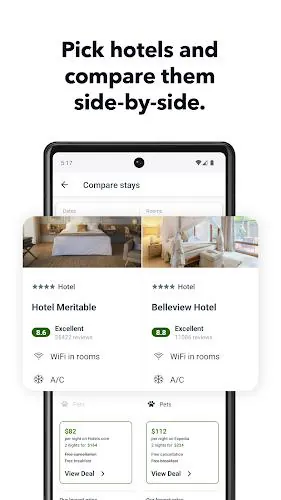
Start with a broad search to gather a range of options, then apply filters to trim results. Open several attractive listings in new tabs and compare room types, taxes, and extra fees. When you find a suitable offer, tap the provider link to confirm availability and finalize payment. This workflow minimizes surprises at check-in and reduces the chance of double-booking.
Since trivago redirects to external booking partners for transactions, payment security depends on the chosen provider. The app focuses on presenting transparent information and reliable links, but make it a habit to verify the booking confirmation and review the provider’s refund policy.
Many users appreciate the time savings and visibility that trivago delivers. The ability to compare many providers in a consolidated view helps budget-minded travelers and planners who need to evaluate multiple logistics simultaneously. It’s less about replacing booking sites and more about empowering smarter choices.
Download the app, allow location access if you want nearby suggestions, and run your first search. Build a shortlist and enable alerts to monitor price shifts. With a few tailored settings, the app becomes a quick reference for trip planning and hotel comparisons.
File size: 28.00 M Latest Version: 6.6.0
Requirements: Android Language: English
Votes: 113 Package ID: com.trivago
Developer: trivago N.V.

Top Free Business Necessary Apps for Android
Streamline operations and maximize productivity with our innovative business apps. Manage contacts, schedule meetings, and route calls seamlessly. Collaborate on documents and projects in real-time. Track inventory, finances, and analytics to inform smart decisions. Build customized proposals, invoices, and contracts to win clients. Stay on top of emails, tasks, and passwords for efficient work.






LIVE A HERO
Retro Hero Mr Kim
Empire of Passion
Arcane Quest Legends
Magic Snap: Momotaro
AllStar Manga Heroes
Lunescape
ONE PIECE Thousand Storm JP
Tap Titans 2