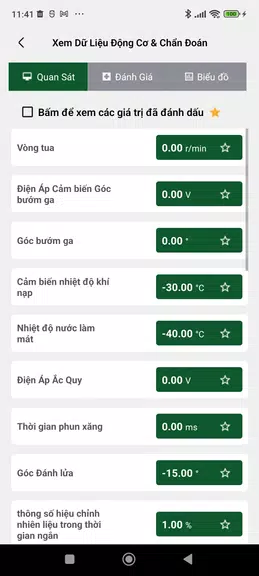
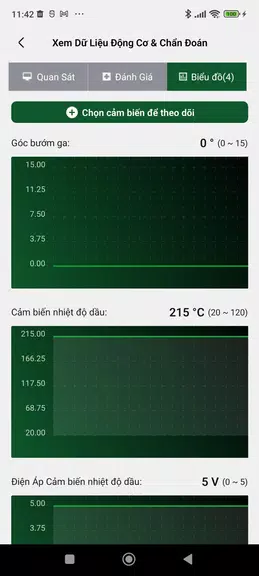
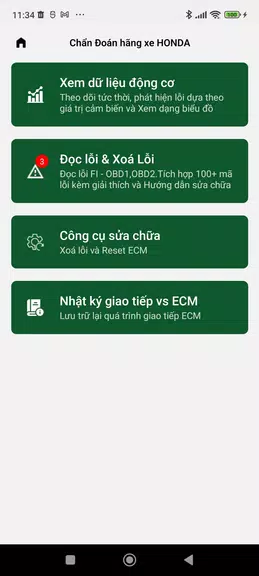
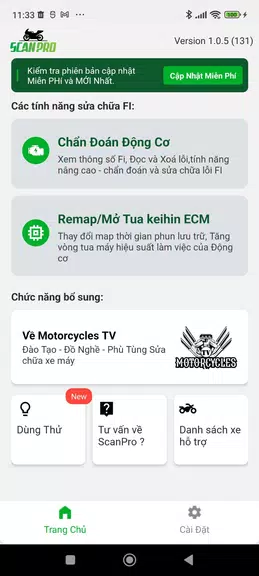
ScanPro is a lightweight mobile scanning utility that turns your Android device into a portable document workstation. It combines fast image capture, automatic edge detection and clear PDF export in a compact interface, making everyday scanning tasks reliable for students, professionals and small businesses.
ScanPro focuses on speed and accuracy. The app captures photos of documents, receipts or whiteboards and converts them into clean, shareable files. Instead of overwhelming users with unnecessary settings, it prioritizes the essentials: quick capture, automated cleanup and flexible export formats like PDF and JPEG.
Using ScanPro is straightforward. Frame your document in the camera view, and the app will suggest a capture when borders are detected. After snapping the photo, you can fine-tune the crop, apply an enhancement preset, and reorder pages before exporting. The entire process is designed to be completed in a few quick steps so you can scan on-the-go.
Beyond basic scanning, ScanPro includes tools aimed at specific tasks. The receipt mode compresses images for long-term storage while preserving readable text. The multi-page organizer helps users batch invoices and reports. For academic use, ScanPro offers a whiteboard mode that increases contrast and removes glare to capture notes from classroom sessions.
The user interface keeps controls minimal and legible. A large capture button, thumbnail strip for page previews and a straightforward export menu reduce friction. Performance is optimized for mid-range devices: image processing completes quickly and memory usage stays reasonable even with multi-page documents.
ScanPro provides several adjustment options without cluttering the main flow. Choose default image enhancement styles (color, grayscale, black & white), set preferred export quality, and toggle automatic naming with timestamps. Users who upgrade can enable higher-resolution exports and OCR language packs.
ScanPro adapts to many scenarios: digitizing receipts for expense reports, archiving contracts, scanning IDs for onboarding, or saving lecture notes. For small teams, the app can streamline administrative workflows by converting paper forms into searchable PDFs that integrate with cloud storage or email systems.
ScanPro supports standard privacy practices: files are stored locally unless you choose to upload them, and exports can be encrypted using device-level options. Sharing features include direct sends to cloud providers and apps, and the option to rename files for easier organization.
Install the app from the Play Store, grant camera and storage permissions, and follow the short onboarding tour. Beginners will appreciate the guided capture prompts. For power users, the upgrade path unlocks advanced OCR, higher-quality exports and additional language recognition.
ScanPro is built for people who need a dependable, uncluttered scanning experience on Android. With thoughtful automation, straightforward tools and solid performance, it replaces bulky desktop scanners for most everyday document workflows while staying easy to use on a smartphone.
File size: 60.80 M Latest Version: 3.0.37
Requirements: Android Language: English
Votes: 474 Package ID: com.savytech.scan.pro
Developer: MotorcyclesTV

Top Free Business Necessary Apps for Android
Streamline operations and maximize productivity with our innovative business apps. Manage contacts, schedule meetings, and route calls seamlessly. Collaborate on documents and projects in real-time. Track inventory, finances, and analytics to inform smart decisions. Build customized proposals, invoices, and contracts to win clients. Stay on top of emails, tasks, and passwords for efficient work.






LIVE A HERO
Retro Hero Mr Kim
Empire of Passion
Arcane Quest Legends
Magic Snap: Momotaro
AllStar Manga Heroes
Lunescape
ONE PIECE Thousand Storm JP
Tap Titans 2











































