
Scan to Download
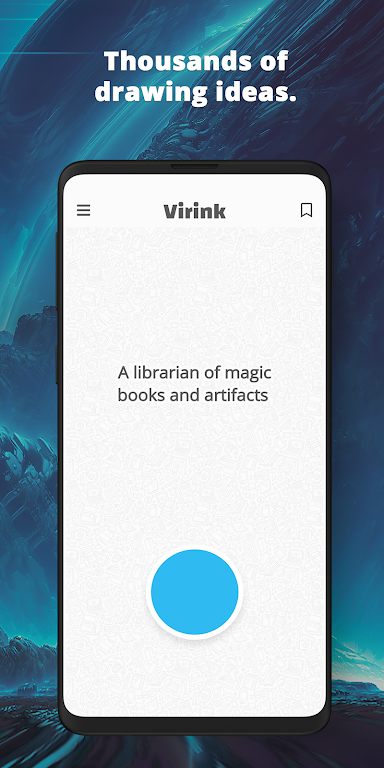
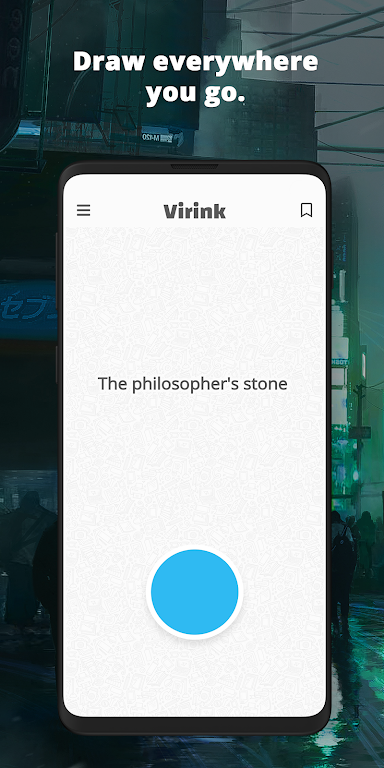
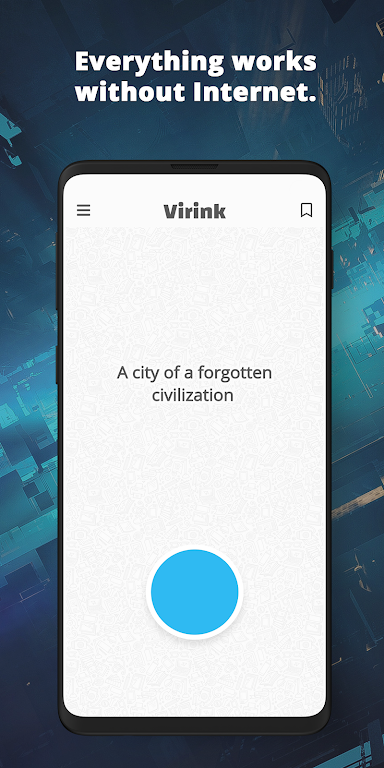
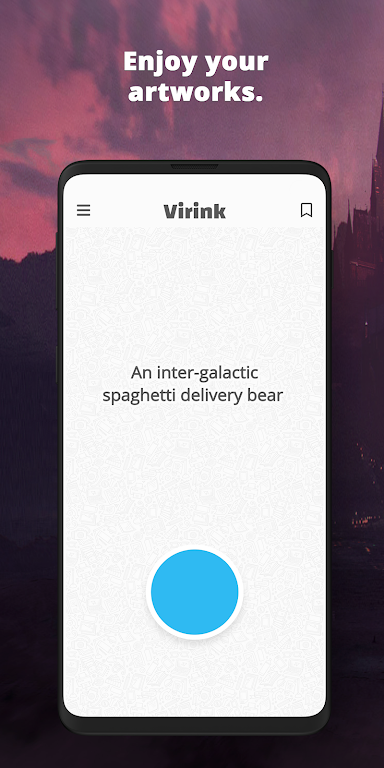
Virink is a drawing ideas generator designed to help artists move past blank-page anxiety by delivering a steady stream of curated prompts. The app offers themes ranging from surreal landscapes and quick gesture drills to character studies and still-life scenarios, all written to translate easily to tablets, desktop painting software, or traditional tools such as pencil and watercolor. Many users open Virink when they need a focused starting point for a practice session, a clear direction for a commission sketch, or a private library of prompts to return to later; the interface keeps organization simple so the creative work can stay front and center.
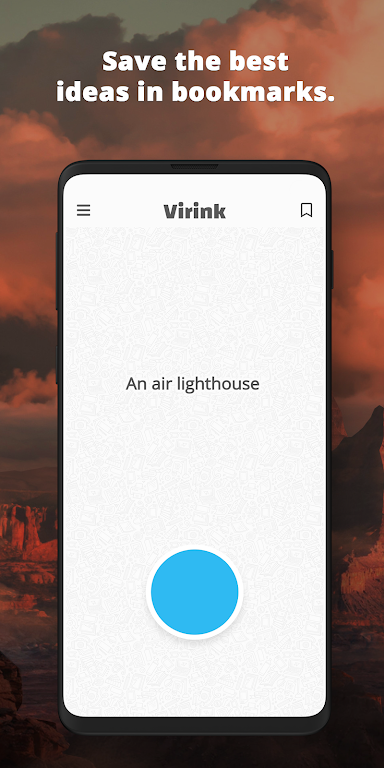
The core of the app is an adaptable prompt engine that generates idea seeds with adjustable parameters like complexity, mood, and medium. You can filter prompts by theme, set a preferred time limit for quick sketching, or choose a longer, multi-stage suggestion for a more developed study. Bookmarking and tagging let you build collections of favorite prompts, and a compact history view makes it easy to revisit recent ideas. Built-in export and share options allow prompts or lists to be saved as text files or images to continue working in external software or with physical materials.
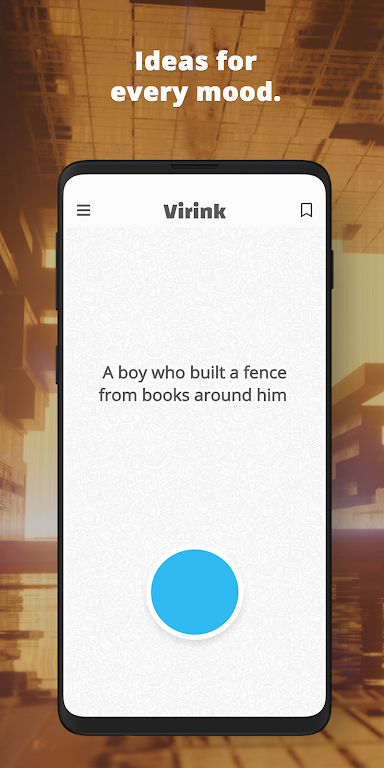
Prompts are presented in plain language with optional constraints to guide practice: for example, a suggestion might specify a lighting scenario, a color palette idea, or a compositional challenge such as limited negative space or a single light source. The generator mixes concept types so a session can include character poses, environmental fragments, abstract pattern exercises, and narrative hooks. Each prompt comes with a suggested duration and difficulty tag to help artists choose a session that matches their available time and skill level.
Navigation and controls are intentionally straightforward: tap to accept a prompt, swipe to skip to the next idea, long-press to bookmark, and use a small settings panel to change filters or session length. The layout works well on small screens and scales comfortably for tablets, with large touch targets and clear labels to reduce accidental inputs. Tooltips explain each control the first time you encounter it, and the interface avoids heavy visual clutter so the prompt itself remains the focal point.
Rather than a gamified leveling system, progression in Virink is practical and self-directed: streaks and session metrics help you track practice frequency and variety, encouraging consistent improvement. The app offers themed challenge modes that lock a set of prompts to a single topic for a week or month, which can be used as guided practice tracks for improving a specific skill such as perspective, anatomy, or color harmony. Randomization plus parameter tweaking keeps sessions fresh, so replaying the same challenge can yield different creative results each time.
The visual design of the app emphasizes readability and calm: neutral backgrounds, legible typography, and unobtrusive accent colors that do not compete with artwork. You can customize prompt density, choose between light and dark themes, and select font sizes for better readability. Prompt cards include optional illustrative icons or mood tags to give a quick visual cue without being prescriptive about how you should execute the idea.
Virink aims to be accessible: adjustable text size, clear contrast options, and compatible controls make it usable for a wide range of artists. Offline functionality allows the prompt generator and your bookmarked collections to work without an active connection, so you can practice on flights or in places with limited connectivity. Local export options ensure you can back up or transfer your prompt collections if you switch devices.
The app focuses on idea generation and does not include step-by-step technique lessons, layer-based drawing tools, or in-app painting editors; Virink is intended to supply concepts and structure rather than replace full-featured art software. Users should expect to use their preferred drawing apps or traditional materials to realize the prompts. If you need guided tutorials or live feedback, supplementing Virink with instructional resources will provide that additional instruction.
File size: 23.31 M Latest Version: 3.0.1
Requirements: Android Language: English
Votes: 141 Package ID: com.virink
Developer: Virink

Must Have Tools Apps for Android
Equip yourself with our all-in-one toolbox app for everyday tasks and projects. Instantly convert between units, calculate tips, scan documents, manage files, and more with handy productivity tools. Includes a level, compass, QR code reader, ruler, speedometer, decibel meter, and flashlight. Save frequently used tools to your customizable dashboard for one-tap access. Track billable hours, wages, budgets, and invoices. Annotate screenshots, magnify labels, and sign PDFs on the go.






LIVE A HERO
Retro Hero Mr Kim
Empire of Passion
Arcane Quest Legends
Magic Snap: Momotaro
AllStar Manga Heroes
Lunescape
ONE PIECE Thousand Storm JP
Tap Titans 2










































