Scan to Download
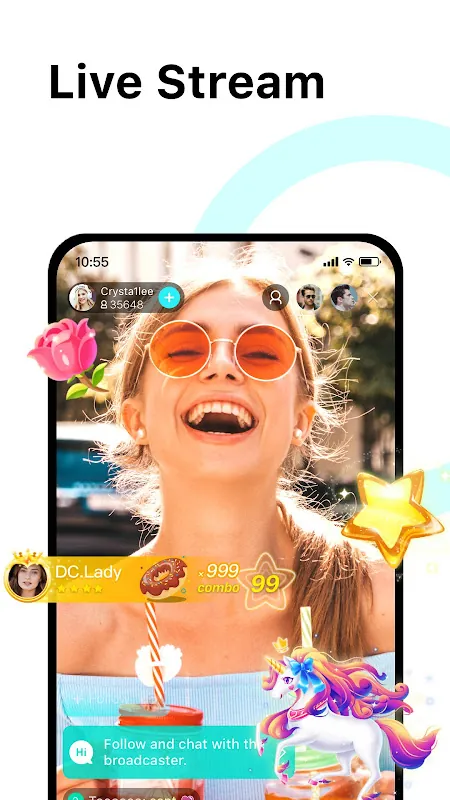
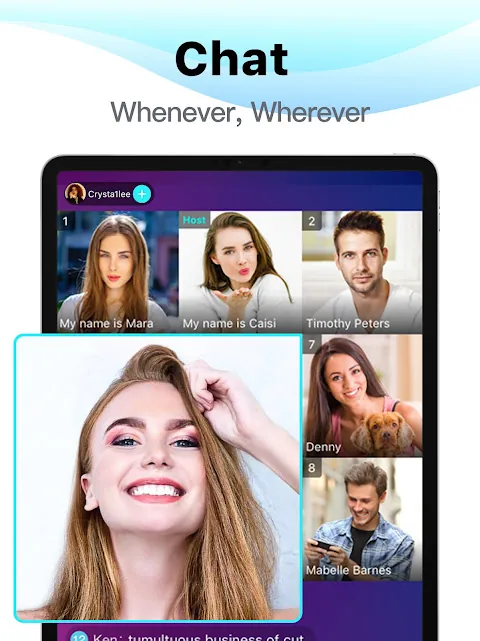
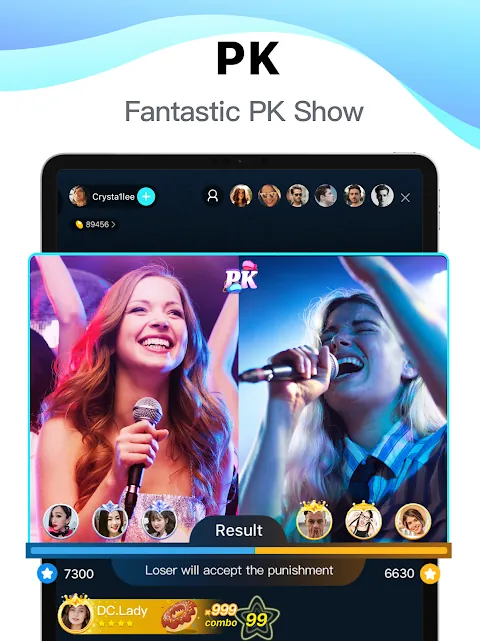
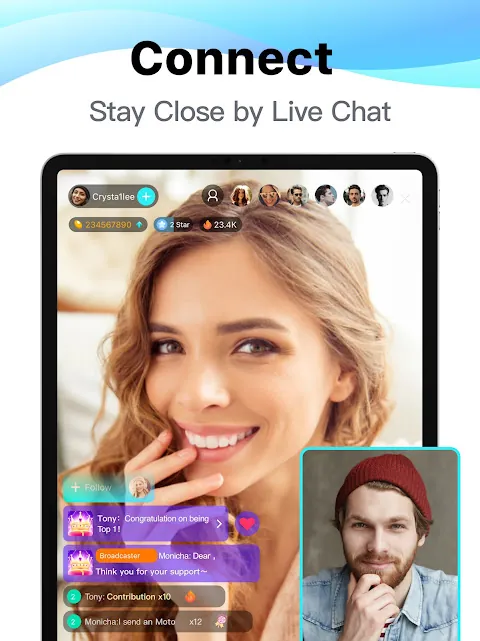
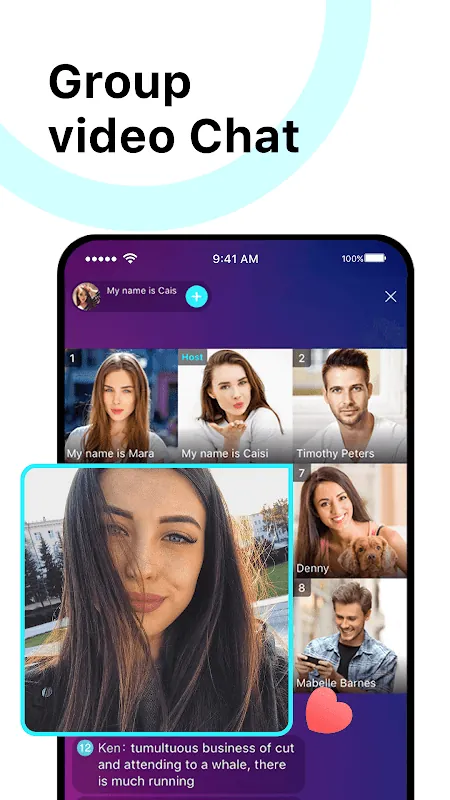
Bigo Live connects broadcasters and viewers through real-time video streams, interactive chat, and virtual gifts. Designed for creators and casual users alike, it lets you host live shows, join group video chats, or explore global channels. The app emphasizes low-latency streaming, audience engagement tools, and straightforward content discovery.
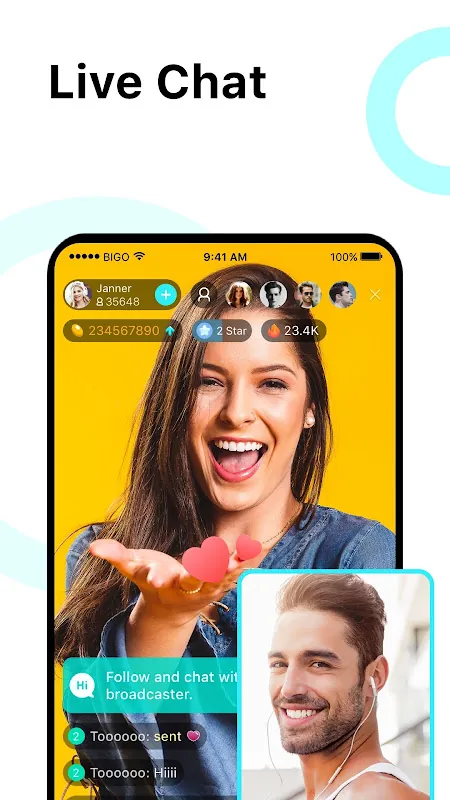
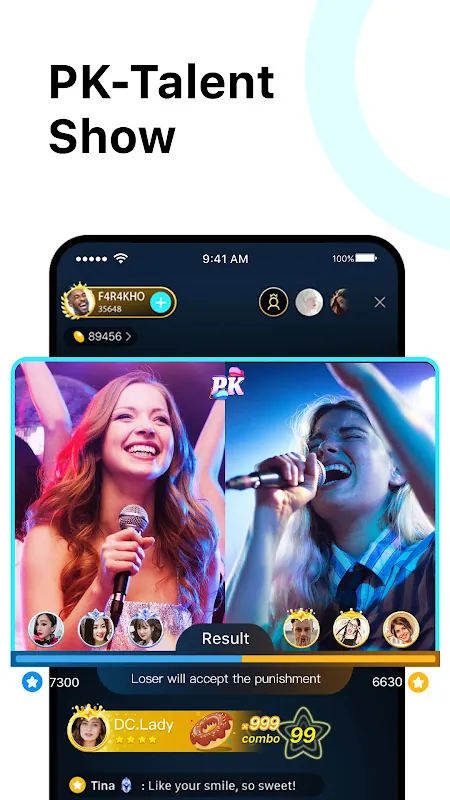
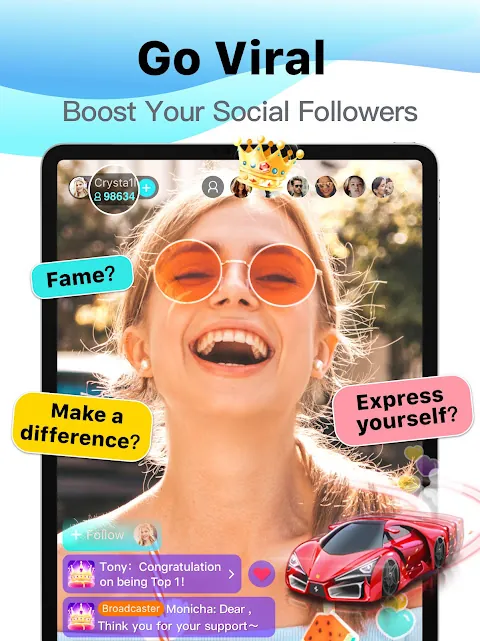
Bigo Live is a mobile broadcasting platform that prioritizes live interaction. Users can launch a stream with a single tap, comment in real time, and reward hosts with in-app tokens. Beyond one-to-many streaming, the app supports multi-user rooms, short-form clips, and community discovery features tailored to keep audiences connected.
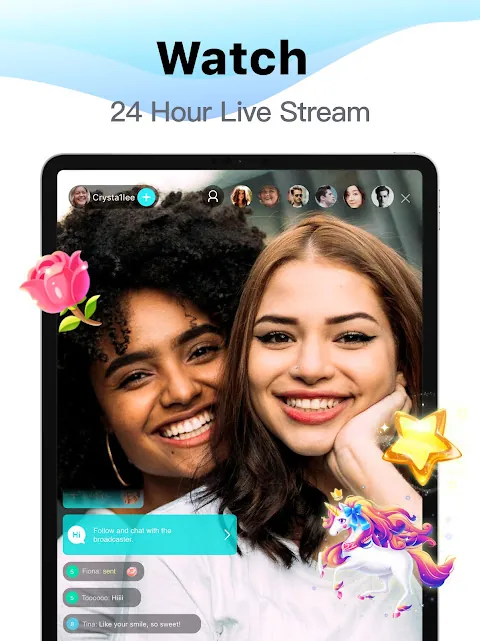
Launching a broadcast is streamlined: select camera or screen share, choose privacy settings, and go live. The app manages adaptive bitrate streaming to maintain smooth playback across varying network conditions. Chat messages, gift animations, and viewer counts update in real time so hosts can respond to feedback quickly.
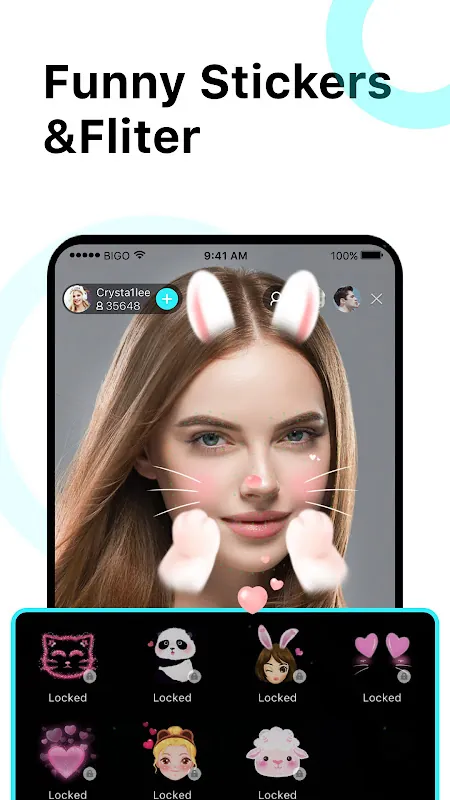
The interface focuses on clarity. Primary controls appear as unobtrusive buttons while the video occupies most of the screen. Menus for filters, effects, and participant controls slide in without interrupting the stream. Performance optimizations reduce battery drain during longer streams and automatically adjust quality to prevent stutters on slower connections.
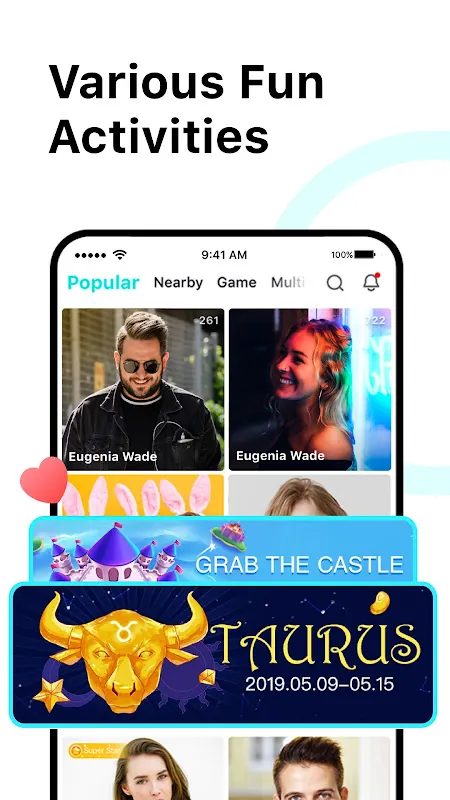
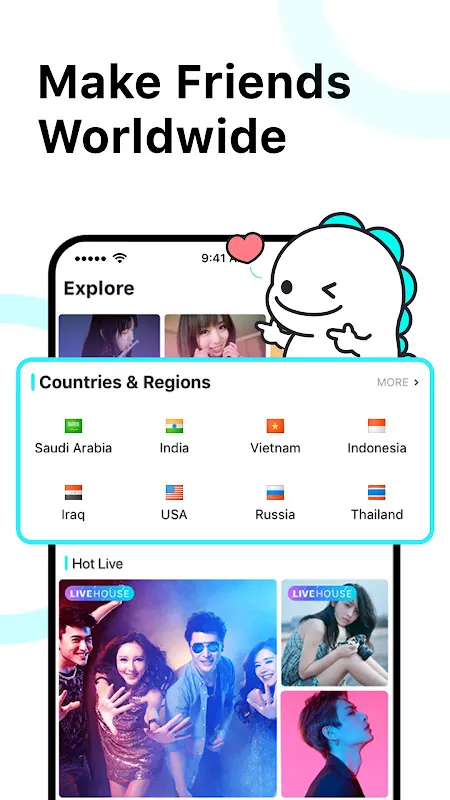
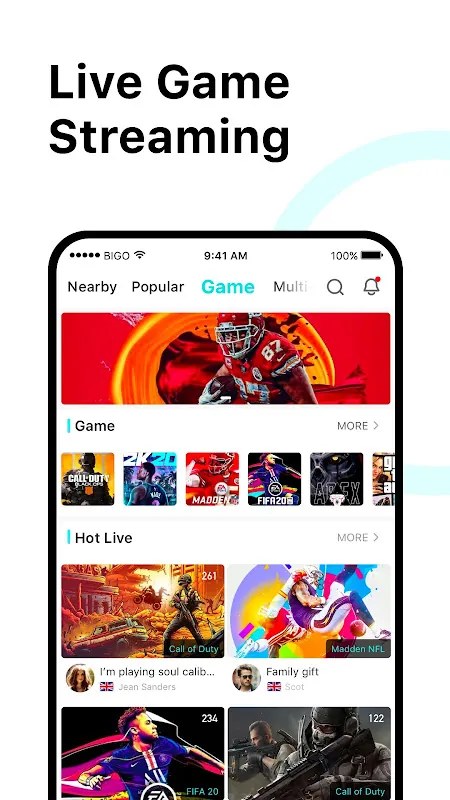
Interaction is at the heart of the experience. Hosts can run polls, accept song requests, create topic rooms, and highlight loyal viewers with badges. The platform encourages discovery through location tags, themed channels, and a trending feed so new audiences can find creators based on interests and activity.
To maintain a welcoming environment, the app provides layered moderation: automated filters for offensive language, human review options, and user controls that let hosts manage who joins. Privacy settings let broadcasters restrict viewers to followers only or to approved lists when needed.
Setting up an account takes less than a minute. After installing Bigo Live, choose a display name, verify via phone or email if prompted, and explore public streams to get familiar with the community. Try a private test stream first to practice using filters, invitation controls, and moderation settings before going public.
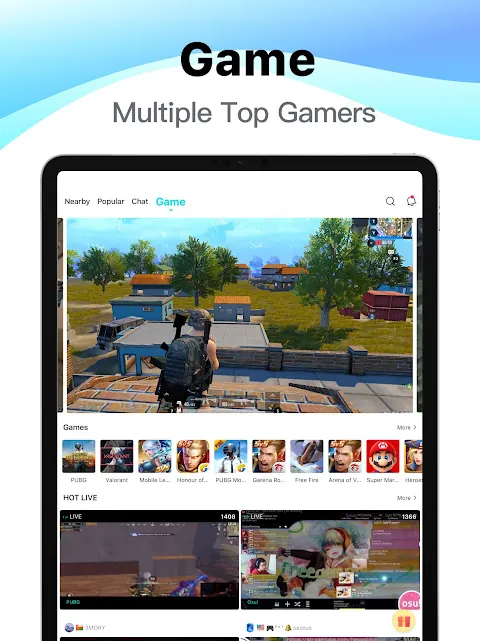
Content creators, casual chat hosts, and small communities all gain from the app’s flexible broadcast options. Musicians, educators, and hobby groups can use it as a live platform for events or Q&A sessions. Brands and small teams can also leverage group rooms for product demos or interactive customer sessions.
For anyone seeking real-time connection and an accessible toolkit for live video, Bigo Live offers a balanced mix of creative controls, audience features, and discovery tools that support regular streaming and community building.
File size: 41.40 M Latest Version: 6.19.2
Requirements: Android Language: English
Votes: 479 Package ID: sg.bigo.live
Developer: Bigo Technology Pte. Ltd.

Top Events Free Apps for Android
Discover and share the hottest events around with our intuitive apps. Find local concerts, festivals, shows, and more based on your unique interests. Create customizable calendars of upcoming events to coordinate schedules with friends. Purchase tickets seamlessly from our integrated platforms. Check real-time transit schedules to plan your trip. Access maps, directions, and parking information for any venue.






LIVE A HERO
Retro Hero Mr Kim
Empire of Passion
Arcane Quest Legends
Magic Snap: Momotaro
AllStar Manga Heroes
Lunescape
ONE PIECE Thousand Storm JP
Tap Titans 2