Scan to Download
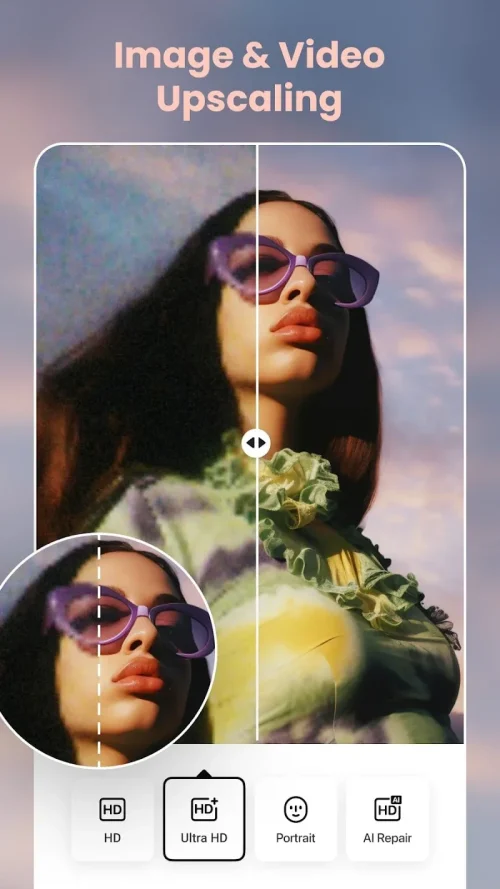
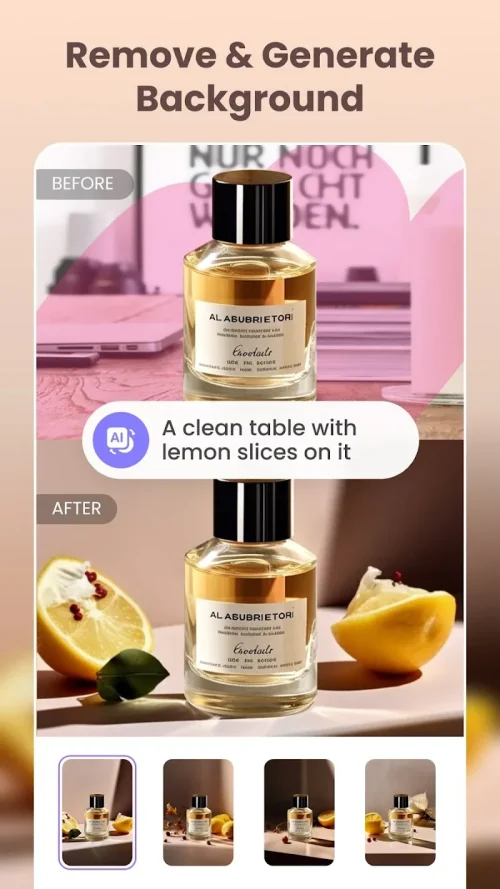
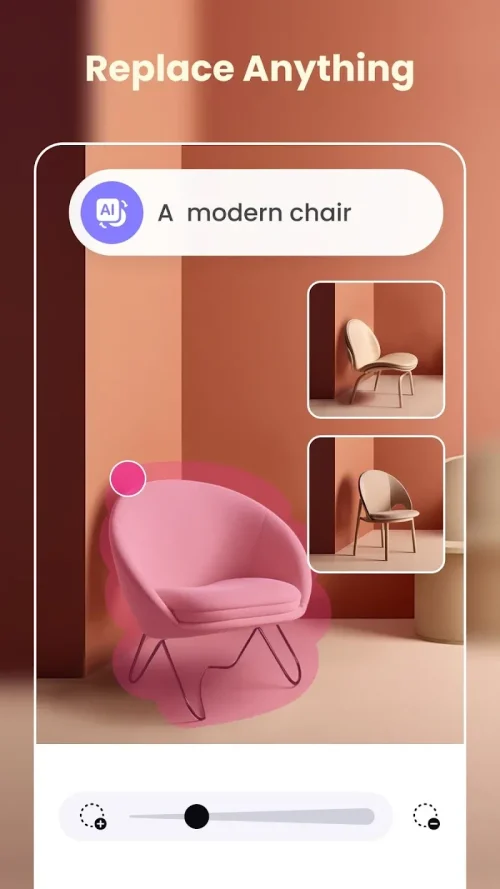
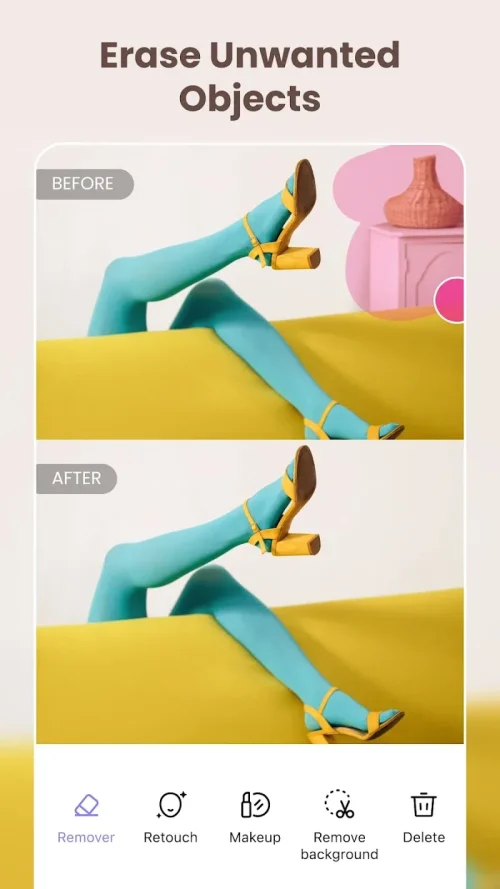
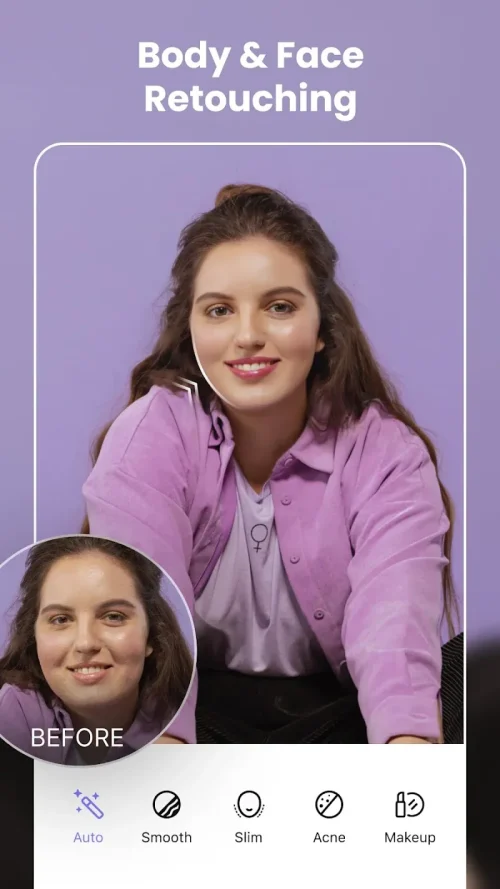
BeautyPlus Video is a mobile video editing app designed to streamline beauty and portrait enhancements for social media creators. It combines automatic retouching with manual controls, letting users polish skin, adjust facial features, and apply cinematic filters quickly while preserving natural expressions across short clips and vlog segments.
At its core, BeautyPlus Video focuses on portrait-centric video editing. The app blends AI-assisted corrections with traditional timeline tools so content creators can improve appearance and lighting without spending hours in complex software. The workflow is tailored for phones, making it practical for daily stories, reels, and short promotional clips.
The interface guides you through a step-by-step process. Import a clip, let the app scan and map facial landmarks, then apply either one-click enhancements or dive into manual sliders. Real-time preview updates allow quick iteration; changes are non-destructive, so you can revert or tweak specific frames without restarting the project.
Design choices are pragmatic: large thumbnails, a clean timeline, and contextual controls that appear only when needed. The app runs smoothly on modern mid-range and high-end devices, and its caching system keeps exports fast. On older phones, complex effects may slow playback, but basic tools remain responsive.
BeautyPlus Video groups tools into logical categories so users can focus on one task at a time. Each tool includes an intensity slider and a masking option to target specific regions. The face-aware adjustments track movement through the clip, avoiding the frozen or stretched look some editors produce.
The app fits both quick edits and more involved sessions. For a quick social-ready clip, pick a preset, fine-tune one or two sliders, and export. For longer projects, the timeline supports trimming, multi-clip sequences, and per-clip adjustments. Presets can be saved to accelerate future edits and maintain a consistent look across videos.
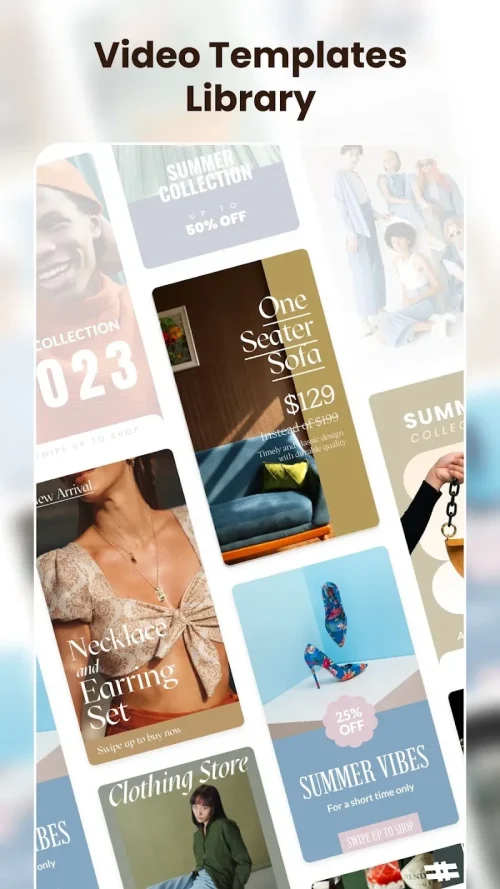
BeautyPlus Video also integrates basic trimming and speed controls, making it possible to prepare a clip for posting without switching apps. The export screen includes platform presets so you can select the right aspect ratio for TikTok, Instagram, or YouTube Shorts quickly.
Creators appreciate the balance of automation and control. BeautyPlus Video reduces repetitive manual adjustments while allowing bespoke tweaks when a clip requires nuance. Its mobile-first design and portrait-aware features make it a practical choice for influencers, vloggers, and small businesses producing frequent short-form content.
Begin by granting camera and storage permissions, then try the in-app examples to explore tools without committing to a full project. Regular updates introduce new filters and performance improvements, so check the release notes to stay current. With a small learning curve and a focus on speed, the app helps creators produce polished video quickly.
Whether you need quick touch-ups or detailed portrait edits, BeautyPlus Video combines approachable tools with intelligent automation to speed up your mobile video production while maintaining believable results.
File size: 111.27 M Latest Version: 2.1.200
Requirements: Android Language: English
Votes: 264 Package ID: com.pixocial.beautyplusvideo
Developer: PIXOCIAL TECHNOLOGY (SINGAPORE) PTE. LTD.

Top Free Business Necessary Apps for Android
Streamline operations and maximize productivity with our innovative business apps. Manage contacts, schedule meetings, and route calls seamlessly. Collaborate on documents and projects in real-time. Track inventory, finances, and analytics to inform smart decisions. Build customized proposals, invoices, and contracts to win clients. Stay on top of emails, tasks, and passwords for efficient work.






LIVE A HERO
Retro Hero Mr Kim
Empire of Passion
Arcane Quest Legends
Magic Snap: Momotaro
AllStar Manga Heroes
Lunescape
ONE PIECE Thousand Storm JP
Tap Titans 2