Category: Photography Date:2026-10-15 22:03:01
Rating: 4.4 Tags: Reference
Scan to Download
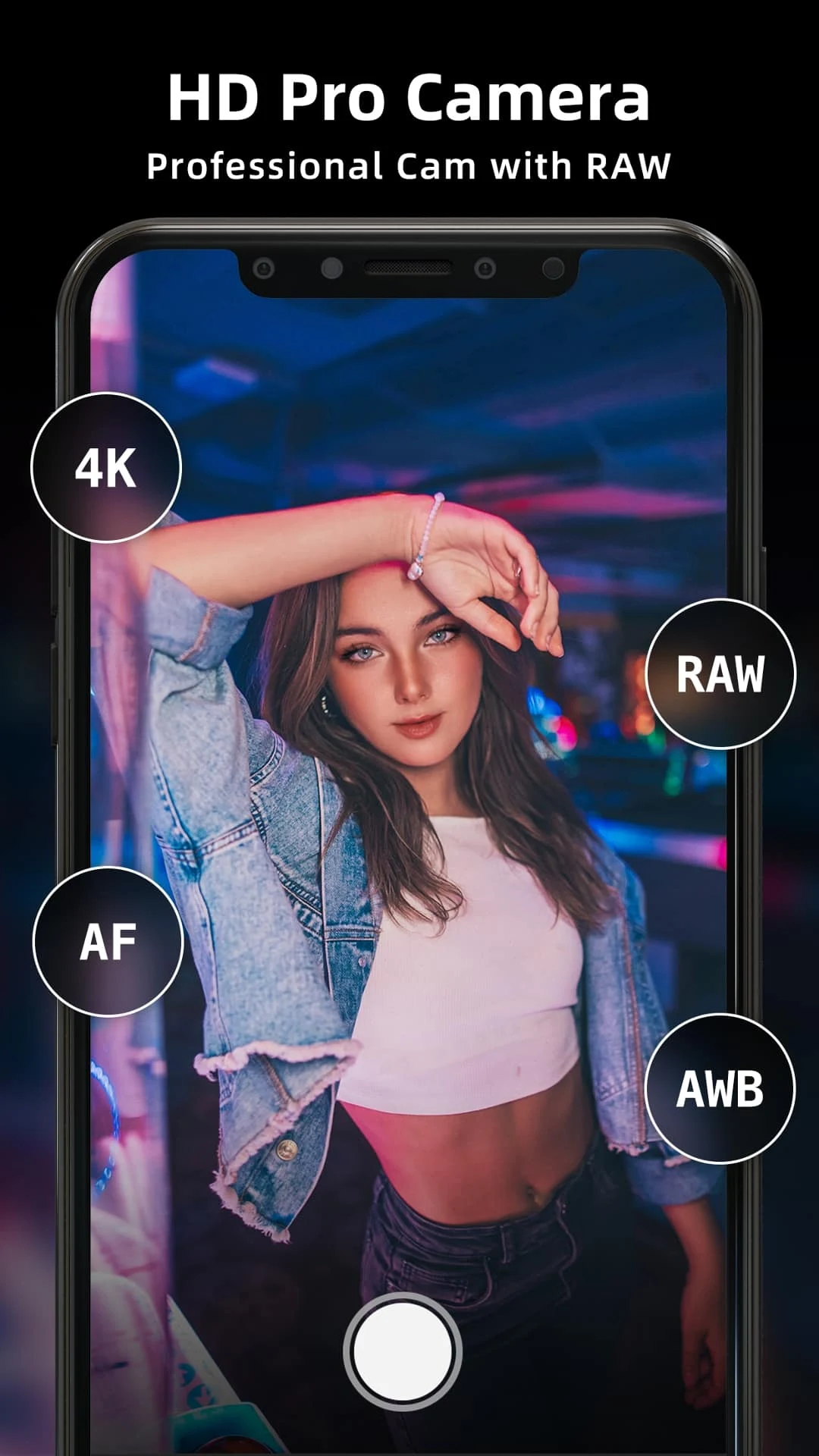
HD Camera for Android 2024 from Hilens is a professional camera utility that brings more precise photographic tools to modern phones, combining DSLR-style manual controls with pocket-friendly performance. Designed for photographers who want greater control over image-making, the app supports HD RAW (DNG) capture and high-resolution 4K video while keeping a focused, efficient interface. Whether you are capturing landscapes at sunset, close-up macro details, or long-exposure night scenes, HD Camera for Android 2024 aims to upgrade the stock camera experience without adding unnecessary complexity.
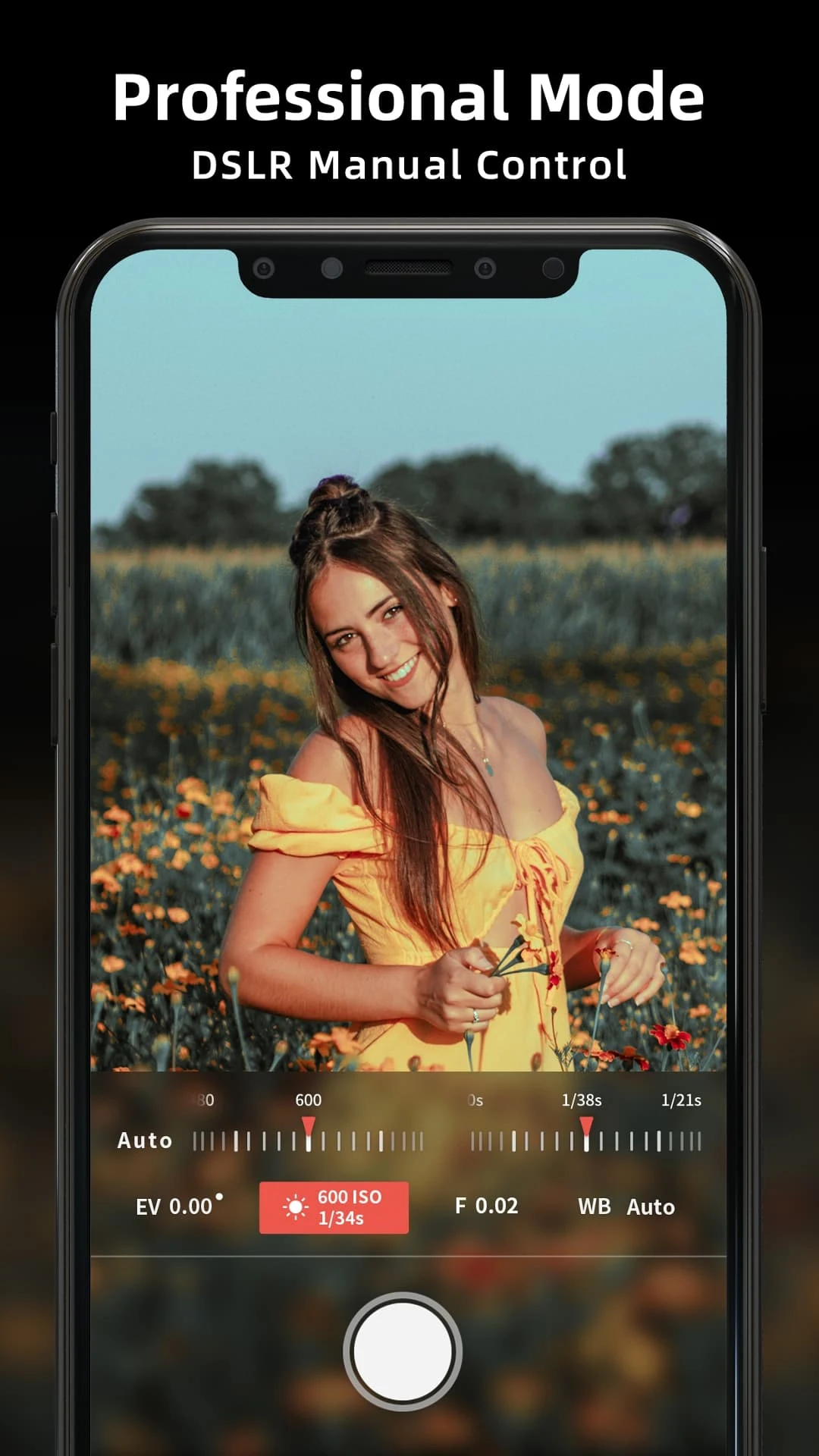
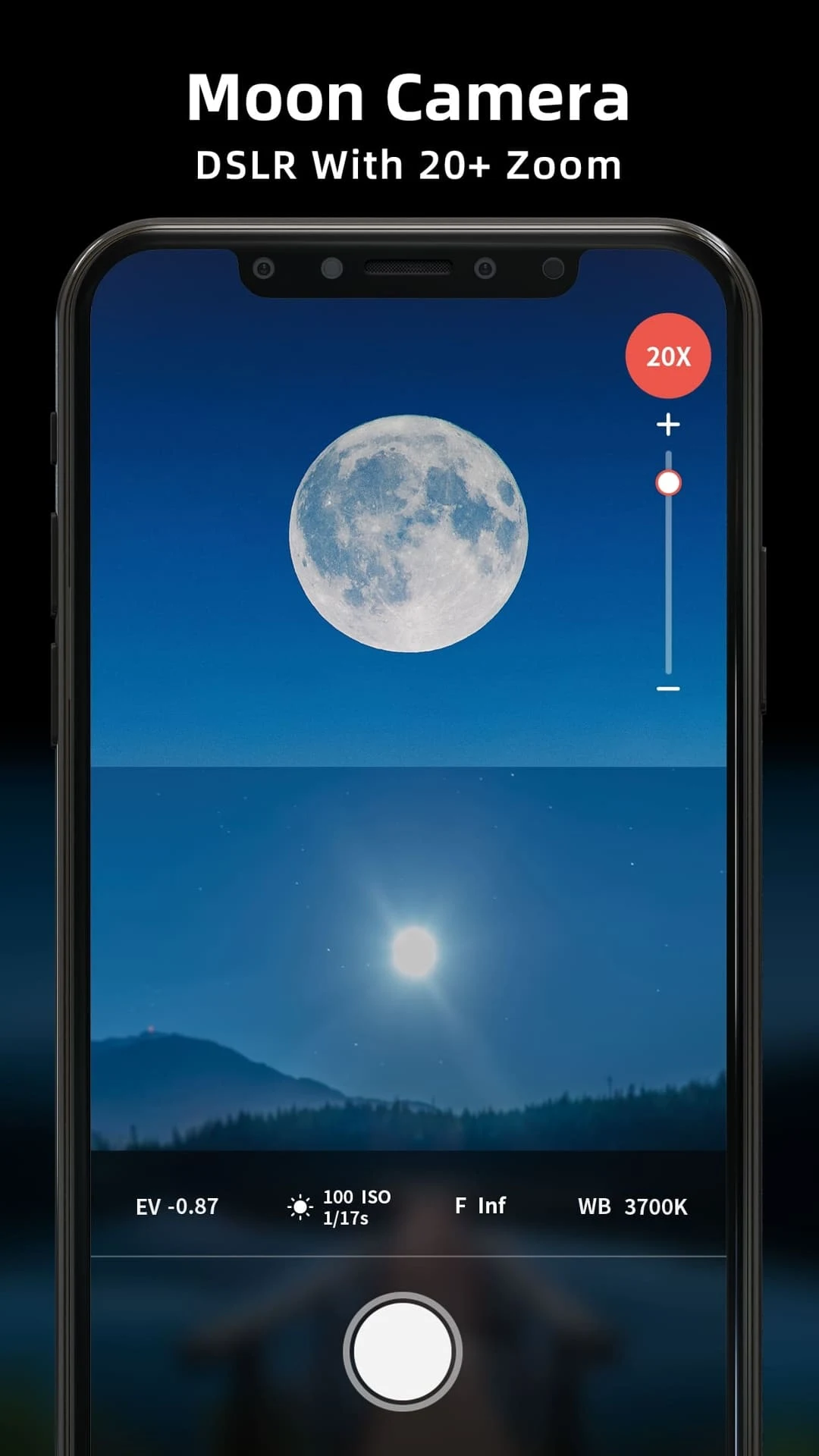
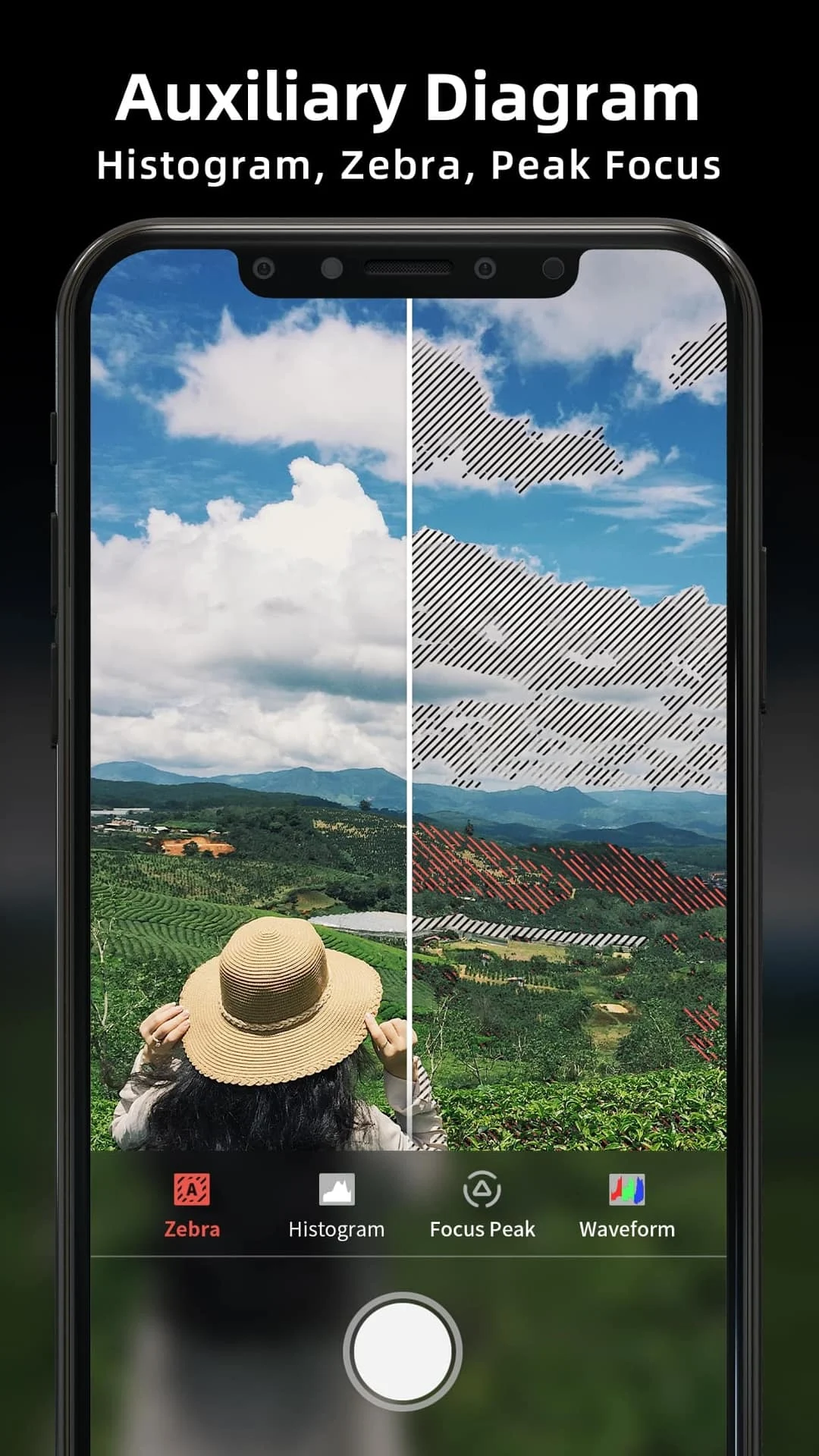
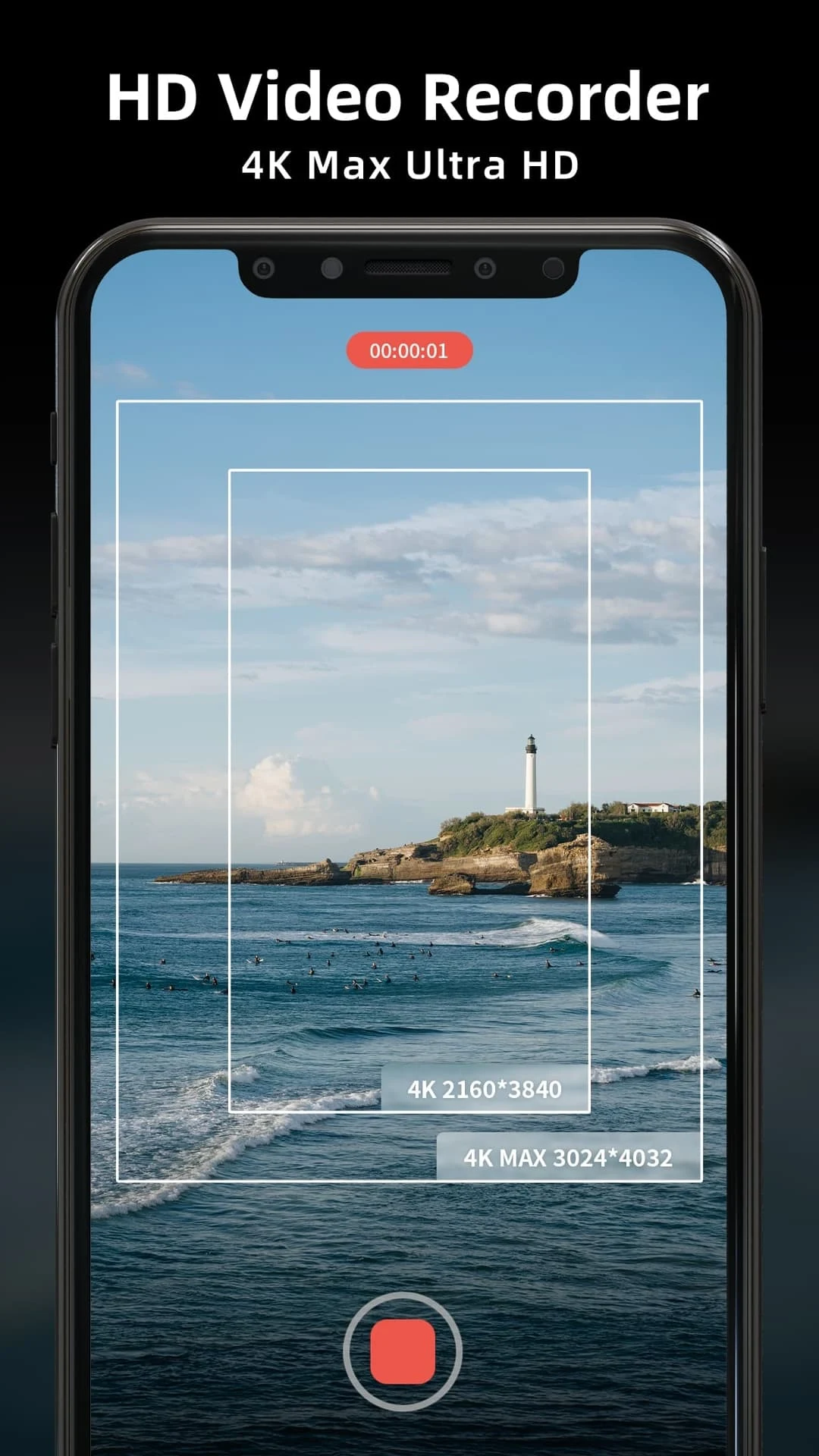
The app integrates manual exposure controls such as adjustable shutter speed, ISO and white balance alongside tools that assist accurate framing and focus. It supports RAW (DNG) and RAW+ workflows in addition to standard JPG and PNG output, and offers 4K and 4K Max recording modes with user-adjustable frame rates and bitrates. Pro-oriented aids include focus peaking, focus tracking, waveform-style histograms and exposure zebra overlays that help you evaluate highlight and shadow detail before you shoot. Complementary tools include panorama stitching, fast burst capture, macro focus assistance, a beauty camera option for portraits and an extended superzoom mode for distant subjects.
Photo modes cover slow shutter and long-exposure options for light trails and silky water effects, a multi-image night mode for improved low-light detail, and a range of burst and bracketed captures intended for post-processing. On the video side the app offers smooth 4K capture and optional slow-motion recording up to 120 FPS on compatible devices, with straightforward controls for selecting frame rate and bitrate. Each mode is presented as a focused workflow so you can switch quickly between handheld day shooting and tripod-based long exposures without reconfiguring unrelated settings.
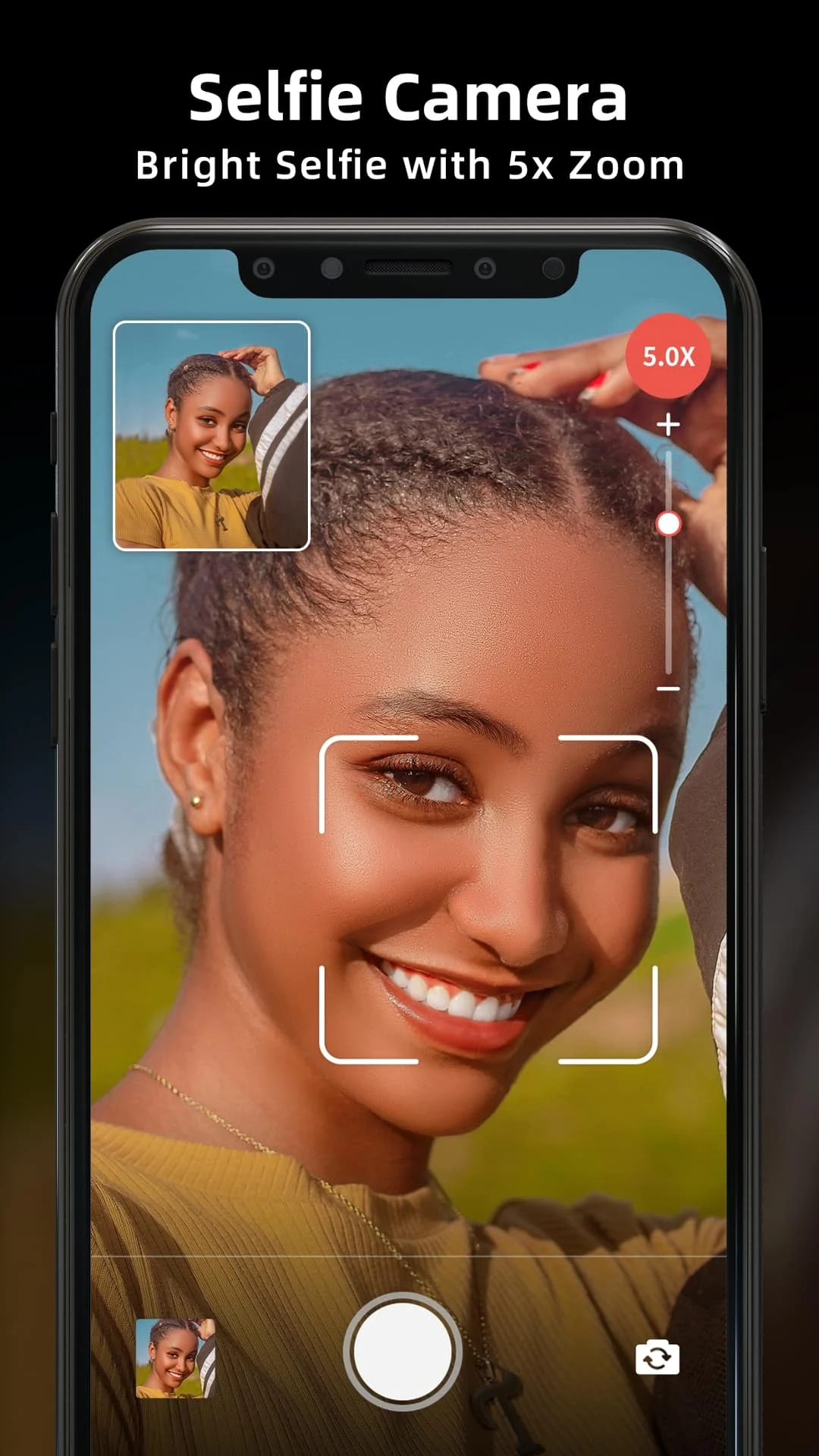
When you open HD Camera for Android 2024 the most important controls are placed within thumb reach so manual adjustments feel immediate and tactile. The interface supports on-screen sliders and dials for shutter and ISO, touch-to-focus with optional focus tracking, and pinch-to-zoom for framing. Visual overlays such as grid guides and an auto-leveling horizon help maintain composition, while an unobtrusive toolbar provides quick access to formats, resolution and stabilization settings. The balance between manual control and automated helpers is designed to reduce friction for both experienced users and those learning more advanced techniques.
Captured RAW files provide full tonal latitude for color grading and exposure recovery in desktop or mobile editors, while JPG and PNG options allow for immediate sharing. The app’s multi-image noise reduction and night mode improve perceived low-light performance by intelligently combining exposures. For videographers, variable bitrates and selectable frame rates make it practical to match in-camera footage to different postproduction pipelines. Metadata such as GPS and exposure information is retained for cataloging, and saved files are organized in folders that are accessible from the device file system for easy transfer.
Performance and available features depend on device hardware and the camera APIs supported by the manufacturer. Some functions—like RAW capture, 120 FPS slow motion and higher-level zoom ranges—require compatible sensors and the correct Android camera API implementation. The app is built on CameraX and is optimized to run without a constant network connection, storing photos and videos locally so you can shoot offline and export or share when you have service. Be mindful that high-resolution video and high-frame-rate captures demand more storage and may increase battery usage during extended sessions.
HD Camera for Android 2024 aims to be approachable: on-screen overlays, adjustable exposure readouts and visual focus aids make it easier to compose regardless of experience level. Settings let you tailor the behavior and visibility of guides and overlays so you can emphasize the tools you use most. The app accommodates a range of shooting preferences, from fully manual control to assisted modes that simplify the technical side while preserving high-quality output.
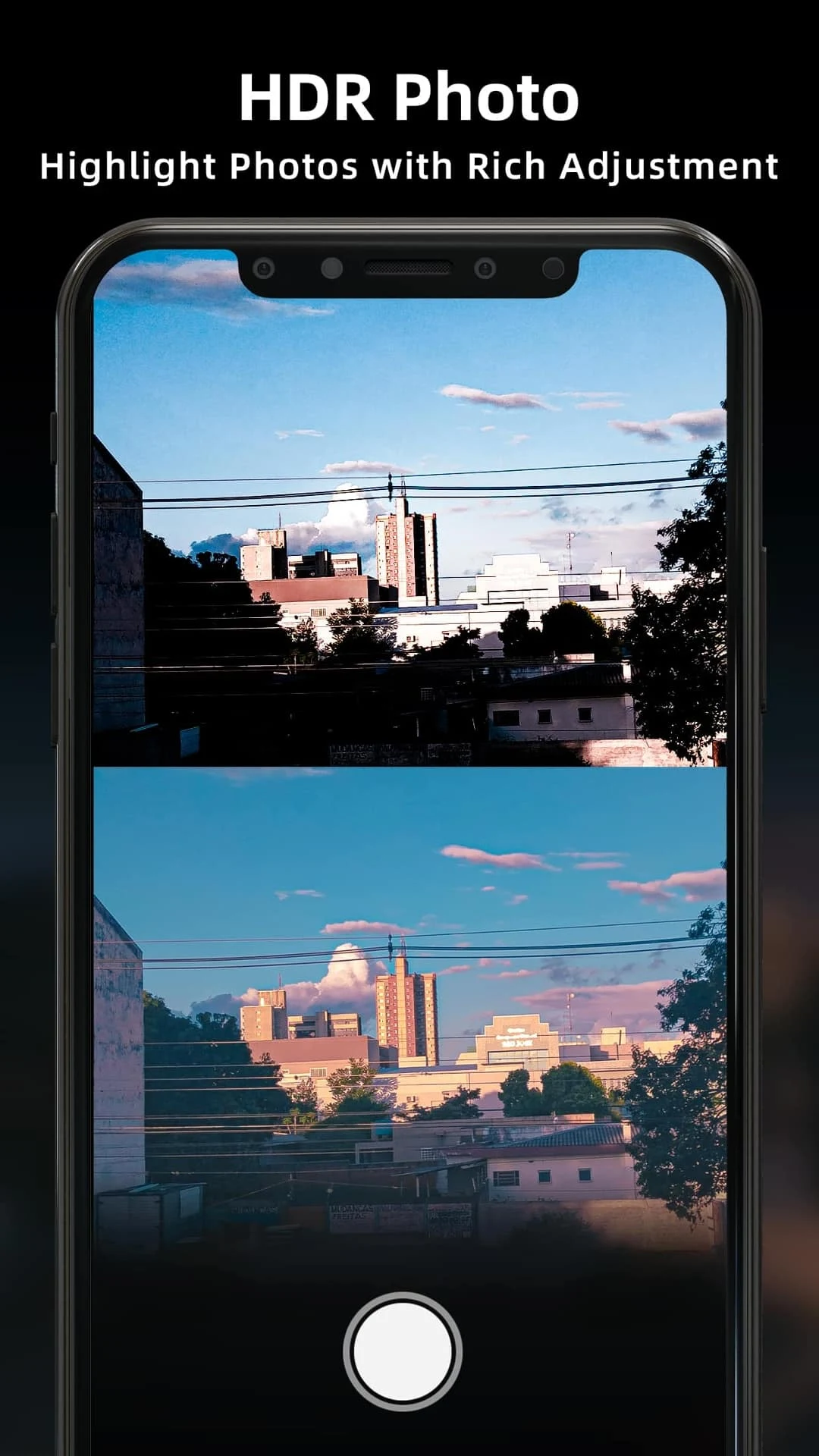
While the app strives for consistent results across devices, advanced photographic tools are constrained by the phone’s hardware. HDR and long-exposure modes perform best with static subjects and may show motion artifacts when there is significant movement in the scene. Users should test modes on their own devices to understand performance boundaries and to identify the optimal balance between quality, file size and battery life for their workflow.
Hilens developed this tool using CameraX to prioritize performance, image fidelity and a compact footprint. The app is intended as a professional-minded alternative to stock camera apps, offering photographers and videographers parametric controls and practical tools in a lightweight package suitable for everyday shooting and creative projects.
File size: 17.60 M Latest Version: 2.2
Requirements: Android Language: English
Votes: 166 Package ID: com.accarunit.hd.camera.pro

Empower learning and research with our innovative reference apps. Access dictionaries, thesauruses, encyclopedias, and more with our comprehensive databases. Get homework help, study tips, and writing guides from our academic resources. Learn new skills by browsing how-to videos and manuals. Stay up-to-date with latest news, data, and facts curated by our editors.






LIVE A HERO
Retro Hero Mr Kim
Empire of Passion
Arcane Quest Legends
Magic Snap: Momotaro
AllStar Manga Heroes
Lunescape
ONE PIECE Thousand Storm JP
Tap Titans 2