RMF MAXXX is a sleek radio and music streaming app delivering live stations, curated playlists, and on-demand shows. It organizes content by genre and mood, offers personalized recommendations, and provides a lightweight interface for quick access to favorite programs and real-time broadcasts.
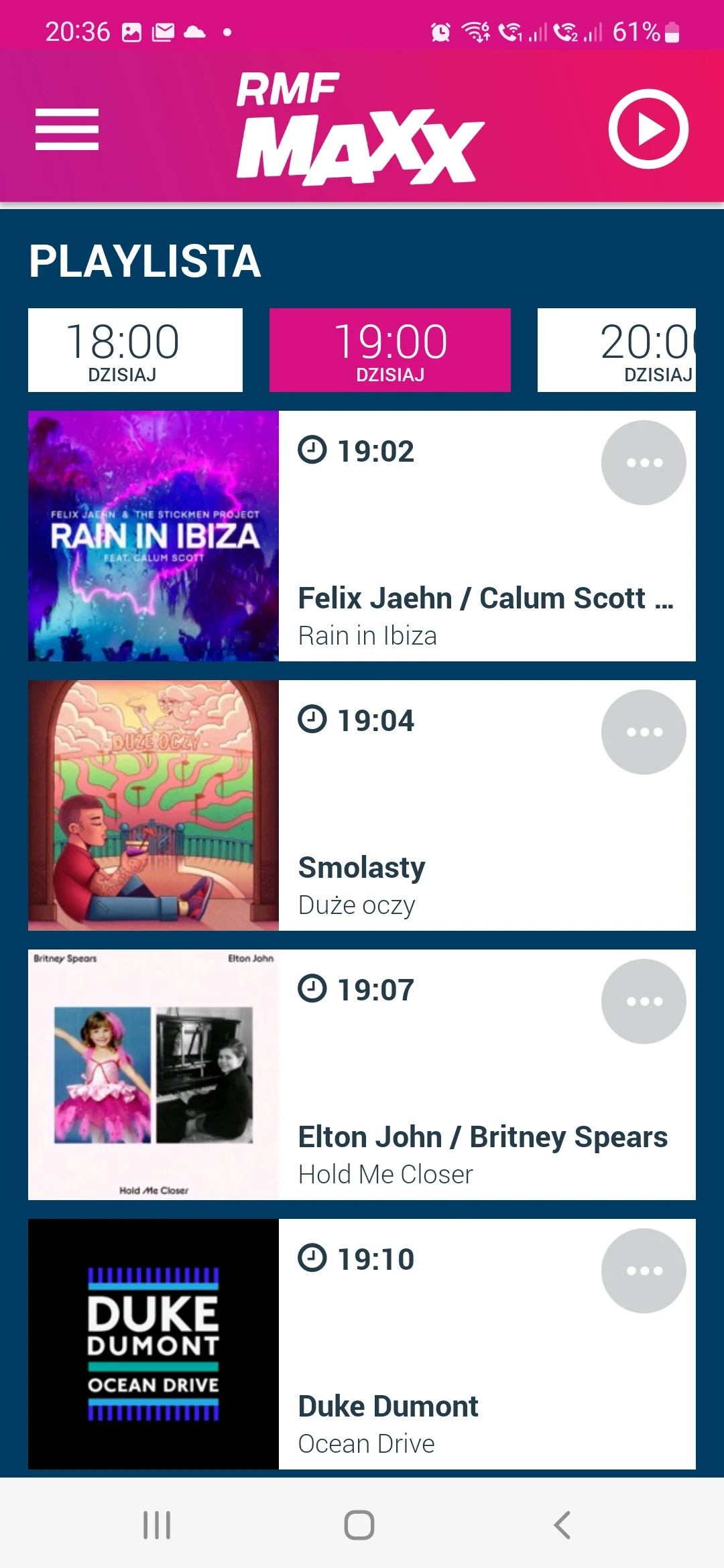
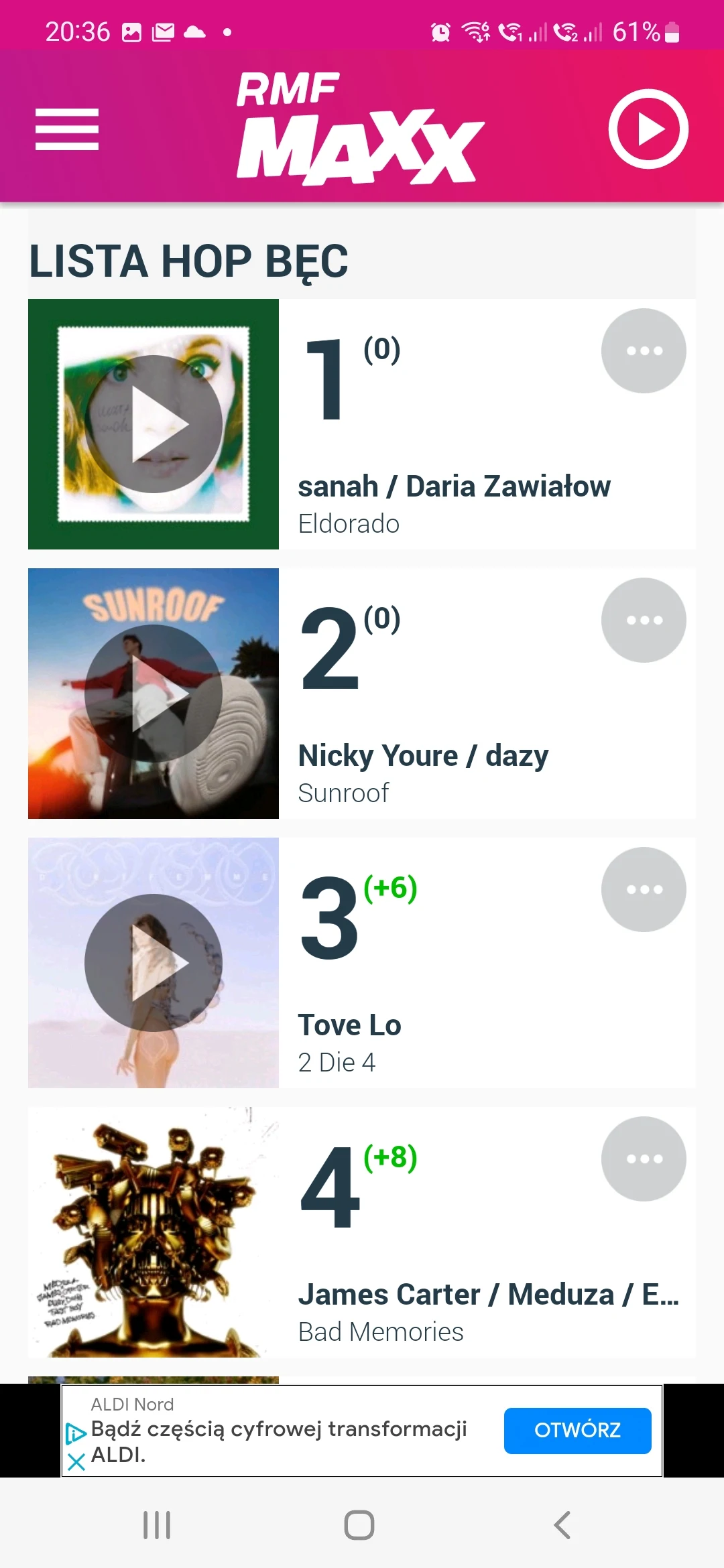
The app puts listening first: high-quality live audio streams, scheduled radio shows, and a library of recently aired segments are all within reach. RMF MAXXX integrates search tools to find songs, hosts, or episodes, and supports creating and saving custom playlists. The browsing view highlights trending tracks and themed collections, while a dedicated favorites section stores preferred stations and presenters for one-tap playback.
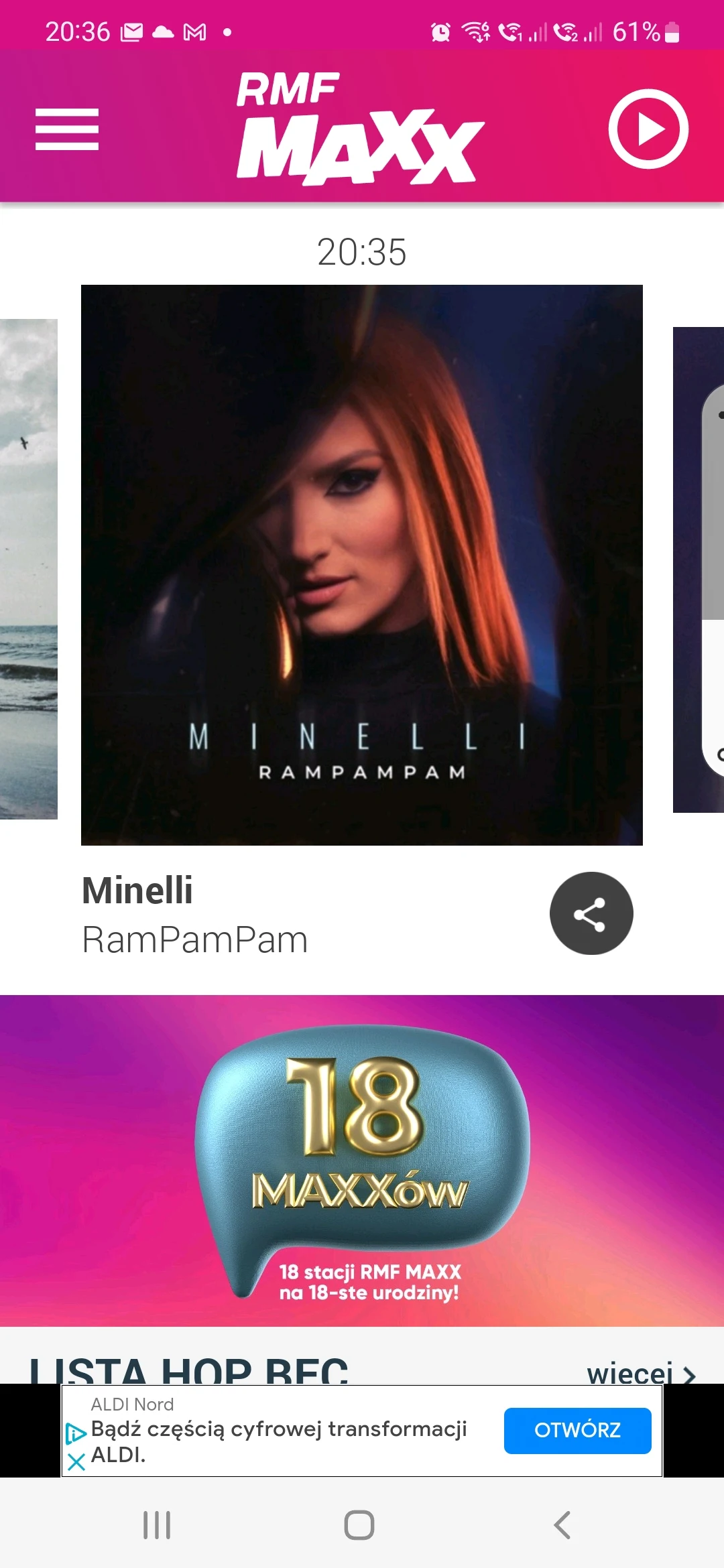
Navigation in RMF MAXXX is designed to be immediate and intuitive. A persistent bottom bar gives fast access to Home, Live, Playlists, and Search. Visual cues and album art make it easy to identify what’s playing, and large play controls are optimized for one-handed operation. Menus are arranged logically so new users can start listening in seconds, while more advanced listeners can jump straight to detailed program listings.
Personalization tools help tailor the listening experience. The app adapts to listening patterns and suggests related shows, artists, and playlists. Users can like or skip tracks to refine future recommendations. RMF MAXXX also offers themed channels — such as morning drive, party hits, and chill sessions — that rotate content based on time of day to match typical routines.
RMF MAXXX supports multiple listening modes to suit different situations. Live streaming is the default for real-time broadcasts, while on-demand playback allows catching up on missed shows. A download option lets users save selected segments or full playlists for offline listening, useful for commutes or areas with limited connectivity. Playback settings include speed controls for talk shows and automatic gapless playback for music mixes.
Interaction features bring more control over what you hear. A sleep timer turns off audio after a set interval, and alarm integration can wake you with a chosen station. For social sharing, the app generates neat links to songs or segments so you can post to messaging apps or social feeds. Notifications keep you informed about live events, special episodes, and favorite host appearances without overwhelming the device.
Efficiency is a focus: streaming is optimized to reduce buffering and conserve battery life. Adjustable streaming quality lets users choose between low-data and high-fidelity modes, with automatic fallback when network conditions change. Caching strategies minimize repeated downloads, and background play is carefully managed so the app doesn’t consume excessive resources while continuing audio playback.
RMF MAXXX is built to run smoothly across modern Android devices. It supports widget integration for quick controls on the home screen and works with Bluetooth devices and in-car systems for seamless handoff. The app also respects accessibility settings, offering readable fonts and straightforward navigation that assist users with varying needs.
Begin by granting basic permissions for media playback and notifications. Sign in optionally to sync favorites and downloads across devices. Use the guided walkthrough to discover curated playlists and set up personal preferences. Within minutes you can create a playlist, schedule downloads for offline listening, and tune into live shows relevant to your interests.
For listeners who want a compact but capable radio and streaming experience, RMF MAXXX balances fresh discovery with dependable live coverage. The combination of personalization, offline capabilities, and a responsive interface makes it practical for everyday use, whether you’re tracking the latest hits or catching up on morning programs. Regular updates refine features and keep the catalog current, so the app stays relevant as tastes evolve.
File size: 19.90 M Latest Version: 2.4.53
Requirements: Android Language: English
Votes: 146 Package ID: com.gruparmf.rmfmaxxx
Developer: Grupa RMF sp. z o.o. sp. k.

Must Have Home Apps for Android
Make your house a home with our suite of helpful home apps. Discover clever tools to organize closets, streamline chores, and simplify cooking. Take the stress out of cleaning and maintenance with handy checklists and schedules. Enhance security and control appliances and lighting with our smart home integrations. Design, visualize, and renovate like a pro using our 3D planning software.






LIVE A HERO
Retro Hero Mr Kim
Empire of Passion
Arcane Quest Legends
Magic Snap: Momotaro
AllStar Manga Heroes
Lunescape
ONE PIECE Thousand Storm JP
Tap Titans 2