
Scan to Download
Word App is a compact vocabulary and writing assistant designed to help users learn new words, improve writing clarity, and build lasting recall. It combines definitions, spaced-repetition flashcards, and quick practice exercises into a single intuitive interface for efficient daily study.
Word App groups essential language tools into one place so learners and writers can work faster. Core elements include searchable definitions, contextual examples, pronunciation guides, and customizable flashcards. The built-in quiz generator converts word lists into short tests, while synonym maps and usage notes support better sentence choices.
The strength of the app lies in blending passive reference with active recall. When you save a word to a deck, the algorithm schedules reviews at expanding intervals to maximize retention. Short daily sessions are encouraged; each review includes a definition prompt, a production task (type the word), and an audio check for pronunciation. Progress indicators track accuracy and review frequency so you can prioritize weak items.
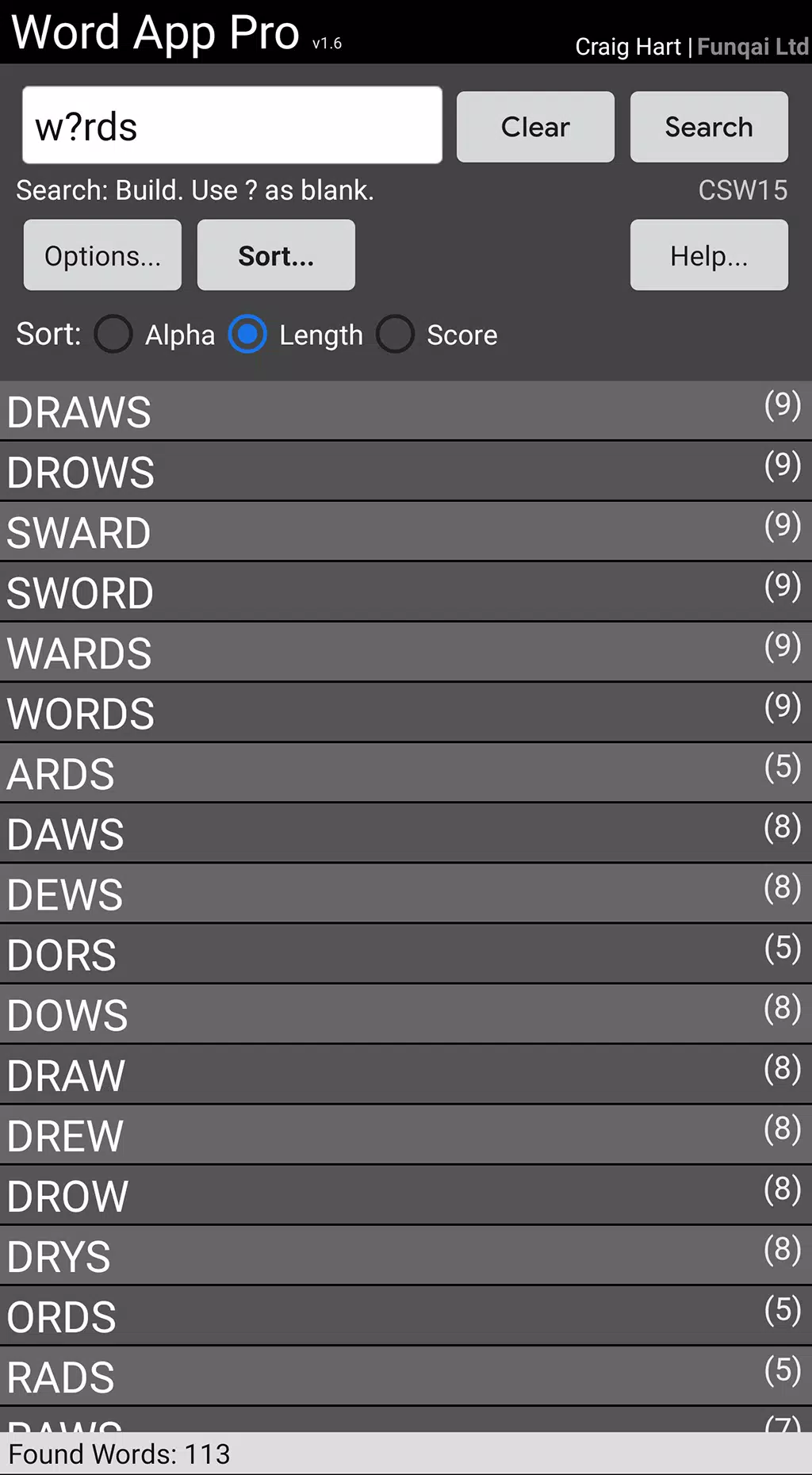
Word App’s interface emphasizes quick access and minimal distractions. A clean home screen highlights today’s review count and recent additions. Tap any word for an expandable card showing meaning, examples, synonyms, and audio. Bulk editing tools let you tag, merge, or archive entries. Keyboard-friendly controls and dark-mode support make long study sessions more comfortable.
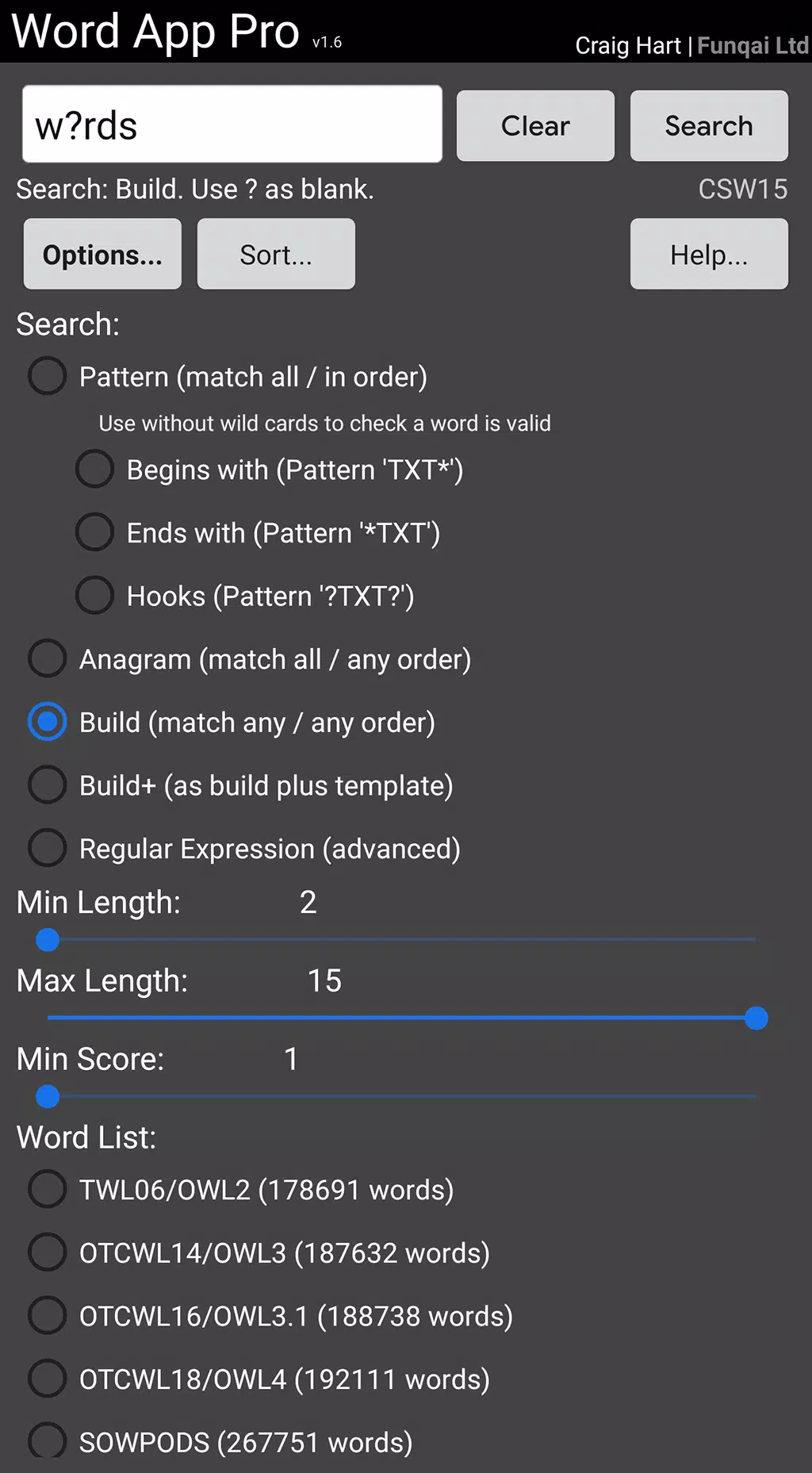
Users can tailor practice to their goals by creating focused decks—exam vocabulary, professional jargon, or thematic lists like travel and business. Study plans range from light daily reviews to intensive cram sessions before an exam. Adjustable parameters include the number of new words per day, review thresholds, and answer tolerance for spelling variations.
Designed for smooth operation on a wide range of Android devices, the app is optimized to run offline once content is downloaded. Small installation size and modest memory usage preserve battery life and multitasking performance. Regular updates maintain compatibility with current Android releases and improve stability on older phones.
Word App supports clipboard lookups and system-wide sharing so you can save words from articles and messages without leaving your browser or reader. It also offers cloud sync for optional backups and cross-device continuity. These integrations reduce friction for learners who discover new vocabulary in everyday reading.
Local storage is the default, keeping study data on your device unless you enable cloud sync. When syncing is turned on, encrypted transfers protect your lists and progress. The app requests only necessary permissions and includes clear options for exporting or deleting personal data.
Word App packs practical study tools into a lightweight package that supports consistent vocabulary growth. With adaptive review, flexible customization, and quick reference features, the app is suited to learners who want measurable progress and writers aiming for sharper, more precise language.
File size: 8.80 M Latest Version: 1.10.1
Requirements: Android Language: English
Votes: 144 Package ID: com.craigahart.android.wordapp
Developer: Craig Hart | Funqai Ltd

Must Have Home Apps for Android
Make your house a home with our suite of helpful home apps. Discover clever tools to organize closets, streamline chores, and simplify cooking. Take the stress out of cleaning and maintenance with handy checklists and schedules. Enhance security and control appliances and lighting with our smart home integrations. Design, visualize, and renovate like a pro using our 3D planning software.






LIVE A HERO
Retro Hero Mr Kim
Empire of Passion
Arcane Quest Legends
Magic Snap: Momotaro
AllStar Manga Heroes
Lunescape
ONE PIECE Thousand Storm JP
Tap Titans 2










































