Scan to Download
Flipboard gathers stories, videos, and social posts into a personalized digital magazine, letting you follow topics, creators, and publications in one clean interface that feels like flipping through pages. Customize your feed, save items for later, and share highlights across platforms with simple gestures.
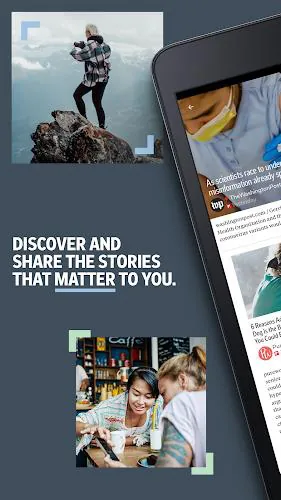
Flipboard combines news aggregation with magazine-style presentation to deliver a curated reading experience tailored to your interests. Choose subjects ranging from global news and technology to niche hobbies and local events. The app scans thousands of sources and blends editorial picks with algorithmic suggestions so you see both established outlets and emerging voices.
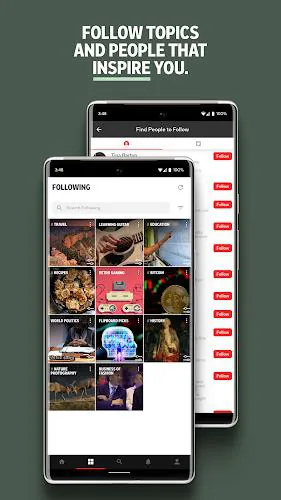
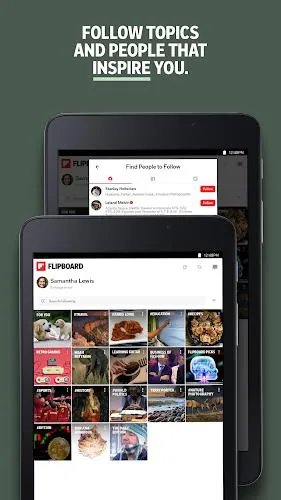
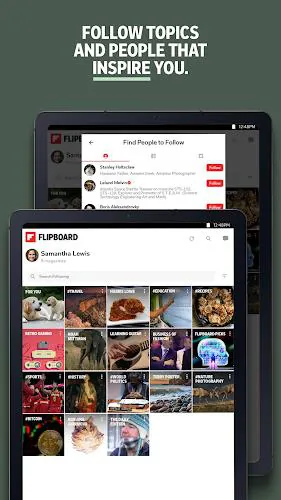
Personalization is at the core of Flipboard. You can follow individual topics, mute specific sources, and refine recommendations by tapping thumbs-up or hiding items you don’t want to see. The result is a feed that adapts to your tastes over time, surfacing in-depth articles, short reads, multimedia stories, and social posts in a single continuous experience.
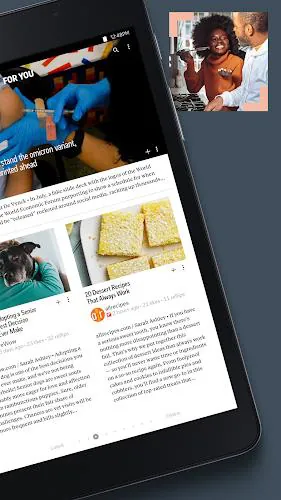
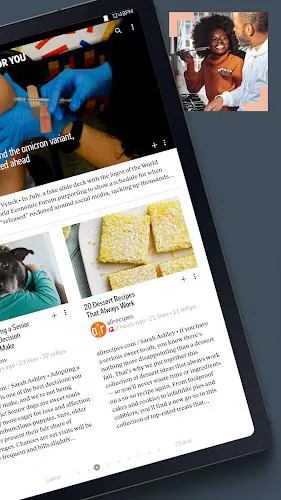
Flipboard’s interface emphasizes readability and visual rhythm. Cards present content with large images, concise summaries, and clear attribution so scanning is fast and intuitive. Navigation is gesture-driven: swipe to move between stories, pinch to view multiple tiles, and tap to open full articles. A night mode and adjustable text sizes enhance comfort for long reading sessions.
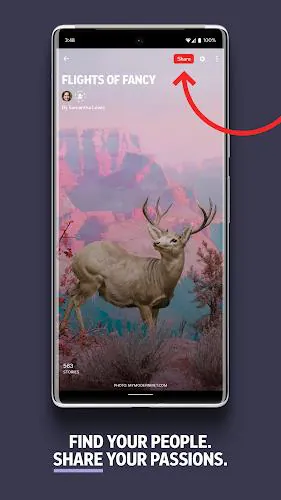
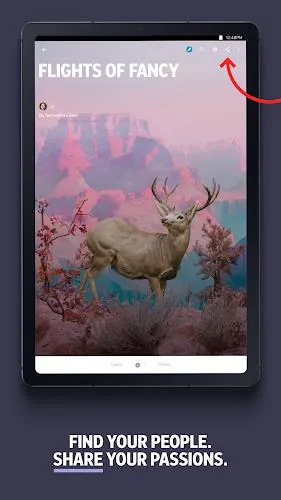
Built-in tools make it easy to organize and distribute the content you care about. Save articles to read offline, add items to custom magazines you create, and annotate or highlight passages for later reference. Sharing options cover email, messaging apps, and social networks so you can pass along discoveries to friends or teams without leaving the app.
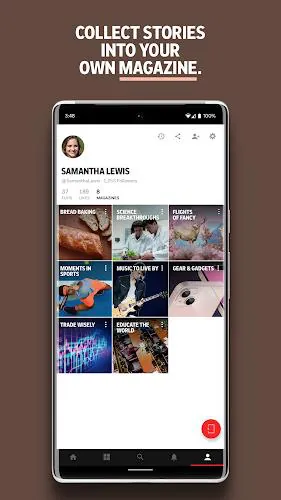
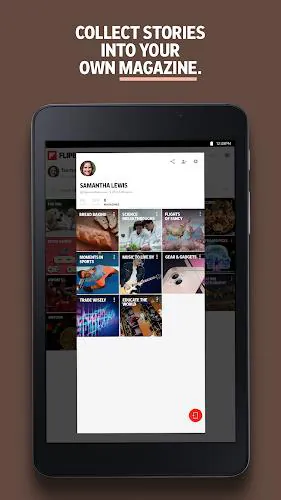
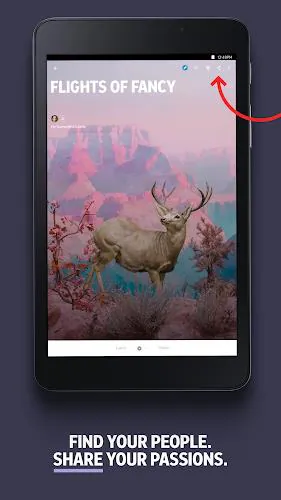
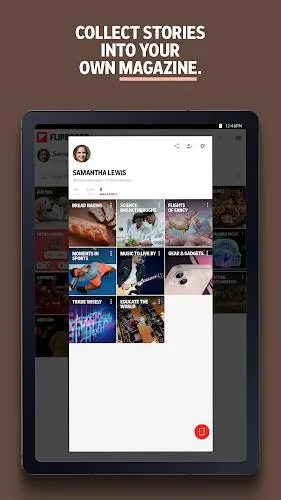
One of Flipboard’s standout features is the ability to craft your own magazines. Collect related stories, images, and videos into themed collections that can be kept private or published for others to follow. Magazines function as both personal archives and expressive curation spaces—use them to track projects, compile research, or showcase interests to an audience.
Flipboard is optimized for phones and tablets and strives to keep memory use low while preloading images for smooth scrolling. Background sync ensures your saved items and followed topics remain up to date without manual refreshes. The app supports a broad range of Android versions and integrates with account sign-ins to preserve preferences and subscriptions across devices.
Privacy settings let you control what is collected and shared. You can manage notifications to reduce interruptions, disconnect social accounts, and clear activity history. Flipboard also provides clear attribution to original publishers, helping you trace content back to primary sources and verify information more easily.
Begin by selecting a handful of interests to populate your home feed; these choices can be expanded or narrowed at any time. Use the search function to find specific publications or topics, and create a magazine when you want to gather related pieces. Over a few days of use, Flipboard will learn your preferences and begin to present increasingly relevant material.
Flipboard appeals to readers who value a visual, magazine-like layout combined with deep content discovery. It fits well for commuters catching up on news, students compiling research, and casual readers exploring hobbies. The combination of curated collections and algorithmic personalization provides both serendipity and precision in content discovery.
File size: 33.66 M Latest Version: 4.3.24
Requirements: Android Language: English
Votes: 164 Package ID: flipboard.app
Developer: Flipboard




Must Have Home Apps for Android
Make your house a home with our suite of helpful home apps. Discover clever tools to organize closets, streamline chores, and simplify cooking. Take the stress out of cleaning and maintenance with handy checklists and schedules. Enhance security and control appliances and lighting with our smart home integrations. Design, visualize, and renovate like a pro using our 3D planning software.






LIVE A HERO
Retro Hero Mr Kim
Empire of Passion
Arcane Quest Legends
Magic Snap: Momotaro
AllStar Manga Heroes
Lunescape
ONE PIECE Thousand Storm JP
Tap Titans 2