
Scan to Download
only brings modern collaboration and call management to your business PBX, combining chat, persistent channels, call recording and conferencing into a single, easy-to-navigate interface. With only, teams get a unified workspace that reduces context switching by keeping messages, files and voice traffic linked to the same conversation threads and call records. The app is designed for organizations that require clearer internal communication, tighter control over recorded voice assets, and a simple booking workflow for scheduled phone or video conferences.
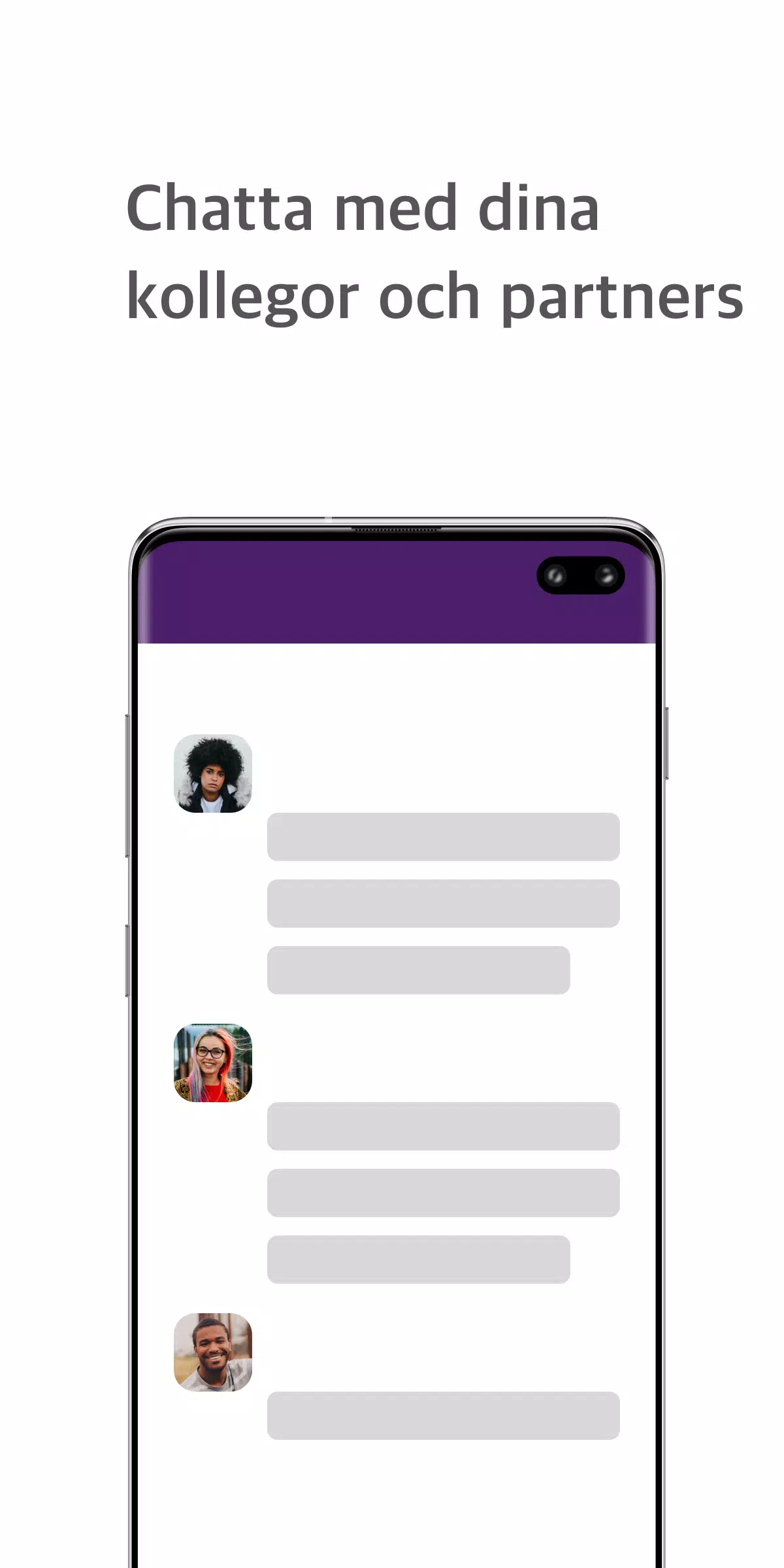
Built-in chat supports direct messages and persistent channels so departments and project teams can maintain focused conversations without leaving the PBX environment. Channel threads can be used to group related calls, files and notes so context is preserved when team members join or review history.
Call recording can be enabled at the individual user level or for a whole group, making compliance reviews and quality audits straightforward. Recording controls are exposed in-call and can be managed by administrators through role-based settings exposed in the PBX integration.
The real-time dashboard shows incoming and outgoing call activity, active conferences and basic call metrics so managers can monitor load and identify routing issues as they arise. The dashboard also acts as a quick navigation surface to recent calls, recordings and active channels.
A built-in booking system lets users schedule phone or video conferences directly from the PBX interface, attach agendas and link relevant documents, then join with a single tap without switching between separate calendar or conferencing apps.
Secure document sharing keeps files attached to conversations and calls so meeting materials and call notes are saved where they are most useful. Screen sharing during calls supports troubleshooting and collaborative demonstrations when participants need to walk through an interface or file together.
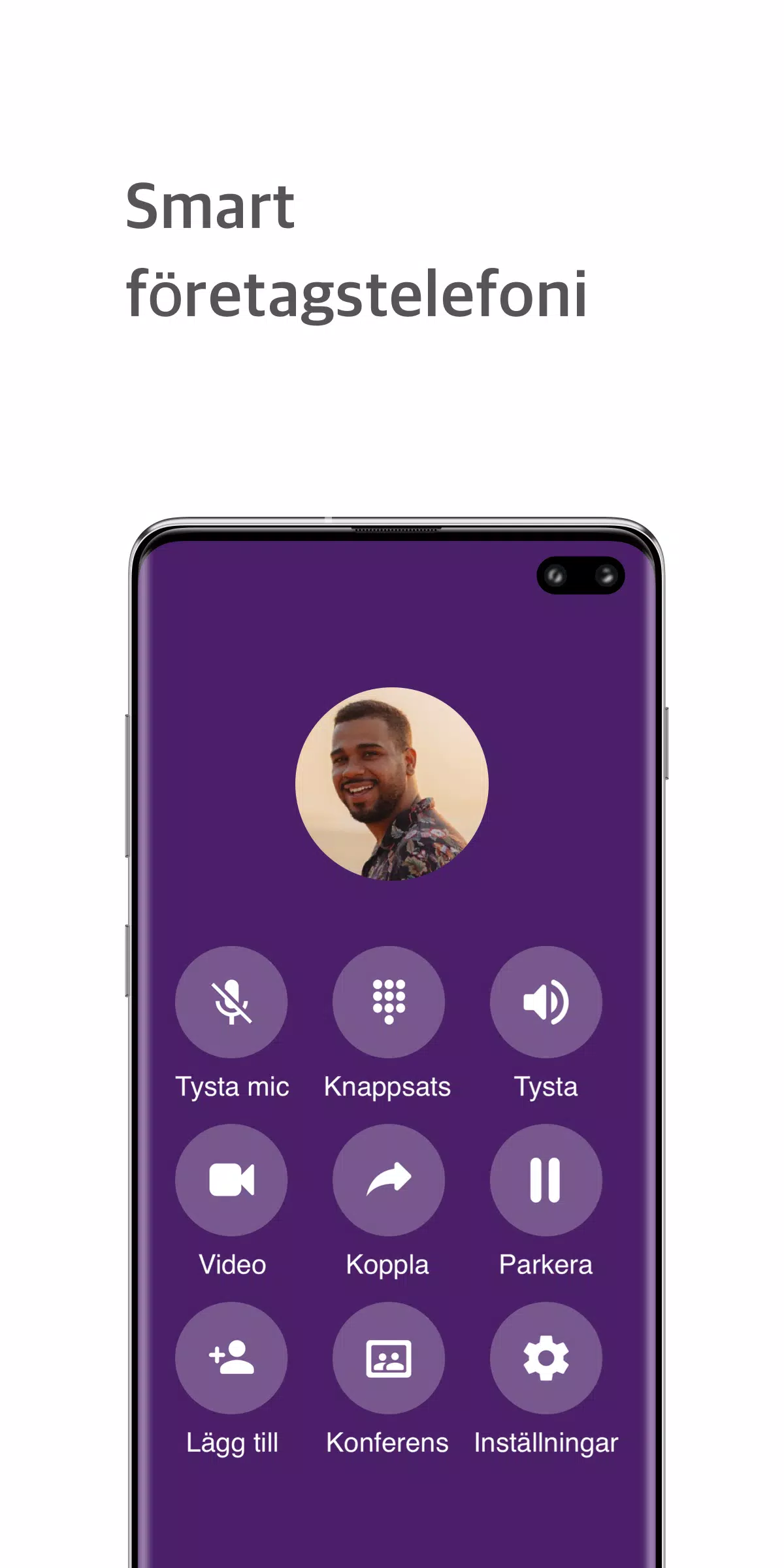
Users interact with only through a clean, role-aware UI that exposes the controls most relevant to their responsibilities. Starting a call or conference is a single action from a channel or contact card, while administrators see additional session controls such as forced recording, transfer and call monitoring. Channel creation, membership and permissions are handled in-app; team leads can create project channels, add participants and set recording policies without touching the PBX core.
Message and file controls mirror common messaging patterns so adoption is quick: threaded replies, simple file attachments and in-conversation links to recorded calls. When a recording is created, it appears in the related conversation and can be reviewed or downloaded by users with the appropriate permissions.
Adoption typically follows a straightforward progression from individual users to department-level channels and then organization-wide dashboards. Administrators manage user roles and recording rules in the PBX configuration, and only requires standard permissions to enable group recording or advanced monitoring. Scaling an installation is largely a matter of PBX capacity and permission planning; only integrates into existing telephony setups rather than replacing them.
The visual approach favors clarity over decoration: conversation lists, channel headers and an activity-focused dashboard are laid out to reduce cognitive load during busy call periods. Channels act as the primary structural units, while call records, files and notes are stored in searchable threads so users can quickly find past interactions. Elements are labeled consistently to help users orient themselves when moving between chat, calls and recordings.
only supports customization of channel visibility, notification preferences and recording policies so organizations can tune behavior to privacy and compliance needs. Accessibility considerations include keyboard-friendly navigation, readable contrast in the UI and clear focus behavior for screen readers. Basic offline behavior allows reading recent messages and accessing previously downloaded recordings or attachments, but live call and conference features require an active connection through the PBX.
Archived channels and saved call recordings provide long-term value by turning ephemeral conversations into searchable knowledge. Teams can review recorded calls for training, compliance or handover purposes, and the integration with file sharing keeps supporting materials attached to the right context. Because only is intended as a PBX extension, organizations without a supporting telephony backend will find some features limited, and certain advanced capabilities depend on the underlying PBX configuration and granted system permissions.
File size: 19.60 M Latest Version: 0.1.12.15
Requirements: Android Language: English
Votes: 292 Package ID: se.trecomonly
Developer: Trecom Only


Must Have Communication Apps for Android
Connect deeper through meaningful conversations with our communication apps. Enjoy crystal-clear calls, video chats, messaging, and file sharing. Find the perfect emojis, GIFs, and stickers to express yourself. Keep the non-stop group banter organized in one place. Block unwanted interactions at the source. Meet new people worldwide through our global community features.






LIVE A HERO
Retro Hero Mr Kim
Empire of Passion
Arcane Quest Legends
Magic Snap: Momotaro
AllStar Manga Heroes
Lunescape
ONE PIECE Thousand Storm JP
Tap Titans 2