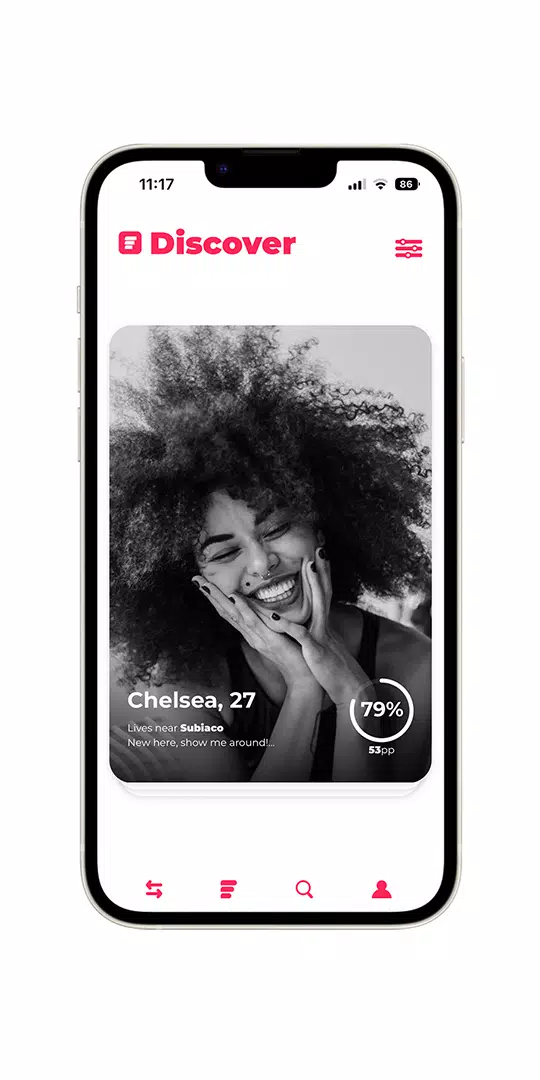
Simrly is a social discovery app that builds detailed profiles through short, trending polls so your matches are driven by shared values and interests rather than just looks. With Simrly you answer quick, curated questions that carry weighted points; the app converts those responses into a compatibility score to surface people whose lifestyle, humor, and priorities align with yours. Photos are shown in black and white by default to emphasize personality and shift to color only after two people match, and the app includes name search, customizable filters, and real-time conversation tools to support dating, friendships, or professional connections.
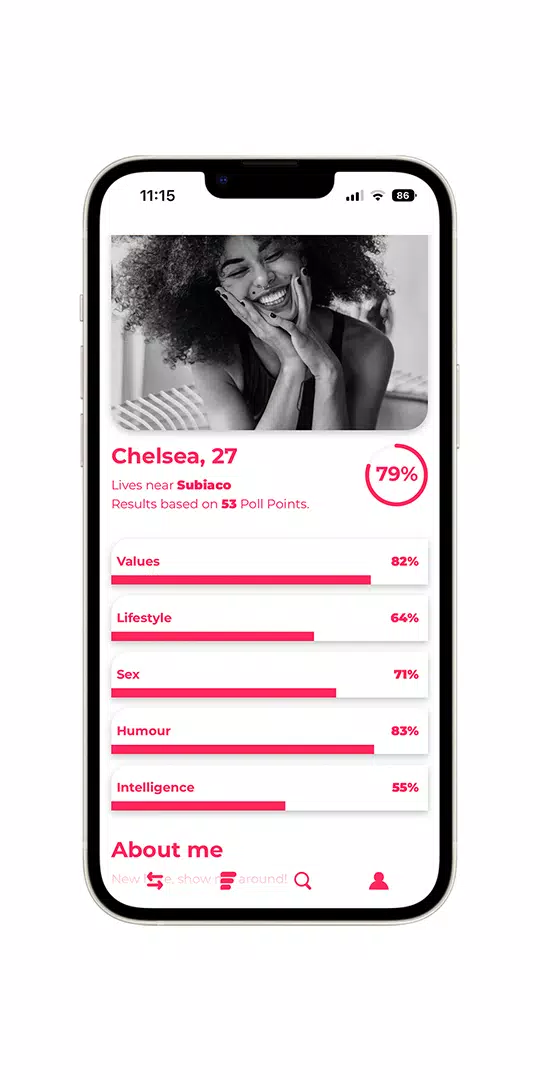
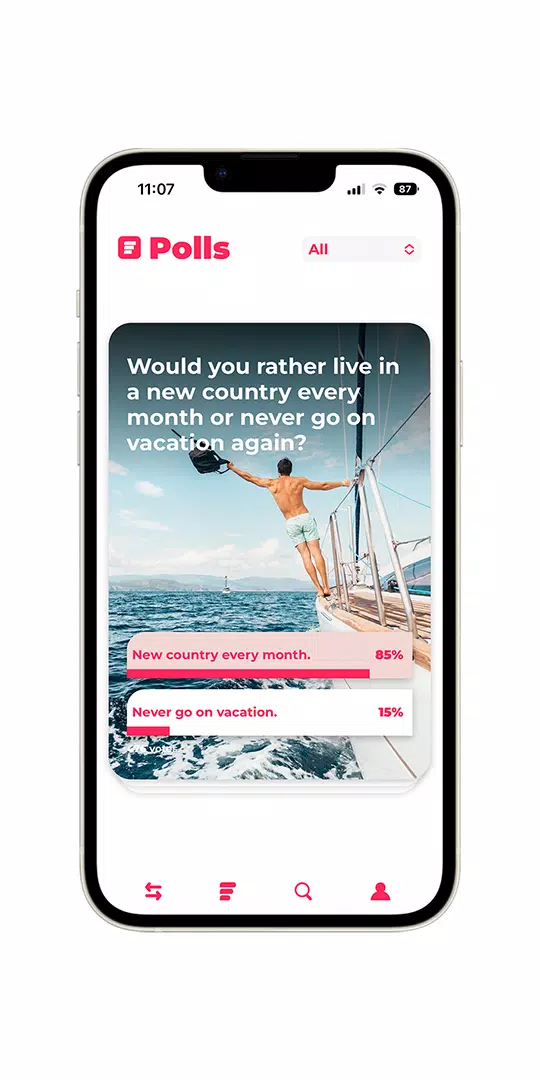
At the core of the experience are brief, topical polls that function like lightweight prompts rather than long questionnaires. Each poll contributes weighted data to your compatibility profile, so answers to higher-value polls influence match suggestions more than casual items. Polls appear in categories such as values, humor, lifestyle, and intelligence, and they are regularly updated to reflect trending topics. The system aggregates responses across those categories to create a composite compatibility score that is visible on profiles, helping you prioritize people who truly match your outlook.
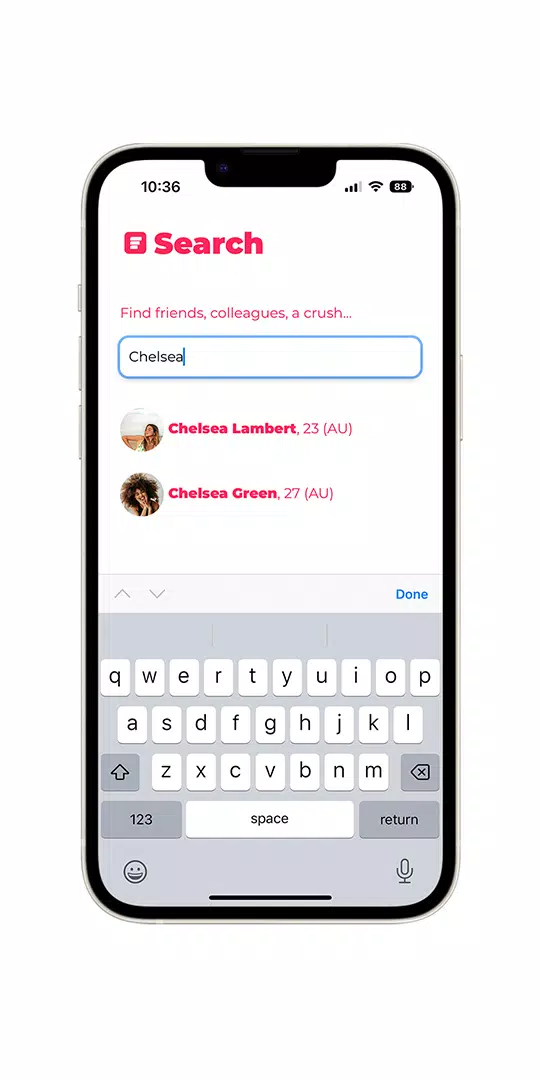
The interface is designed for fast, intuitive interactions. Polls are swipeable or tap-to-answer for one-handed use, and profiles load progressively as you browse so images and answers appear quickly even on slower connections. Filters for age, distance, and gender are accessible from the main discovery screen, and a simple name search bar makes it easy to find someone you already know. Real-time chat opens from a match card with a single tap; message input supports text, quick reactions, and links to poll results so conversations can reference shared answers.
Your profile strengthens as you engage: answering more polls refines your compatibility score and unlocks more nuanced matches. The app highlights which categories are under-specified and suggests polls that will improve match accuracy, so progression feels purposeful rather than gamified. Profile completion badges and clear prompts guide new users through the most impactful steps—adding a short bio, selecting interests, and responding to core polls—without turning setup into a lengthy chore.
The visual design intentionally centers personality over presentation. Photos appear in monochrome to reduce snap judgments and to encourage reading answers and bios first; once a mutual match is established, photos reveal color to reward genuine connections. Typography, spacing, and a neutral palette keep attention on profiles and poll content, while animations are minimal to preserve fast performance on a wide range of devices. The layout adapts for both compact phones and larger screens so browsing remains comfortable across devices.
Discovery is flexible: set search radius, age range, and relationship intent—whether you’re looking for dates, friends, or colleagues—and toggle which poll categories should weigh more heavily in suggestions. You can also use a name search to find specific people and save preferred filters for repeated use. These customization options let you control how broadly or narrowly Simrly looks for matches without changing the underlying compatibility logic.
Real-time messaging is lightweight and focused on moving conversations forward; built-in prompts can reference poll overlap to help break the ice. Replay value comes from a steady stream of fresh polls and rotating topics that encourage users to return and refine their answers, which in turn recalibrates match recommendations. Because match quality improves as the community engages, active participation creates a more accurate and evolving pool of connections over time.
Simrly aims for accessible interactions with large tappable areas, readable contrast, and simple language throughout the interface. Basic browsing and viewing of cached profiles is tolerant of intermittent connectivity, but features that require synchronization—like real-time chat and updated poll lists—need an internet connection. The app emphasizes respectful interactions with community reporting and blocking tools, and clear prompts explain privacy settings and how compatibility scores are calculated so users retain control over their data and experience.
Because Simrly emphasizes values and interests, initial setup can take a bit more time than photo-first apps; however, investing a few minutes to answer targeted polls typically yields more meaningful matches. If you prefer quick visual swiping, the black-and-white-first approach may feel different at first, but many users find that the trade-off results in more substantive conversations and longer-lasting connections.
File size: 42.10 M Latest Version: 33
Requirements: Android Language: English
Votes: 91 Package ID: com.simrly.simrlyapp
Developer: Simrly

Discover meaningful connections with our personalized dating apps. Built with modern singles in mind, our software simplifies making authentic romantic matches. Get recommended profiles based on your preferences for streamlined browsing. Showcase your personality through engaging prompts and questions. Safely video chat to pre-screen potential partners. Meet up at curated events with other relationship-minded locals.






LIVE A HERO
Retro Hero Mr Kim
Empire of Passion
Arcane Quest Legends
Magic Snap: Momotaro
AllStar Manga Heroes
Lunescape
ONE PIECE Thousand Storm JP
Tap Titans 2