
Scan to Download
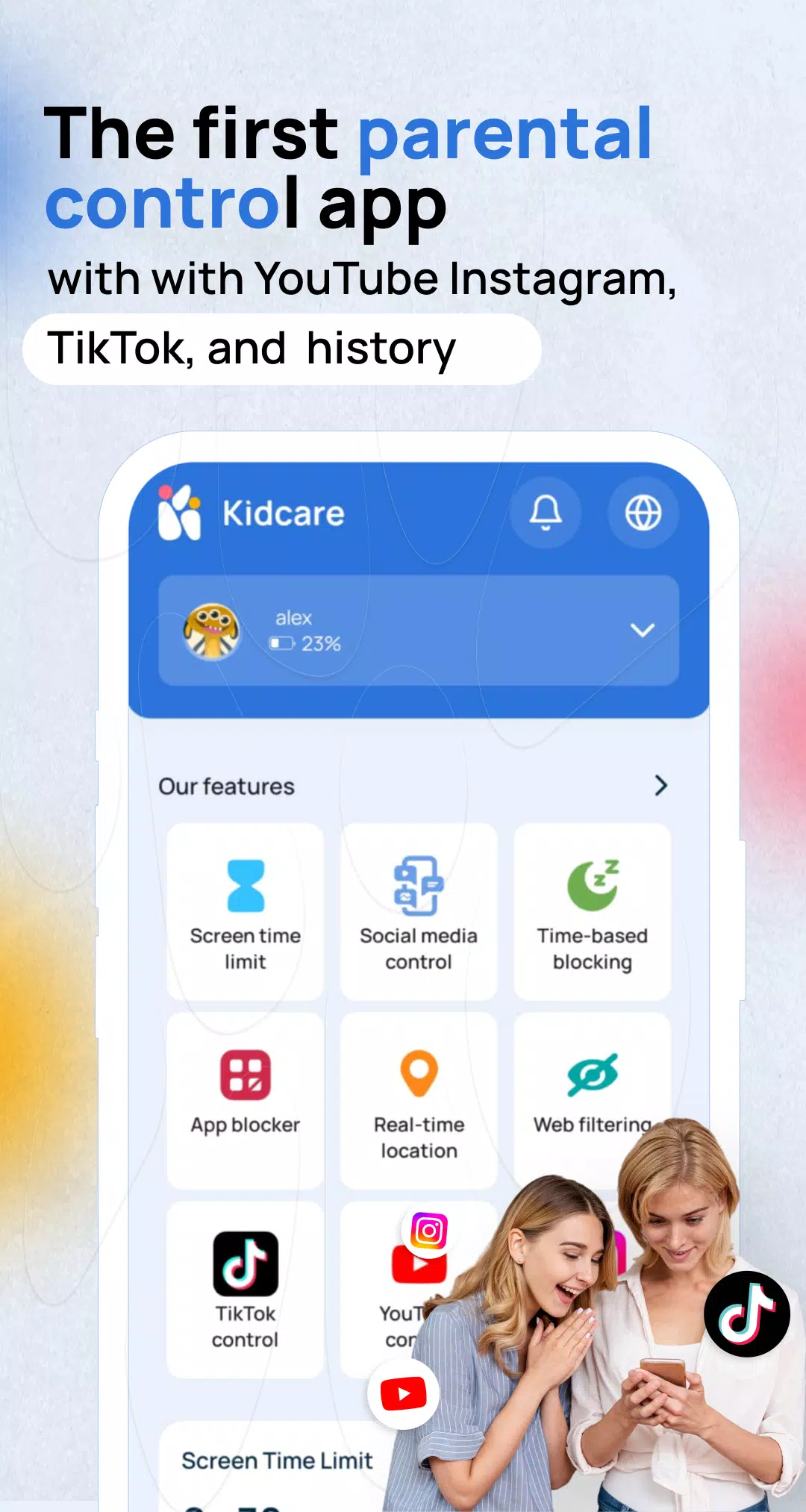
Kidcare – Parental Control App is a compact, practical toolkit that helps families manage screen time, filter content, and build healthier device habits for children. The app combines scheduled limits, app and web blocking, and clear usage summaries into a single dashboard designed for everyday parenting: quick setup, straightforward controls, and the flexibility to adjust rules as children grow.
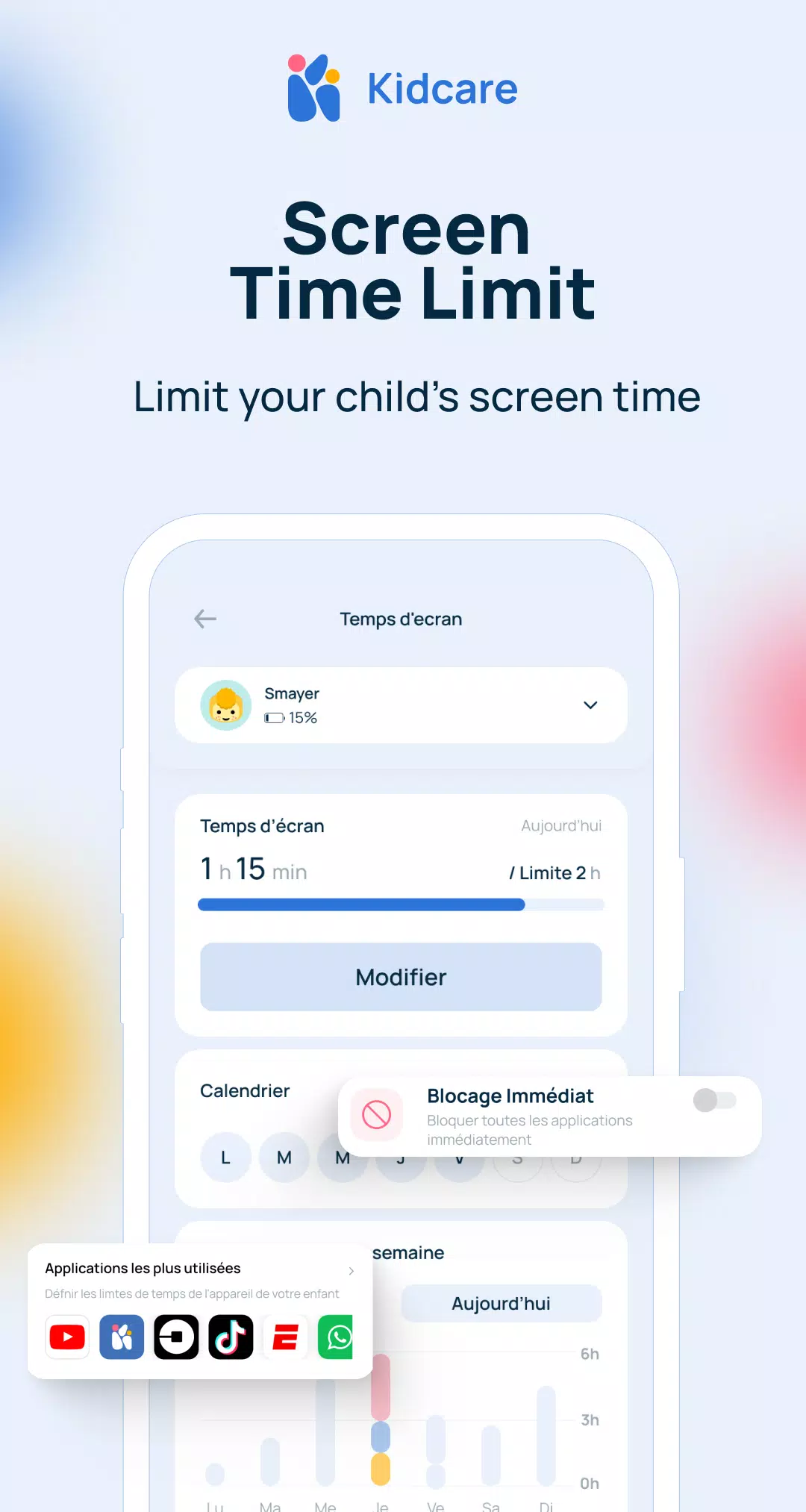
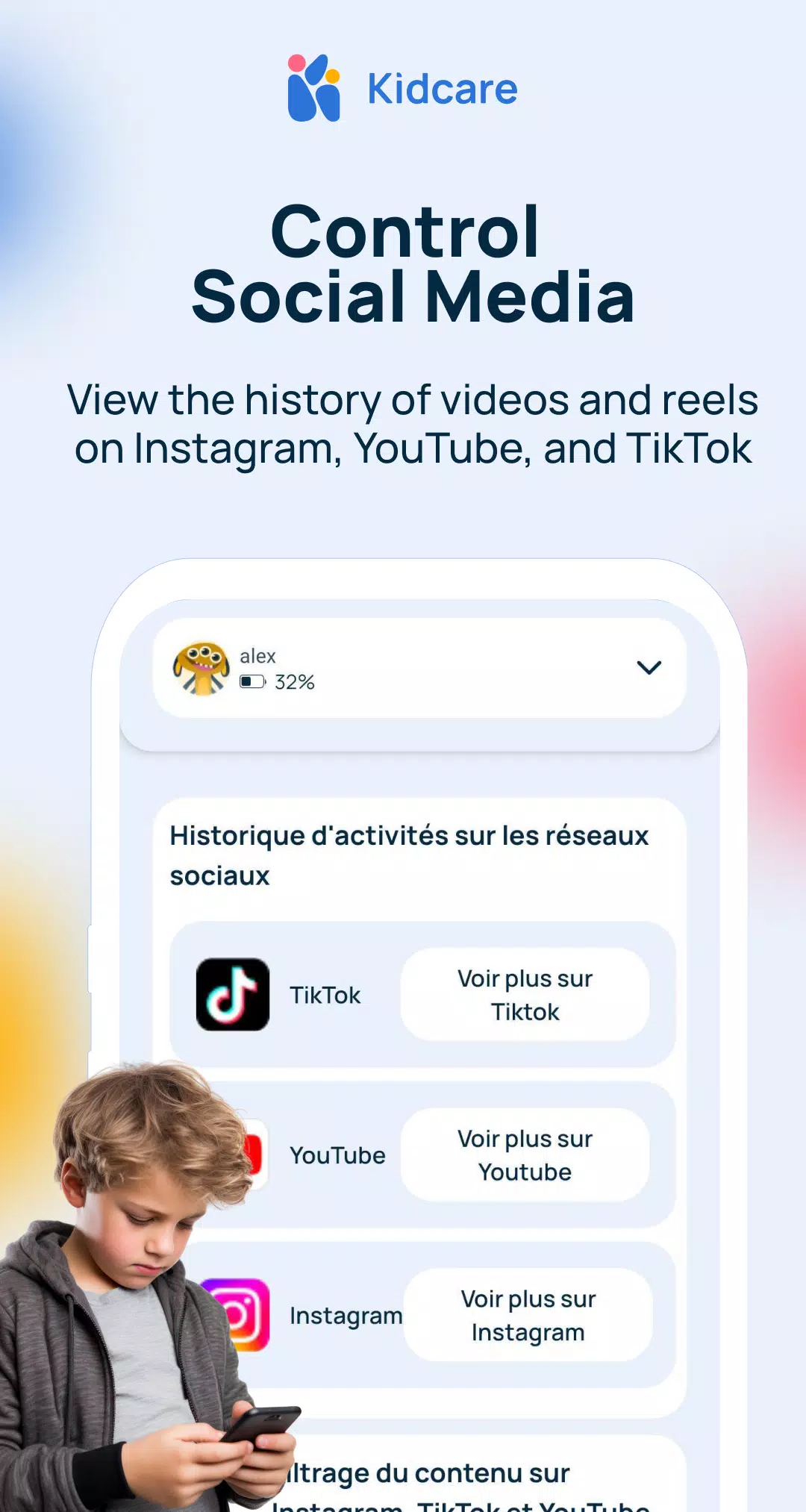
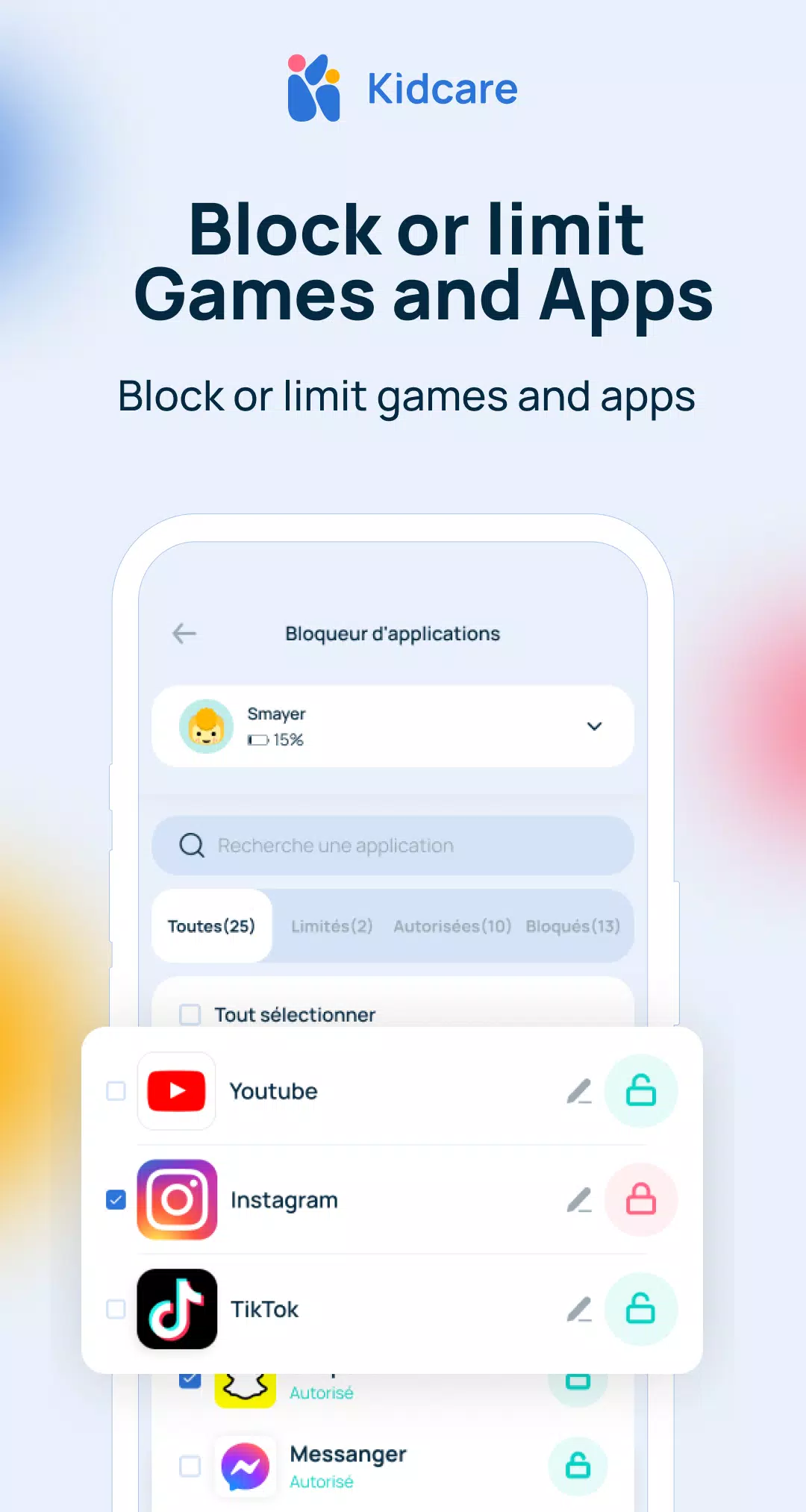
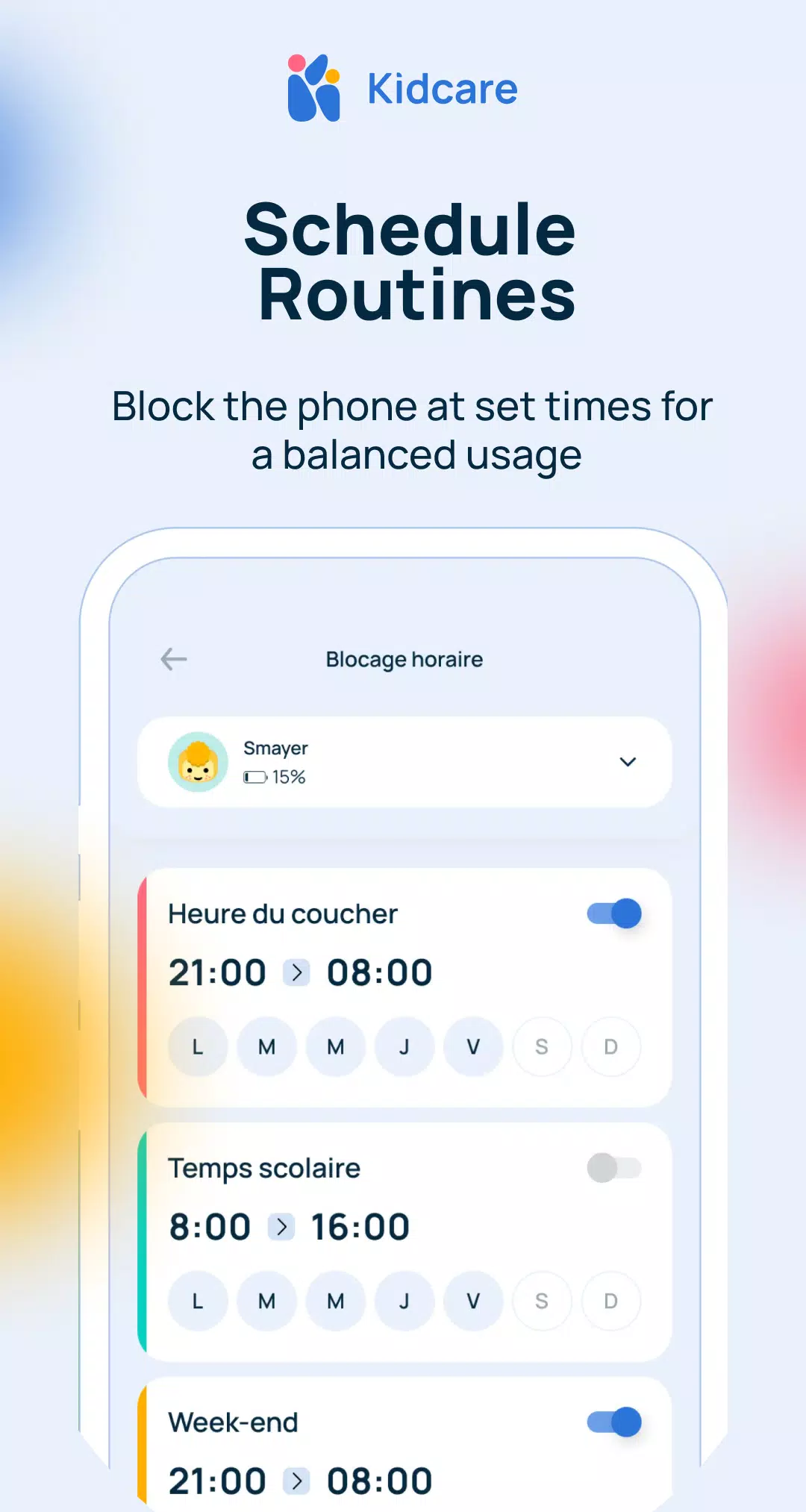
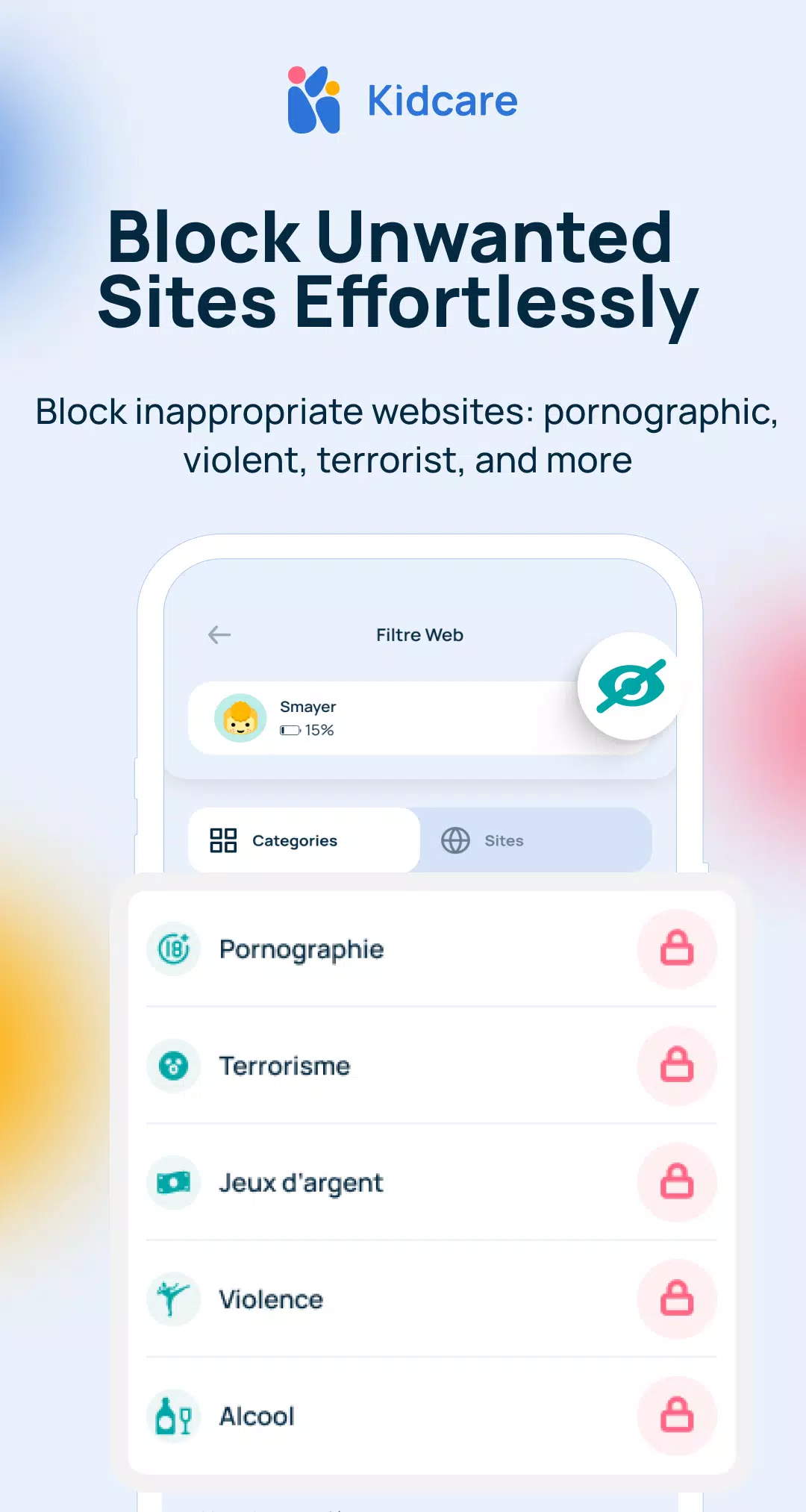
The core of the app focuses on three practical areas: time limits, content control, and monitoring. Parents can define daily or weekly device allowances, set automatic bedtimes, and pause access during study periods without fuss. App and category blocking prevents access to unwanted apps or social networks on schedules you choose. Safe-browsing rules reduce exposure to explicit, violent, or otherwise unsuitable websites while concise graphical reports show which apps and times contributed most to screen use.
After installing on both parent and child devices, permissions and local policies enforce the settings; locks and schedules work even when the devices are offline. Rules apply automatically but allow temporary overrides for special occasions or supervised sessions. A one-tap bonus time and remote lock simplify common parenting moments: grant extra screen minutes after chores or lock the device instantly for family activities without complex menus.
Kidcare supports multiple child profiles with templates for preschool, elementary and teen stages so rules scale with age. Profiles create a progression system parents can manage: for example, gradually increase daily allowances or relax certain app blocks as children demonstrate responsibility. Custom app groups and labeled websites make fine-tuning straightforward, and guarded defaults give parents sensible starting points they can adapt over time.
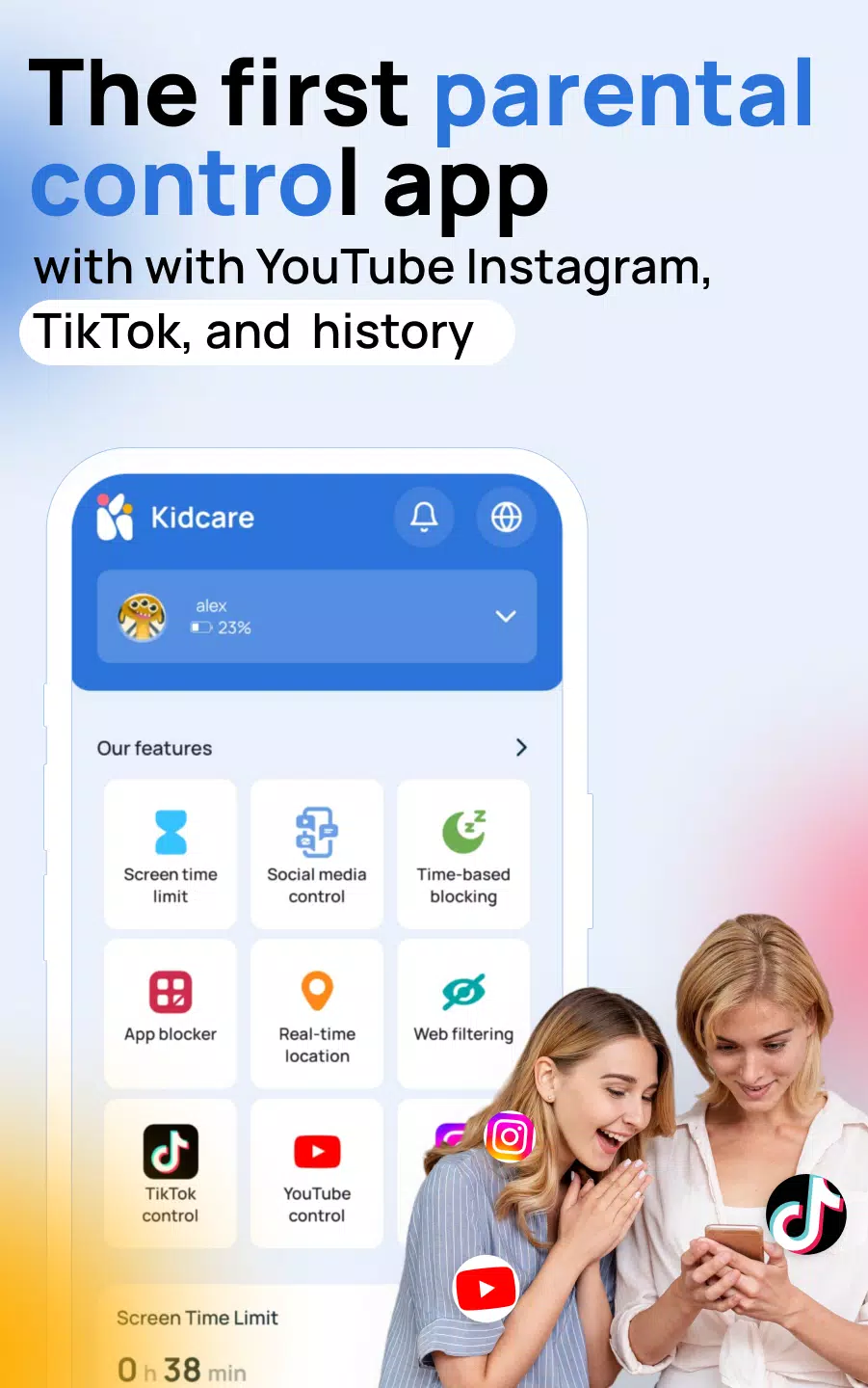
The interface is designed for clarity and accessibility. A central dashboard presents remaining time, active restrictions and recent alerts in plain language, and guided forms walk you through schedule creation and filtering choices. Accessibility features such as adjustable text size, high-contrast elements and simple readouts support caregivers with different needs. Controls are reachable from the main screen so common tasks—granting extra time or switching profiles—require minimal steps.
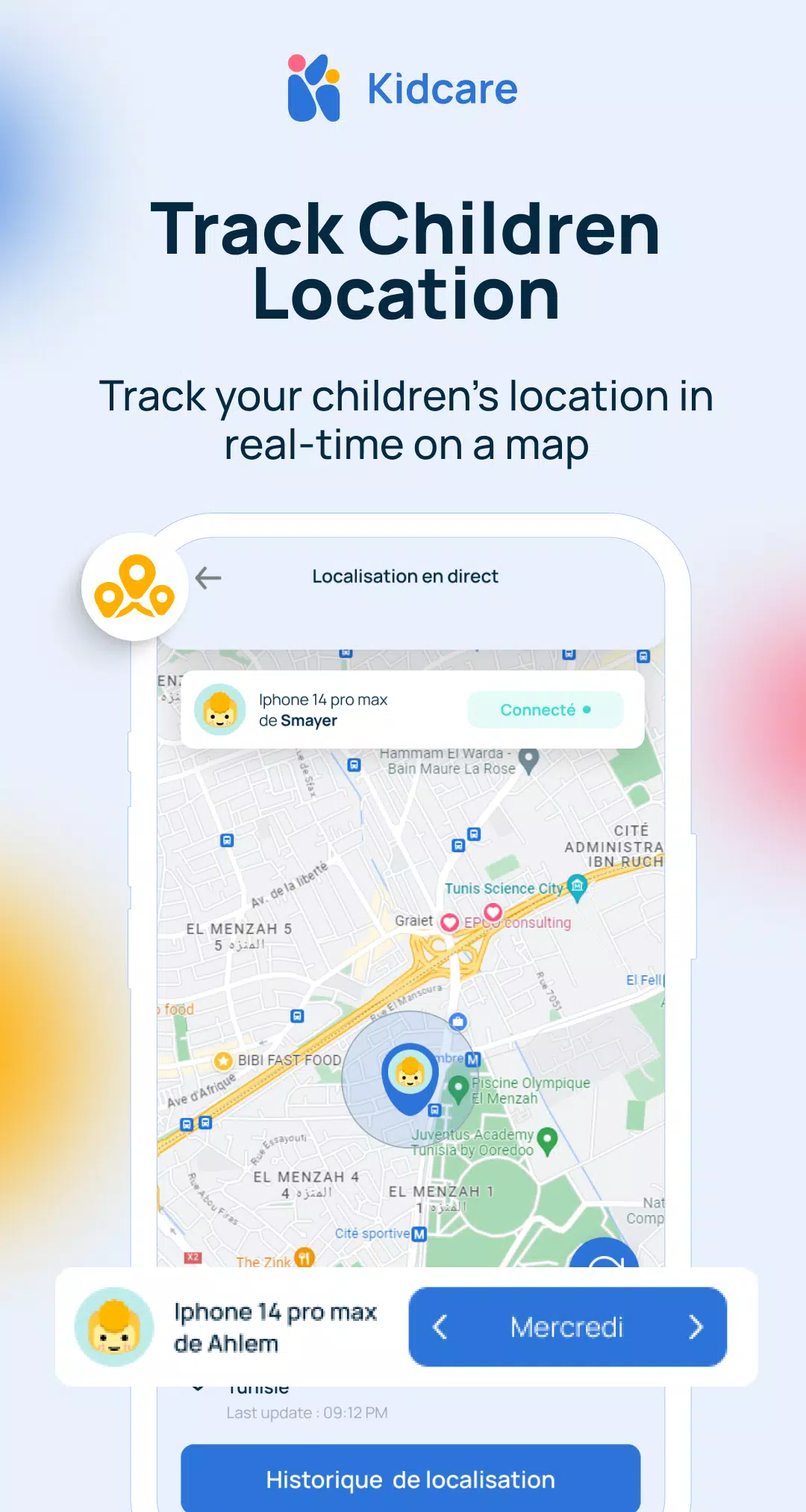
Privacy is built into the reporting model: activity logs emphasize app categories and usage duration rather than capturing detailed content. Location tracking is optional and intended for emergencies; it can be enabled or disabled per child profile. When sync or remote features are used, transmissions are encrypted and reports are cached locally when possible, reducing unnecessary cloud exposure while preserving useful oversight.
The app is optimized to be lightweight on battery and background processing. Regular incremental updates keep the app current without large downloads. Compatibility covers a wide range of Android devices, but certain controls can be affected by manufacturer restrictions; Kidcare notifies you when a permission or setting needs attention so parents understand any limitations. Enforcement continues locally for core rules even if a device temporarily loses network connectivity.
Kidcare – Parental Control App encourages a gradual approach: begin with a short trial schedule to see how your child adjusts, use report summaries to guide conversations about healthy habits, and pair device locks with alternative activities to reduce pushback. Keep an admin code for emergency access and review settings weekly as routines change. The built-in suggestions and profile templates make ongoing refinement simple, and the app’s balance of automation with manual override supports realistic family use.
Families choose this app because it replaces constant intervention with clear rules and transparent feedback. The combination of straightforward controls, profile progression, and plain-language reporting helps parents coach behavior rather than relying solely on enforcement. For households that want predictable device boundaries with room for flexibility, Kidcare – Parental Control App provides a balanced, easy-to-manage solution that grows with the family.
File size: 42.40 M Latest Version: 2.0.22
Requirements: Android Language: English
Votes: 409 Package ID: com.kidcare
Developer: Nna Ressources

Make your house a home with our selection of innovative apps. Discover programs to simplify cleaning, organize closets, and manage home maintenance. Take the hassle out of chores and keep your space running smoothly. Design, visualize, and renovate like a pro using our augmented reality and 3D modeling tools. Enhance security and monitor your property 24/7 with our connected home tech.






LIVE A HERO
Retro Hero Mr Kim
Empire of Passion
Arcane Quest Legends
Magic Snap: Momotaro
AllStar Manga Heroes
Lunescape
ONE PIECE Thousand Storm JP
Tap Titans 2










































