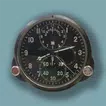
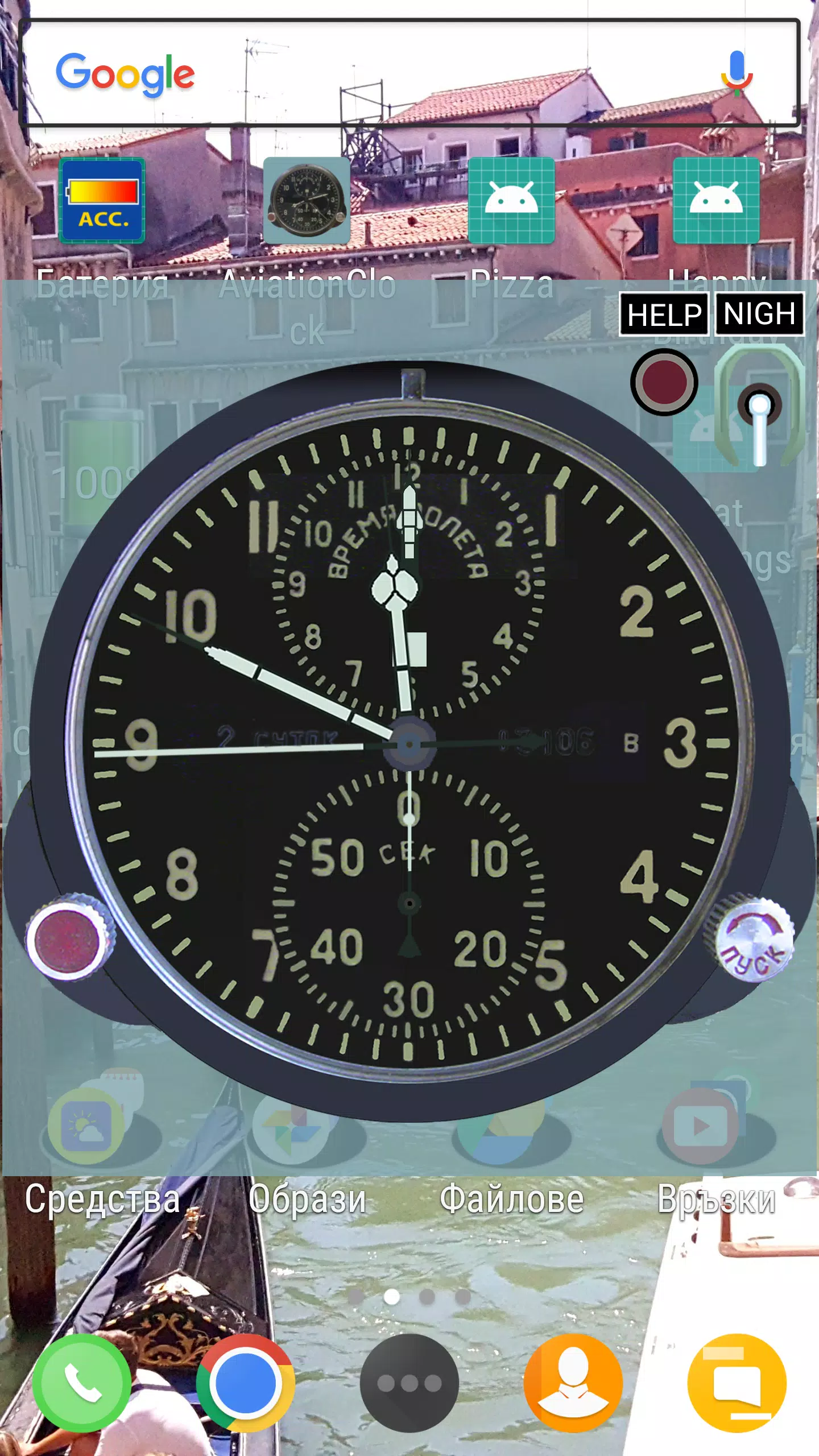
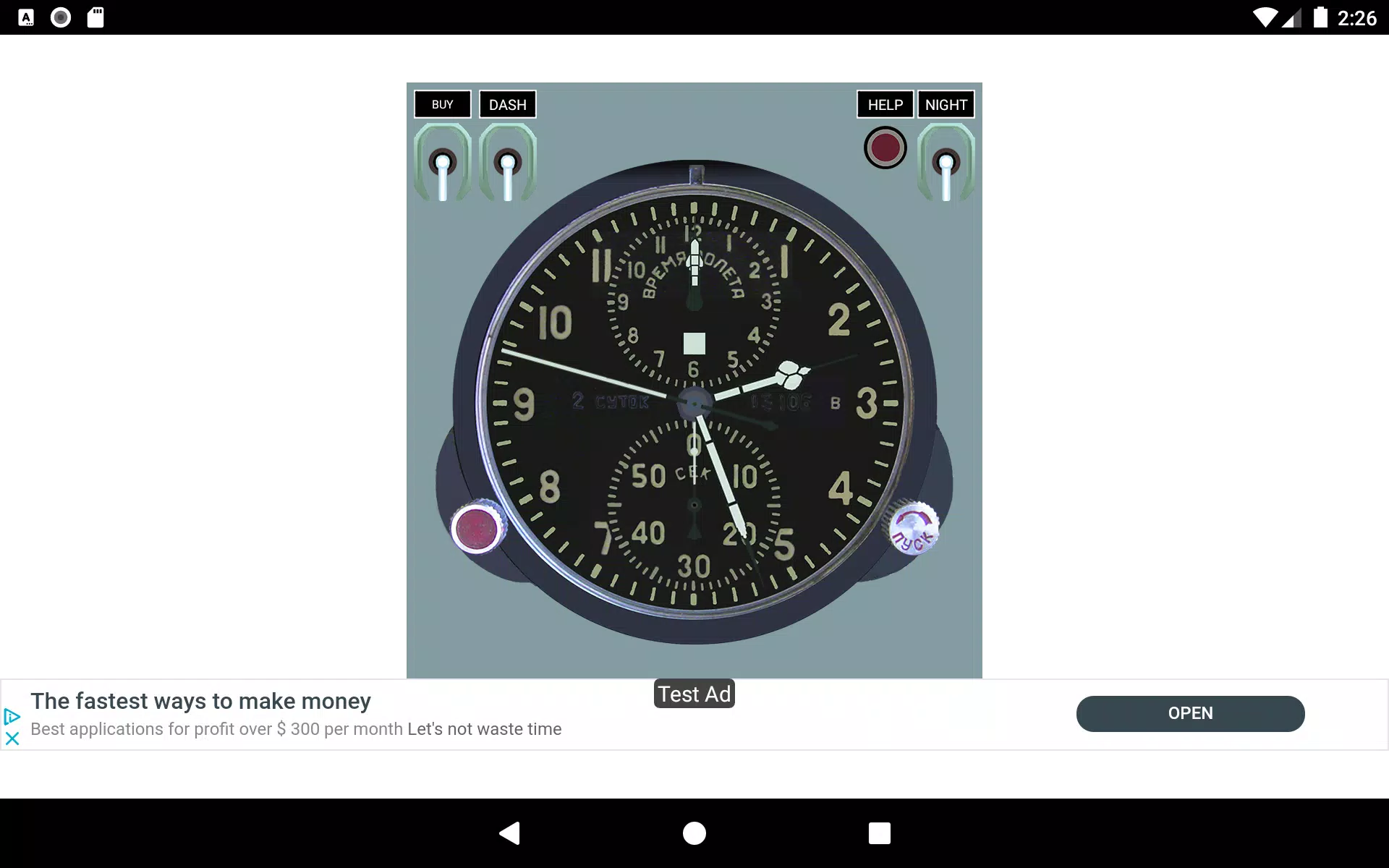
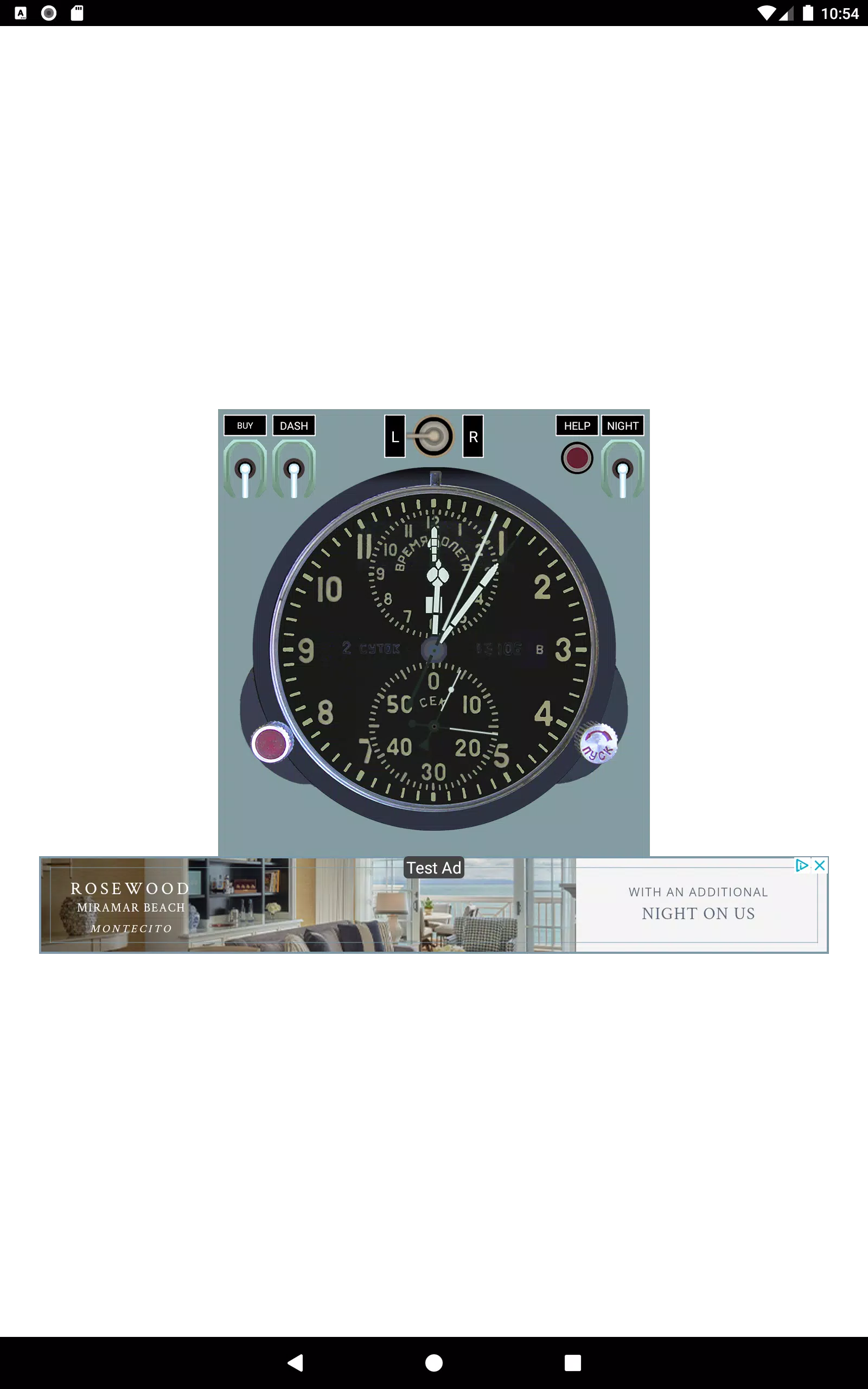
Aviation Clock is a precision timekeeping utility designed for pilots, dispatchers and aviation enthusiasts. It combines UTC/Zulu, local time, dual timers and an intuitive analog/digital display to help users track flight schedules, briefings and duty limits quickly and accurately on Android devices.
Aviation Clock provides a focused set of tools that reduce time-related errors during flight operations. The app synchronizes to network time, shows multiple time zones at once, and offers configurable alarms and countdowns. It targets professionals who need reliable, at-a-glance temporal data without clutter.
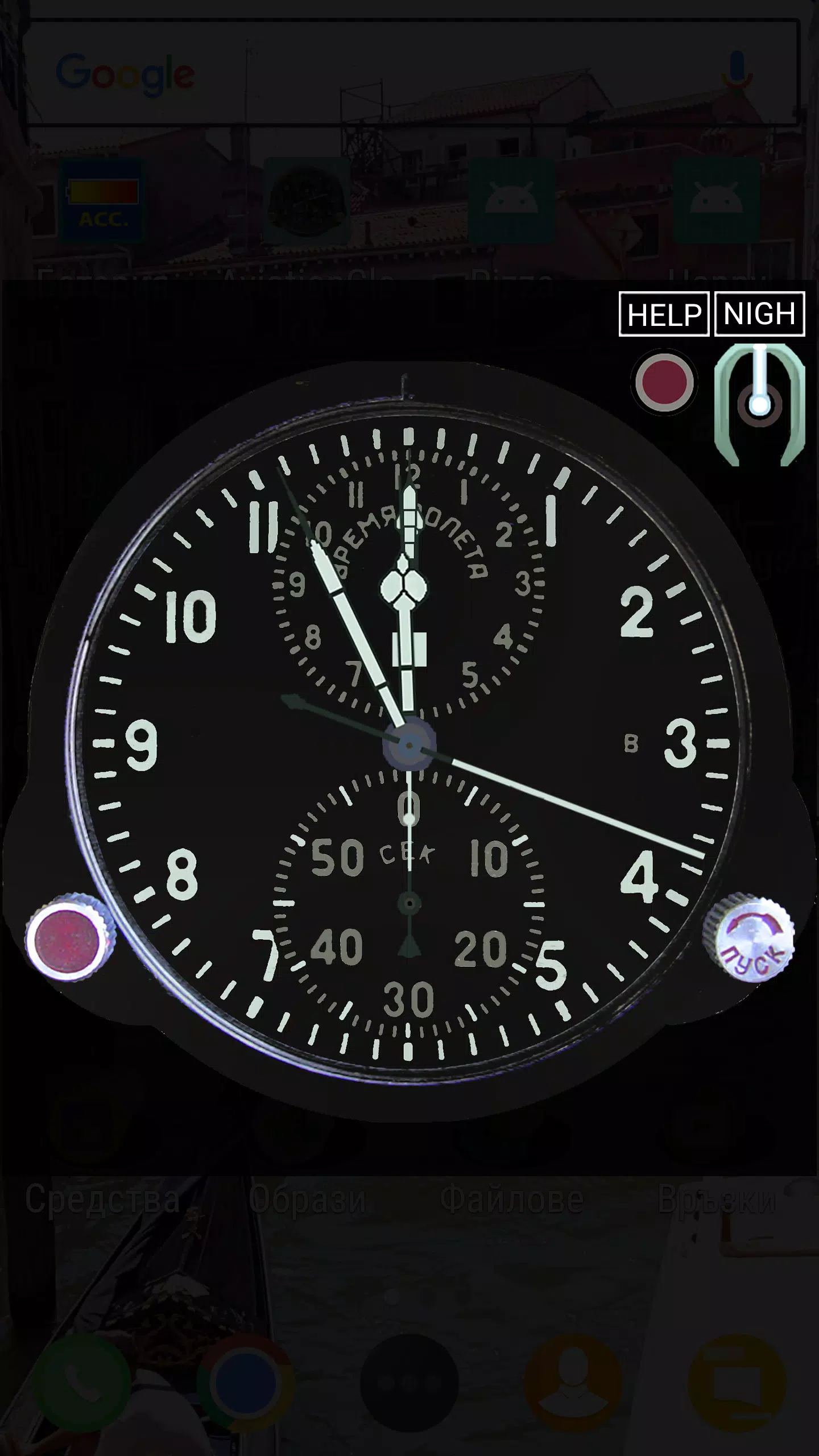
The interface emphasizes clarity: bold numerals, high-contrast backgrounds and straightforward controls make Aviation Clock readable in cockpit lighting. Menus are organized by function — time views, timers, and settings — so users can access core features within one or two taps. The app also supports landscape and portrait layouts to fit dashboards and tablets.
On modern Android phones and tablets, the app runs smoothly with minimal battery impact. Background alarms are optimized to fire even when the device sleeps. Performance remains stable when displaying several time zones or running multiple timers, and network time synchronization is handled efficiently to avoid noticeable delays.
Pilots and operations staff can slot Aviation Clock into preflight checklists and in-flight procedures. Use one timer for engine start-to-takeoff checks and another for approach or holding patterns. Set alarms for crew briefings or fuel checks, and keep the UTC readout visible to coordinate with ATC and dispatch.
Start by configuring your home time zone and enabling network time synchronization. Test the dual timers and confirm alarms work while your device is locked. If you rely on the app for official logs, cross-check its output against your aircraft clock during the first flights to build confidence.
Accessibility features include scalable fonts and adjustable contrast to accommodate different lighting and eyesight conditions. Aviation Clock responds well to both touch and hardware volume controls for snoozing or dismissing alarms. Seasonal daylight saving changes are handled automatically once your home time zone is set.
Users value the straightforward feature set and dependable timing functions. The lack of extraneous features keeps the app lean and predictable — a trait appreciated in safety-critical environments. Its combination of visual options and accurate synchronization makes Aviation Clock a practical addition to any aviation toolkit.
Download and grant the app permission to access network time and notifications. After installation, set your primary time zone, test alarms and save a couple of time-zone presets that match your usual routes. Regularly check for updates to ensure the app remains compliant with timekeeping standards and receives bug fixes.
For users who want a focused, reliable time utility for flying operations, Aviation Clock balances precision, simplicity and performance. With thoughtful customization and routine checks, it becomes an unobtrusive but essential companion in the cockpit or operations center.
File size: 7.10 M Latest Version: 4.0-ads
Requirements: Android Language: English
Votes: 100 Package ID: com.ses001.android.aviationclock
Developer: Евгени

Must Have Home Apps for Android
Make your house a home with our suite of helpful home apps. Discover clever tools to organize closets, streamline chores, and simplify cooking. Take the stress out of cleaning and maintenance with handy checklists and schedules. Enhance security and control appliances and lighting with our smart home integrations. Design, visualize, and renovate like a pro using our 3D planning software.






LIVE A HERO
Retro Hero Mr Kim
Empire of Passion
Arcane Quest Legends
Magic Snap: Momotaro
AllStar Manga Heroes
Lunescape
ONE PIECE Thousand Storm JP
Tap Titans 2