Scan to Download
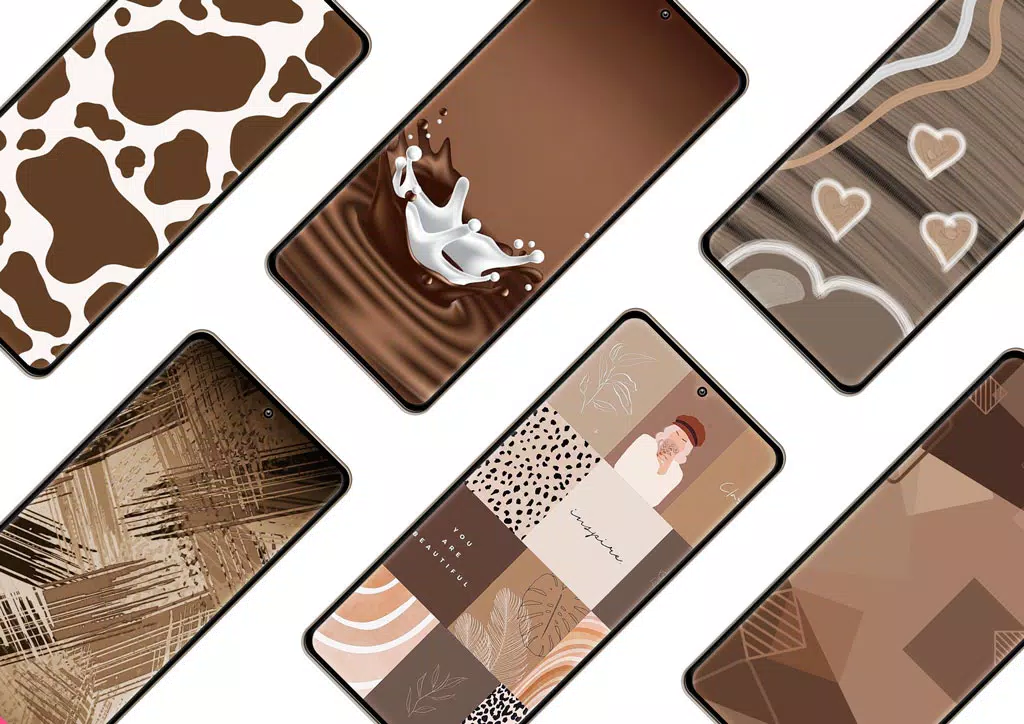
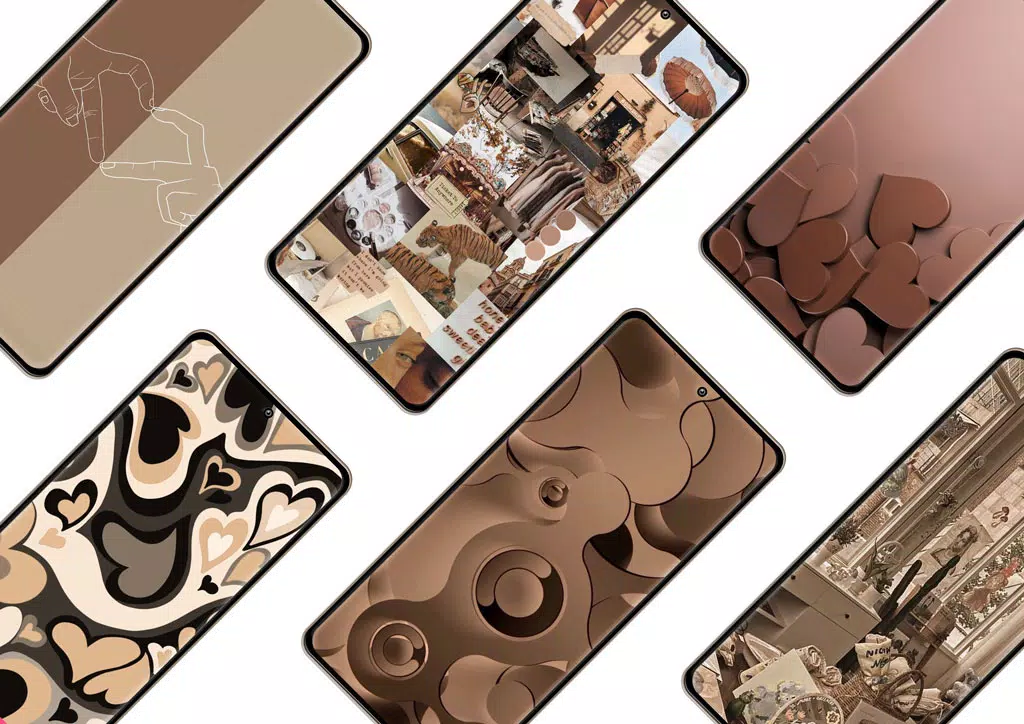
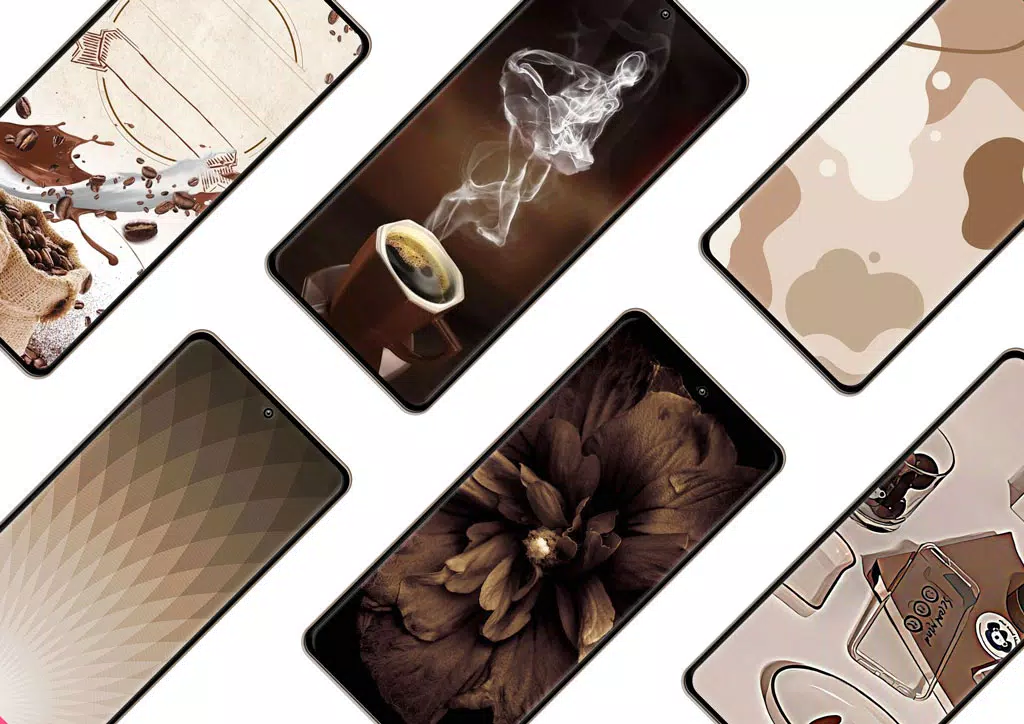
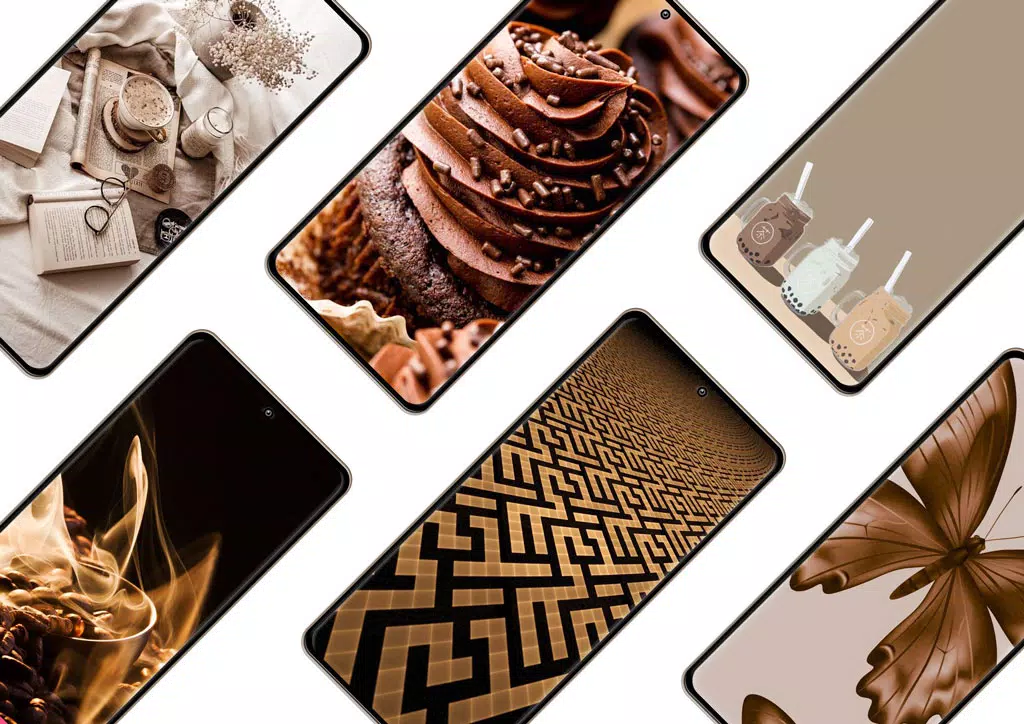
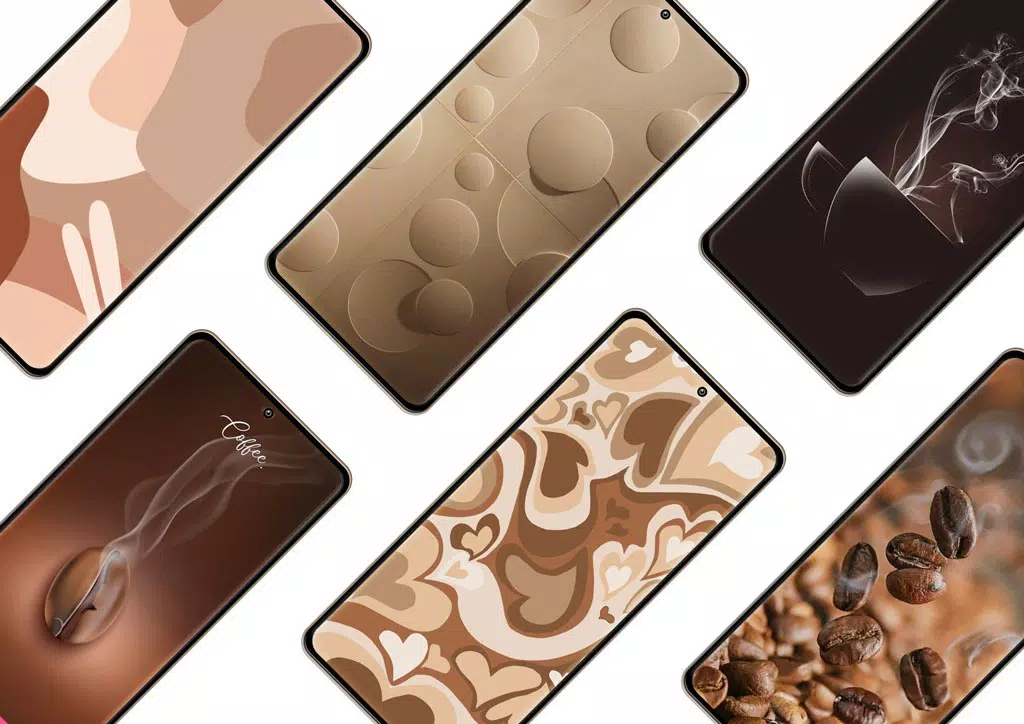
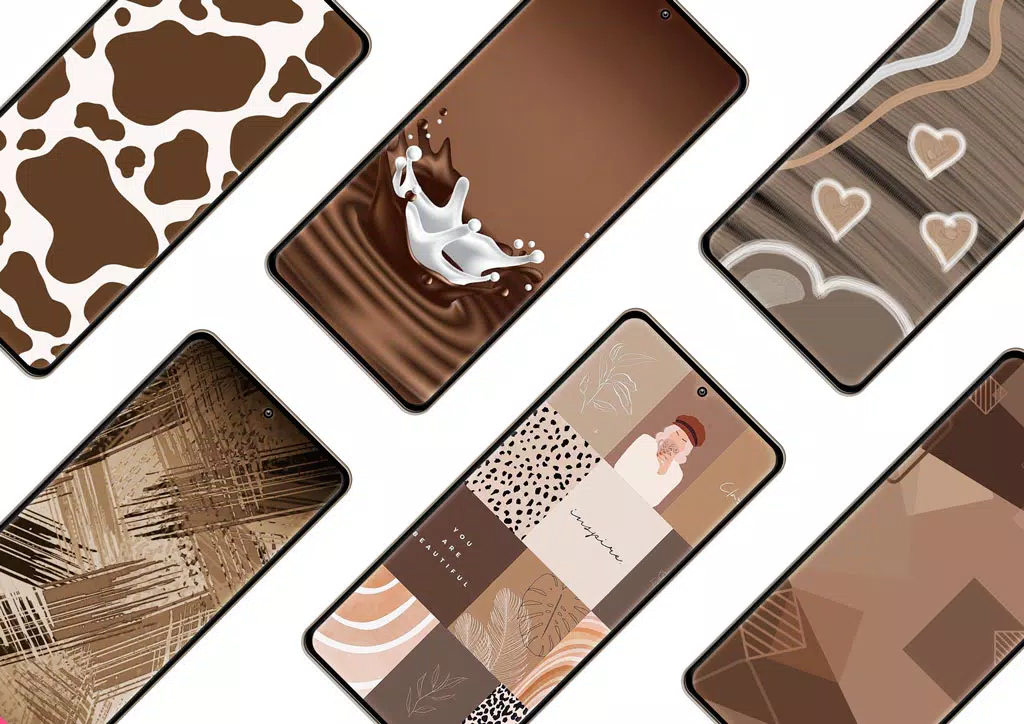
Brown Aesthetic Wallpaper is a curated collection of warm, minimalist backgrounds designed for Android devices. It focuses on brown tones, textures, and layered gradients to give phones a cohesive, elegant look. The app streamlines wallpaper selection with organized categories, quick previews, and one-tap application.
Designed for users who prefer muted palettes and sophisticated visuals, Brown Aesthetic Wallpaper organizes dozens of high-resolution images into intuitive groups. The interface avoids clutter and prioritizes visual browsing, making it easy to compare styles, check how an image looks with icons, and set wallpapers without leaving the app.
The workflow is straightforward: browse thumbnails grouped by mood or texture, open any image for a larger preview, then choose whether to apply the wallpaper to the home screen, lock screen, or both. Brown Aesthetic Wallpaper keeps common actions within reach so you can change visuals in seconds.
While the app focuses on ready-made wallpapers, it includes subtle editing tools that let users crop, shift focal points, and toggle a soft color overlay to better match icon packs or widgets. These small adjustments help integrate a chosen background into a wider home-screen design without requiring a separate image editor.
On recent Android devices the app is lightweight and responsive. Images are preloaded efficiently to limit memory spikes, and background processes are minimal. Brown Aesthetic Wallpaper supports common screen sizes and respects system scaling, so wallpapers retain composition on phones and tablets.
Images are compressed for delivery but kept at a quality suitable for full-screen display. The app provides options to clear cached thumbnails or limit downloads to Wi-Fi, giving control to users who monitor data usage and local storage.
The visual language of Brown Aesthetic Wallpaper mirrors the content it supplies: calm, uncluttered, and refined. Navigation relies on simple gestures and clear categories, so newcomers can find styles quickly while enthusiasts can curate a personal collection. Accessibility considerations include readable text contrasts and scalable touch targets.
People gravitate toward Brown Aesthetic Wallpaper because it simplifies the process of creating a cohesive home screen. The curated approach reduces decision fatigue and the subtle editing options mean you rarely need third-party apps. The aesthetic focus also makes it a good match for those who use neutral icon packs or prefer a calm, professional device appearance.
Download the app, grant the basic storage permissions it requests, and allow it to preview wallpapers. Start by exploring featured collections, then mark a few favorites. If you want to preserve battery and bandwidth, enable Wi-Fi-only downloads in settings before adding many wallpapers to your library.
Brown Aesthetic Wallpaper makes it quick to refresh the look of your phone while maintaining a restrained, polished style. For users who value curated visuals and straightforward tools, it provides a dependable way to personalize Android devices without complexity.
File size: 44.80 M Latest Version: 1.6
Requirements: Android Language: English
Votes: 485 Package ID: com.davisdeveloper.brownaestheticwallpaper
Developer: Davis Developer



Must Have Home Apps for Android
Make your house a home with our suite of helpful home apps. Discover clever tools to organize closets, streamline chores, and simplify cooking. Take the stress out of cleaning and maintenance with handy checklists and schedules. Enhance security and control appliances and lighting with our smart home integrations. Design, visualize, and renovate like a pro using our 3D planning software.






LIVE A HERO
Retro Hero Mr Kim
Empire of Passion
Arcane Quest Legends
Magic Snap: Momotaro
AllStar Manga Heroes
Lunescape
ONE PIECE Thousand Storm JP
Tap Titans 2