Scan to Download
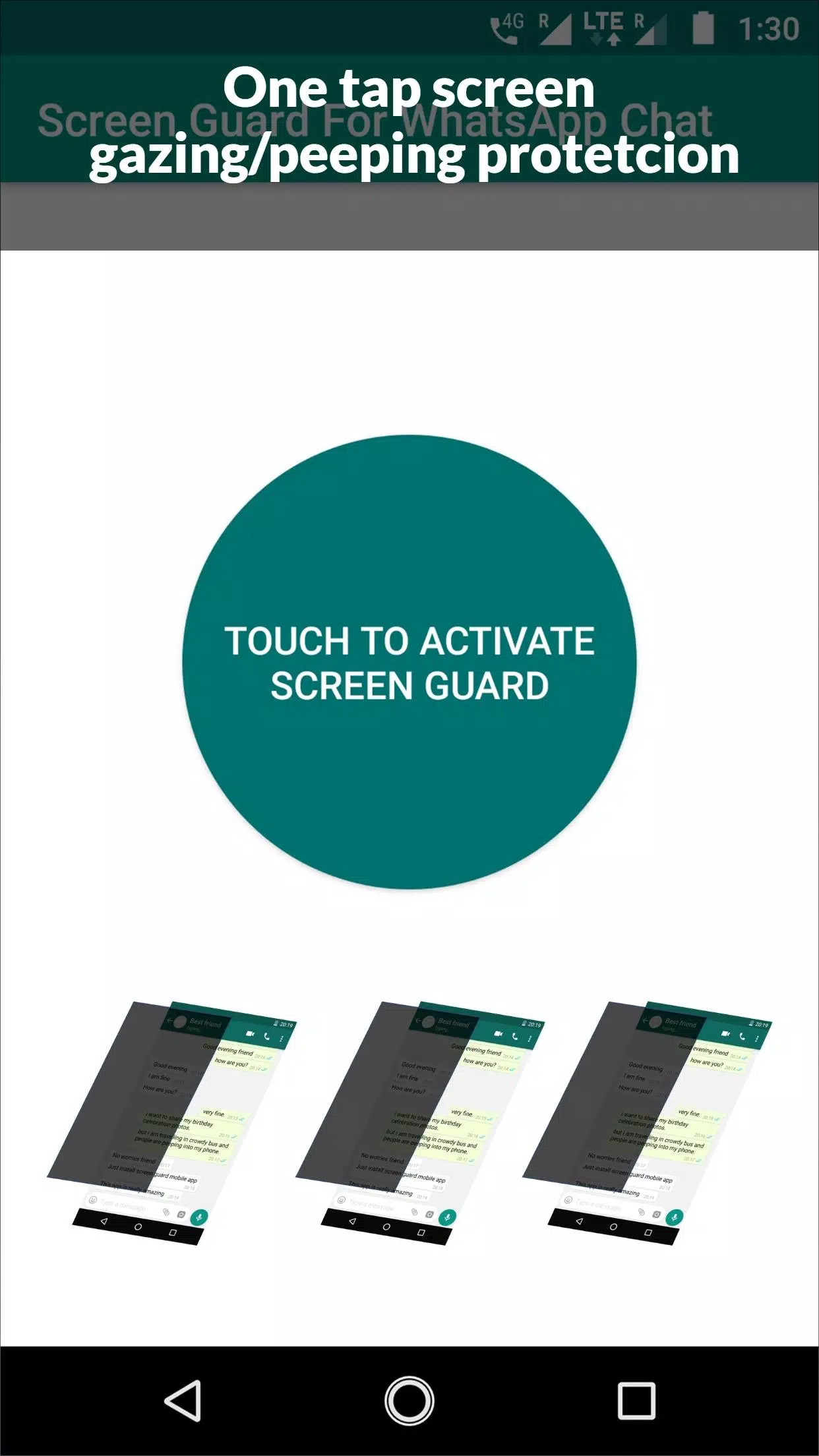
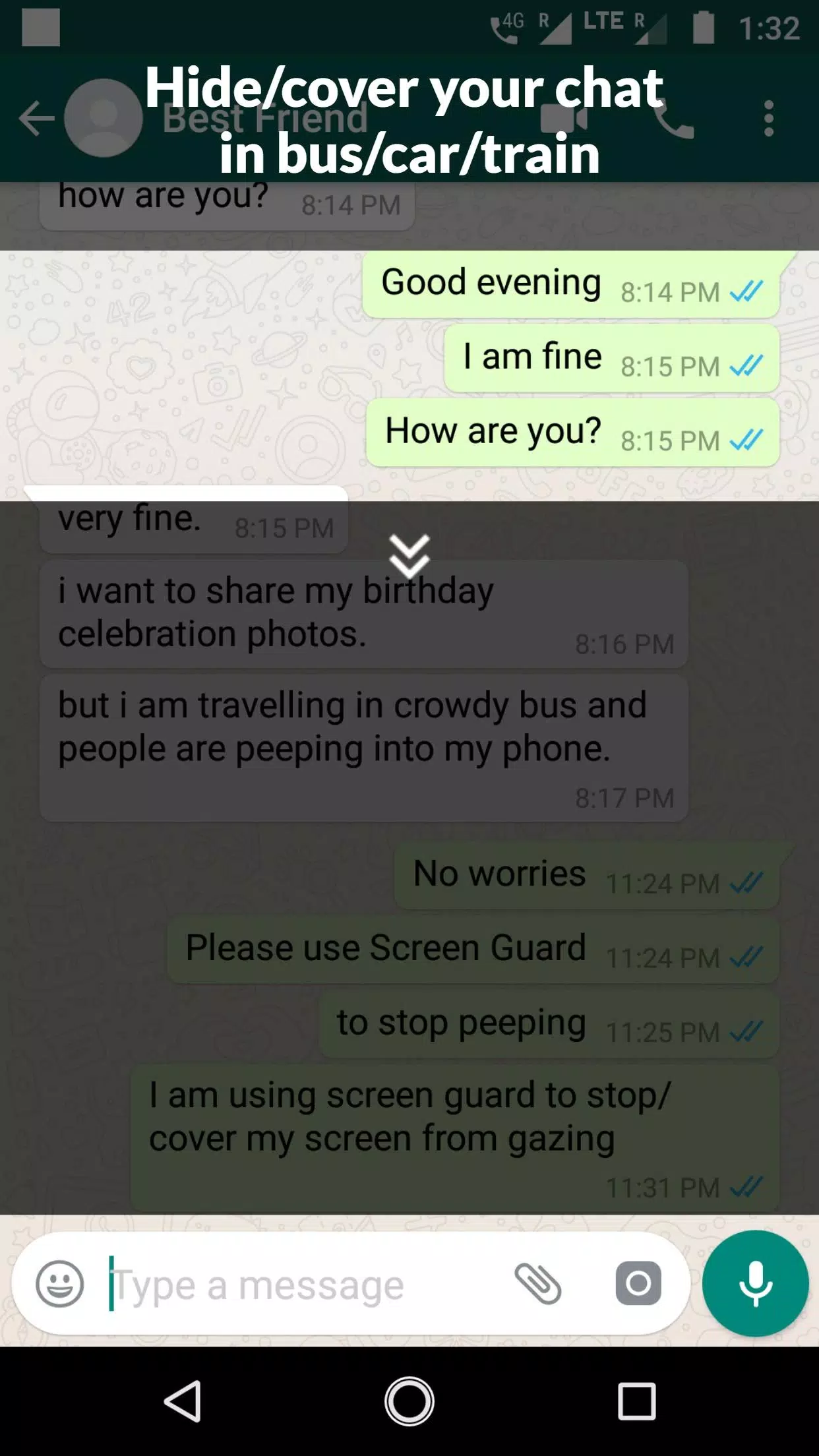
Screen Guard For Whatsapp protects your messaging privacy by preventing unwanted screenshots, restricting screen recording, and adding an access lock for the WhatsApp interface. Lightweight and easy to activate, it creates a secure viewing layer so private chats remain unseen by prying apps or accidental captures.
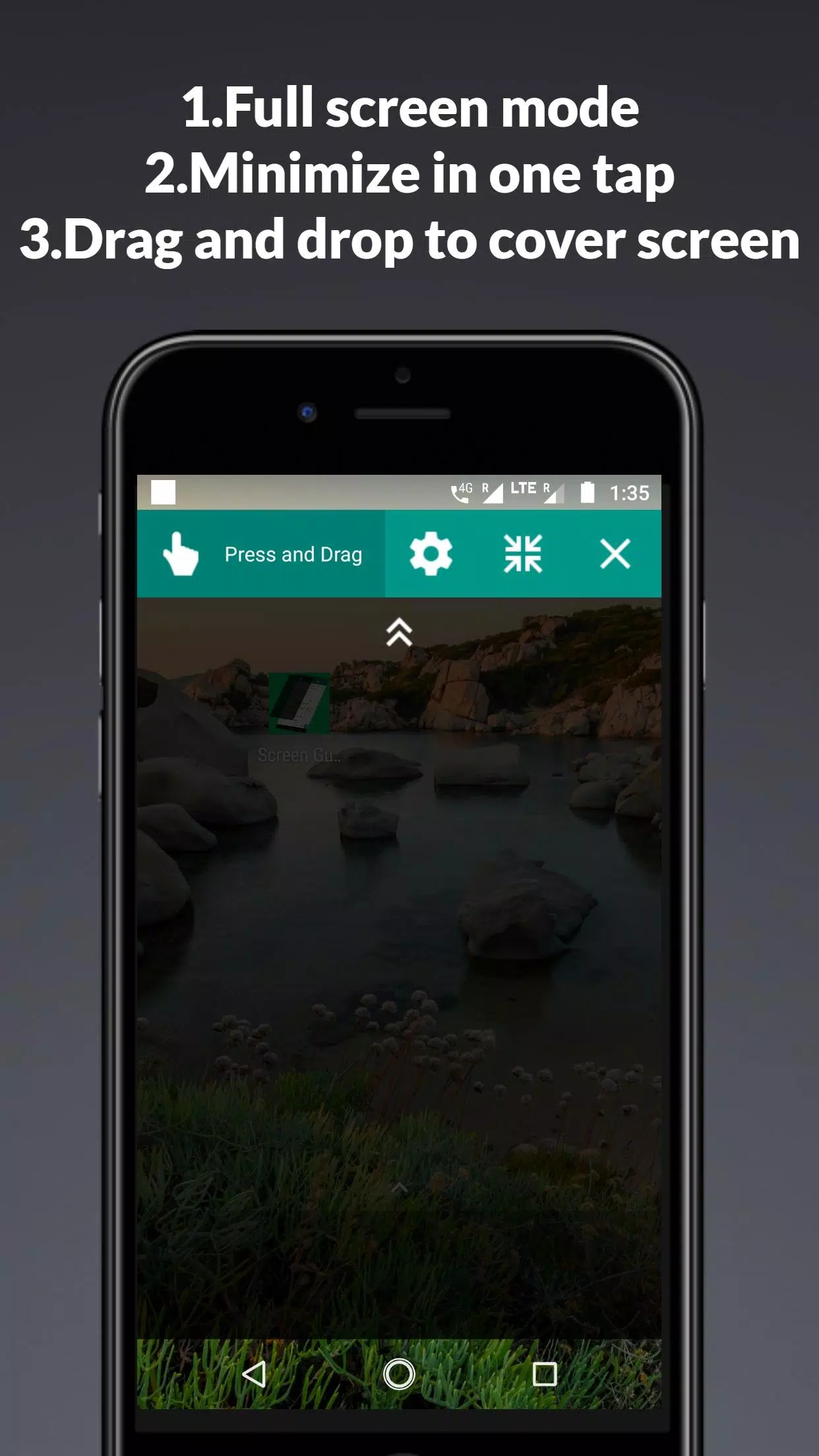
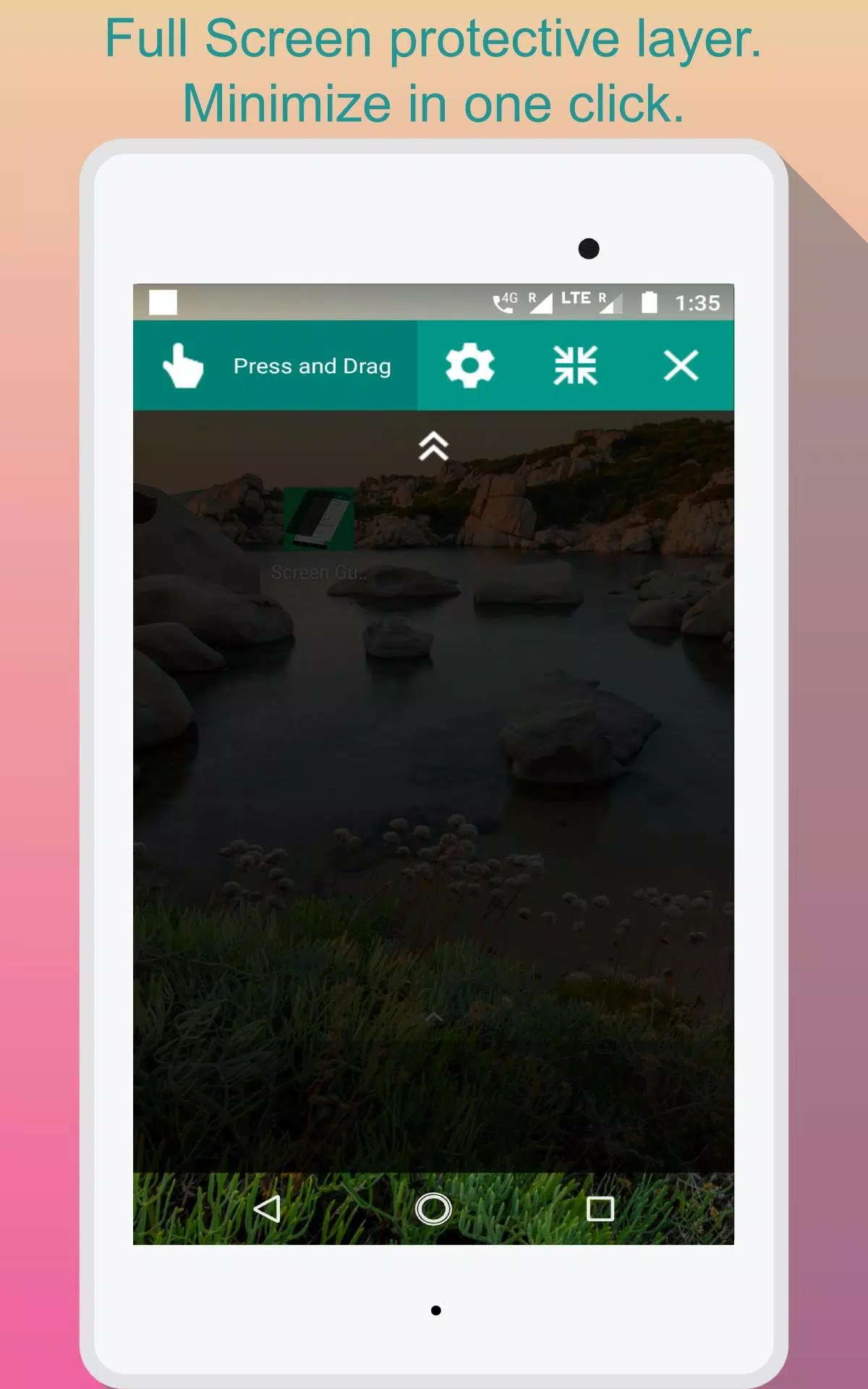
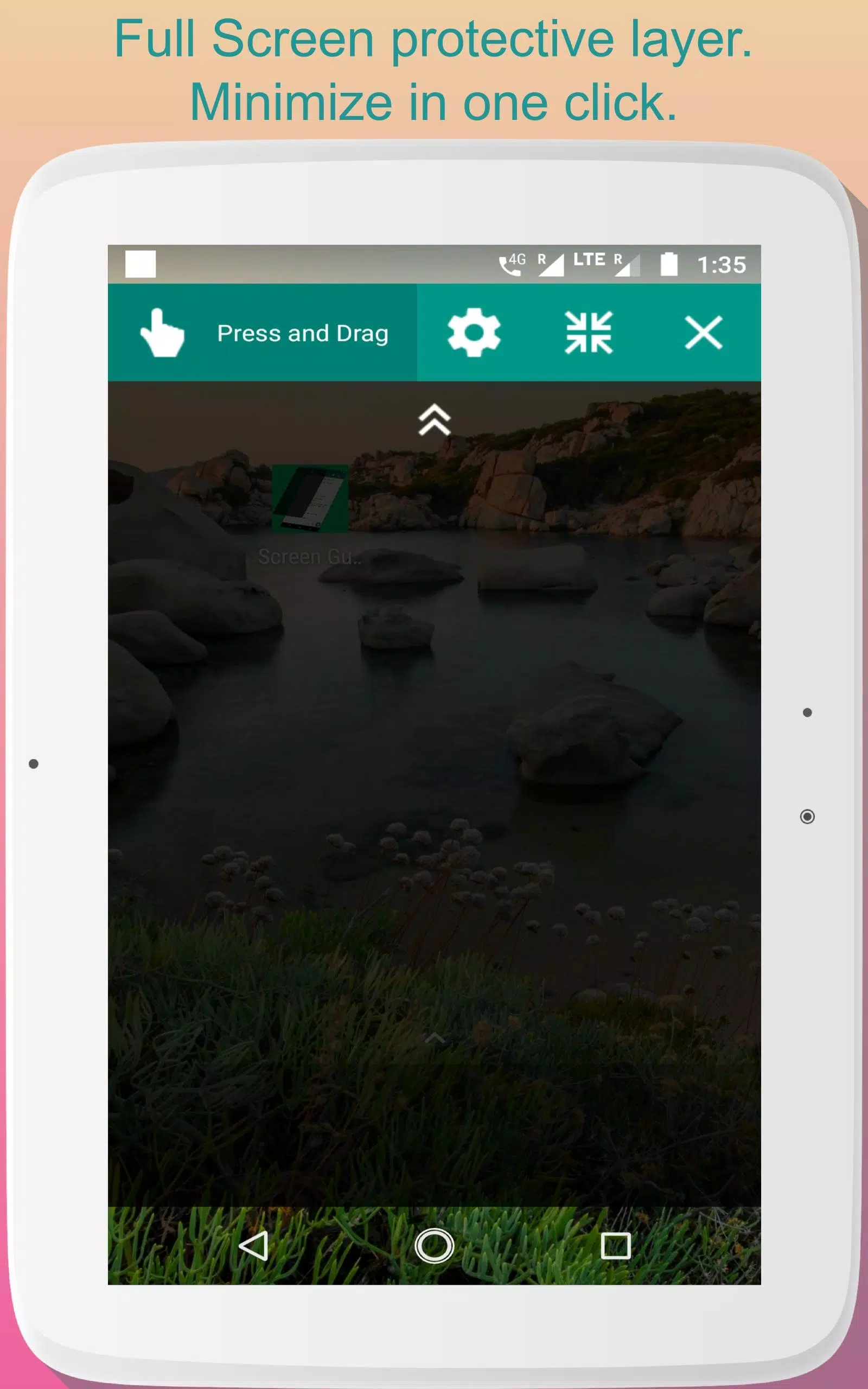
Screen Guard For Whatsapp focuses on practical tools that reduce the chance of private conversations being captured or exposed. The app applies Android's secure-window measures to the WhatsApp screen, offers a customizable overlay that obscures thumbnails and previews, and can lock the app behind a PIN or biometric check. Additional functions include hiding message previews in notifications and a temporary shield you can toggle when showing messages in public.
The protection method is grounded in platform APIs and clever overlays. When enabled, Screen Guard For Whatsapp registers the WhatsApp package and applies a secure display flag to the visible window whenever WhatsApp is in the foreground. This prevents most screenshot and screen-recording tools from capturing conversation content. The overlay and notification controls further reduce accidental exposure by masking previews outside of the main chat view.
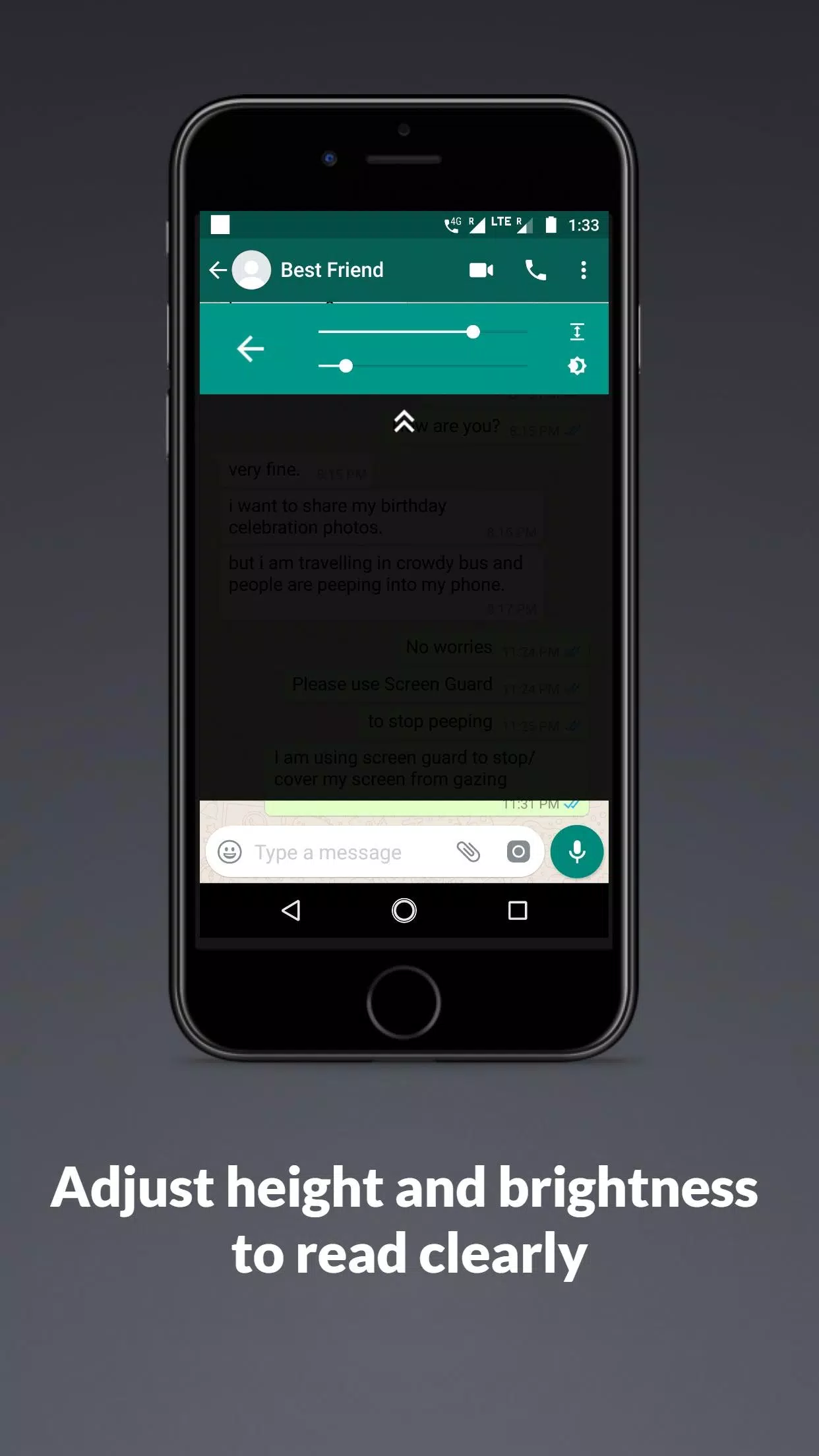
You can tailor the app to match your workflow. Choose between a subtle blur or a fully opaque shield, set a timeout for automatic re-locking, and enable or disable protection for specific chats. The lock method is flexible: PIN, pattern, or fingerprint unlock are supported where the device allows. Screen Guard For Whatsapp also provides a quick-access tile and a persistent notification for fast enabling and disabling without digging through settings.
Using the app is straightforward. Install and grant the minimal permissions requested, then follow the guided setup to detect WhatsApp on your device. Turn on the primary protection toggle to apply the secure layer automatically when WhatsApp opens. For added convenience, enable the quick shield to momentarily hide content when handing your phone to someone or when opening sensitive conversations in a public setting.
Designed to be efficient, Screen Guard For Whatsapp runs lightweight services that monitor app state rather than continuously running processors in the background. The overlay and secure-flag operations are handled by system calls and are optimized to avoid significant battery drain. Typical usage adds a negligible CPU overhead, and most users will not notice any slowdown in WhatsApp performance.
The app supports a wide range of Android versions and devices. For best results, users should run a modern Android release that includes secure-window support and up-to-date biometric frameworks. Screen Guard For Whatsapp clearly lists required permissions at setup and explains why each permission improves protection so you can make informed choices before enabling features.
Screen Guard For Whatsapp is built to minimize data collection. The app does not access your chat messages or contacts; it only detects when WhatsApp is active and applies display protections. Biometric unlocks are handled by the device’s secure hardware and not stored by the app. The privacy-first approach means users keep full control over what the app monitors and when protection is active.
Setup is quick: install, grant the requested permissions, and follow the in-app wizard to link Screen Guard For Whatsapp with your WhatsApp installation. The guided tour explains each setting and suggests a configuration based on common privacy scenarios. If you need to adjust behavior later, all controls remain accessible in the main dashboard.
For users who want a focused, low-friction way to protect conversations, Screen Guard For Whatsapp delivers practical safeguards without changing how you use WhatsApp. It’s aimed at anyone who values discretion—commuters, professionals, and everyday users who want an extra layer of visual privacy on their devices.
File size: 6.30 M Latest Version: 1.6
Requirements: Android Language: English
Votes: 326 Package ID: com.lft.screen.guard
Developer: lifeonfingertips

Top Events Free Apps for Android
Discover and share the hottest events around with our intuitive apps. Find local concerts, festivals, shows, and more based on your unique interests. Create customizable calendars of upcoming events to coordinate schedules with friends. Purchase tickets seamlessly from our integrated platforms. Check real-time transit schedules to plan your trip. Access maps, directions, and parking information for any venue.






LIVE A HERO
Retro Hero Mr Kim
Empire of Passion
Arcane Quest Legends
Magic Snap: Momotaro
AllStar Manga Heroes
Lunescape
ONE PIECE Thousand Storm JP
Tap Titans 2