Category: Wallpaper Date:2026-10-15 21:36:01
Rating: 4.5 Tags: Communication
Scan to Download
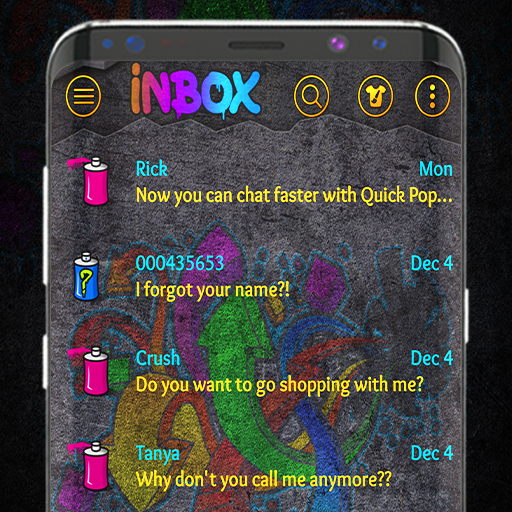
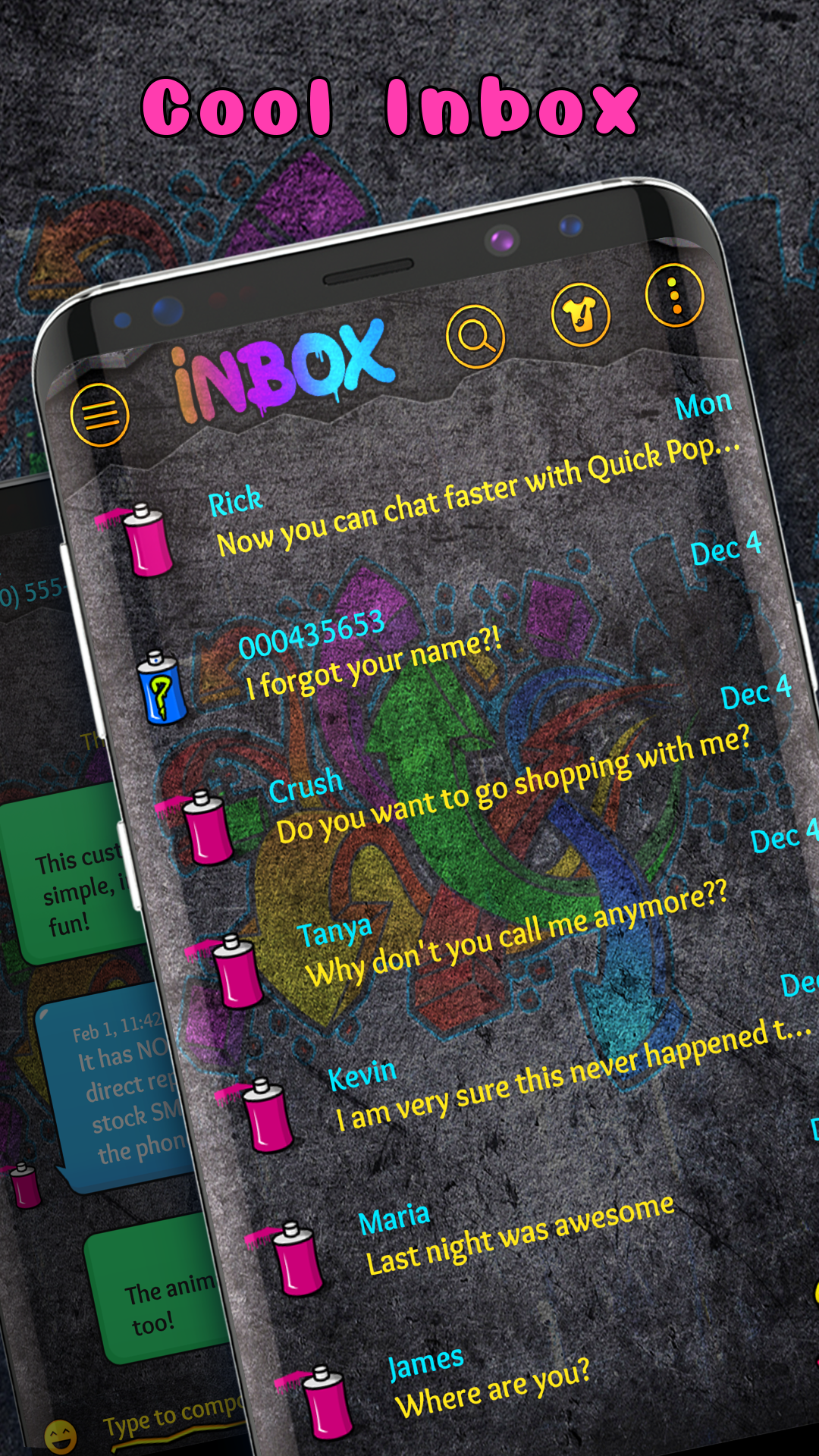
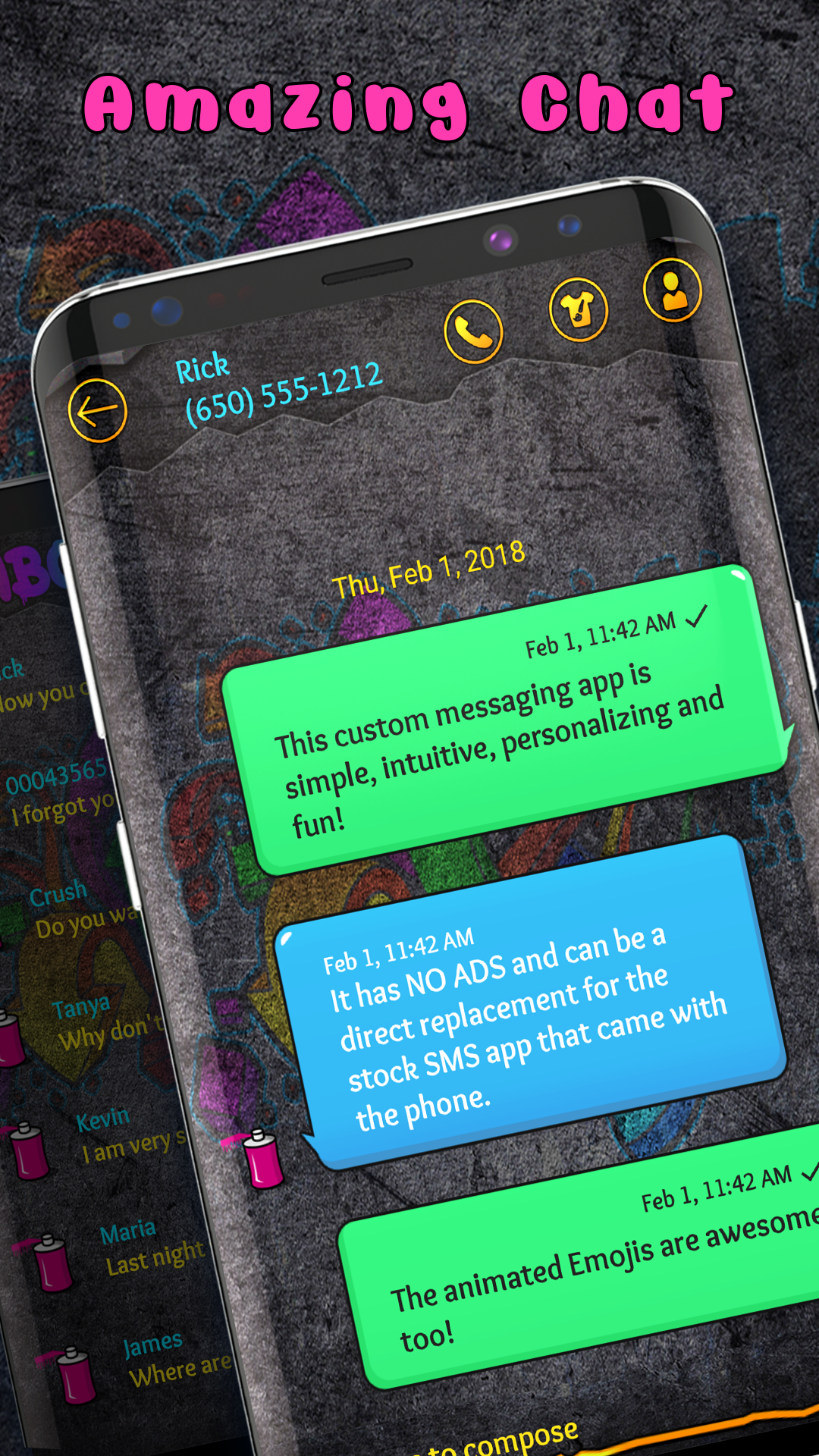
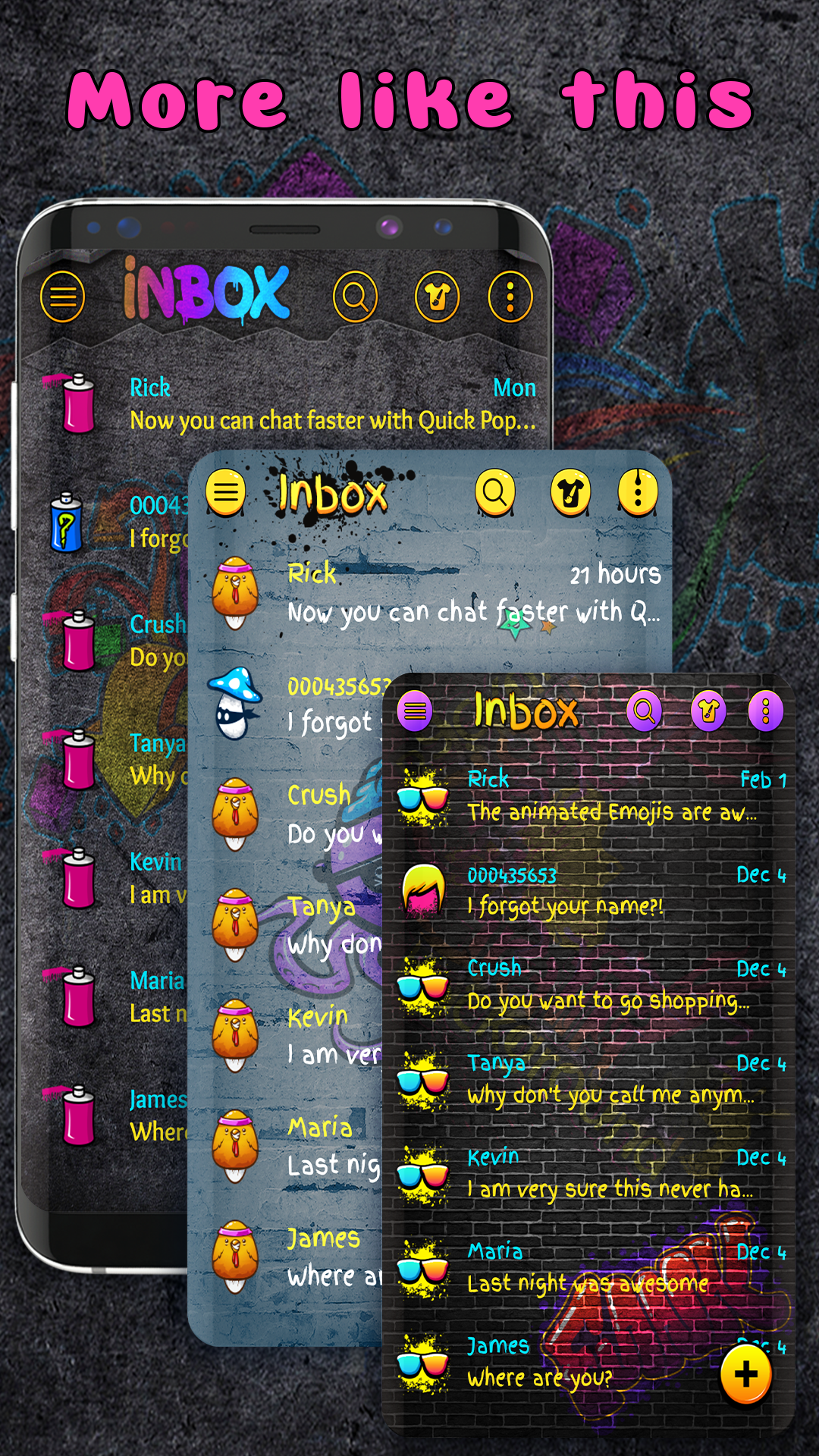
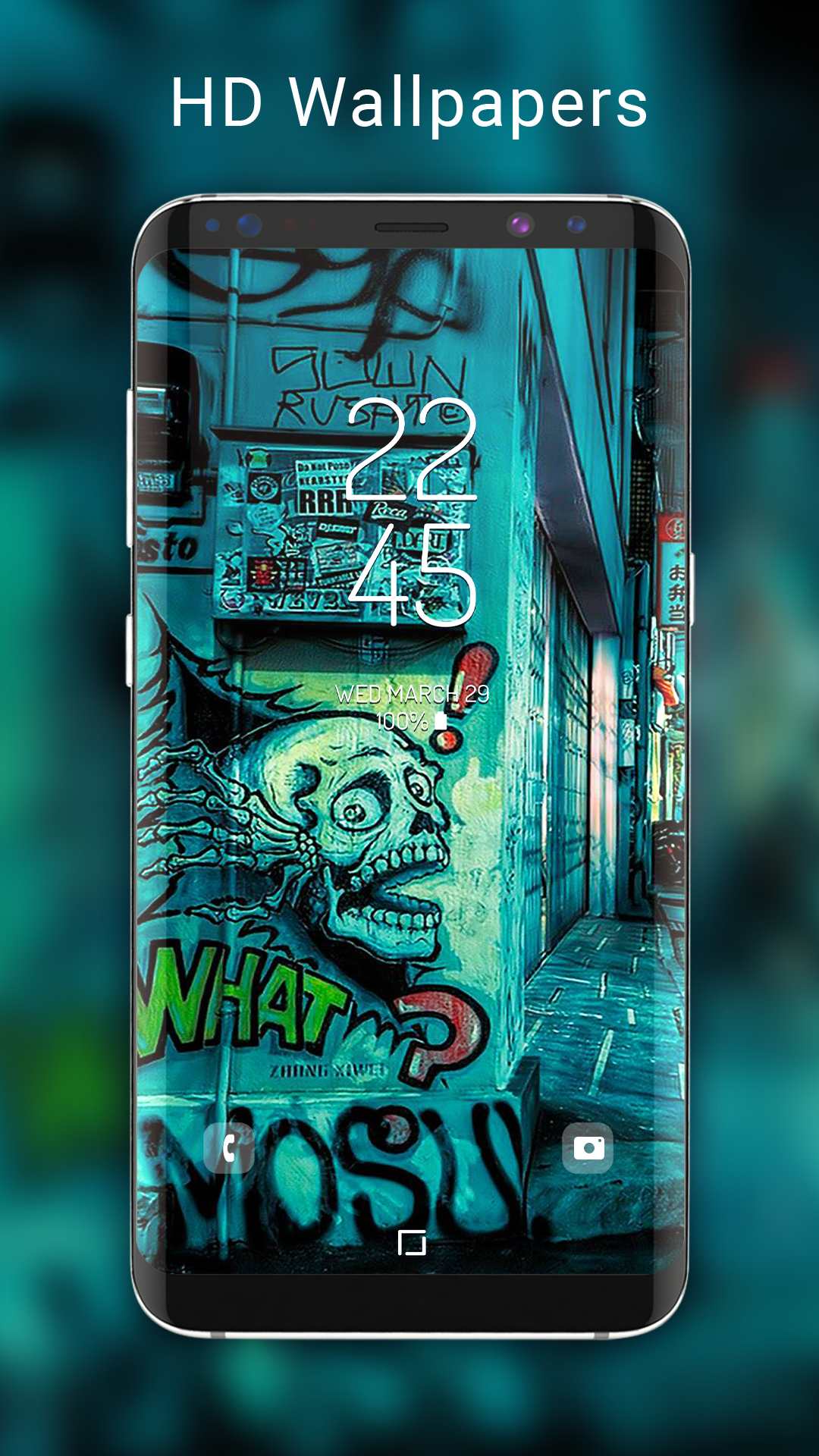
Graffiti colourful SMS theme transforms your messaging interface with vivid graffiti-inspired visuals, fresh color palettes, and custom fonts. The Graffiti colourful SMS theme replaces default backgrounds, chat bubbles, and icons to give SMS conversations an urban, artistic vibe while keeping readability and responsiveness on a wide range of Android phones.
This theme is designed for users who want to personalize their SMS app without sacrificing clarity. It blends bright spray-paint textures, bold accent colors, and readable typography into each conversation screen. The result is a distinctive look that feels modern and expressive but remains practical for everyday messaging.
Installation is straightforward: download the theme package and follow the app’s prompts to apply it to your default SMS client. The theme works with most popular messaging apps through an add-on or theme engine, and it detects screen size to scale graphics properly. Backgrounds and bubble styles can be toggled independently, letting you mix elements for a personalized setup.
Customization is where Graffiti colourful SMS theme shines. You can change background opacity, swap color accents, and choose between compact or spacious bubble layouts. For users who like fine control, there are presets that adjust contrast, shadowing, and font weight. The theme also includes a palette editor to pick primary and secondary colors that match your wallpaper.
Despite its visual complexity, the theme prioritizes performance. Graphics are compressed and cached to minimize RAM use and avoid lag during scrolling. Battery impact is small because animations are subtle and optional. The developer provides compatibility notes for Android versions and lists supported SMS apps, so you can confirm whether it fits your device before applying.
The interface uses clear affordances: long-pressing messages, quick-reply cues, and consistent touch targets. The Graffiti colourful SMS theme balances aesthetic flair with usability by keeping interactive elements distinct from decorative art. Notification previews and lock-screen text are adjusted to maintain readability against busy backgrounds.
Many users appreciate a messaging look that reflects personality while staying functional. The Graffiti colourful SMS theme offers expressive visuals without disrupting everyday communication. It’s a good match for creative users, urban design fans, or anyone who wants a lively alternative to plain system themes.
To begin, install the theme through your chosen marketplace or theme manager. Grant any required permissions for applying visuals to a messaging client, then pick a preset or create a custom layout. If you encounter scaling issues, use the app’s screen-fit option or consult the in-app help for device-specific recommendations.
Whether you want a subtle splash of color or a full-on street-art makeover, Graffiti colourful SMS theme provides a balance of style and practicality for everyday messaging. With straightforward controls and thoughtful design choices, it’s a quick way to refresh the look of your conversations without compromising usability.
File size: 6.10 M Latest Version: 5.0.12
Requirements: Android Language: English
Votes: 499 Package ID: com.messenger.sms.theme.free.graffitinew
Developer: Digital Upground Themes

Must Have Communication Apps for Android
Connect deeper through meaningful conversations with our communication apps. Enjoy crystal-clear calls, video chats, messaging, and file sharing. Find the perfect emojis, GIFs, and stickers to express yourself. Keep the non-stop group banter organized in one place. Block unwanted interactions at the source. Meet new people worldwide through our global community features.






LIVE A HERO
Retro Hero Mr Kim
Empire of Passion
Arcane Quest Legends
Magic Snap: Momotaro
AllStar Manga Heroes
Lunescape
ONE PIECE Thousand Storm JP
Tap Titans 2