Scan to Download
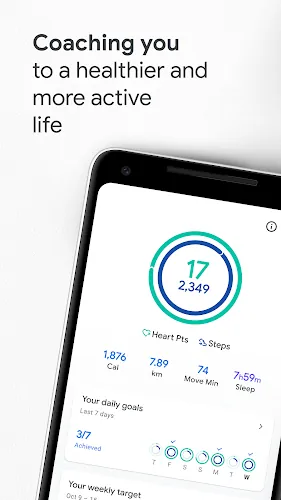
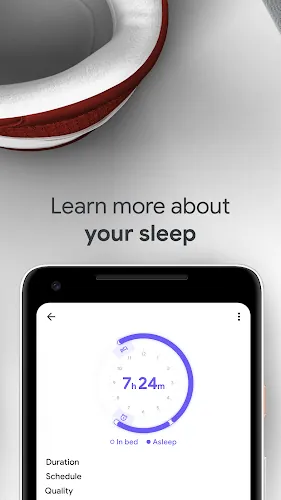
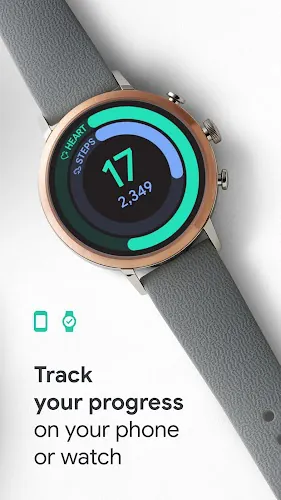
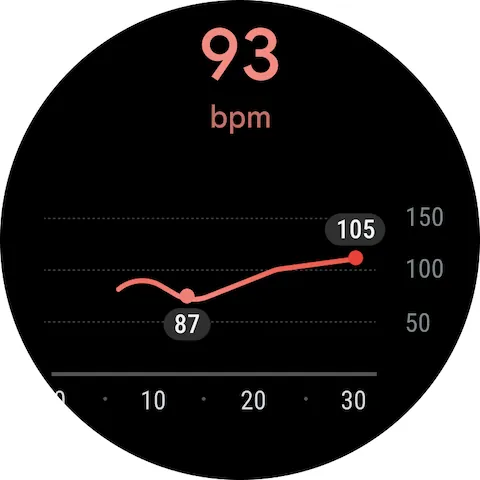
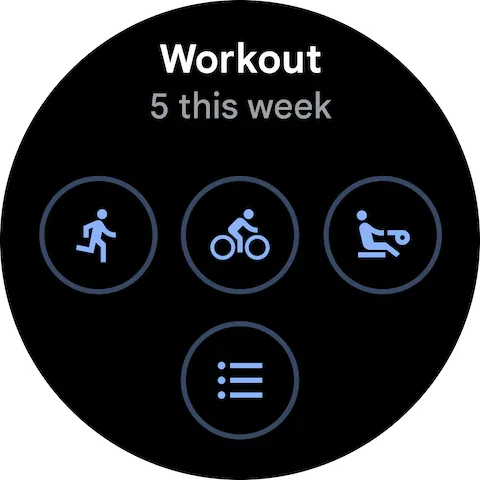
Google Fit is a health tracking app that monitors activity, heart rate, and sleep to help users build healthier routines. It combines step counting, workout logging, and goal setting with a simple interface so you can track progress and view trends without wading through complex menus or third-party tools.
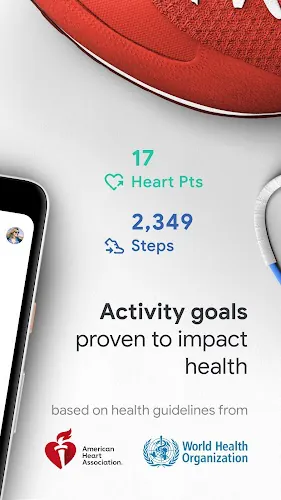
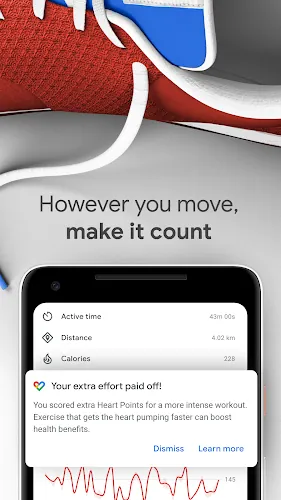
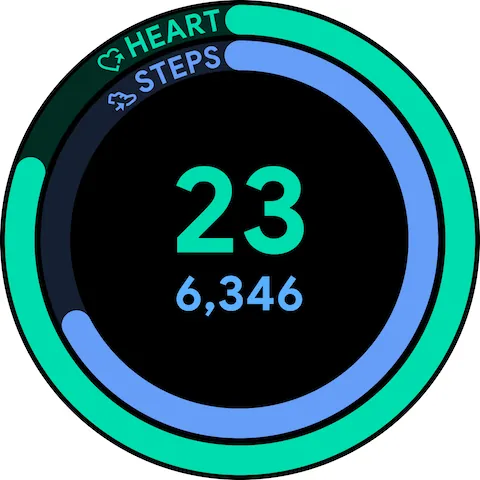
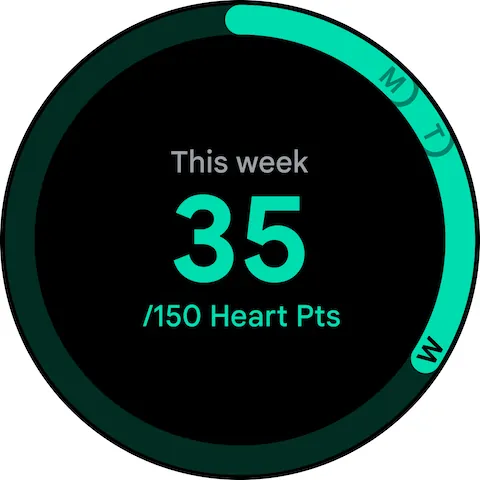
The app focuses on translating everyday movement into meaningful metrics. Google Fit captures walking, running, and cycling automatically, and it can log workouts from popular fitness devices. It emphasizes two main goals—Move Minutes and Heart Points—which encourage consistent activity and measure intensity for well-rounded fitness tracking.
The interface is clean and card-based, which keeps key metrics visible on the home screen. Graphs and timelines are easy to interpret; color-coded visuals highlight active days and target achievements. Navigation relies on a few main tabs, so moving between progress, workouts, and settings feels fluid.
Google Fit is lightweight for modern Android devices and runs in the background with minimal impact on battery life. Syncing with wearables and third-party fitness apps is generally reliable, though occasional delays can occur when servers are busy or connections reset. The app recovers quickly once the pairing is reestablished.
Integration is one of the app's strengths. Google Fit connects with numerous health and fitness platforms, enabling unified data collection from smartwatches, smart scales, and running apps. This makes it practical for users who switch devices or who want a single dashboard for lifestyle metrics.
Users can set daily targets and adjust notification preferences to match personal goals. The Move Minutes and Heart Points targets are adaptable, allowing beginners to aim for smaller milestones while experienced athletes can push for higher intensity goals. Data filters let you display only the metrics that matter most.
Google Fit is designed to be glanceable: quick summaries on the lock screen, reminders to move after long sedentary periods, and simple workout timers make it practical for everyday use. It’s an effective companion for people who want to adopt small, sustainable changes rather than overhaul their lifestyle overnight.
Data collected through Google Fit is stored on-device and in your Google account, with controls that let you manage which apps and devices have access. Privacy settings are accessible within the account menu, and granular permissions prevent unnecessary sharing of sensitive health information.
Google Fit fits casual exercisers who want low-friction tracking, commuters who need step and travel metrics, and anyone who uses multiple health services and prefers a single point of reference. Athletes looking for advanced training plans may find it basic, but it serves well as a central hub for everyday well-being metrics.
Download and sign in with your Google account to begin. Grant activity permissions, choose your initial goals, and connect any wearables for enhanced tracking. Spend a week observing the summaries before fine-tuning goals—small changes often yield the best long-term results.
Google Fit provides a straightforward balance of accessibility and useful features, making it a practical choice for people who want consistent tracking without unnecessary complexity.
File size: 32.10 M Latest Version: 2024.09.26.02.arm64-
Requirements: Android Language: English
Votes: 387 Package ID: com.google.android.apps.fitness
Developer: Google LLC

Must Have Home Apps for Android
Make your house a home with our suite of helpful home apps. Discover clever tools to organize closets, streamline chores, and simplify cooking. Take the stress out of cleaning and maintenance with handy checklists and schedules. Enhance security and control appliances and lighting with our smart home integrations. Design, visualize, and renovate like a pro using our 3D planning software.






LIVE A HERO
Retro Hero Mr Kim
Empire of Passion
Arcane Quest Legends
Magic Snap: Momotaro
AllStar Manga Heroes
Lunescape
ONE PIECE Thousand Storm JP
Tap Titans 2