
Scan to Download
Fly GPS is a lightweight location tool that lets Android users set a virtual position on a map for testing, privacy, and development. It provides pin placement, route simulation, and coordinate input with a simple interface, useful for app debugging, location-based testing, and controlling how apps see your device.
Designed for flexibility, Fly GPS gives control over the device's reported location without heavy system modifications. The app works with a range of Android versions and emphasizes an intuitive map view, quick location selection, and stability during extended sessions. It aims to be a practical utility rather than a complex developer-only tool.
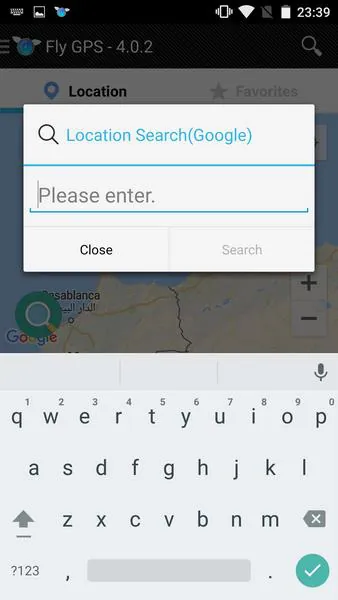
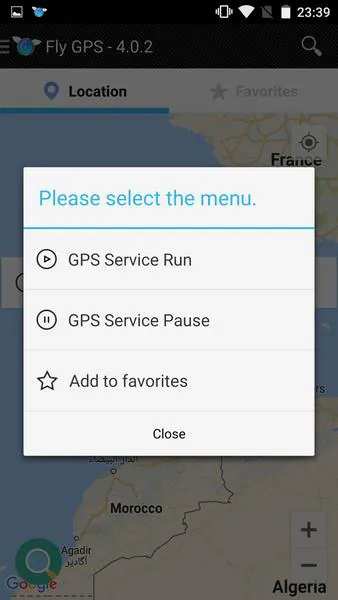
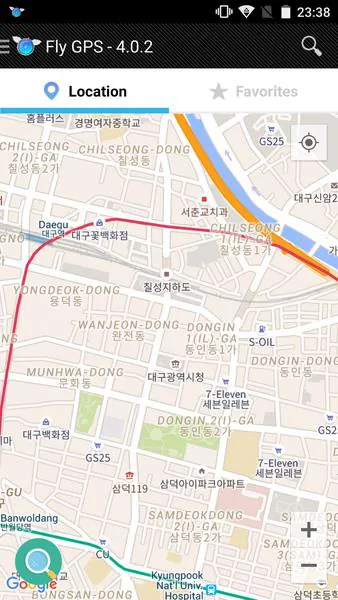
After enabling mock locations in developer settings or granting the app required permissions, Fly GPS overlays your chosen coordinates to the system. The interface centers on a responsive map where you tap to select a point, use a joystick-style control to nudge your position, or input precise coordinates. Route simulation advances through waypoints so apps that react to motion can be tested reliably.
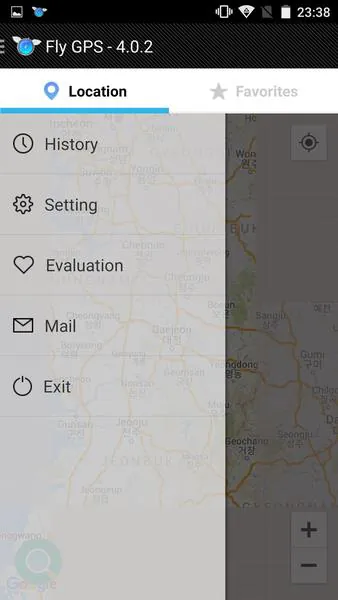
The UI focuses on clarity: large map tiles, clear action buttons, and unobtrusive status indicators. Performance is optimized to minimize battery drain while maintaining position accuracy. The app is engineered to run continuously in the background without frequent redraws, and map caching helps when network conditions are weak.
Fly GPS serves several legitimate scenarios. Mobile developers can validate geofencing, mapping integration, and location triggers without traveling. QA testers simulate user movement across addresses to reproduce bugs. Privacy-conscious users control the location presented to apps for testing or data minimization. Photographers and content creators can preview geotag placements before publishing.
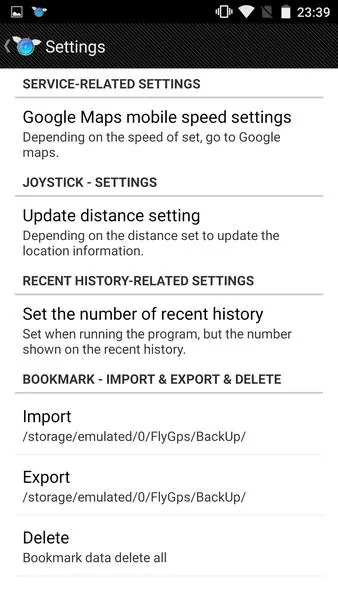
Start with a single pinned location to confirm the app is reporting correctly. Use saved favorites to quickly return to test areas and try the lowest speed setting when verifying geofence triggers. Always double-check developer options in Android to ensure mock locations are enabled and that Fly GPS is selected as the mock provider if required by your OS build.
Fly GPS is compatible with most modern Android builds but may require specific developer settings on some manufacturers’ devices. Avoid using virtual location tools to bypass terms of service in games or services; instead, keep usage within testing, privacy control, and legitimate development contexts. The app does not request unnecessary access and includes simple guidance on safe configuration.
People choose Fly GPS for its balance of power and simplicity. It removes friction from location testing, reduces device travel time for QA, and provides straightforward controls for non-technical users. Regular updates focus on map stability and lower resource usage, which helps when running prolonged simulations.
Download and grant the minimal permissions prompted during setup, enable mock locations if needed, and pin your first location. Explore route simulation and save favorites to speed up recurring tasks. If you encounter permission issues, consult the in-app help or device developer options to confirm provider selection.
With a clear interface, flexible tools, and an emphasis on practical workflows, Fly GPS is built for users who need dependable virtual positioning without complicated setup or heavy resource demands.
File size: 9.53 M Latest Version: 7.2.2
Requirements: Android Language: English
Votes: 123 Package ID: com.fly.gps
Developer: KJS Mobile


Top Auto Free Apps for Android
Hit the open road with confidence using our automotive apps. Access comprehensive makes/models reference guides for expert vehicle knowledge. Get step-by-step repair and maintenance tutorials so you can DIY with ease. Scan diagnostic codes and get repair estimates from local shops. Stay on top of your vehicle's health with digital logs and alerts. Plan road trips leveraging real-time maps, traffic data, and trip computer integration.






LIVE A HERO
Retro Hero Mr Kim
Empire of Passion
Arcane Quest Legends
Magic Snap: Momotaro
AllStar Manga Heroes
Lunescape
ONE PIECE Thousand Storm JP
Tap Titans 2