Scan to Download
TomTom AmiGO - GPS Navigation delivers a streamlined, community-driven navigation experience for drivers who want clear directions, speed alerts and live traffic updates. TomTom AmiGO - GPS Navigation is built around fast turn-by-turn guidance, crowd-sourced warnings and a vehicle-friendly interface so journeys stay efficient and safer on both highways and city streets. This editor overview explains how the app organizes maps, voice prompts, alerts and settings, and what to expect day-to-day when you use it on Android.
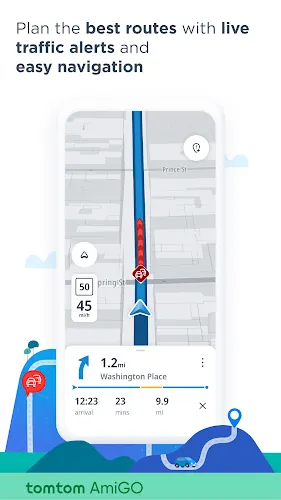
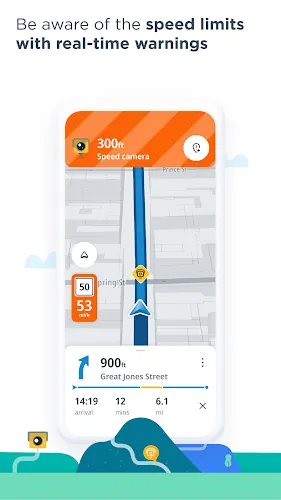
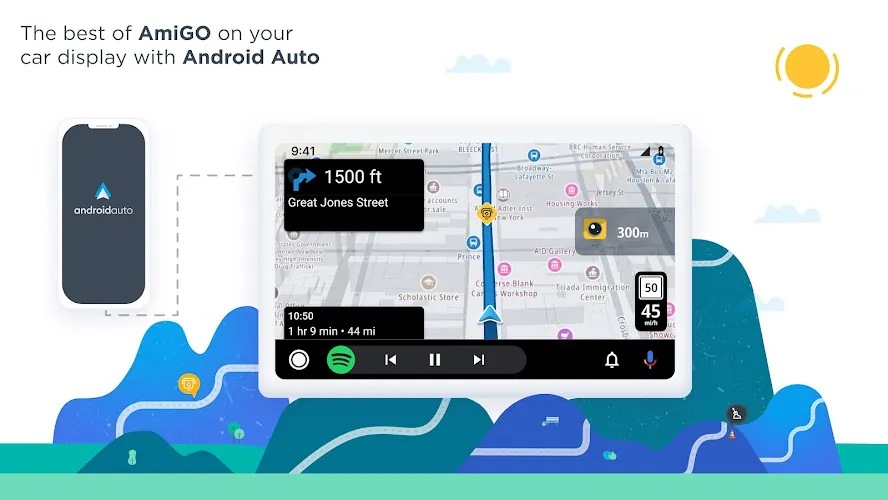
The app focuses on essentials that matter while driving: accurate route calculation, reliable ETA estimates, speed camera and hazard alerts, and dynamic traffic updates. Routing mechanics favor quick recalculation when traffic patterns change, and options let you prioritize the fastest route, the shortest distance, or a path that avoids highways or tolls. Turn-by-turn guidance uses clear audio and large on-screen instructions so you can follow navigation with minimal distraction.
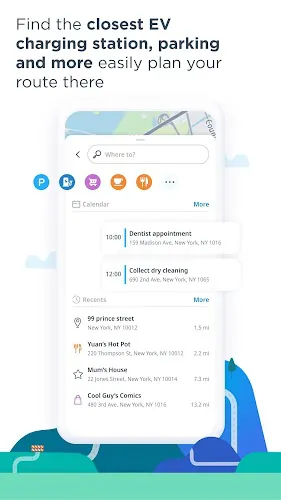
Controls are intentionally simple to reduce interaction while driving. Large touch targets present primary actions for starting, pausing or cancelling a route, and voice guidance can be adjusted or muted without diving into nested menus. Search uses address entry and point-of-interest lookups with predictive suggestions, and the app supports common hands-free flows such as accepting calls over Bluetooth without interrupting navigation. The interface is designed so a single tap or voice command handles most routine changes.
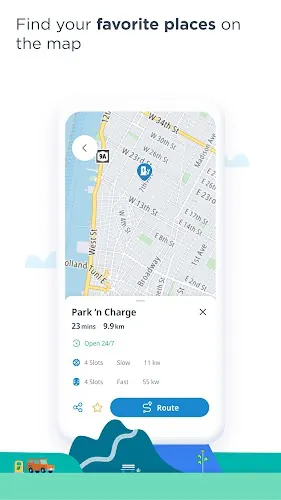
Map styling emphasizes readability at a glance: prominent next-turn arrows, bold route highlighting and uncluttered iconography for alerts. Map tiles are cached during a trip to smooth the visual experience in areas with patchy signal, and zoom levels adjust automatically to show the most useful context for each driving phase, from dense city streets to long-distance highway stretches. Color contrasts and font sizes are tuned for daytime and night driving conditions.
Instead of a game-like progression system, the app promotes gradual feature discovery and user confidence through repeated use. As you drive with the app, you learn the behavior of rerouting, the types of community reports you see, and how notification thresholds work for speed and proximity warnings. Trips naturally break into segments — urban, suburban and highway — and the app optimizes guidance for each segment so longer journeys feel like a series of manageable steps rather than a continuous task.
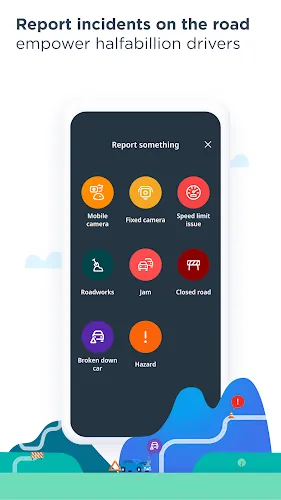
The crowd-sourced alert model is central to replay value: frequent users contribute reports on accidents, hazards, temporary roadworks and mobile speed checks, improving route accuracy for others. While there is no competitive ranking, the system creates an ongoing shared challenge of keeping information current and useful. Regular commuters will notice the app becomes more tailored as local reports accumulate, and occasional drivers will still benefit from recent alerts when navigating unfamiliar areas.
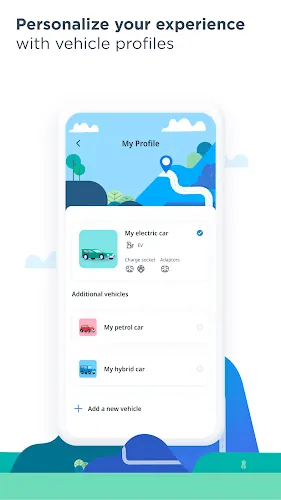
TomTom AmiGO - GPS Navigation provides meaningful customization without overwhelming choices. You can toggle types of notifications, choose voice guidance and adjust when speed alerts appear relative to detected cameras. Accessibility options include larger map text and simplified layouts for drivers who prefer fewer on-screen elements. Voice prompts and non-intrusive audio cues keep interactions hands-free and reduce the need to glance away from the road.
The app performs best with a live connection for traffic flow and community reports, but it manages data carefully and caches map tiles to maintain continuity when signal drops. Background optimizations limit battery drain while maintaining GPS accuracy for route following. For prolonged offline needs, evaluate device storage for map cache and use the app conservatively to preserve both battery and data allowances.
Compatibility is broad across modern Android devices and the app pairs easily with vehicle Bluetooth systems for hands-free audio. Setup is quick: install the app, grant location permission, configure preferred alerts and test voice guidance before you start driving. Encourage local drivers to report hazards to improve the live feed — the community contributions are what make the service more effective over time.
TomTom AmiGO - GPS Navigation blends practical routing essentials with community-powered information to help keep drives predictable and safer. Try the app on your Android device to experience clear routing, up-to-date alerts and a minimalist interface designed for safe use behind the wheel.
File size: 239.30 M Latest Version: 9.184.0
Requirements: IOS Language: English
Votes: 323 Package ID: com.tomtom.speedcams.android.map
Developer: TomTom International BV

Top Auto Free Apps for Android
Hit the open road with confidence using our automotive apps. Access comprehensive makes/models reference guides for expert vehicle knowledge. Get step-by-step repair and maintenance tutorials so you can DIY with ease. Scan diagnostic codes and get repair estimates from local shops. Stay on top of your vehicle's health with digital logs and alerts. Plan road trips leveraging real-time maps, traffic data, and trip computer integration.






LIVE A HERO
Retro Hero Mr Kim
Empire of Passion
Arcane Quest Legends
Magic Snap: Momotaro
AllStar Manga Heroes
Lunescape
ONE PIECE Thousand Storm JP
Tap Titans 2