
Scan to Download
SanSaude is a mobile health and wellness app designed to centralize personal medical records, appointment scheduling, and daily health tracking into a single, easy-to-use interface. It helps users monitor vitals, manage prescriptions, and share data securely with caregivers or clinicians, saving time and improving routine health management.
SanSaude focuses on turning fragmented health information into a coherent, actionable profile. Users can import medical history, log symptoms, capture measurements such as blood pressure and glucose, and keep a timeline of consultations and test results. The app is aimed at people who want better oversight of their day-to-day health and simpler communication with health professionals.
After an initial setup where you add basic profile details and any existing conditions, SanSaude guides you through a few short forms to import recent tests and prescriptions. Daily use centers on quick entries: record a reading, mark a medication as taken, or note a symptom. The app aggregates these inputs and surfaces meaningful alerts when patterns appear—like rising blood pressure or missed doses—helping users take timely action.
SanSaude turns raw numbers into easy-to-read charts. Weekly and monthly views highlight improvements or declines, and customizable reports can be exported as PDFs for doctor appointments. Visual summaries reduce the time spent explaining history to clinicians and help identify trends that might be missed in single measurements.
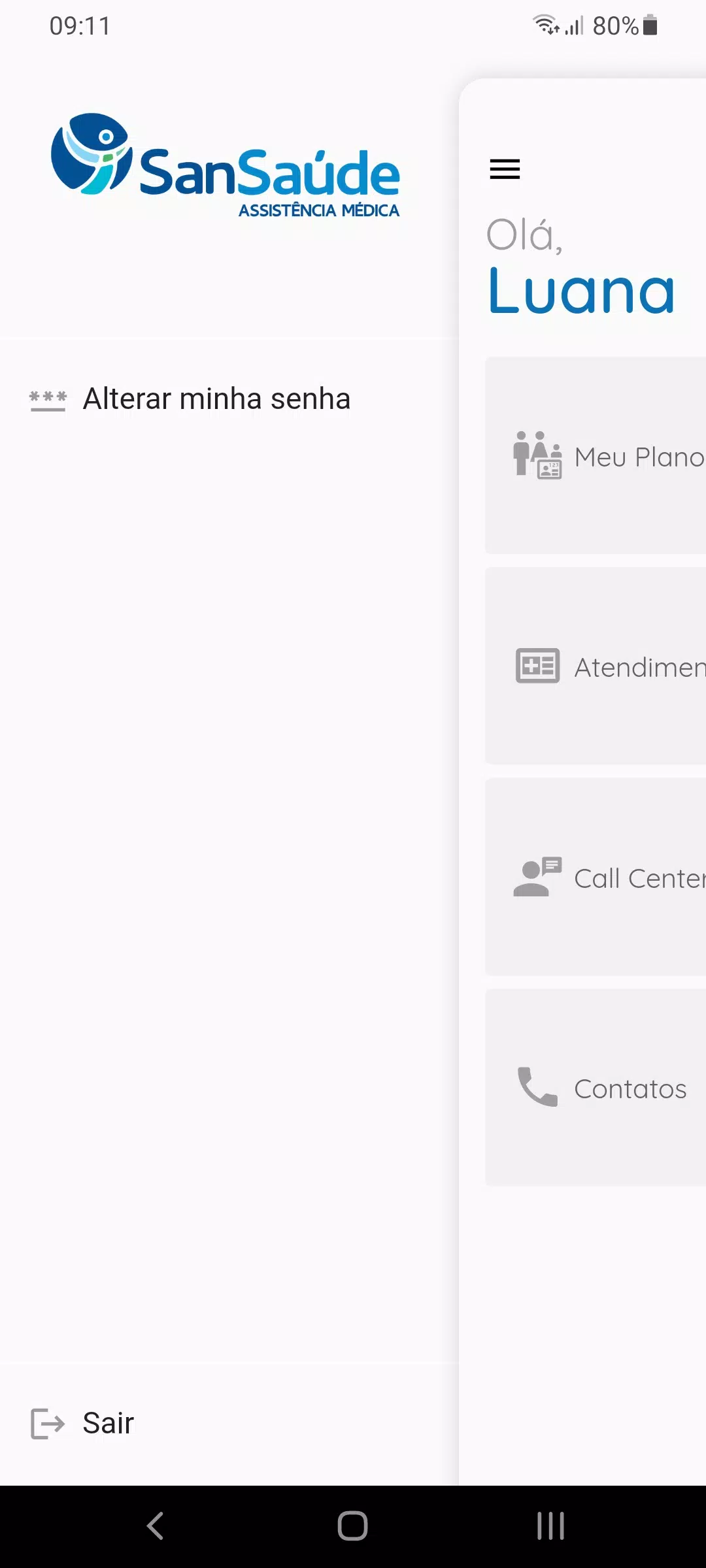
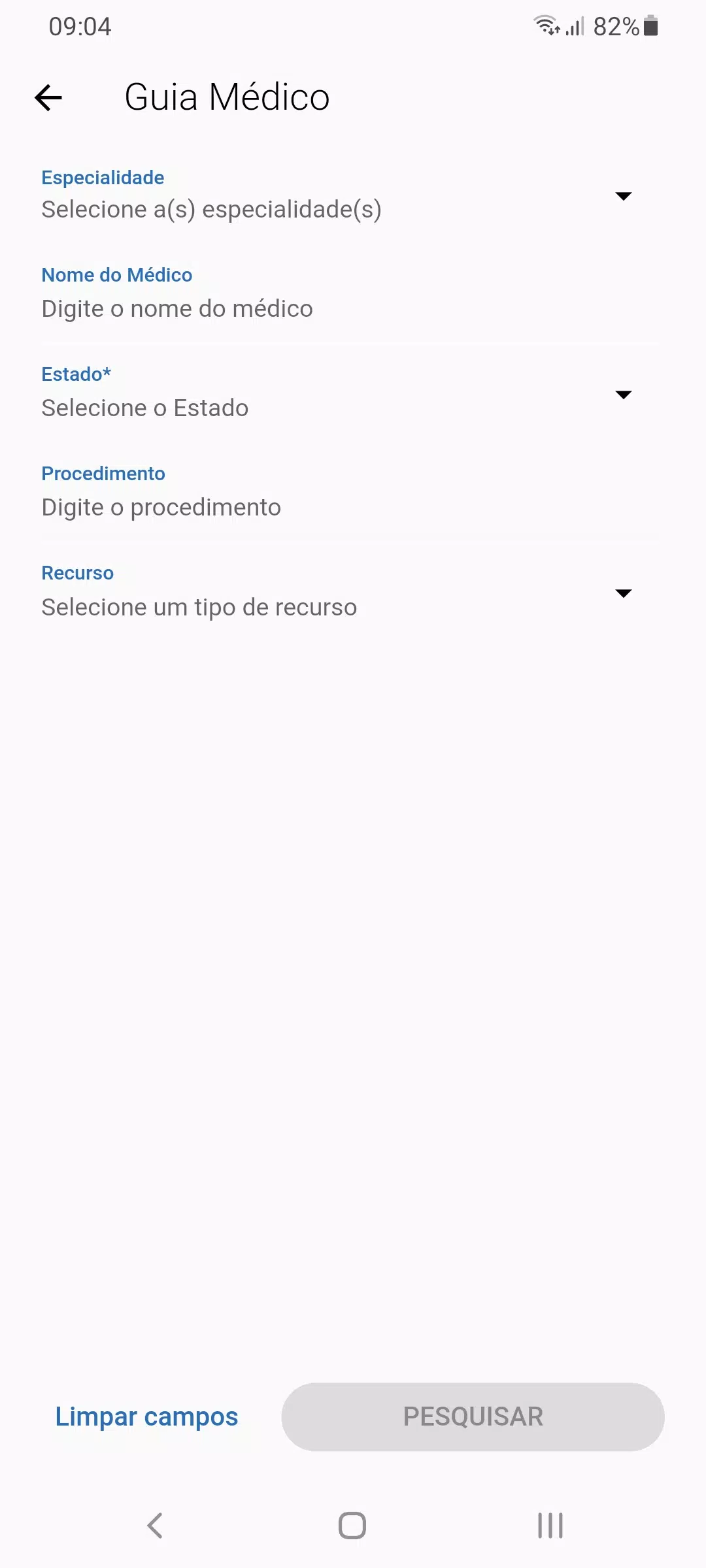
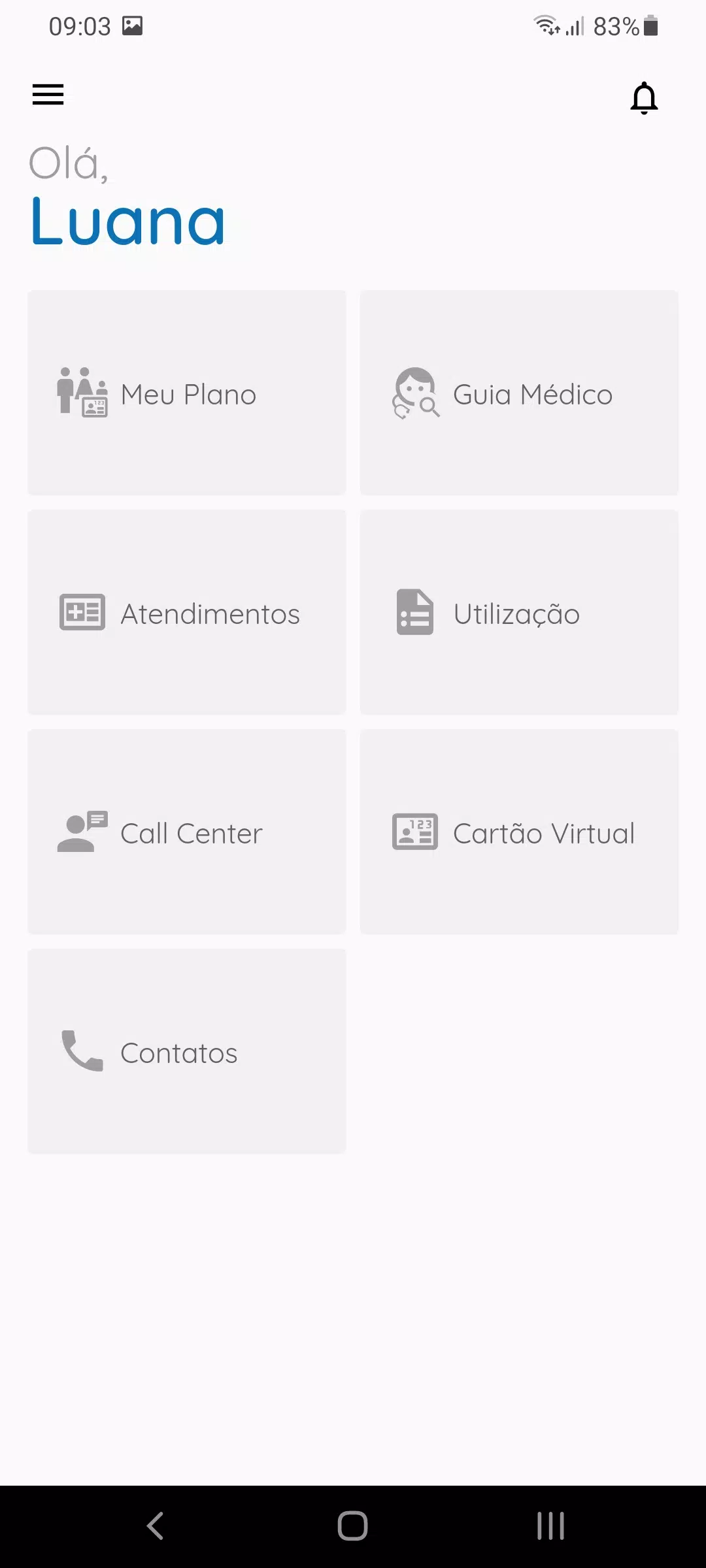
The interface prioritizes clarity: large, readable fonts, color-coded statuses, and a minimal navigation bar for primary tasks. Performance is optimized to run smoothly on mid-range devices, with background syncing options that save battery life. Local encryption protects sensitive data while optional cloud backup provides cross-device continuity.
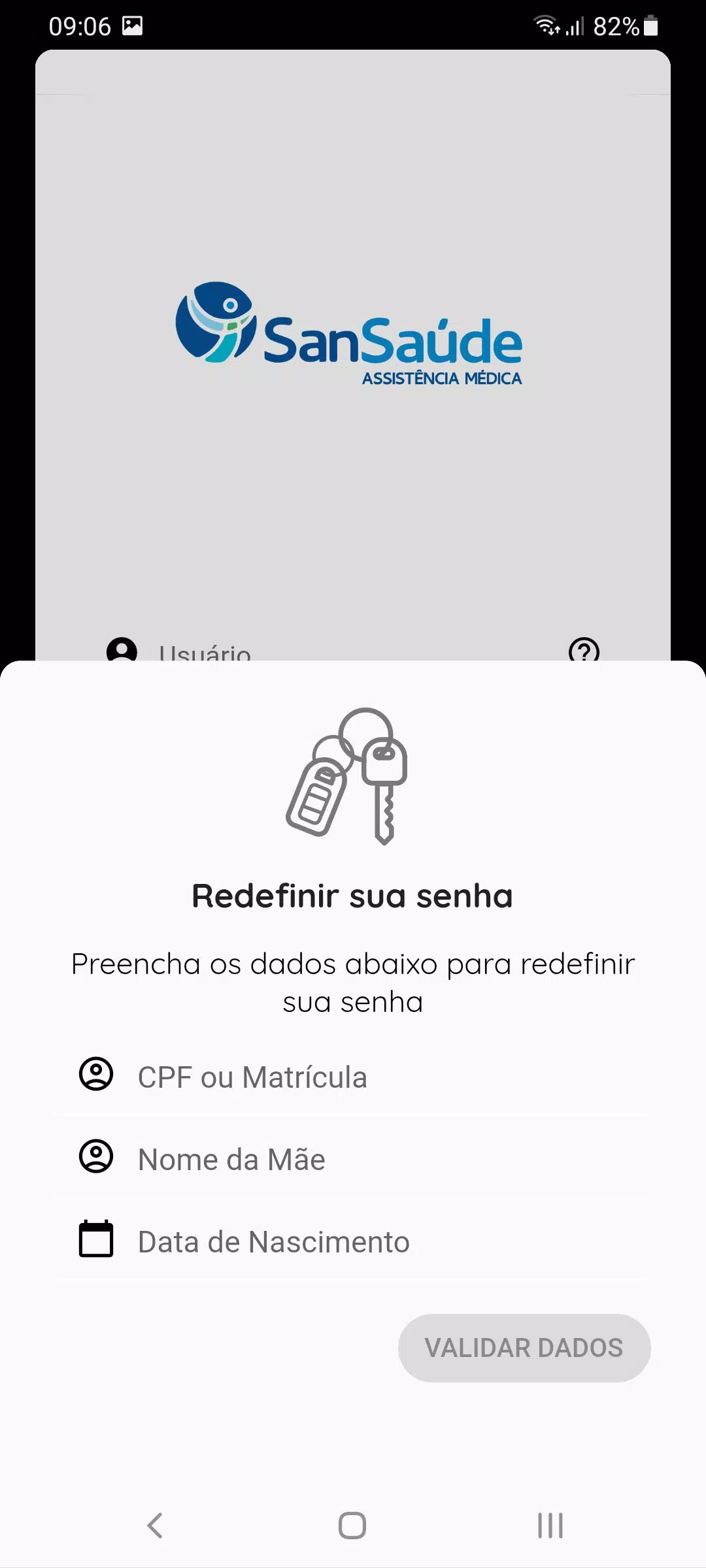
SanSaude employs standard practices such as PIN or biometric locks and encrypted data transfer. Users control what is shared and can revoke access at any time. For those concerned about regulatory compliance, the app highlights how records are handled and where backups are stored, making it easier to evaluate privacy posture before committing.
SanSaude supports selective sharing, enabling users to send a compact report link or grant temporary access to a practitioner. This reduces repetitive paperwork during consultations and makes telehealth sessions more productive when both parties can see the same timeline and readings.
Download, create an account, and follow the guided setup to add your basic health details. SanSaude offers onboarding prompts and sample entries that show how to make the most of tracking and sharing features. Regular use yields clearer insights and can simplify interactions with health services.
Whether you need a single place for medical records or a tool to track long-term metrics, SanSaude combines practical utilities with accessible design to support everyday health management.
File size: 11.80 M Latest Version: 2.8.6
Requirements: Android Language: English
Votes: 211 Package ID: br.com.mv.mvsaude.beneficiario.sandsaude
Developer: Santa Casa de Votuporanga




Top Health Free Apps for Android
Take charge of your wellbeing with our innovative health and fitness apps. Monitor your activity, sleep, nutrition and more using our advanced tracking tools. Access personalized insights to develop healthy habits. Check symptoms, manage medications, and connect with doctors through our telehealth services. Follow customized workout plans for any fitness level with our virtual coaching.






LIVE A HERO
Retro Hero Mr Kim
Empire of Passion
Arcane Quest Legends
Magic Snap: Momotaro
AllStar Manga Heroes
Lunescape
ONE PIECE Thousand Storm JP
Tap Titans 2










































