95.3 WLKR delivers a focused mobile radio experience that brings local hits, talk segments, and live shows to your Android device with minimal fuss. The app prioritizes clear streaming, station schedules, and listener interaction tools so you can tune in quickly whether you’re commuting, working, or relaxing at home.
Designed for fans of the eponymous FM station, 95.3 WLKR provides live audio streaming, program schedules, and on-air information in a compact package. The app concentrates on delivering stable playback and easy access to the daily lineup while offering a few quality-of-life features such as favorite shows and background play.
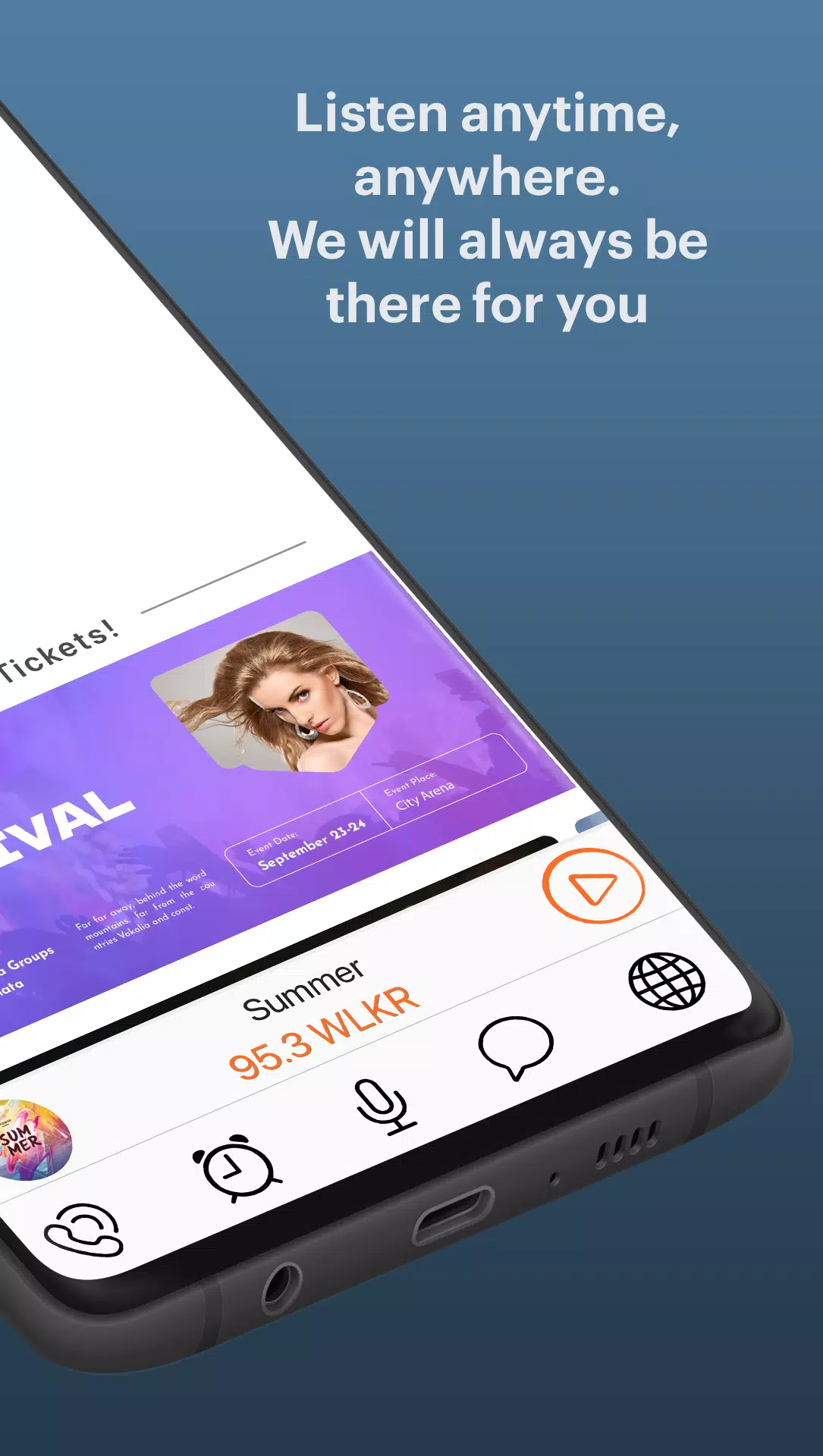
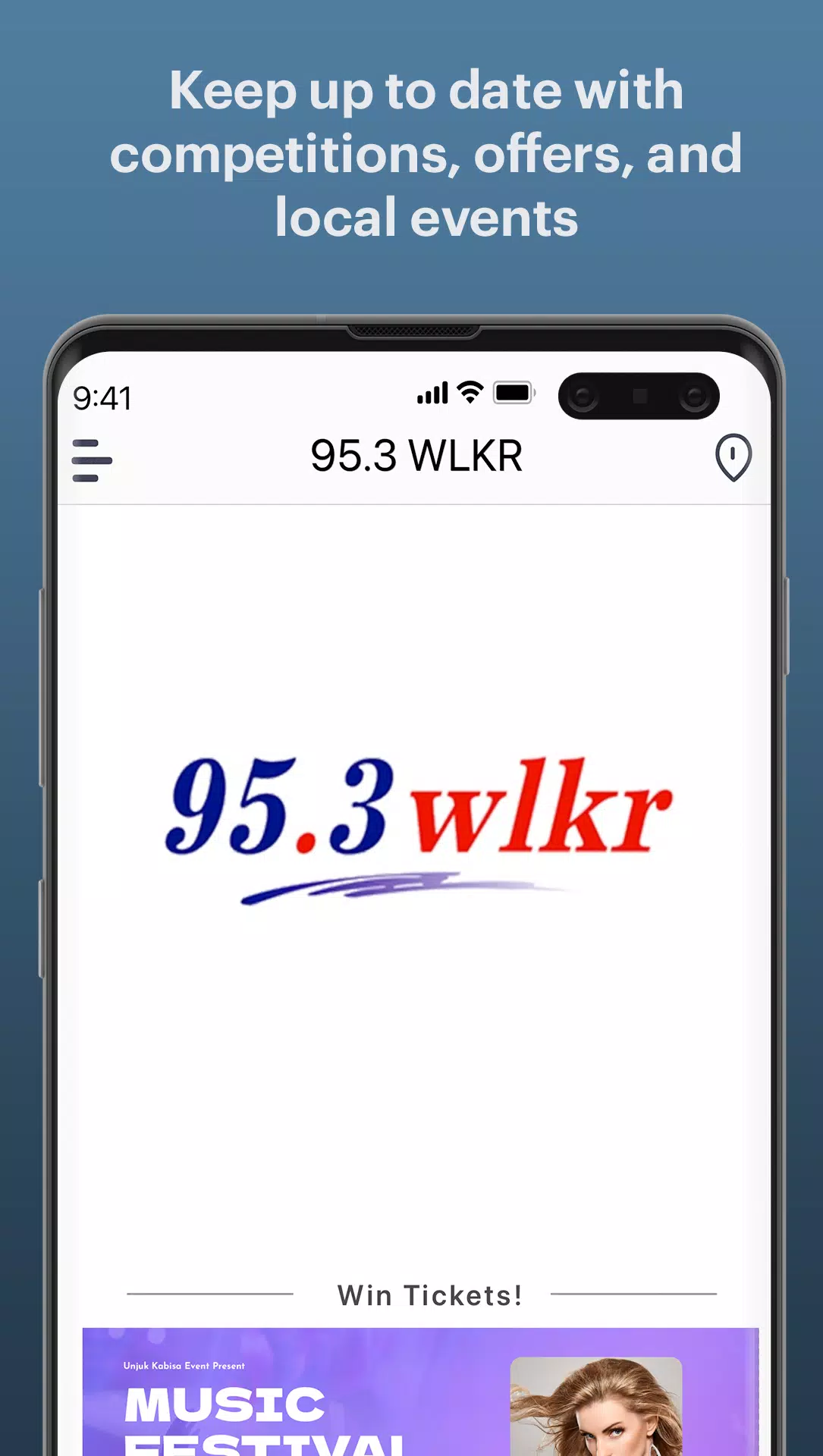
The user interface is intentionally straightforward: a main player screen, a schedule tab, and an info section for social links and contact details. Controls are large enough for quick thumbs-up during a commute. Load times are brief on modern networks, and the app typically maintains stable playback even when switching between Wi-Fi and mobile data.
Audio is optimized for speech and popular music formats the station plays. Expect clear vocals and adequate bass for typical FM-style mixes. There’s no high-resolution streaming option, which helps limit data consumption. If you’re mindful of your data plan, look for settings that reduce stream bitrate or restrict streaming to Wi-Fi only.
Getting started is simple. Tap the play button to begin streaming immediately. The schedule view shows what’s currently airing and what’s next. If a show catches your attention, add it to favorites so you can jump back with a single tap. Background play lets audio continue while using other apps or when your screen is off.
95.3 WLKR supports basic integrations common to radio apps: Bluetooth playback for in-car systems and home speakers, and compatibility with Android audio focus rules so other sound sources pause playback appropriately. There’s no built-in offline mode, as the service relies on live broadcast delivery.
While not heavily customizable, the app provides sensible controls that matter most to listeners. You can:
Listeners often praise the app for dependable live play and simple navigation. When signal hiccups occur, retrying the stream or switching networks restores playback quickly. Error messages are generally clear and offer steps like reconnecting or checking network settings.
If you prefer a no-nonsense station app that focuses on delivering the broadcast and keeping interactions straightforward, 95.3 WLKR fits well. Casual listeners who want quick access to local radio, commuters who need background playback, and community-focused users looking for local news and events will find value here.
Download and install from your preferred Android store, grant the minimal permissions requested for network access and notifications, then open the app. Tap the player to begin listening and explore the schedule to plan which shows to follow. For a smoother experience, keep the app updated and periodically clear cache if you notice playback slowdowns.
95.3 WLKR keeps radio simple and immediate: fast access to live shows, a clear schedule, and the essentials for daily listening without unnecessary bloat. Whether you’re tuning in for music, talk segments, or local updates, the app aims to make dialing in effortless.
File size: 53.50 M Latest Version: 8.25.1.75
Requirements: Android Language: English
Votes: 342 Package ID: com.abacast.wlkrfm
Developer: Lorain County Printing and Publishing


Must Have Home Apps for Android
Make your house a home with our suite of helpful home apps. Discover clever tools to organize closets, streamline chores, and simplify cooking. Take the stress out of cleaning and maintenance with handy checklists and schedules. Enhance security and control appliances and lighting with our smart home integrations. Design, visualize, and renovate like a pro using our 3D planning software.






LIVE A HERO
Retro Hero Mr Kim
Empire of Passion
Arcane Quest Legends
Magic Snap: Momotaro
AllStar Manga Heroes
Lunescape
ONE PIECE Thousand Storm JP
Tap Titans 2