Scan to Download
Interior Office Design helps users rethink and refresh their workspace by presenting a curated collection of office interior ideas and visual examples that emphasize both form and function. Interior Office Design is intended for entrepreneurs, managers, remote workers and teams who want practical inspiration to boost productivity and morale through clearer layouts, better organization and thoughtful lighting choices.
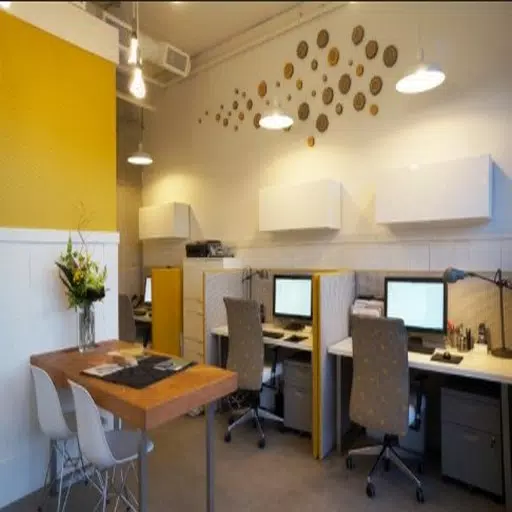
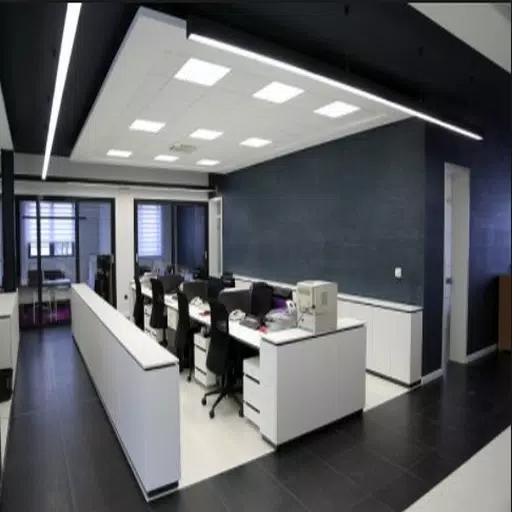
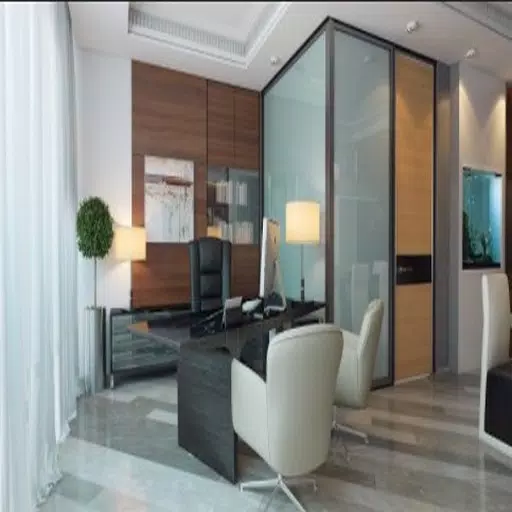
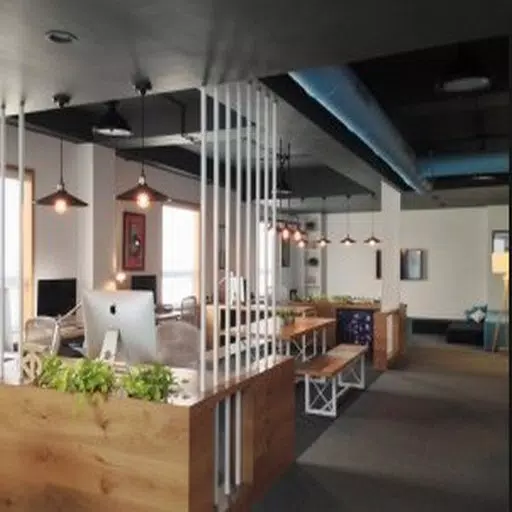
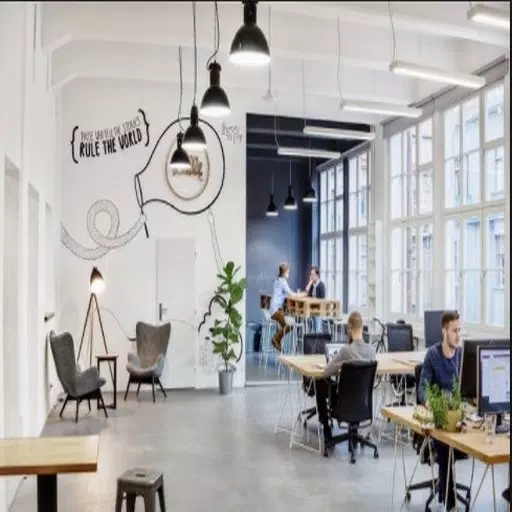
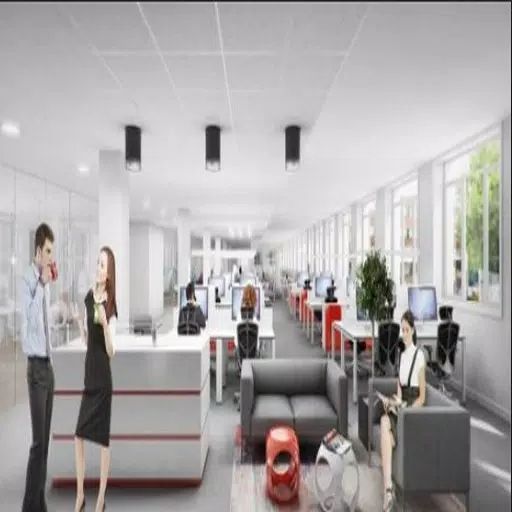
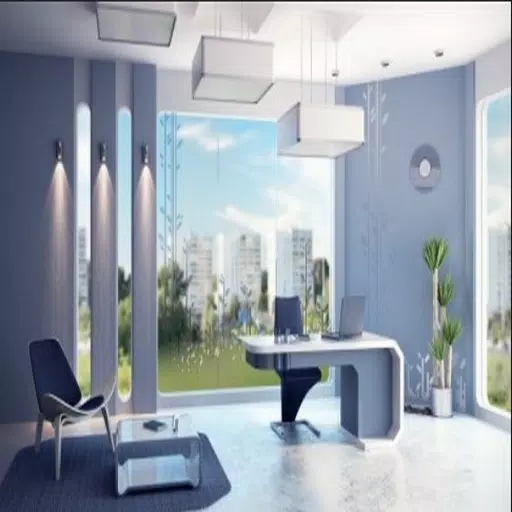
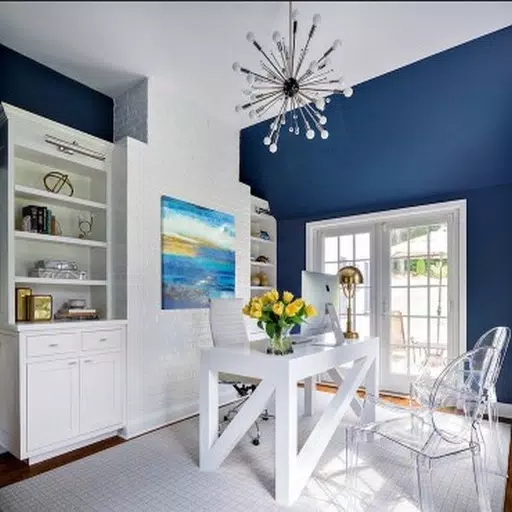
The app offers a wide gallery of real-world interiors spanning sleek minimalism, efficient open plans, and warmer, residential-inspired offices so you can compare different moods and approaches. Each gallery entry includes multiple photographs, brief contextual notes about the layout and suggested use cases, and side-by-side comparisons that highlight how changes in furniture placement, color palette or light sources alter circulation and atmosphere. Curated collections group designs by function—collaboration zones, focus pods, reception areas, and small-team layouts—so browsing is more purposeful than searching disparate sources.
Interior Office Design is organized around a simple project workflow that helps you move from inspiration to action. Start by saving images to a project or mood board, then annotate or add short notes about dimensions, preferred materials or constraints. The app provides practical suggestions for incremental improvements such as decluttering strategies, storage solutions, lighting swaps and ergonomic desk arrangements rather than prescribing full construction plans. This stepwise approach supports both quick tweaks and larger reconfiguration projects with an emphasis on realistic, implementable choices.
Navigation relies on familiar mobile gestures: swipe through galleries, pinch to zoom on details, tap to save or flag an image, and use simple filters to narrow results by style, scale or function. The interface is designed to keep tools close at hand so you can build mood boards, compare up to three layouts at once, and export annotated images for offline review. Search and filter controls are straightforward, prioritizing discoverability and low friction for users who want to iterate quickly between ideas and notes.
Progression in the app is driven by ongoing projects and saved boards rather than levels or points. As you collect images and add notes, projects become richer and more actionable; you can revisit boards to refine color schemes, swap furniture choices, and track what you have tested in the real space. Customization options include tagging items by priority, labeling zones for their primary function, and adjusting suggested layouts to account for footprint or circulation constraints. The app encourages repeat visits by rotating fresh examples and seasonal collections, so it remains a regular source of inspiration over time.
The visual presentation emphasizes high-quality photographs and clean, readable captions that call out functional details like sightlines, natural light usage, and storage integration. Content is organized by theme and scale rather than artificial difficulty tiers, with clear pathways for users who want small, low-cost fixes versus those planning multi-stage renovations. This structure makes it easier to locate visual references that match the size and budget of your workspace while preserving a consistent editorial voice across entries.
Interior Office Design includes accessibility considerations such as adjustable text size for captions, high-contrast viewing modes for gallery images, and simple tap targets to improve usability for all users. You can download selected boards and saved images for offline access, enabling reference during on-site visits or meetings where internet access may be limited. The app is optimized for responsive performance so image-heavy pages load smoothly on a range of devices without excessive memory use.
The app focuses on inspiration and practical suggestions and is not a substitute for detailed architectural plans or a certified interior designer for highly technical or structural work. Pricing, sourcing and contractor coordination are generally outside the app’s scope, though saved boards and annotated images are exportable to share with professionals. Interior Office Design aims to translate aesthetic preferences into actionable, workplace-friendly improvements while keeping expectations realistic about when expert consultation is required.
File size: 7.50 M Latest Version: 4.0
Requirements: Android Language: English
Votes: 84 Package ID: com.Interiorofficedesigns.Rereapps
Developer: MustikaStudio

Must Have Tools Apps for Android
Equip yourself with our all-in-one toolbox app for everyday tasks and projects. Instantly convert between units, calculate tips, scan documents, manage files, and more with handy productivity tools. Includes a level, compass, QR code reader, ruler, speedometer, decibel meter, and flashlight. Save frequently used tools to your customizable dashboard for one-tap access. Track billable hours, wages, budgets, and invoices. Annotate screenshots, magnify labels, and sign PDFs on the go.






LIVE A HERO
Retro Hero Mr Kim
Empire of Passion
Arcane Quest Legends
Magic Snap: Momotaro
AllStar Manga Heroes
Lunescape
ONE PIECE Thousand Storm JP
Tap Titans 2