Scan to Download
A Slightly Distorted App is a compact creative tool for mobile users that applies subtle visual and audio transformations to media with precise controls. It balances playful filters with practical presets, letting creators experiment without overwhelming settings and export high-quality, shareable results across social platforms and projects.
A Slightly Distorted App focuses on enhancing photos and short videos by introducing controlled distortion effects that range from gentle film grain to soft audio warbles. The goal is not to break media but to add character — a hint of analogue imperfection, motion blur, or harmonic modulation that makes content feel handmade instead of overproduced.
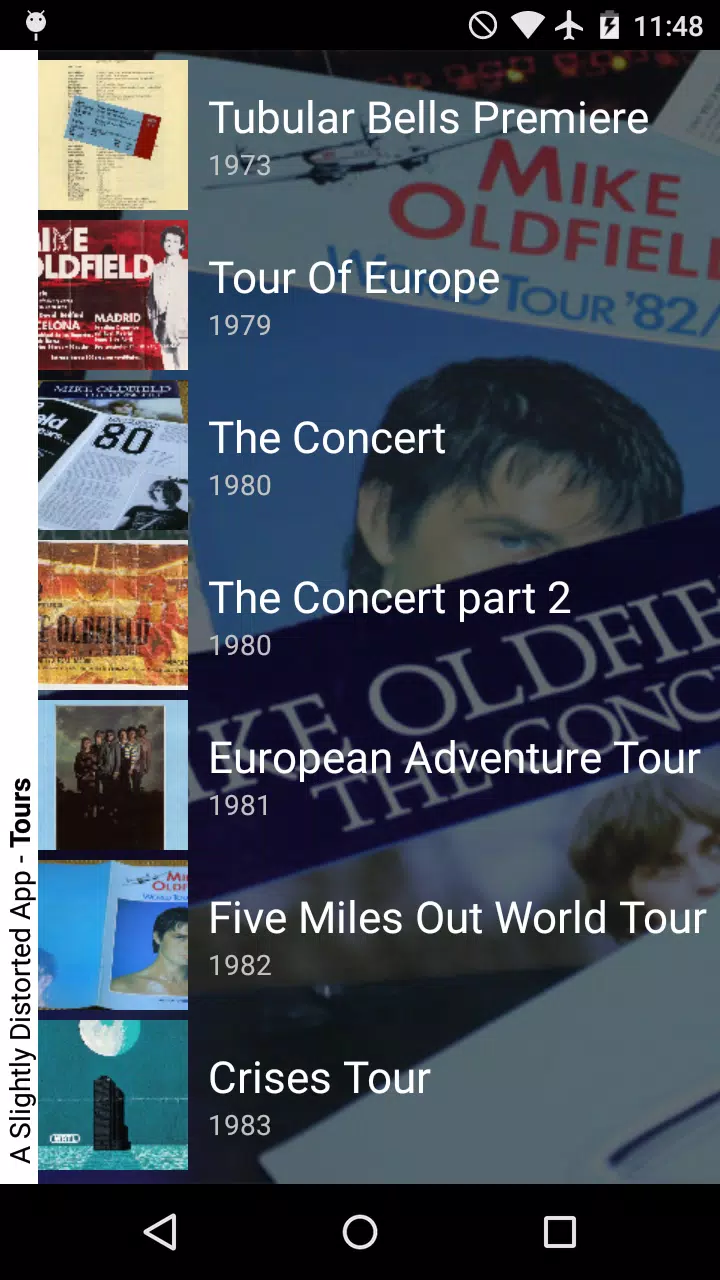
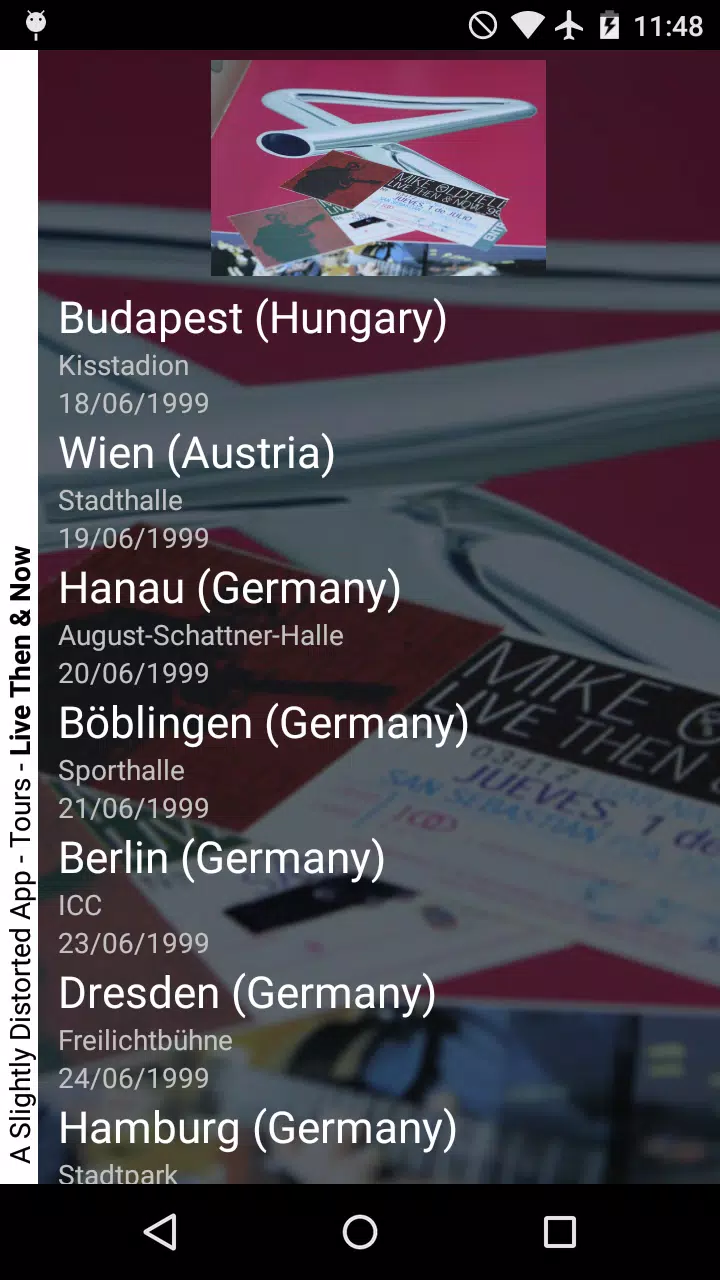
The interface is arranged around a central preview pane that updates instantly. Controls sit along the bottom and a collapsible sidebar holds advanced parameters. The design favors minimalism: large touch targets, contextual help, and a split view for before/after comparisons. This makes it easy to see subtle changes while you tweak settings.
Built for a mobile workflow, the app integrates with the system gallery and common share targets. It supports importing RAW images and high-bitrate video clips, plus basic metadata retention on export. There are quality presets for social platforms and options to preserve color profiles when exporting to cloud services or local storage.
Start by choosing a preset or loading a media file. Add or adjust distortion modules — for example, analog grain, pitch drift, vignette, or temporal jitter — then tweak each layer. Use masking tools to apply effects to specific regions. Finally, render and export using recommended settings for the intended platform. The progress bar and export logs keep you informed about resource usage.
Performance is a strong point: the app scales processing based on available CPU and GPU, so older devices get simpler approximations while newer phones enjoy full-resolution processing. Memory-efficient caching speeds up iterative edits and reduces wait times between previews, and a background render option lets you continue working while exports finalize.
For creators who value controlled imperfection, A Slightly Distorted App offers a deliberate alternative to heavily polished filters. It encourages experimentation while preserving original quality, making it suitable for photographers, short-form videographers, and social content creators who want a handcrafted edge.
Users often praise the app for its balance between creative depth and ease of use. The layered approach lets advanced users build complex looks while beginners can rely on well-curated presets. Regular updates add new effects and optimize performance, which keeps the tool relevant across device generations.
Download, grant gallery and microphone permissions if needed, and explore the starter presets. Spend five to ten minutes with a sample photo and one video clip to learn the key modules. Save custom presets as you refine your signature style so you can reproduce results quickly on future projects.
With a measured set of features, responsive performance, and an uncluttered interface, A Slightly Distorted App provides a focused toolkit for adding personality to mobile media without a steep learning curve.
File size: 8.70 M Latest Version: 1.6.v2001
Requirements: Android Language: English
Votes: 465 Package ID: com.netecnia.mikeoldfield
Developer: NETECNIA

Must Have Tools Apps for Android
Equip yourself with our all-in-one toolbox app for everyday tasks and projects. Instantly convert between units, calculate tips, scan documents, manage files, and more with handy productivity tools. Includes a level, compass, QR code reader, ruler, speedometer, decibel meter, and flashlight. Save frequently used tools to your customizable dashboard for one-tap access. Track billable hours, wages, budgets, and invoices. Annotate screenshots, magnify labels, and sign PDFs on the go.






LIVE A HERO
Retro Hero Mr Kim
Empire of Passion
Arcane Quest Legends
Magic Snap: Momotaro
AllStar Manga Heroes
Lunescape
ONE PIECE Thousand Storm JP
Tap Titans 2