
Scan to Download
Spotify MT is a customized music client designed to enhance streaming flexibility and user control, offering a streamlined interface, improved playback options, and tools for offline listening. It targets users who want an alternative experience to standard music apps while keeping familiar playback and playlist features intact.
Spotify MT provides a suite of functions that extend beyond basic streaming: high-quality playback controls, advanced offline caching, and adaptable equalizer presets. The app supports robust playlist management so you can import, reorder, and export lists quickly. Integrated search tools make discovering tracks and artists responsive even on constrained connections.
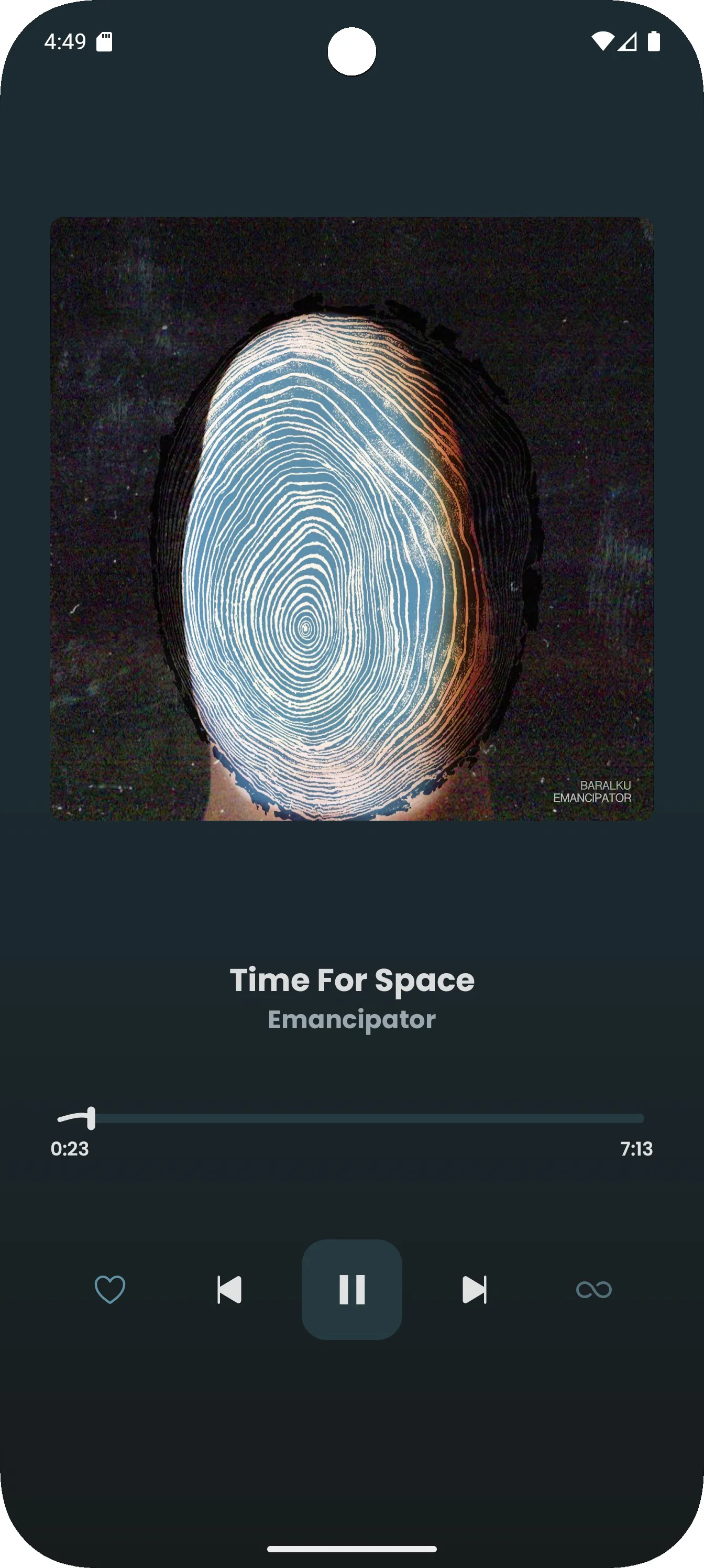
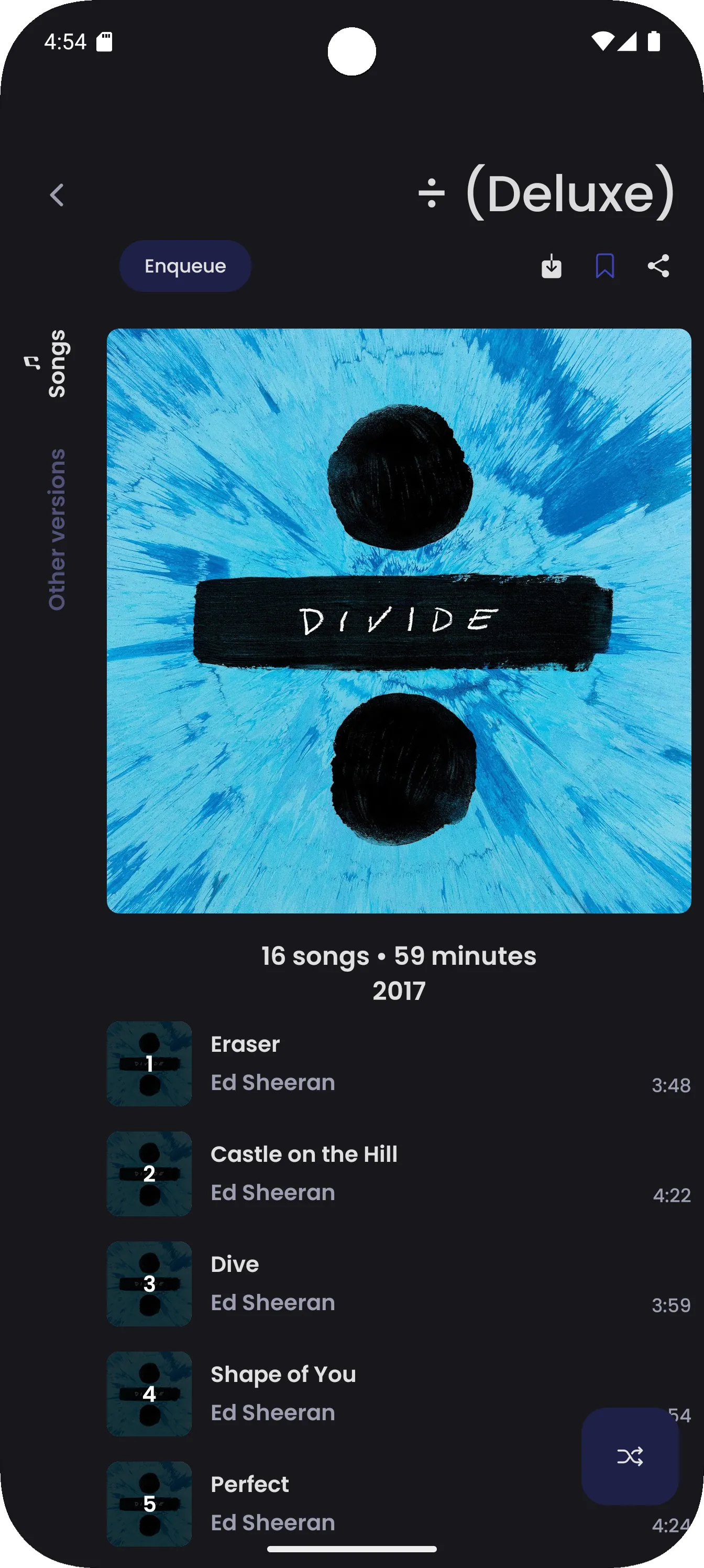
The design emphasizes clarity and speed. Menus are arranged to reduce taps and bring frequently used controls front and center. The main player view combines album artwork, progress controls, and quick-access buttons for repeats, shuffling, and crossfade. Small touches like gesture-based skipping and a concise notification player keep interaction friction low.
Audio settings are a highlight. Spotify MT includes an adjustable equalizer with multiple presets and a manual mode for detailed tuning. Gapless playback and configurable crossfade improve the listening flow for albums and mixes. Users can toggle bitrate settings to balance audio fidelity and data usage depending on network conditions.
Offline listening is designed to be straightforward. Downloaded tracks are organized by playlist and album for fast access. Storage settings allow selecting download quality and choosing between internal storage or an external SD card when available. A cleanup tool shows which downloads occupy the most space and lets you remove items selectively.
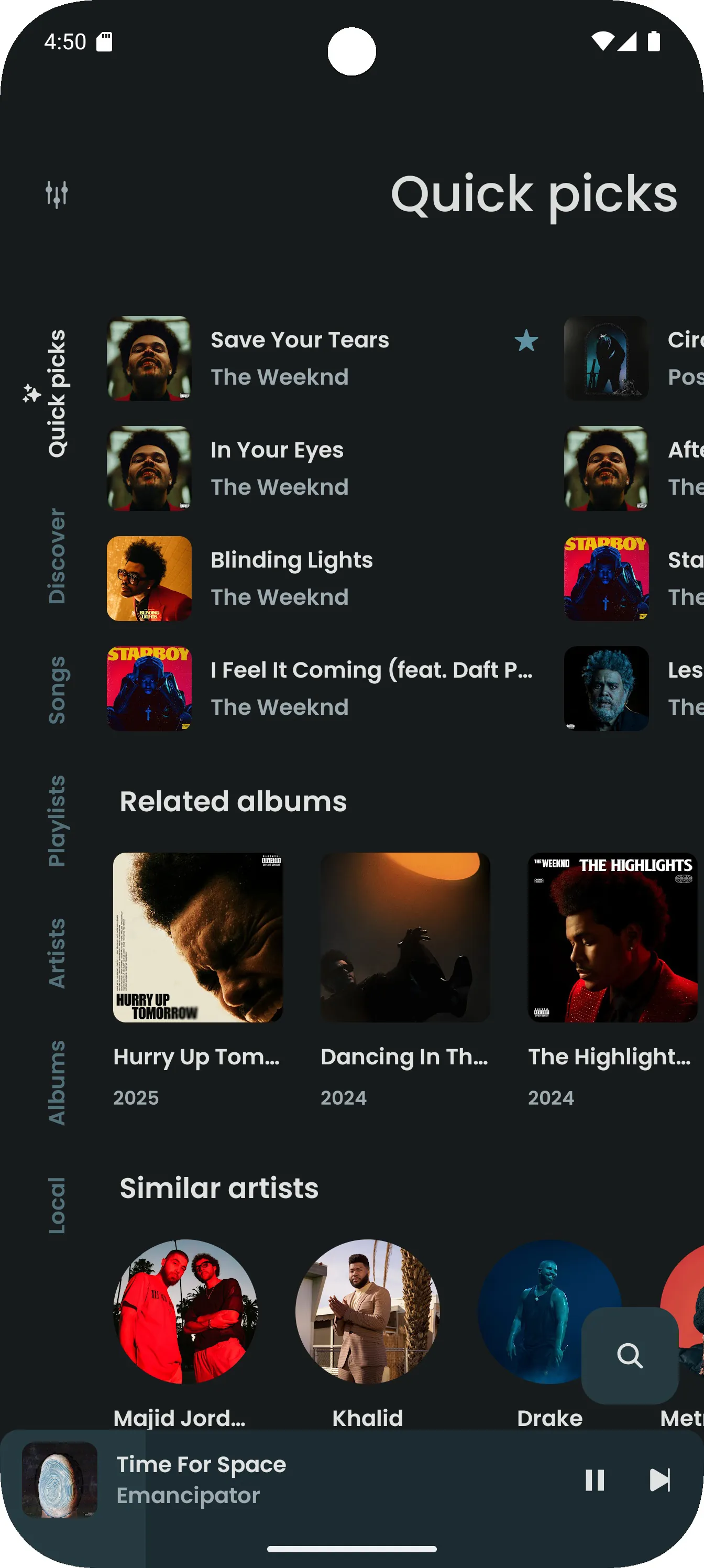
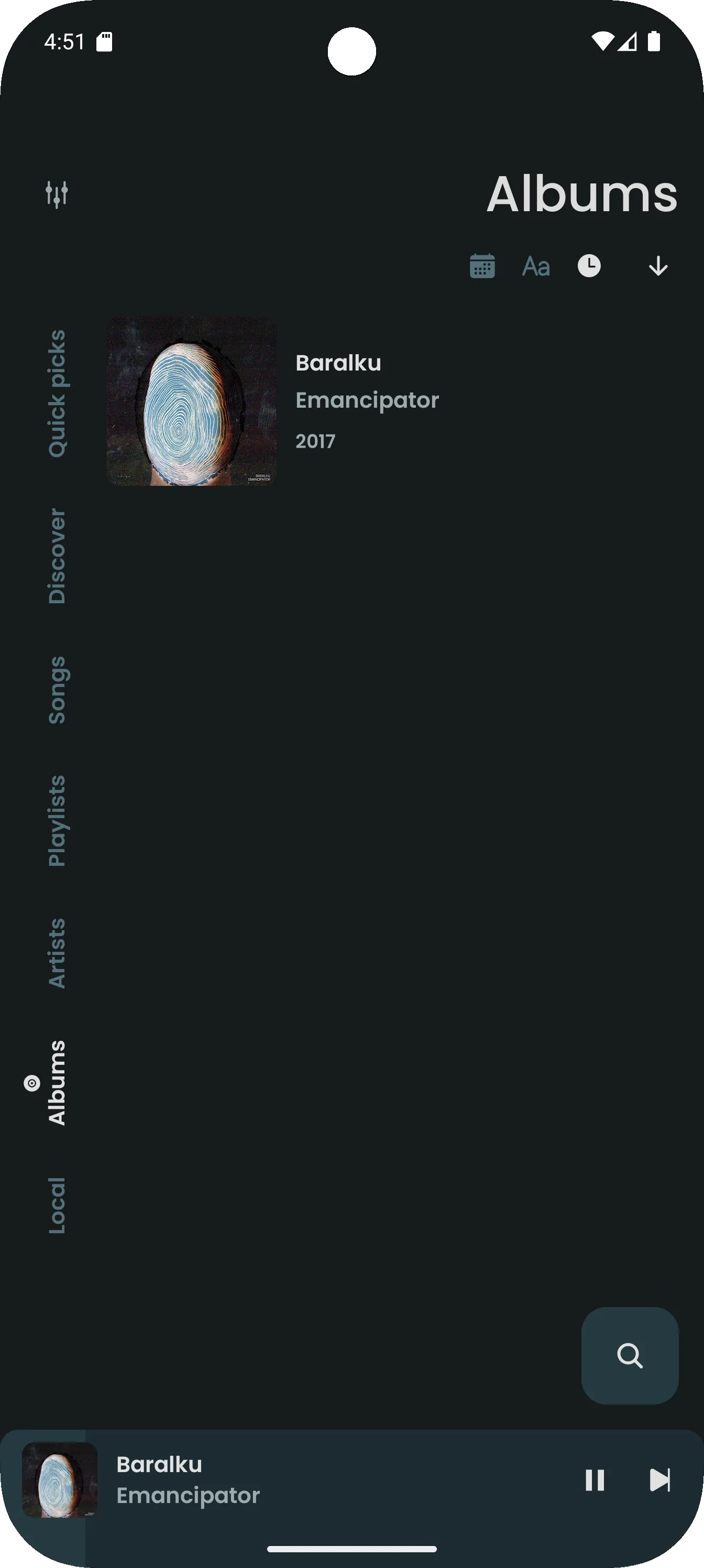
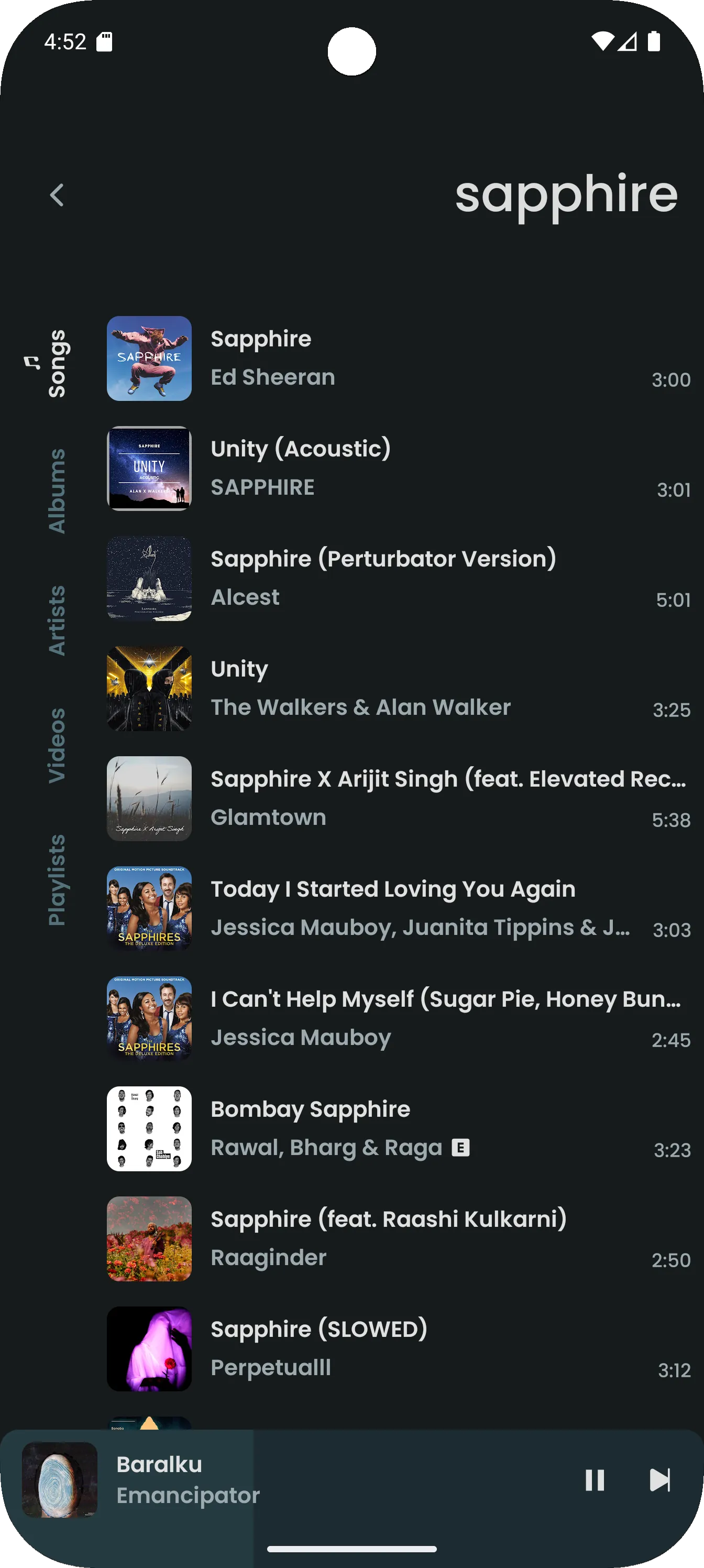
Discovery tools combine algorithmic suggestions with manual search filters. Spotify MT enhances search with advanced filters by genre, year, and popularity, making it easier to find specific versions or remixes. The library interface provides quick filters for recently added, most played, and curated collections to surface content you use most.
Spotify MT aims to run smoothly across a wide range of Android devices. The app includes performance options to adjust cache size, memory usage, and background sync intervals. These controls help maintain responsive playback on older phones while allowing newer devices to take advantage of higher-quality rendering and background processing.
Account management focuses on keeping user data transparent and negotiable. Users can manage connected accounts, toggle analytics sharing, and clear cached session data from the settings menu. The app separates local preferences from cloud-synced choices so device-specific settings do not overwrite global preferences unintentionally.
Begin by signing in with your existing account to retain playlists and saved tracks. Initial setup includes choosing download quality, default storage location, and whether to enable data-saving mode. A guided first-run tour highlights key controls, such as how to queue songs, manage downloads, and set equalizer presets.
Spotify MT appeals to users who want more granular control over playback and storage than many standard clients offer. It balances power-user features with an approachable interface so listeners can customize their experience without sacrificing convenience. Whether managing a large offline library or fine-tuning audio, the app presents practical tools for everyday listening.
File size: 18.90 M Latest Version: 9.1.27
Requirements: Android Language: English
Votes: 333 Package ID: it.vfsfitvnm.Spotify
Developer: nextmod


Must Have Tools Apps for Android
Equip yourself with our all-in-one toolbox app for everyday tasks and projects. Instantly convert between units, calculate tips, scan documents, manage files, and more with handy productivity tools. Includes a level, compass, QR code reader, ruler, speedometer, decibel meter, and flashlight. Save frequently used tools to your customizable dashboard for one-tap access. Track billable hours, wages, budgets, and invoices. Annotate screenshots, magnify labels, and sign PDFs on the go.






LIVE A HERO
Retro Hero Mr Kim
Empire of Passion
Arcane Quest Legends
Magic Snap: Momotaro
AllStar Manga Heroes
Lunescape
ONE PIECE Thousand Storm JP
Tap Titans 2










































