Scan to Download
Speedcams Germany provides live alerts and map-based warnings to help drivers avoid unexpected speed traps and traffic cameras across Germany. The app combines real-time community reports, regularly updated camera databases, and voice notifications so users can focus on driving while staying informed of speed enforcement locations.
Speedcams Germany delivers an up-to-date catalog of fixed and mobile speed camera locations, red light cameras, average-speed sections, and common enforcement hotspots. The application puts emphasis on clear visual mapping, audible alerts, and an easy report mechanism so drivers can both receive and contribute information quickly and safely while on the road.
The app uses GPS to determine your position and compares it to a combination of a maintained camera database and live user reports. When you approach a hazard or camera, the app triggers an alert depending on your speed and chosen notification settings. Reports submitted by users are queued for review and can be verified by community feedback to reduce false positives.
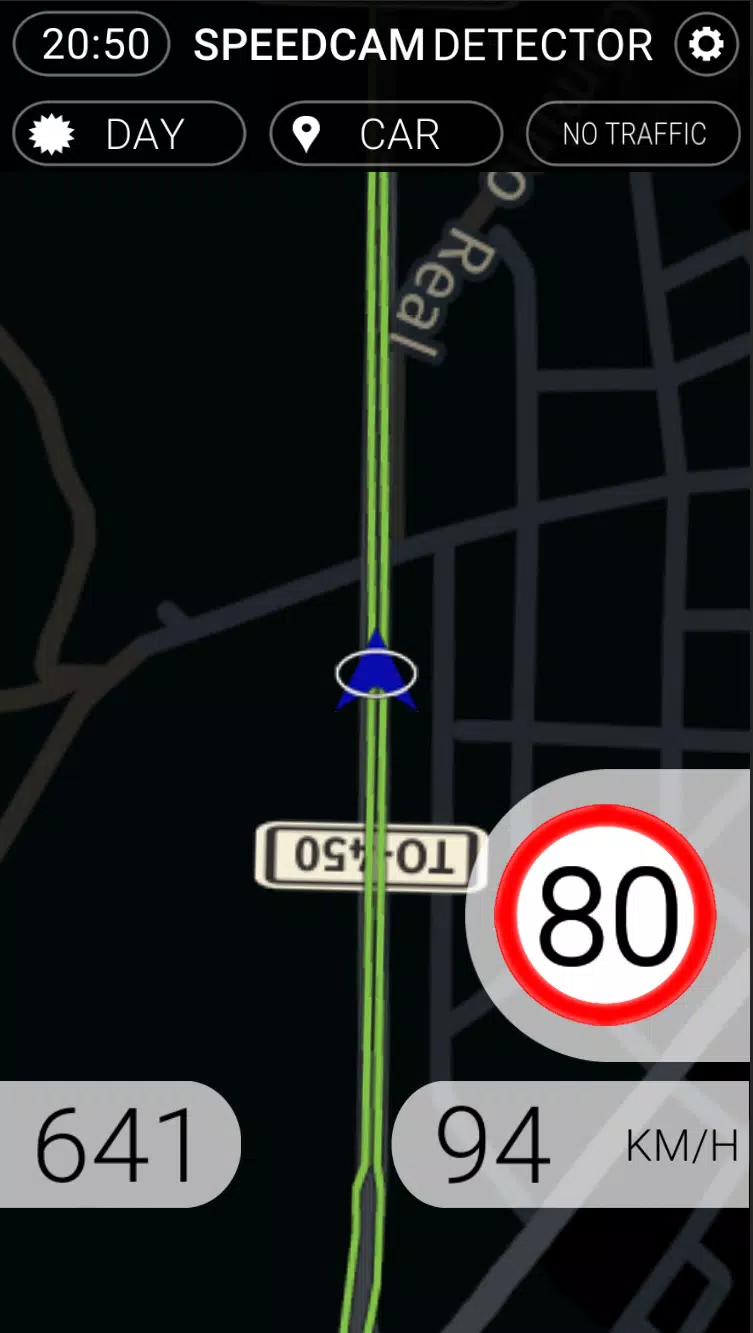
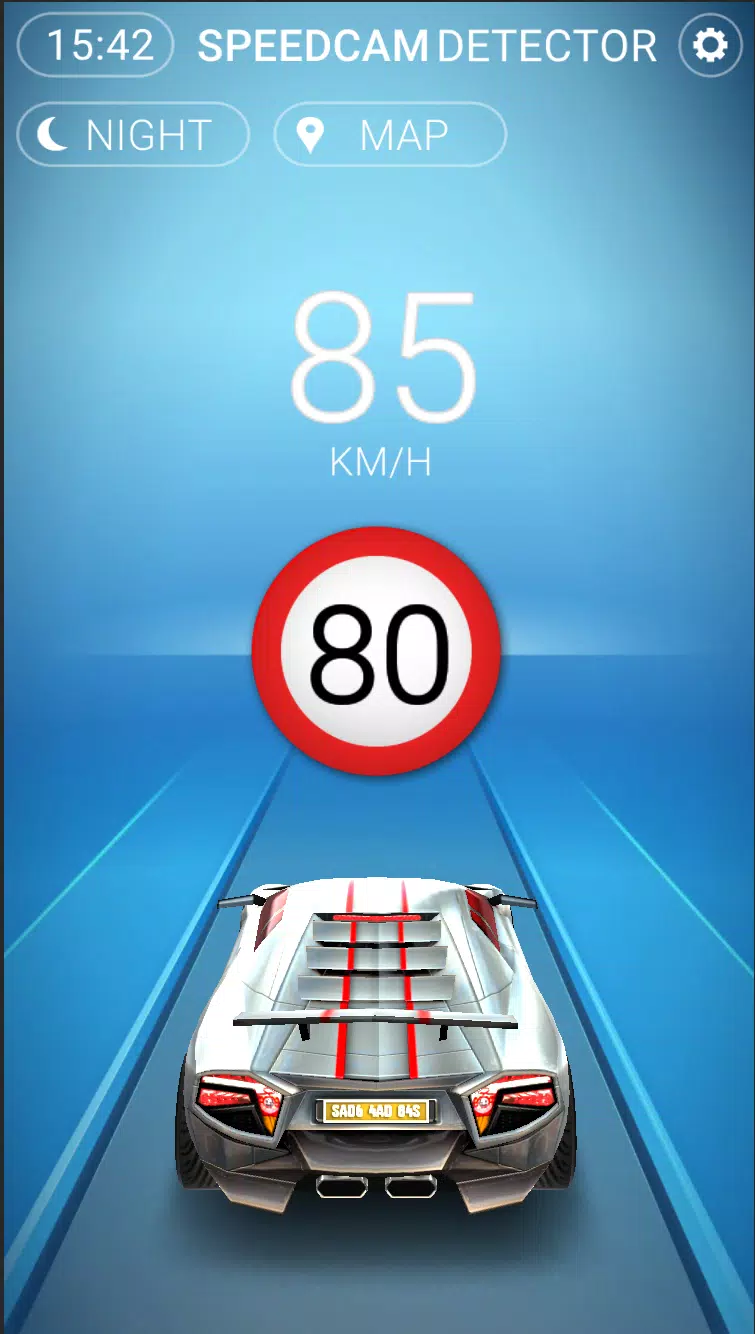
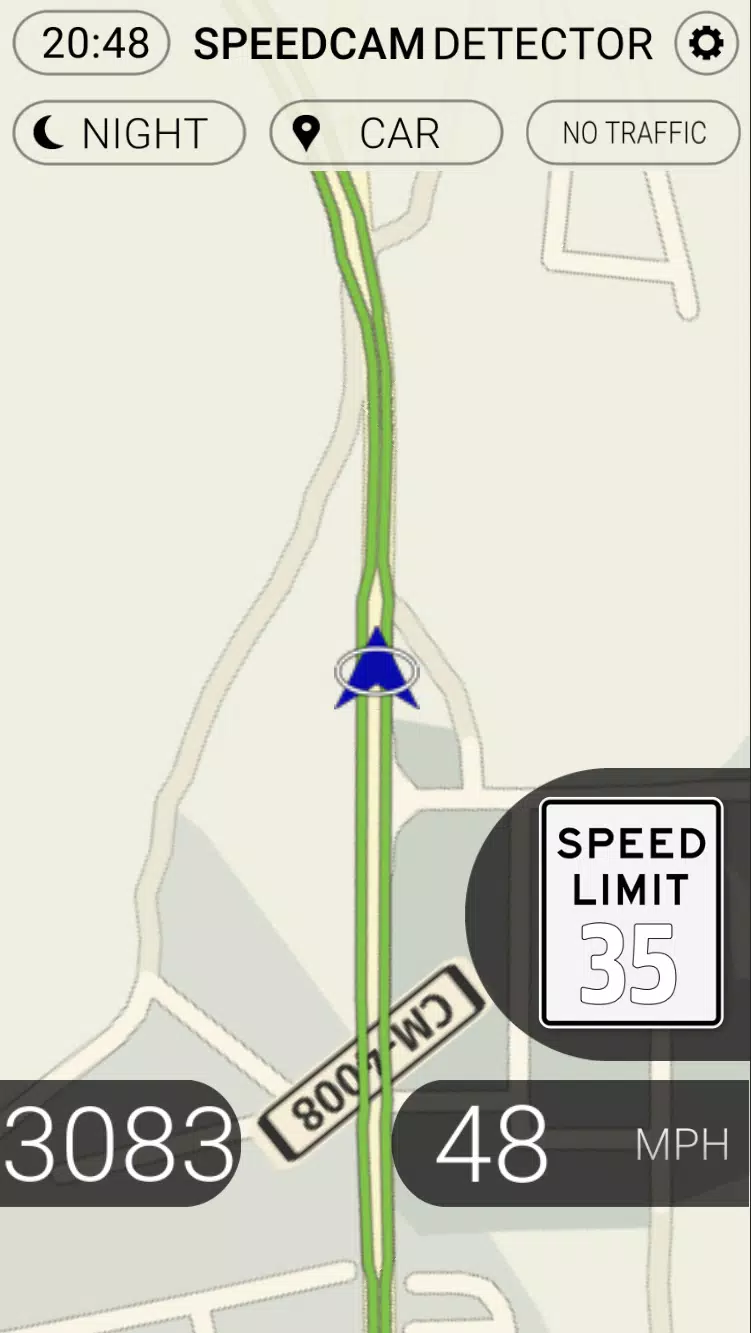
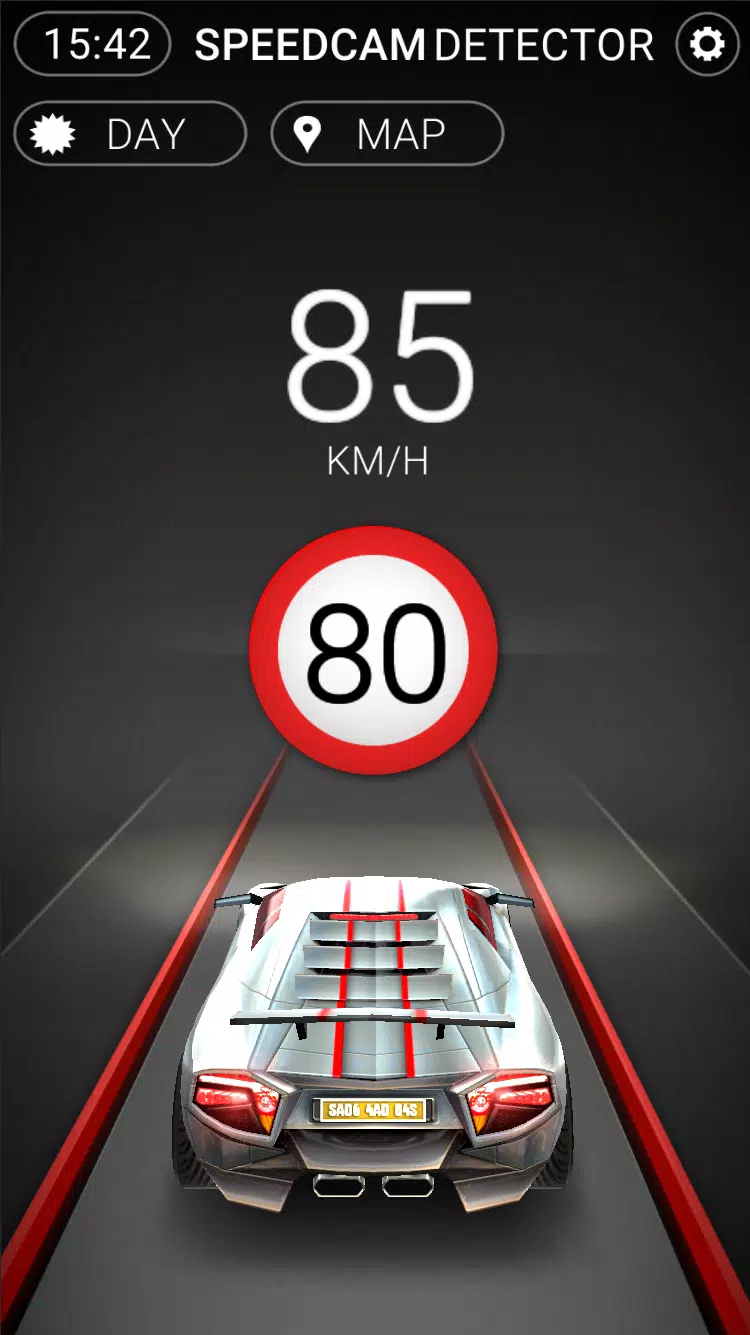
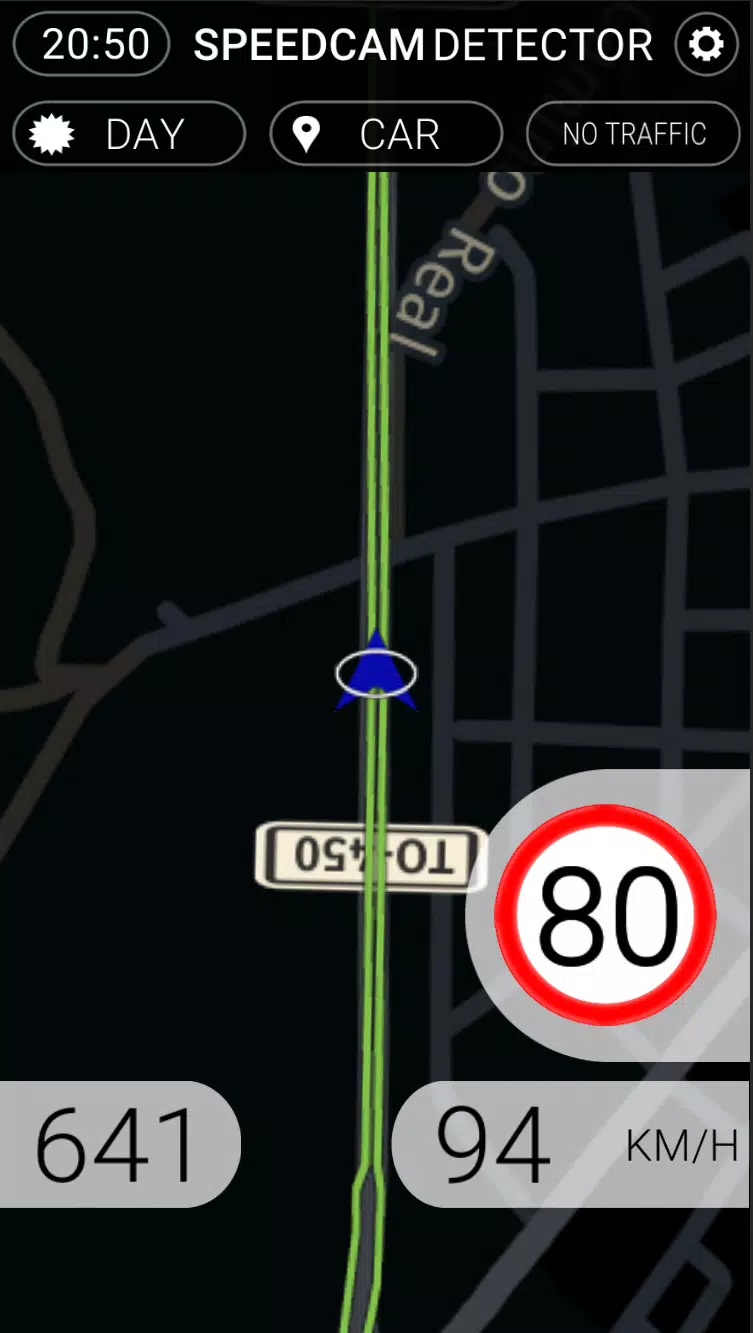
Designed with driving in mind, Speedcams Germany offers a minimal, glare-friendly interface with large icons and straightforward menus. The map view shows camera symbols with distance indicators, while the alert settings let you set safe notification distances and control audio cues. Day and night display modes ensure readability under different lighting conditions.
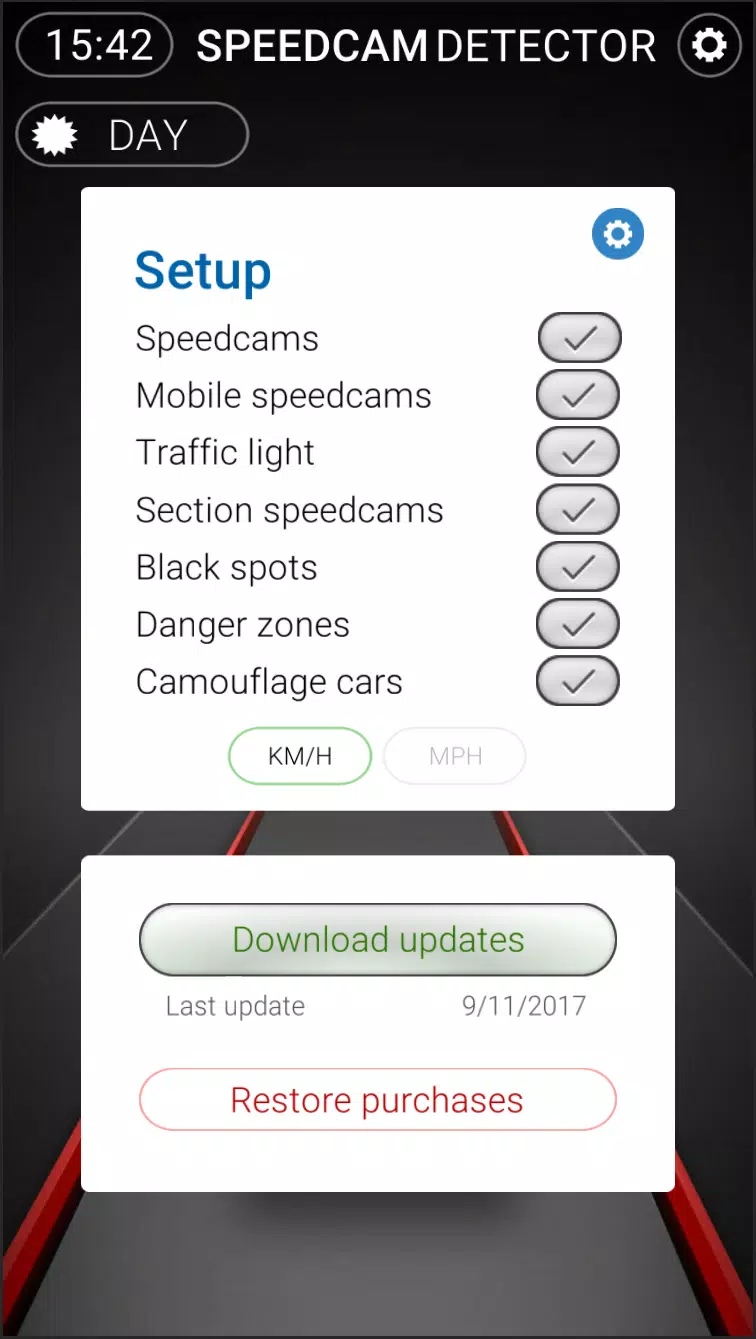
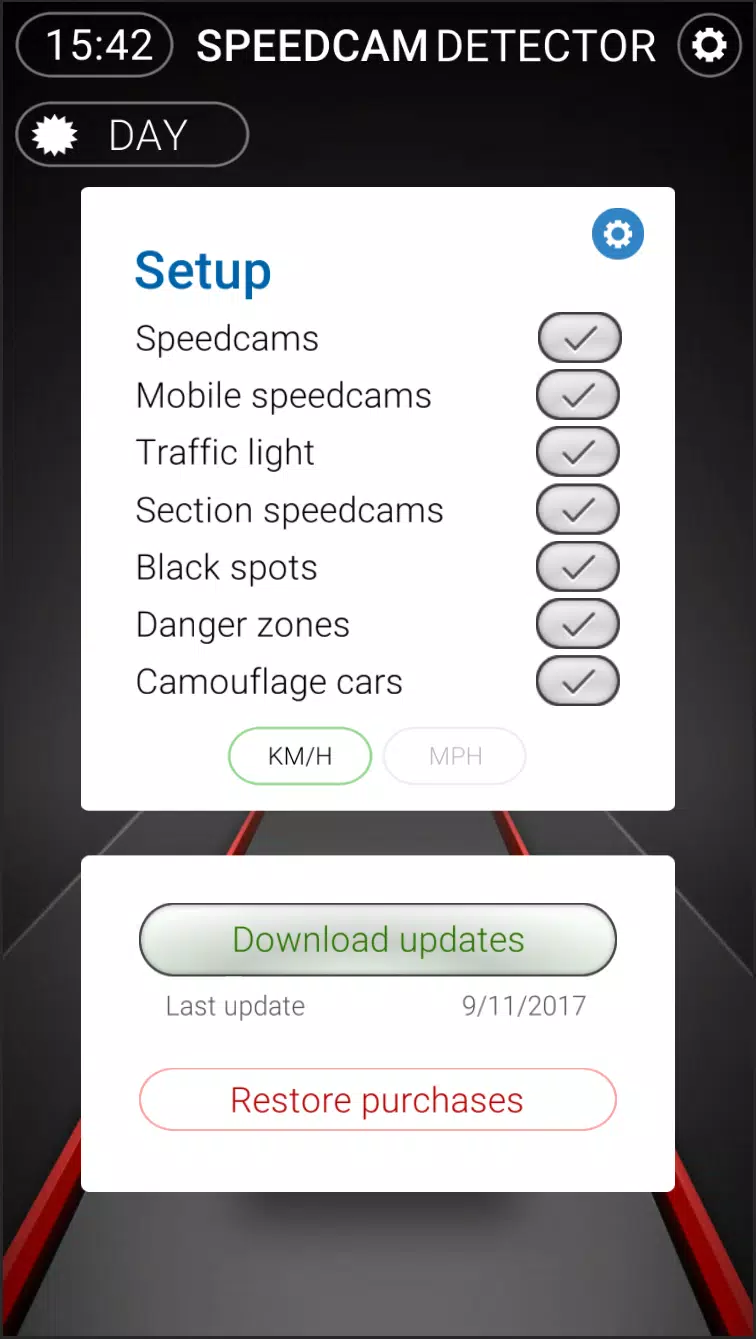
Start by granting location permission and selecting preferred notification types. While navigating, the app works in the background and pushes unobtrusive alerts when a camera is nearby. If you spot an enforcement vehicle or mobile camera, use the quick-report button to add a location — the community validation process helps maintain high-quality data without slowing your journey.
Speedcams Germany is designed to support safer driving habits by informing you of enforcement areas. The app encourages compliant behavior and should not be used to facilitate illegal activity. Always prioritize road rules and safe driving practices; alerts are advisory and do not replace attentive driving or responsibility for obeying speed limits.
The app is optimized for low battery consumption and minimal data usage by using efficient GPS polling and caching of map tiles. It runs smoothly on a wide range of Android devices and supports offline caching for frequently used routes. Regular updates ensure the camera database and app performance remain current across Android versions.
After installing Speedcams Germany, allow location access and review notification preferences. Explore the map to view known cameras along your common routes and adjust filter settings to suit city or highway driving. With a few simple tweaks you'll receive tailored, timely alerts that help you stay informed and drive more confidently.
File size: 27.80 M Latest Version: 1.2.1
Requirements: Android Language: English
Votes: 236 Package ID: com.imedialabs.speedcamgermany
Developer: Imedia Labs Studios


Empower learning and research with our innovative reference apps. Access dictionaries, thesauruses, encyclopedias, and more with our comprehensive databases. Get homework help, study tips, and writing guides from our academic resources. Learn new skills by browsing how-to videos and manuals. Stay up-to-date with latest news, data, and facts curated by our editors.






LIVE A HERO
Retro Hero Mr Kim
Empire of Passion
Arcane Quest Legends
Magic Snap: Momotaro
AllStar Manga Heroes
Lunescape
ONE PIECE Thousand Storm JP
Tap Titans 2