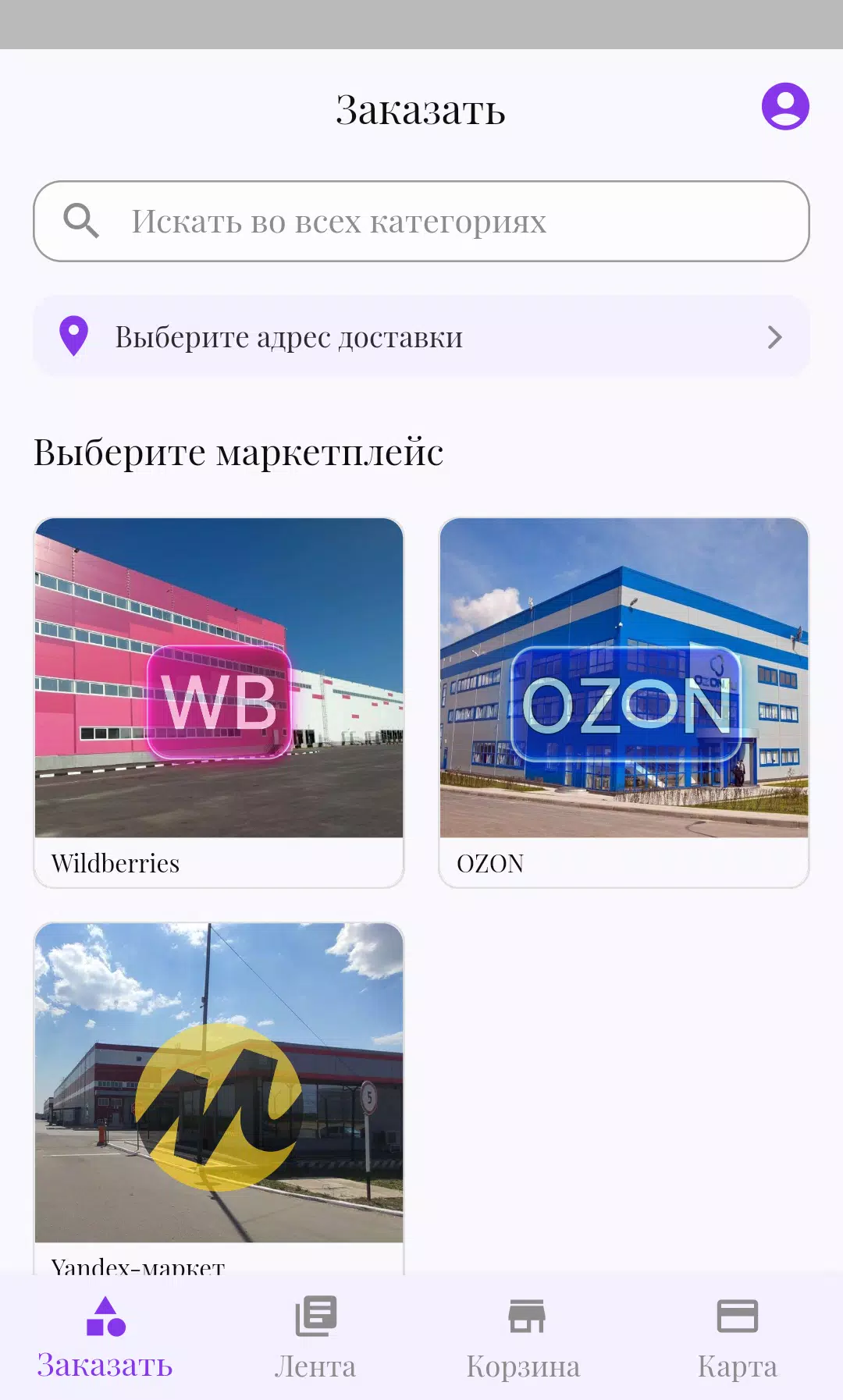
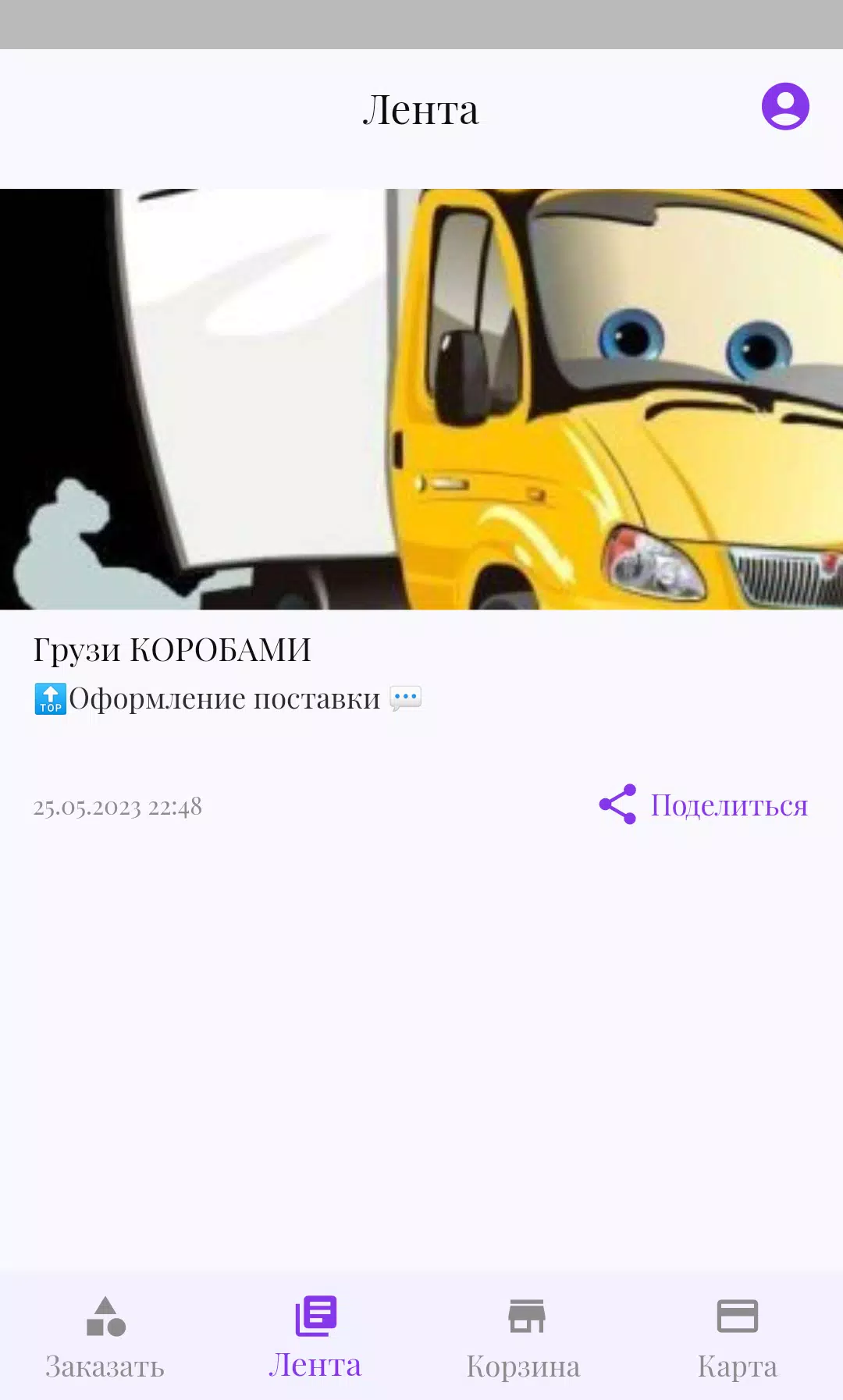
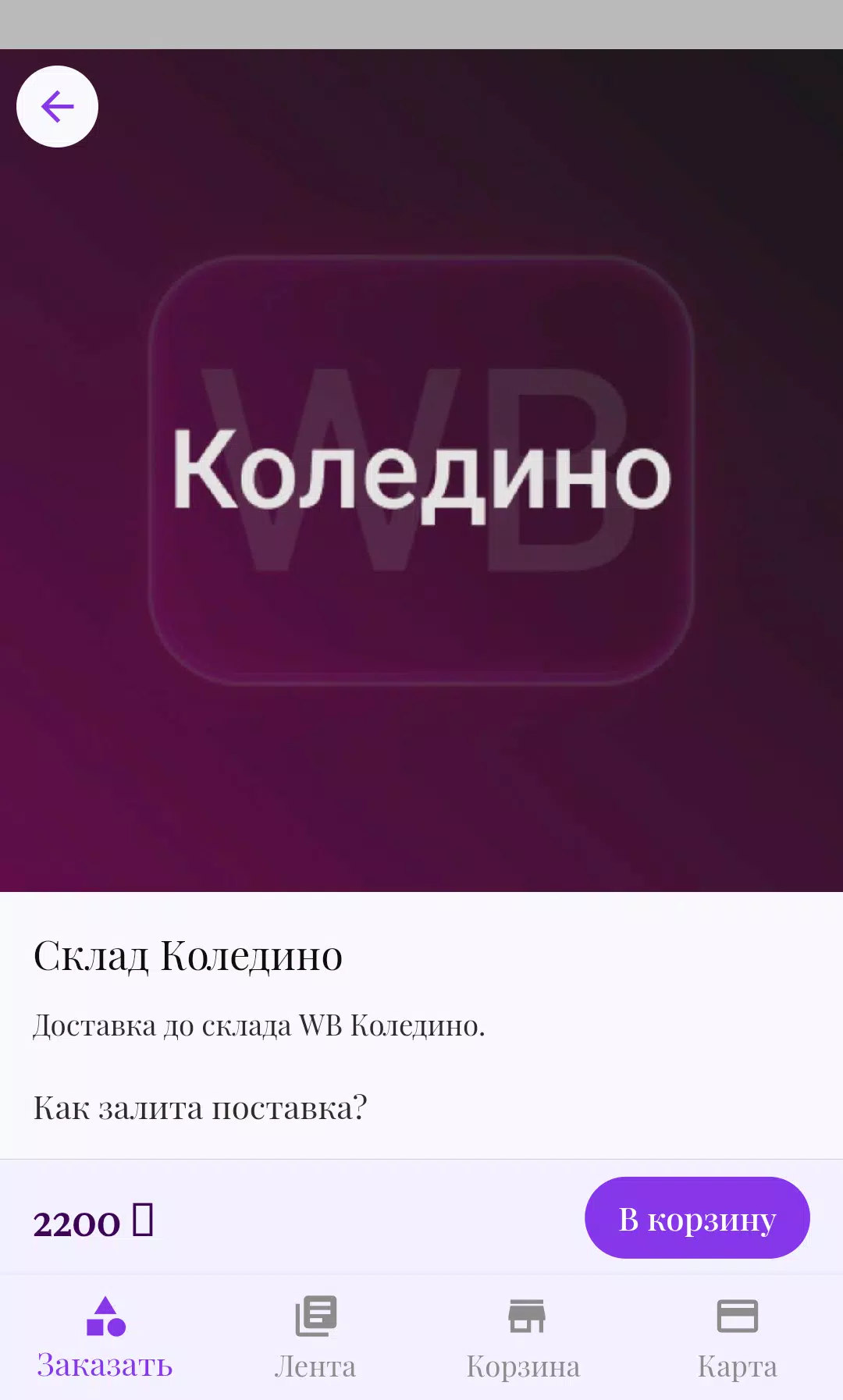
NRgroup is a productivity-focused Android app designed to centralize team communication, document access, and task tracking in a single interface. It streamlines common workflows with quick navigation, secure file handling, and integrated notifications, making daily collaboration simpler for small businesses and distributed teams.
At its core, NRgroup blends messaging, file sharing, and lightweight project management into an app that runs smoothly on a wide range of devices. The developers prioritize a minimal learning curve while preserving useful controls for administrators and power users.
The interface in NRgroup favors clarity: clear typography, distinct icons, and logical spacing reduce cognitive load during long work sessions. Animations are restrained, which contributes to snappy transitions even on mid-range phones. Memory and battery use are optimized so the app remains responsive when handling large group chats or multiple document previews.
Navigation follows a left-to-right flow. Primary sections live on an accessible bar, while contextual actions appear only when relevant. That balance helps keep the screen uncluttered and accelerates routine tasks without sacrificing control.
NRgroup integrates features that support collaborative work without requiring complex setup. Versioning for shared documents keeps a clear change history. Mentions and threaded replies reduce noise in busy channels. For teams that rely on checklists, the task module supports sub-tasks and basic progress indicators so managers can spot bottlenecks early.
Security is handled via role-based permissions and optional two-factor authentication. Administrators can grant or restrict access to files and channels, export activity logs, and enforce password policies. These controls make it suitable for organizations that need to protect sensitive data while maintaining easy team access.
The app provides moderate customization, allowing users to tailor notification preferences, theme modes, and default landing screens. Teams can create named channels, pin essential documents, and define task templates to standardize recurring processes. These options let each group shape NRgroup to match their workflow.
Installation is straightforward: download the APK, grant the necessary permissions, and sign in with your work credentials. For administrators, onboarding tools include bulk user import and simple permission templates to accelerate deployment across an organization.
Teams choose NRgroup because it reduces the number of apps required for routine collaboration. Its combination of messaging, file handling, and lightweight task management keeps coordination centralized and accessible. Performance optimizations and sensible defaults make it practical for teams that need reliable mobile access without extensive configuration.
For organizations evaluating mobile collaboration options, NRgroup is worth testing for a week with a pilot team. The app’s balance of simplicity and essential features provides a clear sense of how it can fit into daily operations, helping teams determine whether to expand usage across departments.
File size: 160.50 M Latest Version: 2.36.9
Requirements: Android Language: English
Votes: 491 Package ID: com.actonica.nrgroup
Developer: Александр Шехтман

Must Have Communication Apps for Android
Connect deeper through meaningful conversations with our communication apps. Enjoy crystal-clear calls, video chats, messaging, and file sharing. Find the perfect emojis, GIFs, and stickers to express yourself. Keep the non-stop group banter organized in one place. Block unwanted interactions at the source. Meet new people worldwide through our global community features.






LIVE A HERO
Retro Hero Mr Kim
Empire of Passion
Arcane Quest Legends
Magic Snap: Momotaro
AllStar Manga Heroes
Lunescape
ONE PIECE Thousand Storm JP
Tap Titans 2