
Scan to Download
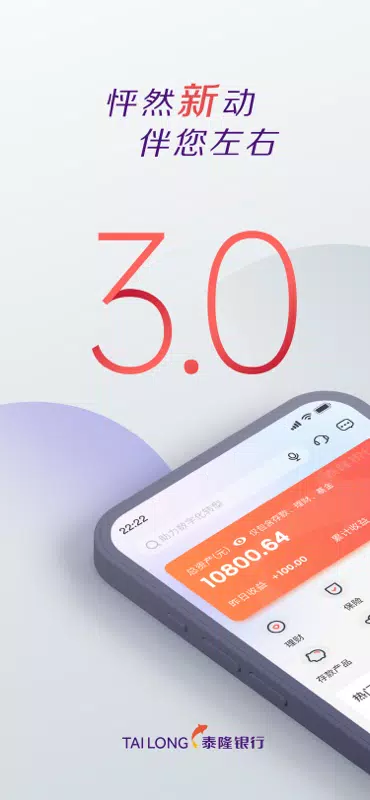
泰隆银行 is a mobile banking application designed for individuals and small businesses who want fast, secure access to accounts and a practical set of financial tools in one place. The app brings everyday banking tasks — balance checks, transfers, bill payments and simple budgeting — into a single interface that reduces repetitive work and helps users keep sight of short- and long-term goals without complicated menus.
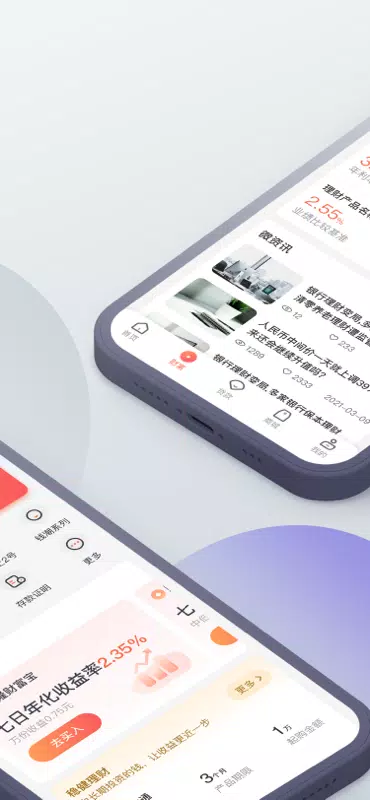
The app's core is straightforward account management: view balances, statements and transaction histories for multiple linked accounts in one consolidated view. Payments and transfers are simplified with editable templates, scheduled transfers, and instant peer-to-peer options to reduce repeated entry. Card controls make it easy to activate, freeze or limit cards and to inspect recent card activity. Export capabilities produce CSV or PDF statements for bookkeeping, and transaction filters let you find specific payments quickly without scrolling through long lists.
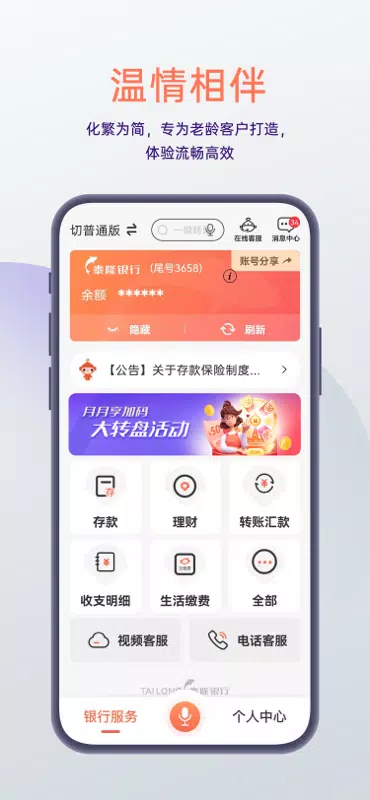
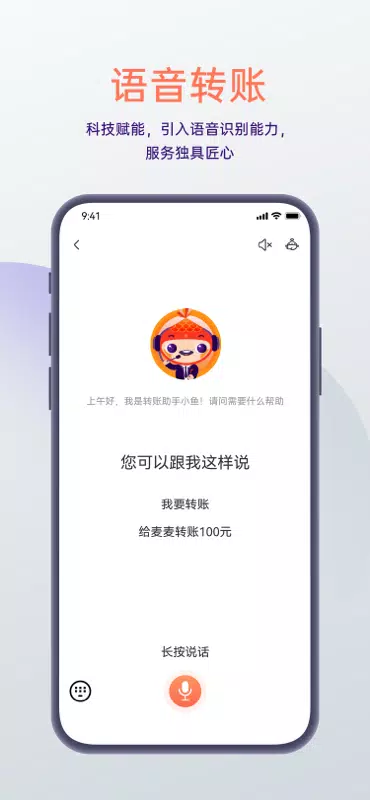
Navigation favors common actions so routine operations can be completed within two or three taps. Biometric login and strong passcodes keep access both quick and secure. Shortcuts for frequent tasks can be pinned to the dashboard and simple gestures speed up common flows — for example, swipe-to-pay or long-press to edit a template. Onboarding guides identity verification and initial setup so new users can be productive in minutes, and contextual prompts explain options as they appear rather than relying on separate manuals.
Planning features are built like a personal progression system: automated budget tracking categorizes expenses and highlights trends, savings goals show percentage completion and projected timelines, and integrated calculators estimate loan repayments or the impact of extra payments. Recurring rules and auto-categorization reduce manual sorting while goal suggestions help users break larger targets into manageable milestones. For business users, the app supports sub-account structures, payroll-friendly transfers and role-based permissions so a primary account holder can delegate routine tasks while maintaining oversight.
The visual design emphasizes clarity: legible typography, calm contrast and an information hierarchy that surfaces the most relevant details first. Touch targets and buttons are sized to work comfortably on phones of all sizes, and the layout responds to orientation and screen density so elements remain usable on both compact and large devices. Personalization options let users rearrange dashboard widgets, choose which balances appear up front, and enable higher-contrast or larger-text accessibility modes for clearer visibility across different lighting conditions.
Security is central: messages and transactions are encrypted in transit and multi-factor authentication adds protection against unauthorized access. Session timeouts limit exposure on shared devices, while a device management screen lists active sessions and lets you revoke access remotely. Privacy controls manage marketing preferences and determine how aggregated usage data is shared, and secure in-app messaging keeps support conversations tied to account context without exposing sensitive details over email.
The app is tuned for responsiveness: recent statements and frequently used data are cached to reduce network calls and provide limited offline viewing when connectivity is poor. Background sync updates account activity and delivers push alerts when connectivity returns. Performance optimizations help the app remain usable on lower-end devices and minimize battery impact, while efficient data handling keeps cellular usage modest for users on limited plans.
Customer support is integrated into the app so help stays connected to account context: in-app chat and secure messaging preserve conversation history for faster resolution, and a searchable help center offers step-by-step guides for common operations. Self-service tools are designed to answer routine questions without waiting for an agent, but when live support is required the app routes queries by topic to improve response relevance and speed.
Users of 泰隆银行 report that automation and clear organization reduce the time spent on routine banking: recurring transfers, payment templates and auto-categorization take repetitive tasks off the daily checklist while savings goals and budget trackers encourage measurable progress. Regular updates refine stability and add incremental improvements, and business-friendly features help small enterprises manage payroll and delegated permissions with minimal friction. For those looking for a compact, reliable mobile banking solution that supports both day-to-day needs and longer-term financial planning, 泰隆银行 provides a practical set of tools that scale with changing requirements.
File size: 253.80 M Latest Version: 4.6.4
Requirements: Android Language: English
Votes: 372 Package ID: com.tlbank
Developer: 浙江泰隆商业银行股份有限公司


Top Free Business Necessary Apps for Android
Streamline operations and maximize productivity with our innovative business apps. Manage contacts, schedule meetings, and route calls seamlessly. Collaborate on documents and projects in real-time. Track inventory, finances, and analytics to inform smart decisions. Build customized proposals, invoices, and contracts to win clients. Stay on top of emails, tasks, and passwords for efficient work.






LIVE A HERO
Retro Hero Mr Kim
Empire of Passion
Arcane Quest Legends
Magic Snap: Momotaro
AllStar Manga Heroes
Lunescape
ONE PIECE Thousand Storm JP
Tap Titans 2