
Scan to Download
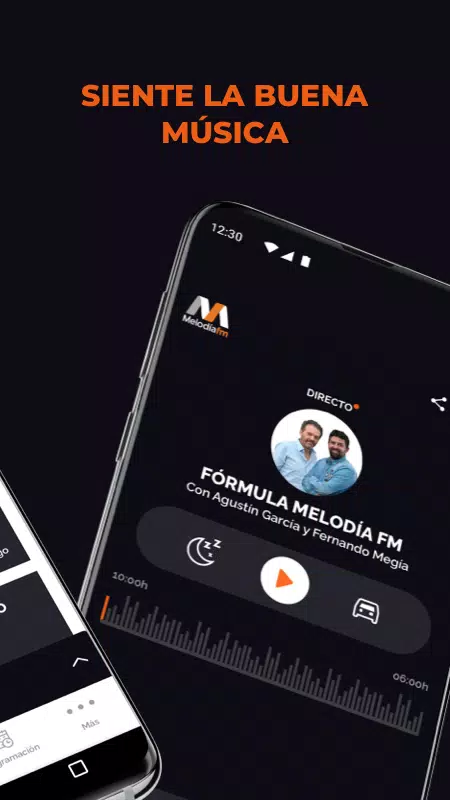
Melodía FM Radio presents a dedicated 80s and 90s music experience. Melodía FM Radio focuses on live streams, scheduled shows and on-demand episodes. Melodía FM Radio makes it easy to relive classic pop and rock with curated playlists, familiar hosts and straightforward playback controls designed for everyday listening.
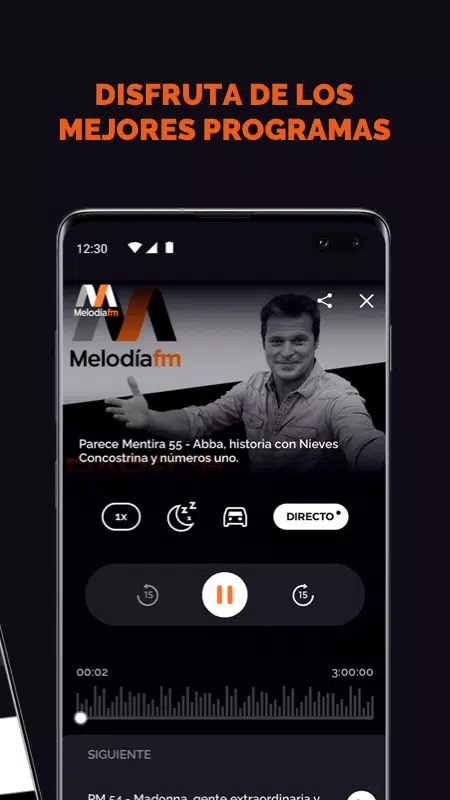
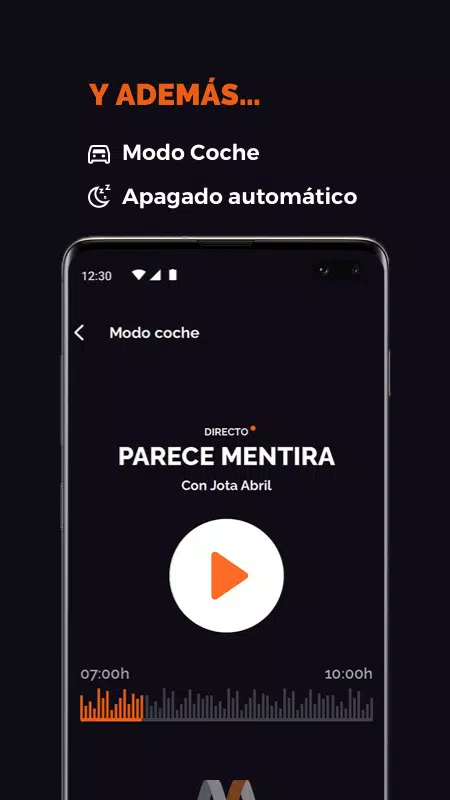
The app offers continuous live streaming of decade-specific hits alongside scheduled radio programs, plus an archive of on-demand episodes so you can replay full shows and highlights when it suits you. Key programs such as Parece Mentira and Como el perro y el gato are available in their regular slots and as saved episodes for later listening. Car mode simplifies the interface for safer in-car control, and an automatic power-off (sleep timer) conserves battery during night listening. The interface is intentionally uncluttered so tuning between live and archived content is fast and reliable.
Listening with Melodía FM Radio revolves around two simple mechanics: live tuning and personal curation. Live tuning gives you a continuous stream and a schedule view so you can plan what to listen to. Curation is progressive — as you save episodes, mark favorites or build playlists the app creates a personalized library that grows over time. That library functions as a lightweight progression system: the more you save and organize, the easier it becomes to revisit favorite segments, discover recurring hosts and deepen your listening habits.
Playback controls are intentionally basic and responsive: play, pause, seek within on-demand episodes, and quick-skip between programs. Car mode enlarges key controls and minimizes interactions so drivers can use the app with minimal distraction. Accessibility considerations include clear iconography, large touch targets, and label-friendly layouts that work well with screen readers and voice access on modern Android devices. The sleep timer and simplified navigation contribute to a safer, more accessible listening experience for users on the move and at home.
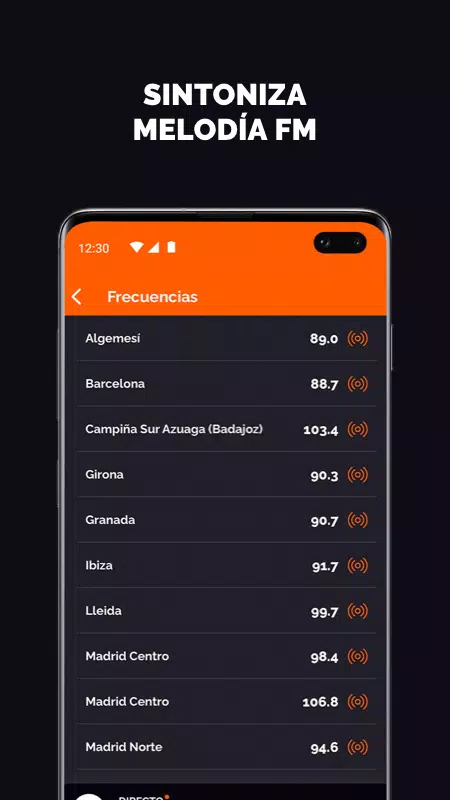
Content is organized by decade, genre and program to make discovery intuitive: browse 80s pop, 90s rock or jump directly to a host’s archived shows. The visual style pairs a nostalgic palette with modern typography to hint at the decades covered while keeping readability high. Navigation follows a predictable level structure, with a home stream, program schedules, an archive view for on-demand content and a personal library area for saved episodes and playlists. Each section is designed to reduce taps and get you listening faster.
Personalization centers on favorites and playlists: save episodes you want to re-listen to, create themed playlists from archived segments, and follow particular hosts or shows for quick access. Replay value is built around the archive of classic programs and curated playlists that highlight hits and memorable moments; repeated listening is encouraged by the ability to assemble your own mixes from past episodes. Notifications for new episodes from preferred shows keep the experience fresh without overwhelming the user.
Live streaming and on-demand playback require an internet connection for the best quality, but saved episodes provide a way to catch up when you have intermittent connectivity. Use saved items to replay favorite segments with reduced dependence on a live connection. Be aware that some signature programs air live only on weekdays, and availability of certain archived items may vary by region or licensing. Data usage will depend on stream quality and how much you choose to save for later.
The development team welcomes user feedback and support requests sent by email; include your app version, device model and Android version to help diagnose issues quickly. Melodía FM Radio is tested across a wide range of devices for compatibility, but performance can vary with network conditions. Regular updates improve stability and expand the archive, and support channels are in place to help with playback, account questions and device-specific problems.
File size: 28.40 M Latest Version: 2.12.1
Requirements: Android Language: English
Votes: 267 Package ID: com.i3television.melodiafm
Developer: Atresmedia



Must Have Home Apps for Android
Make your house a home with our suite of helpful home apps. Discover clever tools to organize closets, streamline chores, and simplify cooking. Take the stress out of cleaning and maintenance with handy checklists and schedules. Enhance security and control appliances and lighting with our smart home integrations. Design, visualize, and renovate like a pro using our 3D planning software.






LIVE A HERO
Retro Hero Mr Kim
Empire of Passion
Arcane Quest Legends
Magic Snap: Momotaro
AllStar Manga Heroes
Lunescape
ONE PIECE Thousand Storm JP
Tap Titans 2










































