SNAPtext is a messaging app built to let you send and receive SMS and MMS through your SnapCom phone numbers while keeping conversations organized across phone, tablet and laptop. SNAPtext combines a familiar text-messaging interface with modern media sharing so you can attach photos, videos, GIFs, audio files and documents to standard SMS threads without juggling separate accounts. Designed for both business and personal use, the app centralizes threads, stores recent history locally and syncs messages when you sign in with the same SnapCom credentials on multiple devices.
SNAPtext supports standard SMS and MMS delivery through your assigned SnapCom numbers and keeps media-rich messages in the same thread as plain text for easier reading and reference. The app accepts common file types for attachments and provides inline previews so you can see images, play short clips and open documents without leaving a conversation. Conversation search and simple archiving tools help you find past messages, and the contact separation feature makes it straightforward to keep business and personal lists distinct while still using a single account. Multi-device synchronization ensures new messages appear across signed-in devices; when you compose on one device the conversation updates everywhere signed in with the same account.
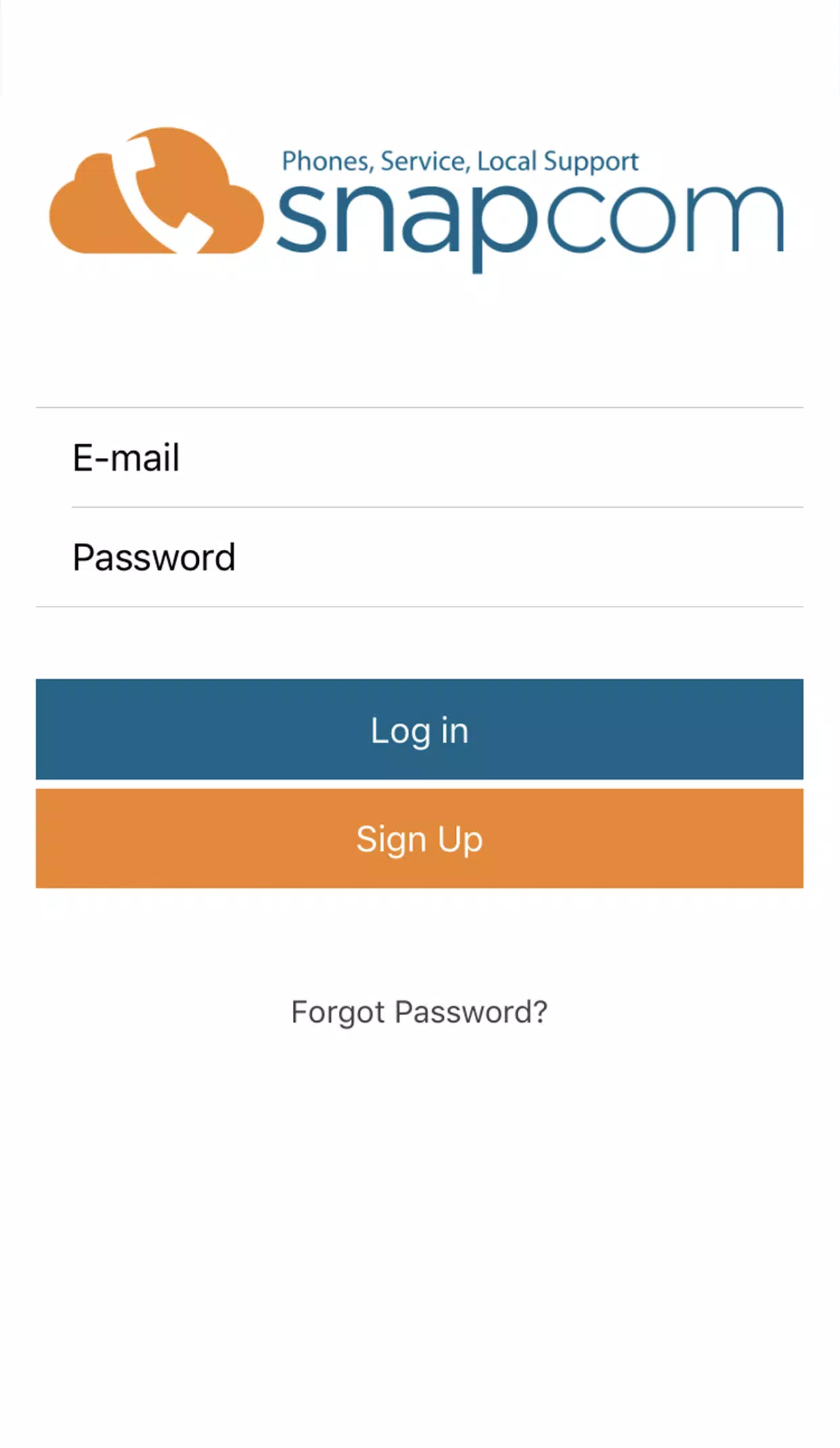
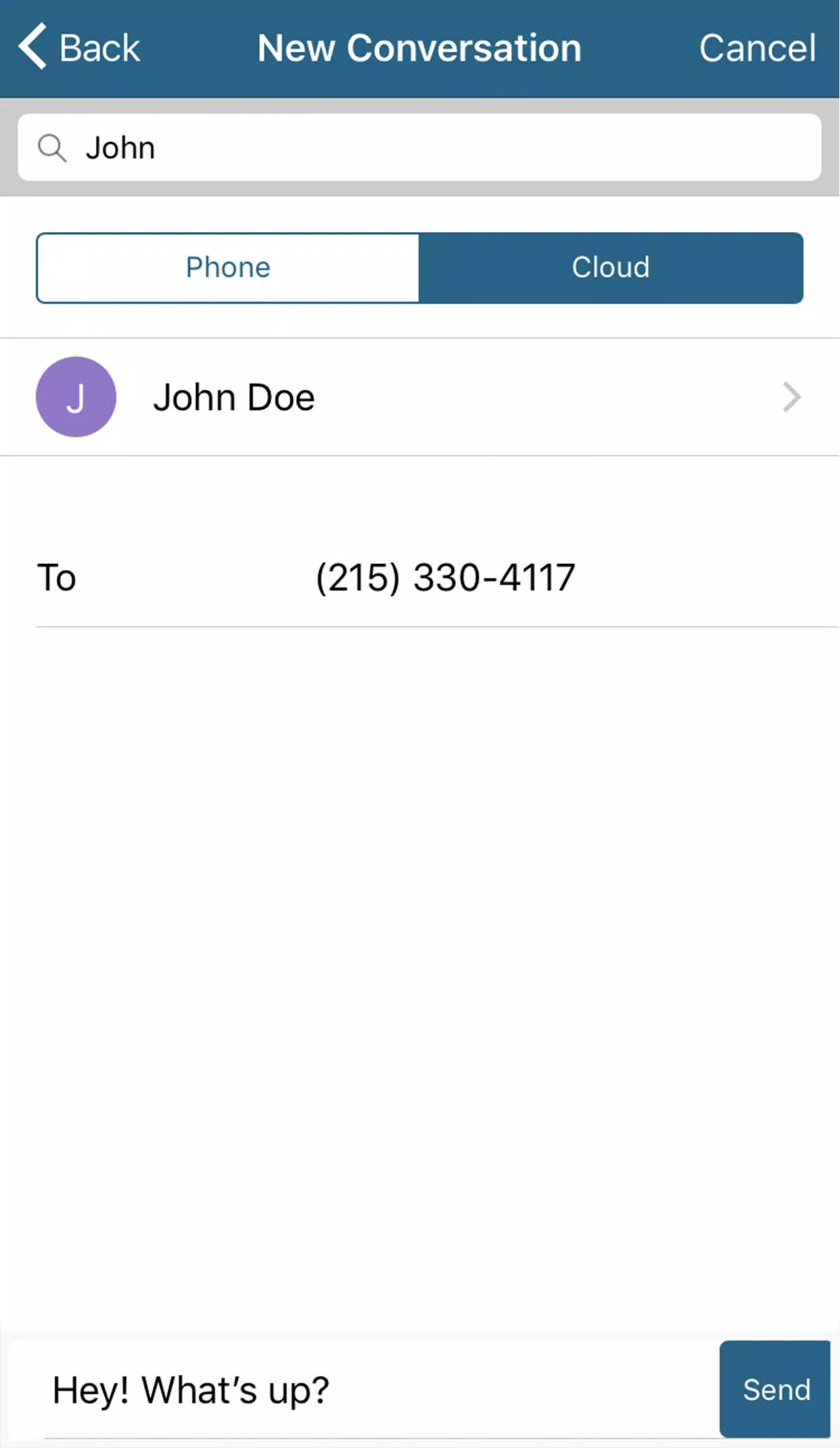
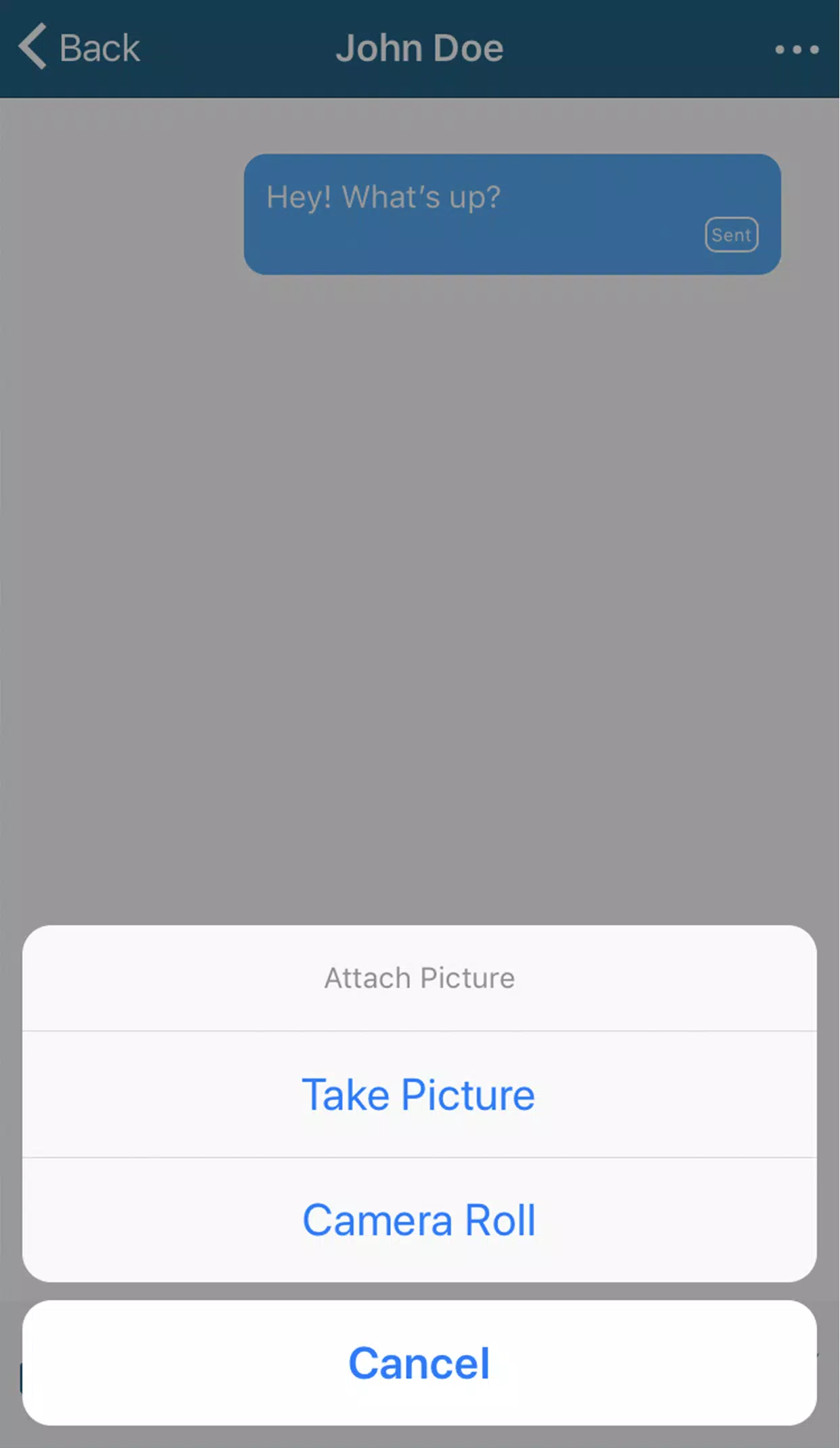
Getting started with SNAPtext requires a SnapCom phone number; once you log in with your SnapCom credentials the app registers that number for SMS and MMS routing. Composing a message is the same as with most texting apps: choose a recipient or group of recipients, type your message, tap the attachment picker to add media or documents and send. Messages use standard carrier protocols for SMS and MMS, so delivery and file-size behaviors follow carrier limits and network conditions. If a message cannot be delivered immediately because of connectivity, SNAPtext queues outgoing messages and attempts delivery when the device regains service, giving you a draft or queued indicator until the message is successfully sent.
The interface focuses on fast access and minimal friction: a conversation list prioritizes recent threads, a prominent compose control opens a new message, and tapping a thread reveals the message history with inline media. Common controls include an attachment picker for photos and documents, an option to save or download media from a thread, and clear timestamps for each message. Messages can be long-pressed for quick actions like copying text, deleting a single item or forwarding content to another contact. Search is available at the top of the conversation list so you can locate specific messages or attachments by keyword or contact name.
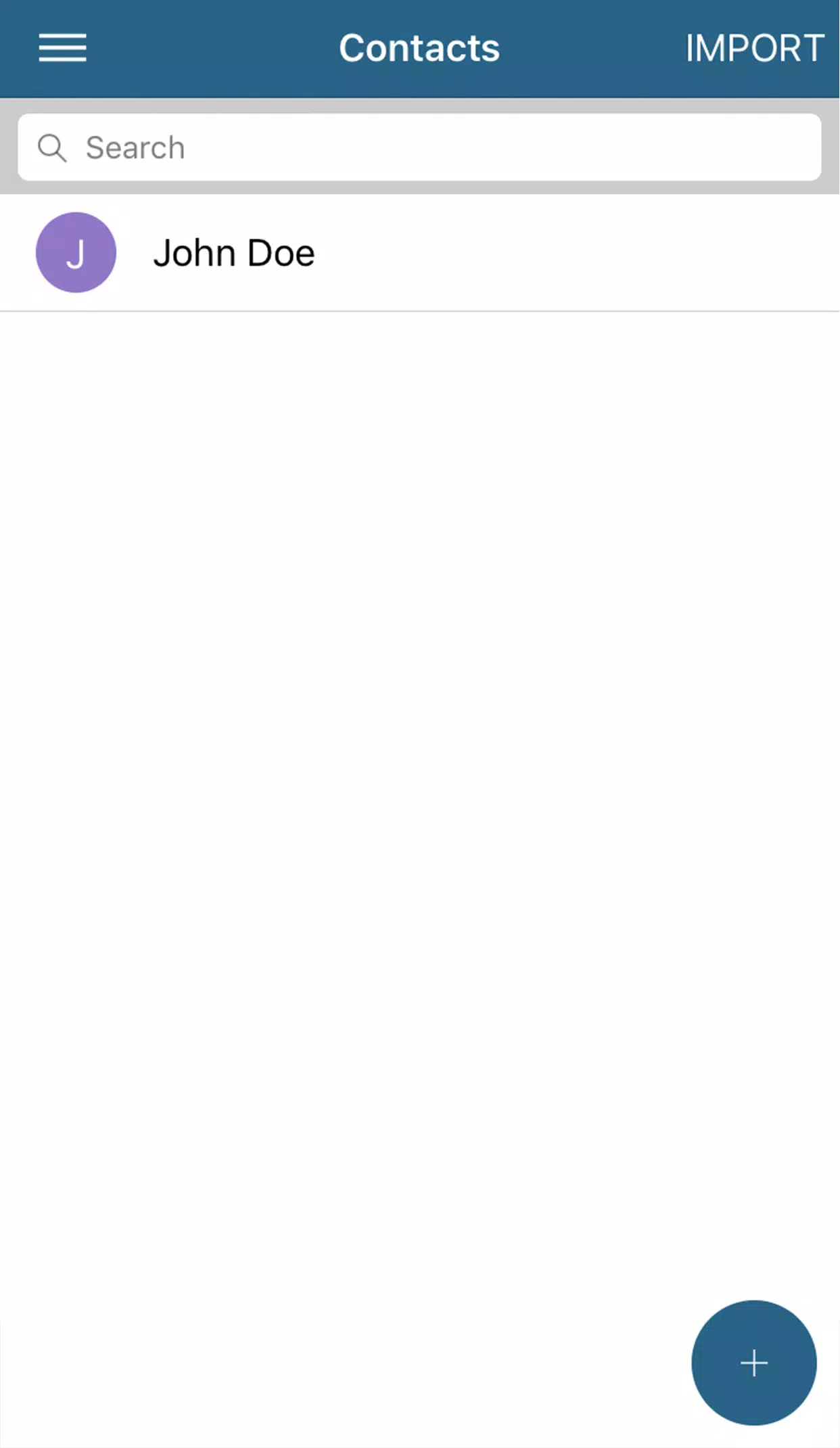
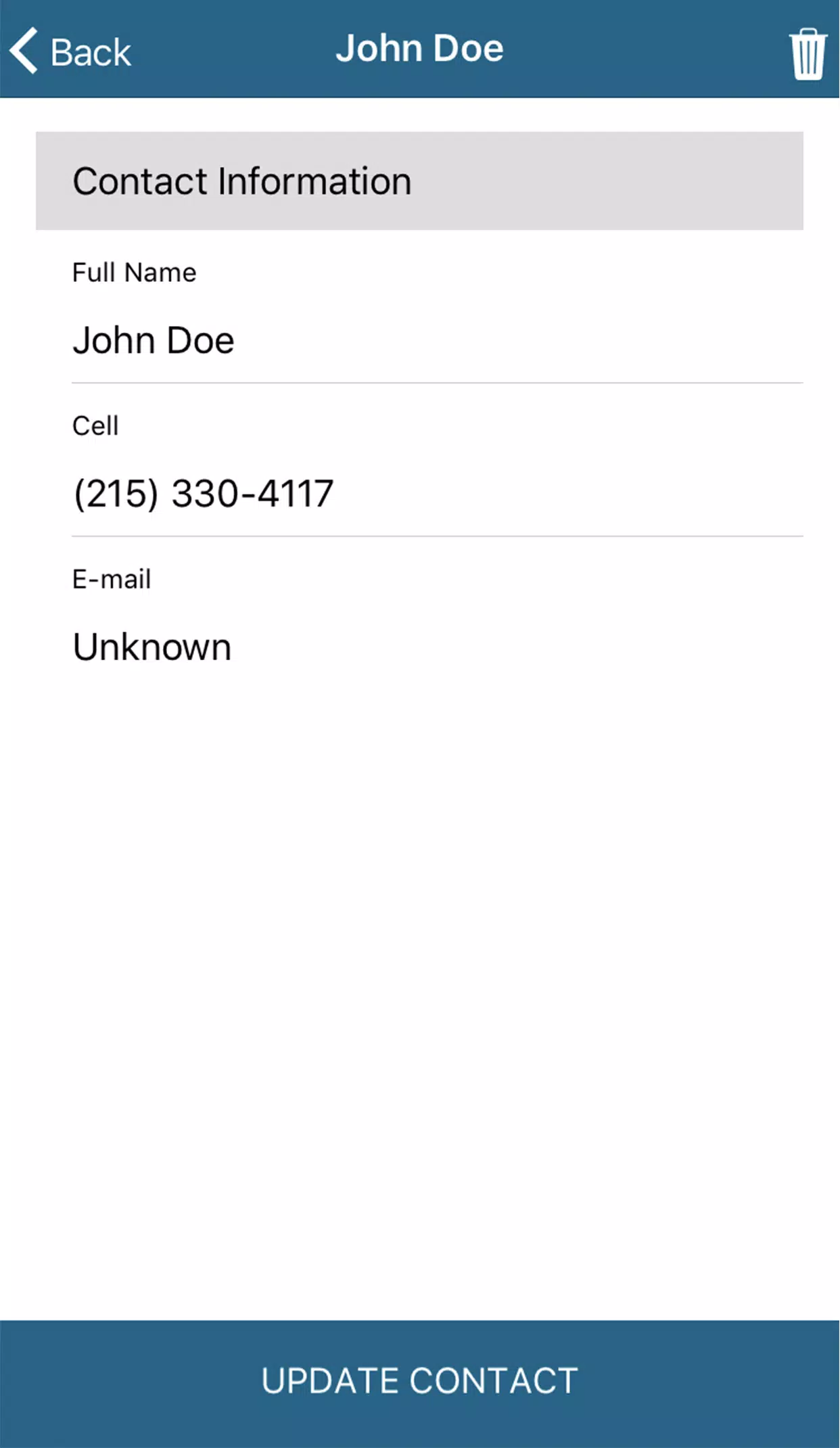
SNAPtext offers adjustable notification settings so you can mute conversations, enable or disable sound and set do-not-disturb windows that match work hours or personal time. Display options include adjustable text size and basic theme choices to improve readability for users with visual needs; the UI is built to work well with common screen readers and accessibility services. Contact management tools let you label or tag contacts for easier filtering, and you can maintain separate contact groups to keep business conversations distinct from personal ones without creating multiple accounts.
When offline, SNAPtext preserves drafts and queues outgoing messages until a network connection is available; incoming SMS and MMS are delivered when the device reconnects. To reduce data usage, the app delays automatic media downloads on cellular connections by default and offers a manual download option for large files, so you can preview and decide which attachments to retrieve. Because messaging uses carrier SMS/MMS protocols via SnapCom numbers, delivery and attachment sizes are subject to carrier limits and standard messaging charges may apply.
SNAPtext requires an active SnapCom phone number for sending and receiving messages, so it is tied to that service. Multi-device synchronization depends on signing in with the same account credentials on each device, and the behavior of MMS attachments and delivery timing is affected by carrier rules and network conditions. The app is intended as a practical, unified SMS/MMS client rather than a replacement for specialized file-transfer or enterprise messaging platforms, so if you need advanced archiving or legal compliance features you should confirm service capabilities with SnapCom before relying on them.
File size: 14.60 M Latest Version: 6.0.5
Requirements: Android Language: English
Votes: 114 Package ID: com.snapcom.snaptext
Developer: Snapcom LLC

Top Free Business Necessary Apps for Android
Streamline operations and maximize productivity with our innovative business apps. Manage contacts, schedule meetings, and route calls seamlessly. Collaborate on documents and projects in real-time. Track inventory, finances, and analytics to inform smart decisions. Build customized proposals, invoices, and contracts to win clients. Stay on top of emails, tasks, and passwords for efficient work.






LIVE A HERO
Retro Hero Mr Kim
Empire of Passion
Arcane Quest Legends
Magic Snap: Momotaro
AllStar Manga Heroes
Lunescape
ONE PIECE Thousand Storm JP
Tap Titans 2