Scan to Download
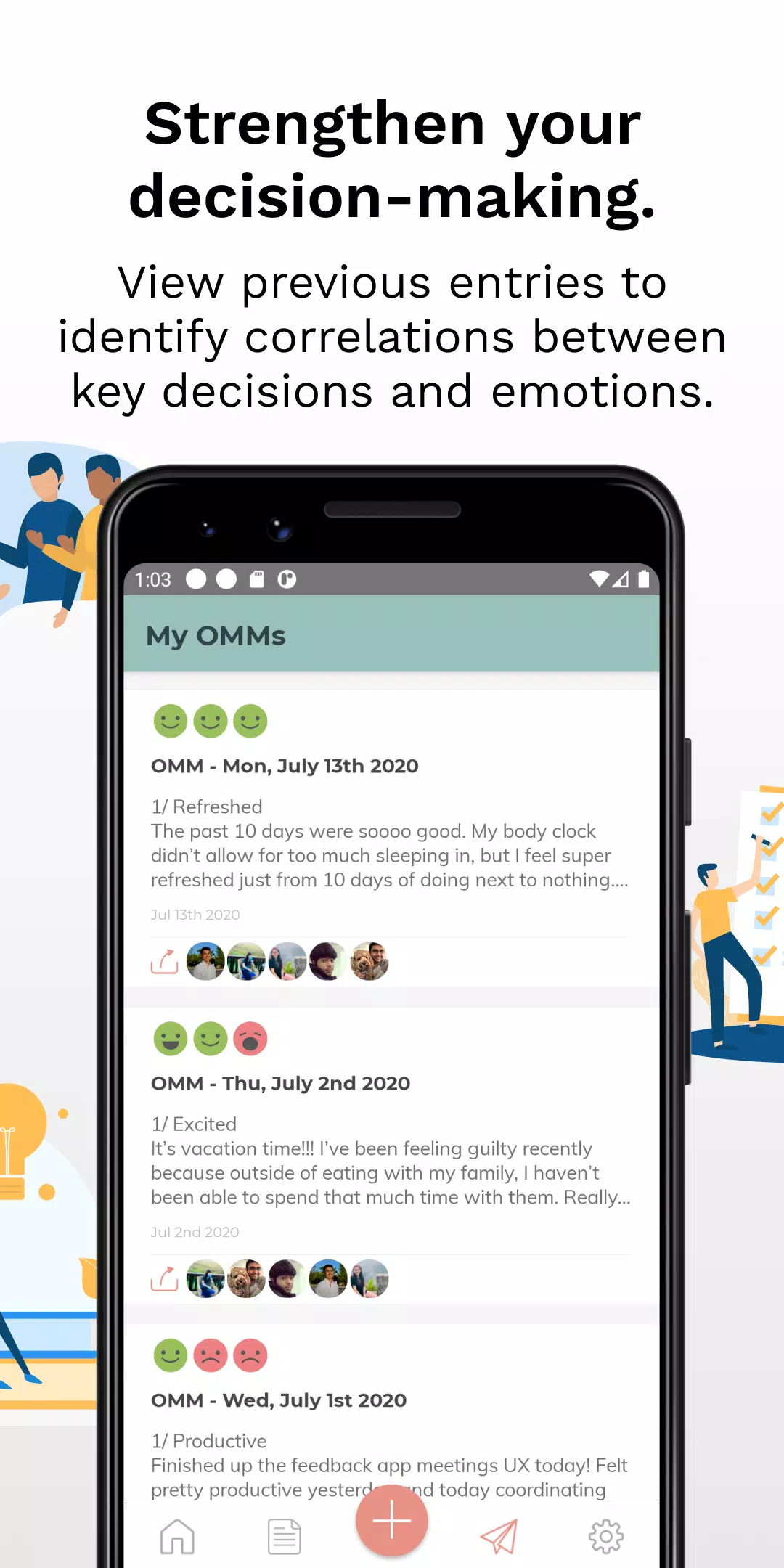
On My Mind is a compact team communication app designed for teams who prefer brief, candid exchanges instead of long status reports. This editor overview explains how On My Mind helps small groups and project teams share quick mood check-ins, concise progress notes, and short requests for help without inflating inboxes. The app emphasizes brevity and clarity so everyday collaboration becomes lighter: updates are easy to create, quick to scan, and organized to surface the signals teams need to stay aligned.
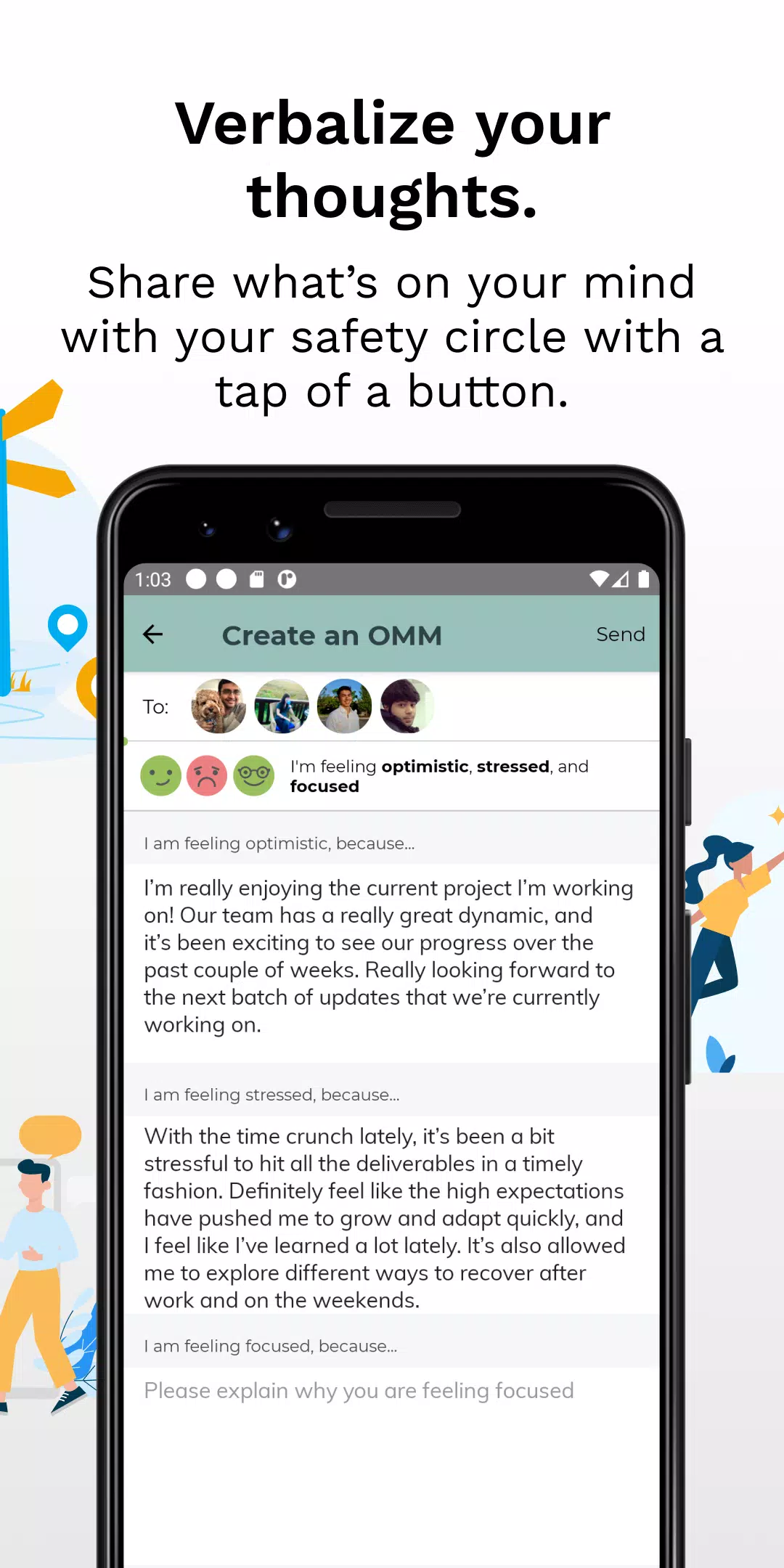
The core interaction centers on single-field entries and quick selectors that minimize typing and decision friction. A person opens a channel or project view, types a short update or chooses a mood/status indicator, and posts it to the team or a specific project group. Updates can tag a blocker, request assistance, or note a milestone in a few words. Replies and lightweight reactions let teammates acknowledge or offer help without turning a brief update into a long thread. Regular prompts and optional reminders encourage steady participation while keeping the process unobtrusive.
Controls are intentionally simple to support fast, one-handed use on phones: tap to create an update, use a single text field that accepts short entries, and select a mood or status from a compact picker. Tappable areas are large and clearly labeled so posting an update or switching visibility takes a single gesture. Inline mention and basic tagging let users direct messages to individuals or project channels without complex menus. Notifications are granular and configurable so users receive only the signals they care about during focused work.
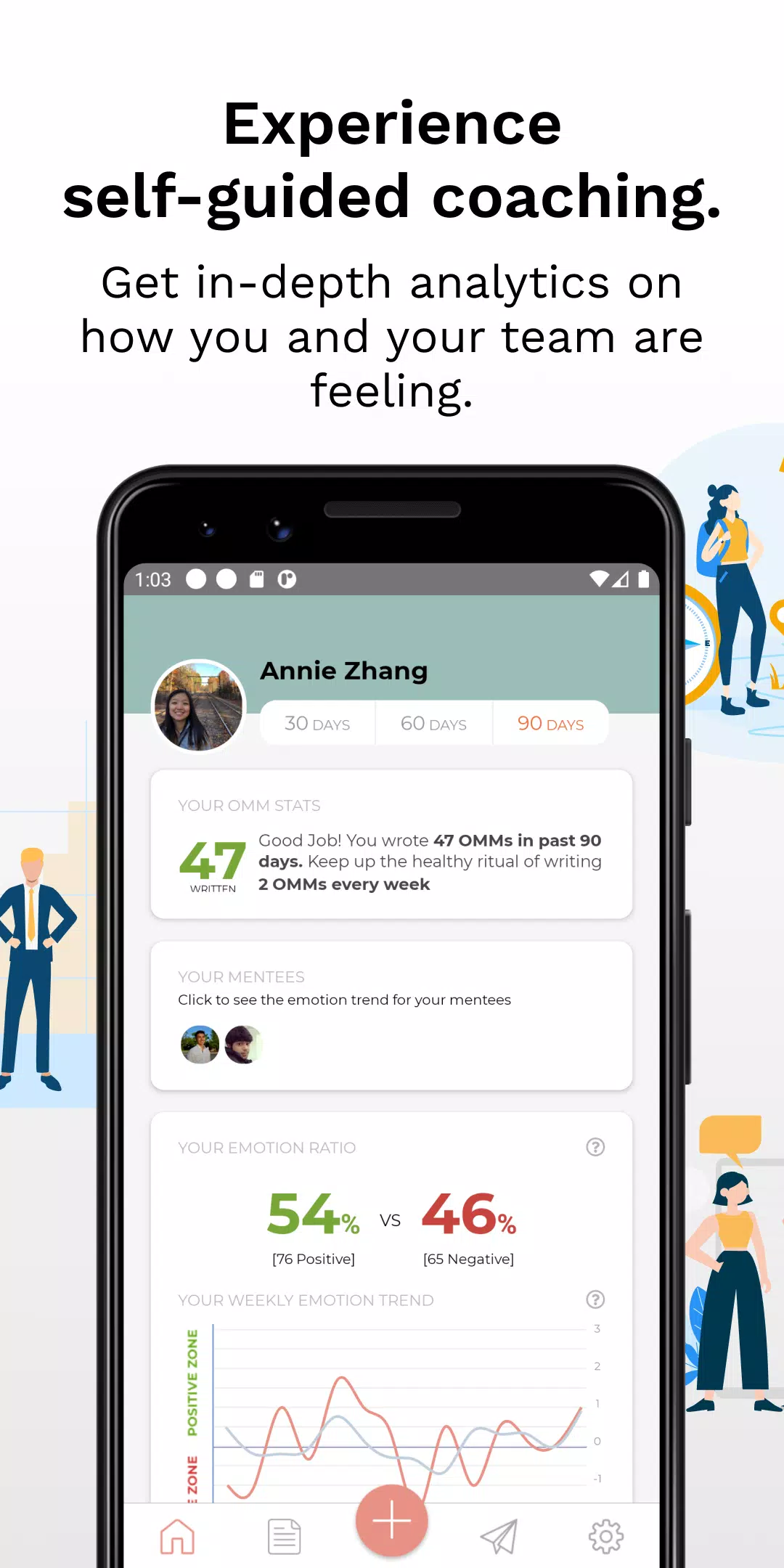
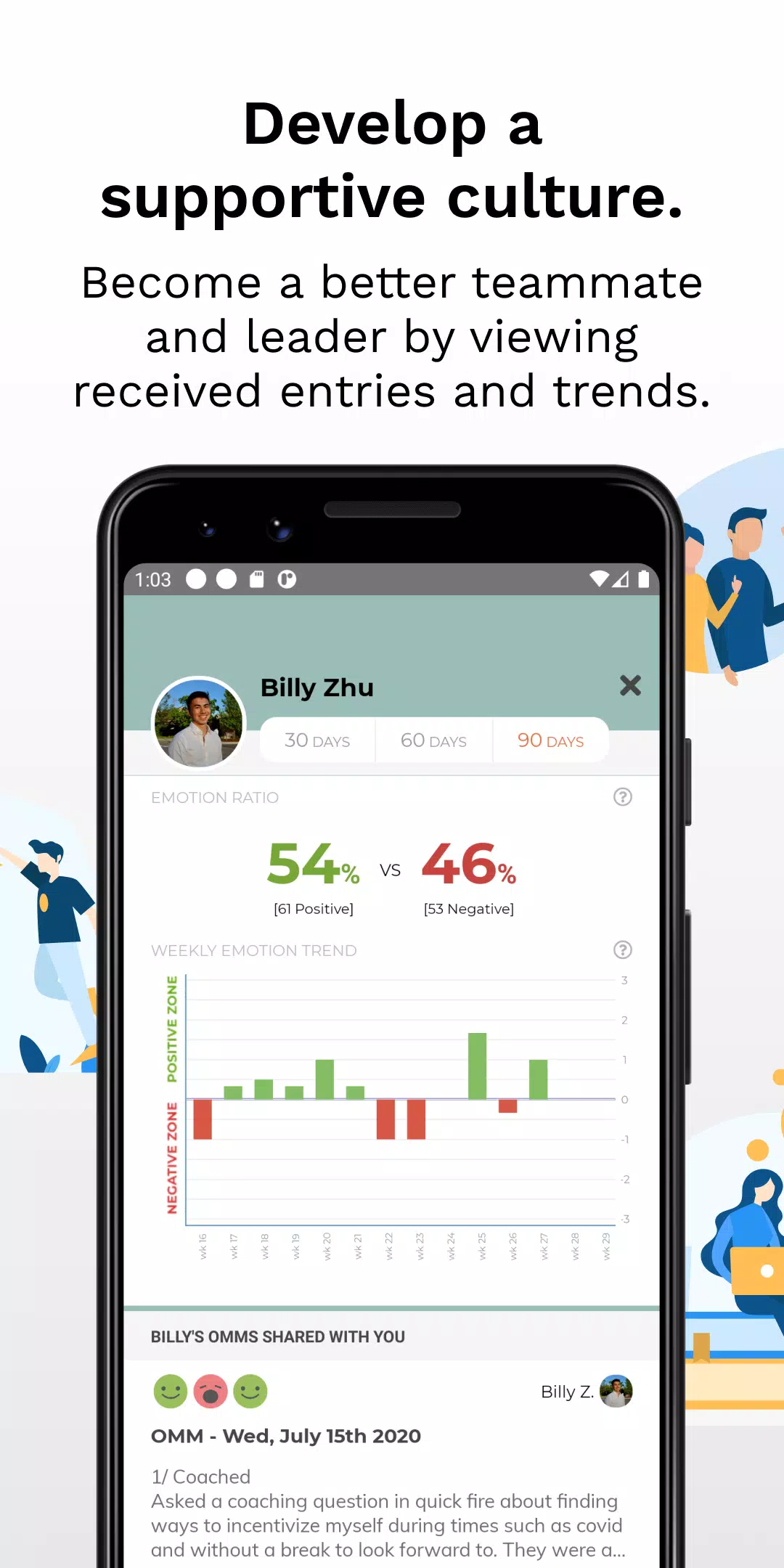
Instead of gamified levels, On My Mind tracks participation patterns and provides lightweight insights that help teams form productive rhythms. Weekly summaries and short-term usage trends surface how often members check in and whether blockers are recurring. Optional nudges—like gentle reminders or daily prompts—support regular check-ins; administrators or team leads can encourage consistency without enforcing intrusive mechanics. Over time these simple patterns lead to clearer handoffs, more predictable standups, and fewer last-minute surprises.
The visual design favors minimalism and rapid legibility: generous spacing, readable typography, and restrained color cues make updates easy to scan in a glance. Users can personalize a display name, upload a small avatar, and set notification preferences to suit their workflow. Teams can define short-form tags or conventions for statuses and filters to help sort and search updates quickly. These customization options keep the app familiar to each group while avoiding visual clutter that slows down reading.
Content in On My Mind is organized around short, dated entries rather than long conversation threads, enabling a daily rhythm of micro-updates and concise status notes. Project-related posts are grouped so colleagues can follow a project’s recent signals without wading through unrelated content. The structure supports both ad hoc micro-updates and scheduled reflections—teams can adapt the cadence to fit standups, handoffs, or sprint checkpoints while keeping each entry focused and actionable.
Accessibility is built into the interface with large tappable targets, clear contrast, and support for text scaling and voice-over to accommodate diverse needs. The app preserves drafts and handles intermittent connectivity by allowing users to compose updates offline and sync when a connection returns, so brief check-ins are not lost during travel or spotty service. Search and filter controls are designed to remain usable with assistive technologies, lowering the barrier to participation for more team members.
Replay value comes from the habit-forming nature of brief, consistent communications: the more teams post short updates, the more useful the shared context becomes. Regular use produces a searchable record of day-to-day signals that improves handoffs, clarifies workload trends, and shortens the lifecycle of common blockers. Because the interface is lightweight and predictable, returning to the app is quick, which supports regular participation and steady value over time.
On My Mind is meant to complement, not replace, comprehensive project management or long-form documentation. Its strength is in fast signals and emotional check-ins; it relies on clear team norms and regular participation to be effective. For in-depth planning, reporting, or detailed archival records, teams should continue to use dedicated tools and use On My Mind as the everyday stream of short, candid communication that keeps daily work moving smoothly.
File size: 38.20 M Latest Version: 4.0.0
Requirements: Android Language: English
Votes: 109 Package ID: com.perksatwork.onmymind
Developer: Next Jump Inc.

Must Have Communication Apps for Android
Connect deeper through meaningful conversations with our communication apps. Enjoy crystal-clear calls, video chats, messaging, and file sharing. Find the perfect emojis, GIFs, and stickers to express yourself. Keep the non-stop group banter organized in one place. Block unwanted interactions at the source. Meet new people worldwide through our global community features.






LIVE A HERO
Retro Hero Mr Kim
Empire of Passion
Arcane Quest Legends
Magic Snap: Momotaro
AllStar Manga Heroes
Lunescape
ONE PIECE Thousand Storm JP
Tap Titans 2