Scan to Download
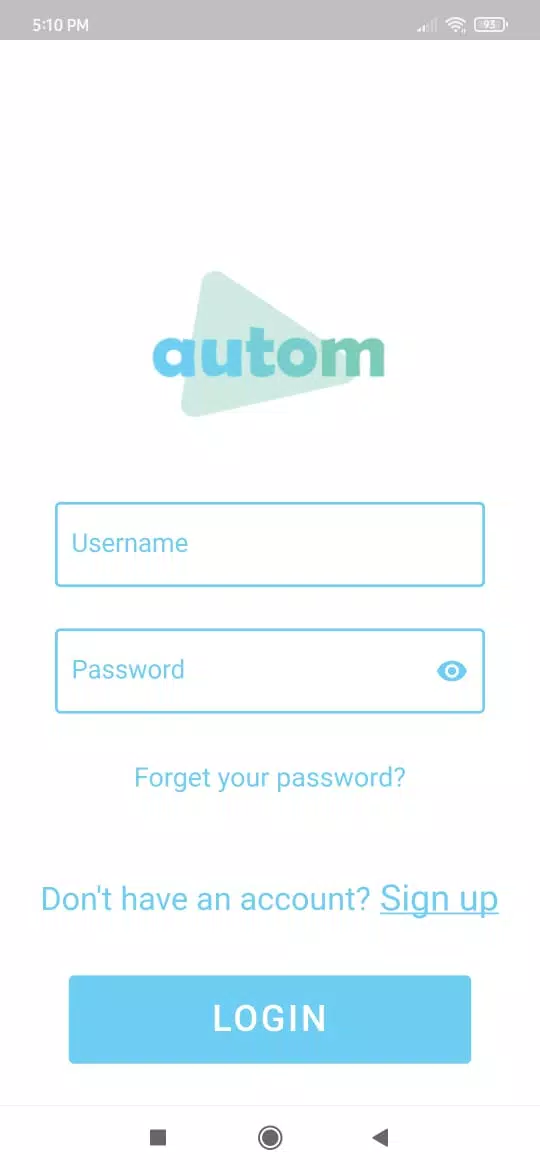
Autom Smart Home Automation puts the central controls for your home on your phone, letting you manage lighting, climate, security and entertainment from a single, consistent interface. Autom Smart Home Automation is designed to be accessible for people who are new to smart devices while also offering deeper options for power users, so you can dim lights, set temperature schedules, check camera feeds or trigger routines remotely without needing multiple vendor apps. The app focuses on predictable controls, clear feedback and a setup flow that helps you onboard devices and household members at your own pace.
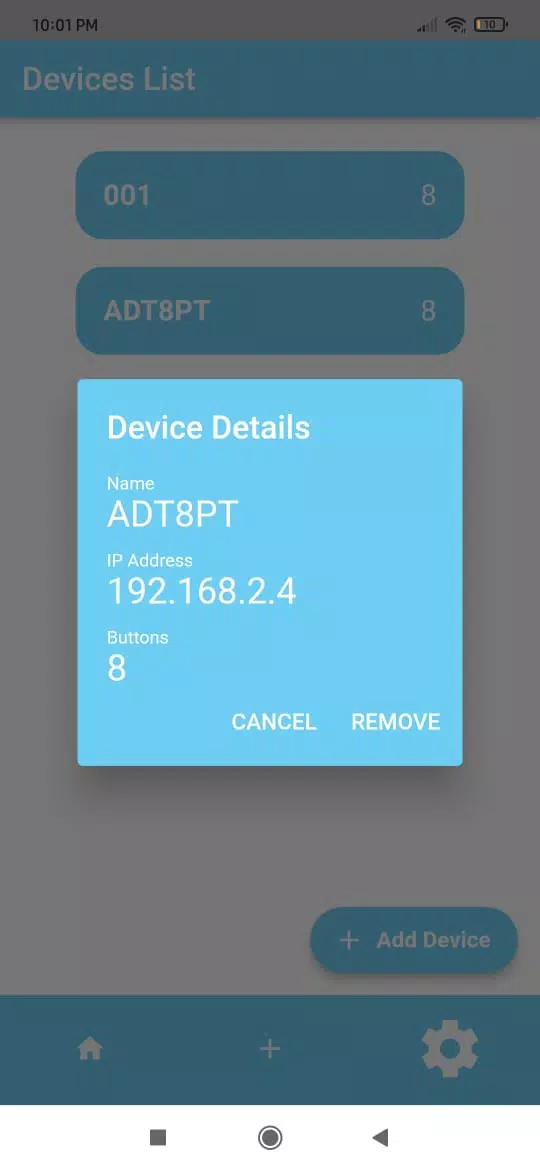
The app brings together disparate smart devices into one hub so you can operate bulbs, thermostats, door locks, sensors and media devices using the same workflow. Remote access is available when your home network is online, and hands-free operation works with the most popular voice assistants for basic actions and routine triggers. Live camera streams and event alerts provide immediate visibility into doors, motion sensors and doorbell activity, while push notifications and event histories let you review past activity. Family sharing and per-user permissions make it straightforward to give different levels of control to household members, and standard scheduling lets you define home, away and night modes across rooms.
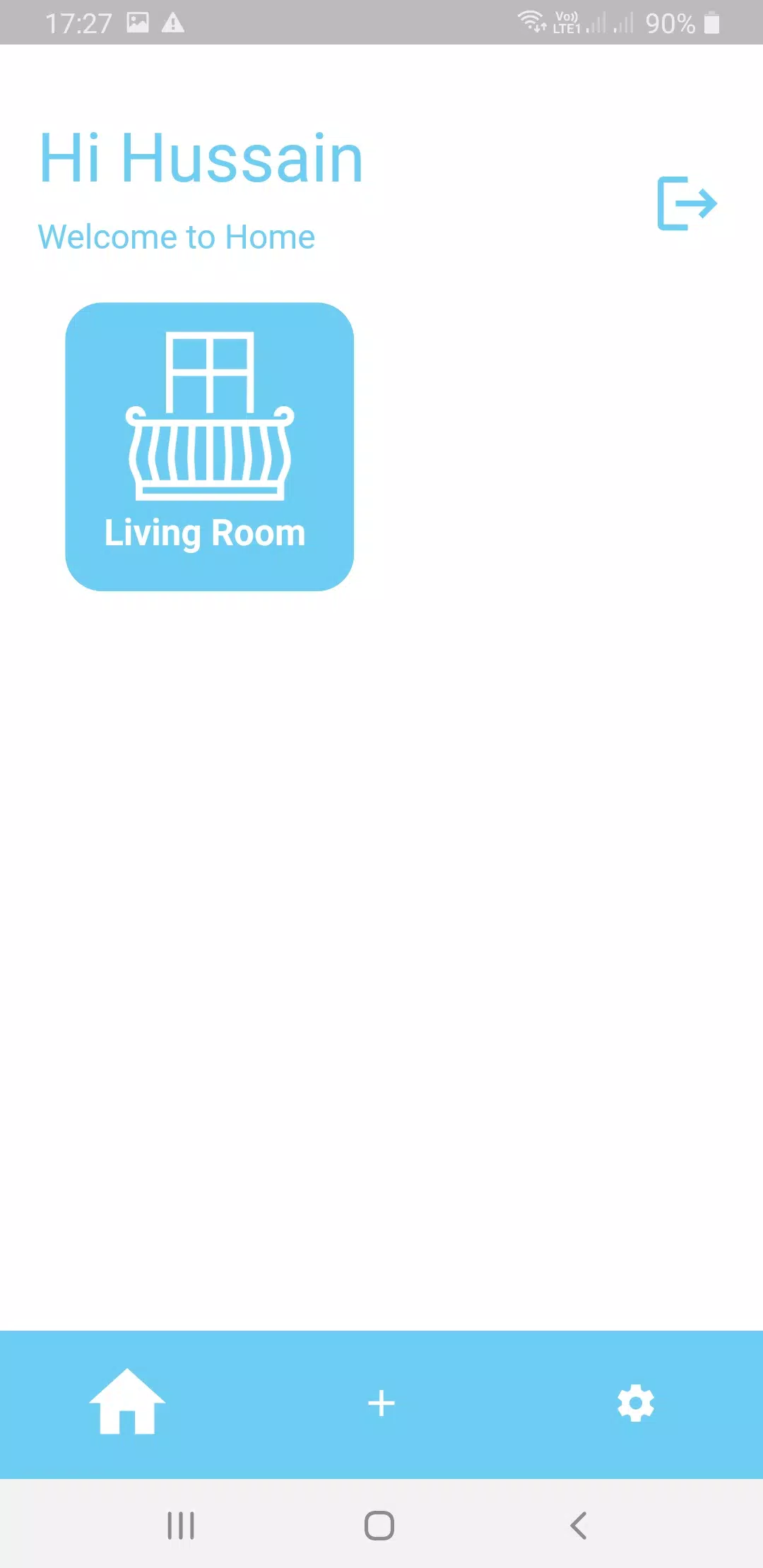
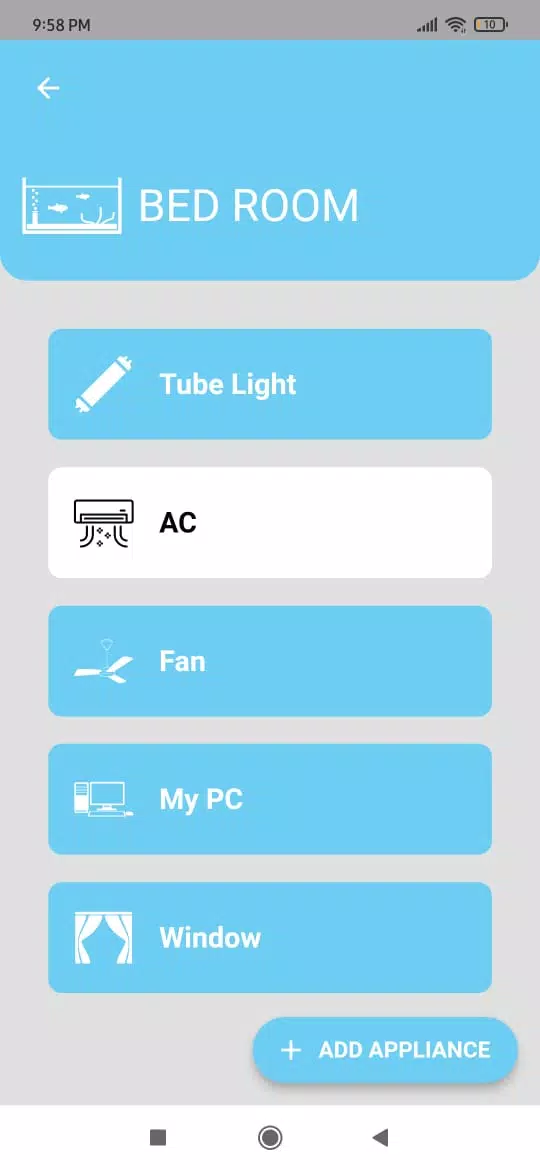
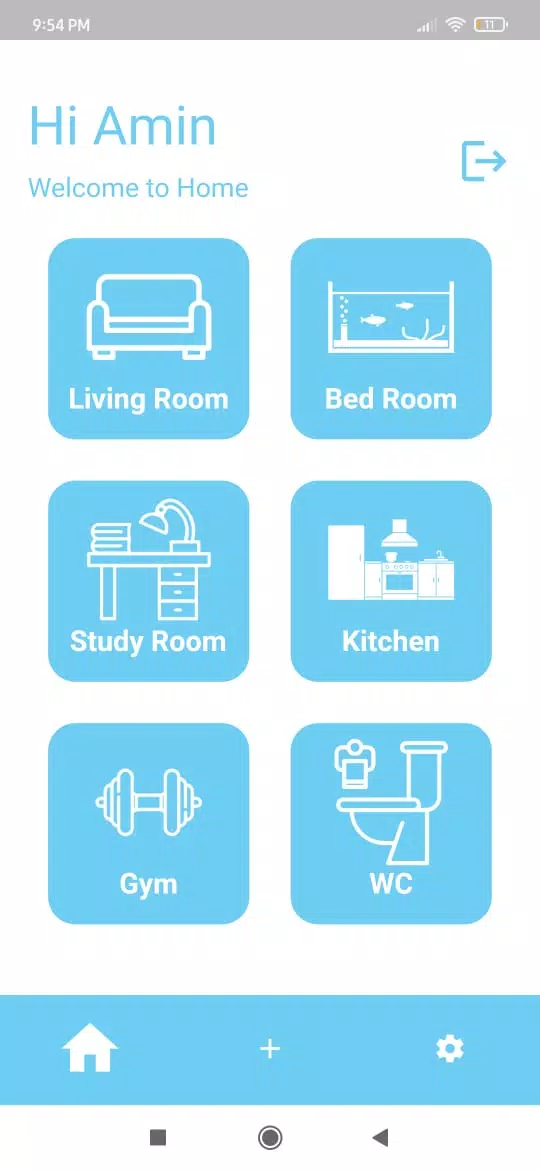
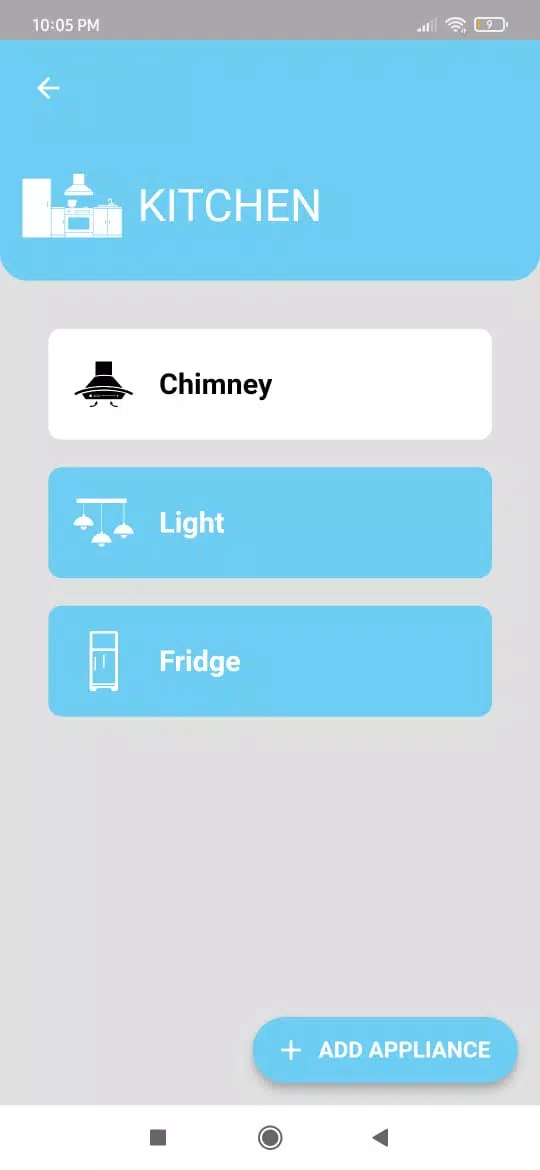
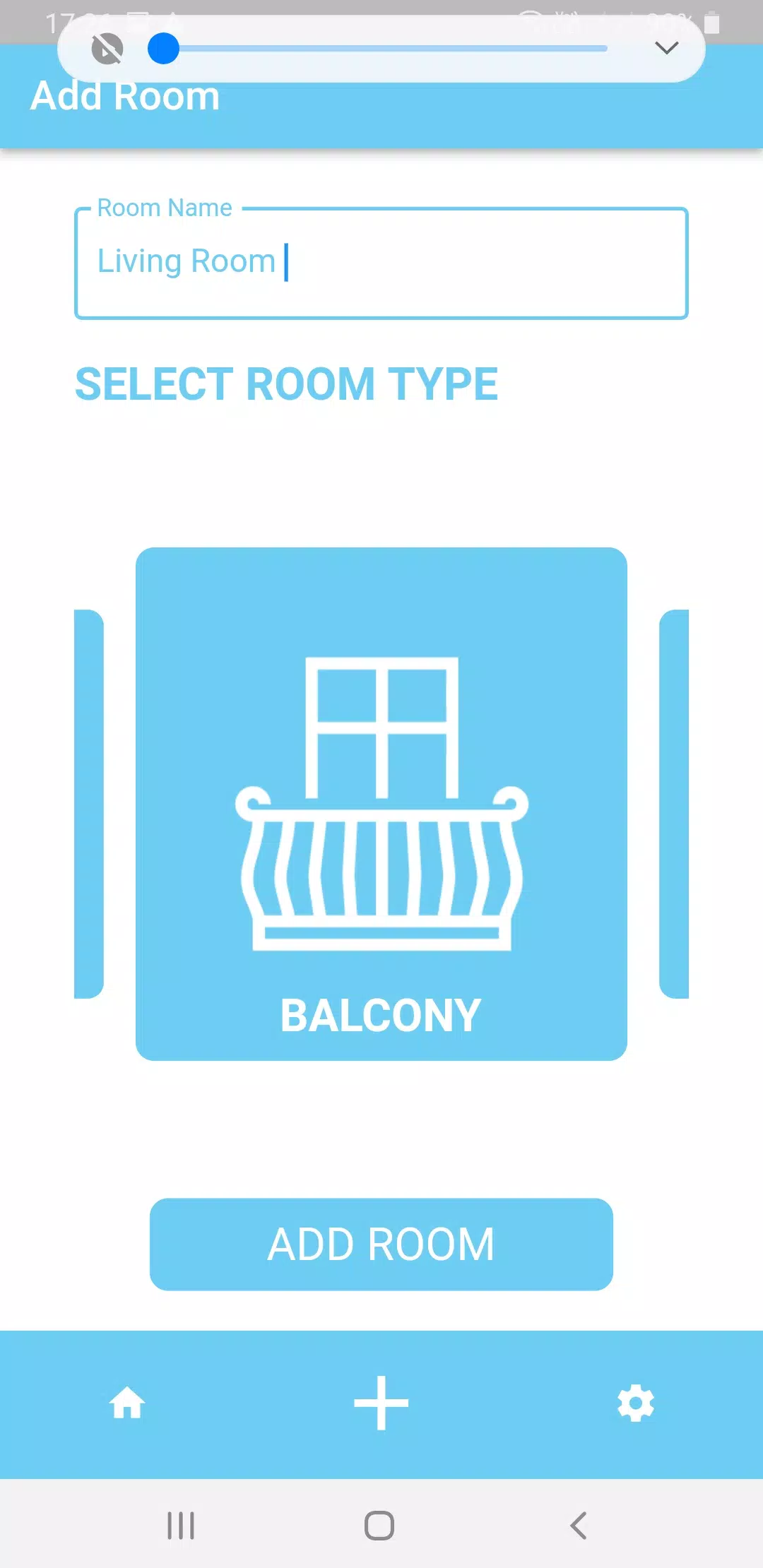
Controls are organized by rooms and device groups so you can manage zones instead of individual devices when that is more convenient. The interface supports quick toggles for common items, drag-and-drop scene creation for building multi-device actions, and persistent widgets for one-tap access from your phone home screen. You can customize scenes and routines with time-based triggers, sensor conditions and manual overrides, then save them to appear under custom tabs. For users who prefer voice, Autom Smart Home Automation exposes named scenes and routine controls to the assistant so spoken commands operate the same scenes you use in the app.
Rather than presenting automation as a fixed checklist, the app gradually adapts its suggestions based on the routines you set and the times you use devices. Adaptive routines learn common patterns — for example, lowering the thermostat overnight or turning off living room lights at the same time each evening — and propose automation that you can confirm, adjust or ignore. This incremental progression lets the system become more helpful without taking control away from you, and it includes easy manual overrides so learned automations can be refined over days and weeks to match household habits.
The visual design emphasizes clarity: readable typography, high-contrast elements for key controls and flexible sizing for different screen densities. Clear icons and labeled controls reduce ambiguity when you are making quick adjustments from a glance. Accessibility features include large tap targets, support for system-level font scaling, and full compatibility with screen readers so the app remains usable for a wide range of users. Color and layout choices aim to minimize distraction while making important status information — like alarms or camera activity — immediately visible.
Some features require a reliable internet connection for remote access and cloud-based synchronization, but local network control is available for many devices when your phone is connected to the same Wi-Fi as the hub or smart devices. That means basic turning on and off of lights and some scene activations can continue to work during short outages. The app also includes diagnostic tools to check device communication and a setup wizard that walks through common compatibility issues, helping you identify when a particular smart device needs a firmware update or a stronger signal.
Initial setup can take time if you have many devices from different manufacturers, and certain advanced features will only work with compatible hardware. The app documents supported device classes and explains the permission model for cameras and microphones to help you make informed choices. Automated backups of settings and secure authentication options help protect access to your home, and the app allows you to review and revoke device and user permissions if household circumstances change.
Autom Smart Home Automation fits a broad range of users: families that need shared schedules and parental controls, apartment dwellers who want simple remote control and peace of mind, and hobbyists who enjoy refining automations over time. It balances approachable daily controls with a scaffolded automation system so both beginners and experienced users can make their home more convenient and efficient without unnecessary complexity.
File size: 8.30 M Latest Version: 1.1.1
Requirements: Android Language: English
Votes: 378 Package ID: in.haprotech.autom
Developer: HA PROTECH
Make your house a home with our selection of innovative apps. Discover programs to simplify cleaning, organize closets, and manage home maintenance. Take the hassle out of chores and keep your space running smoothly. Design, visualize, and renovate like a pro using our augmented reality and 3D modeling tools. Enhance security and monitor your property 24/7 with our connected home tech.






LIVE A HERO
Retro Hero Mr Kim
Empire of Passion
Arcane Quest Legends
Magic Snap: Momotaro
AllStar Manga Heroes
Lunescape
ONE PIECE Thousand Storm JP
Tap Titans 2