Modulo Panel brings custom control interfaces to Android, letting technicians and creatives operate tailored control panels over a local Wi‑Fi network without a computer. As a lightweight remote companion to Modulo Player, Modulo Panel displays panels built in Modulo Player’s UI Designer so you can manage lighting rigs, audio processors, or other show-control devices from a phone or tablet while moving around a venue or studio.
The app is designed for mobile use during live events, broadcasts, installations, or rehearsals: panels created on a desktop in Modulo Player are published to the local network and received by Modulo Panel for responsive, touch-based control. Instead of rebuilding interfaces on a handheld device, operators simply load the published panel set, choose a page or layer and begin interacting with the same widgets and cues used on the main console. This preserves established workflows while adding mobility for spot operators, technicians and stage managers.
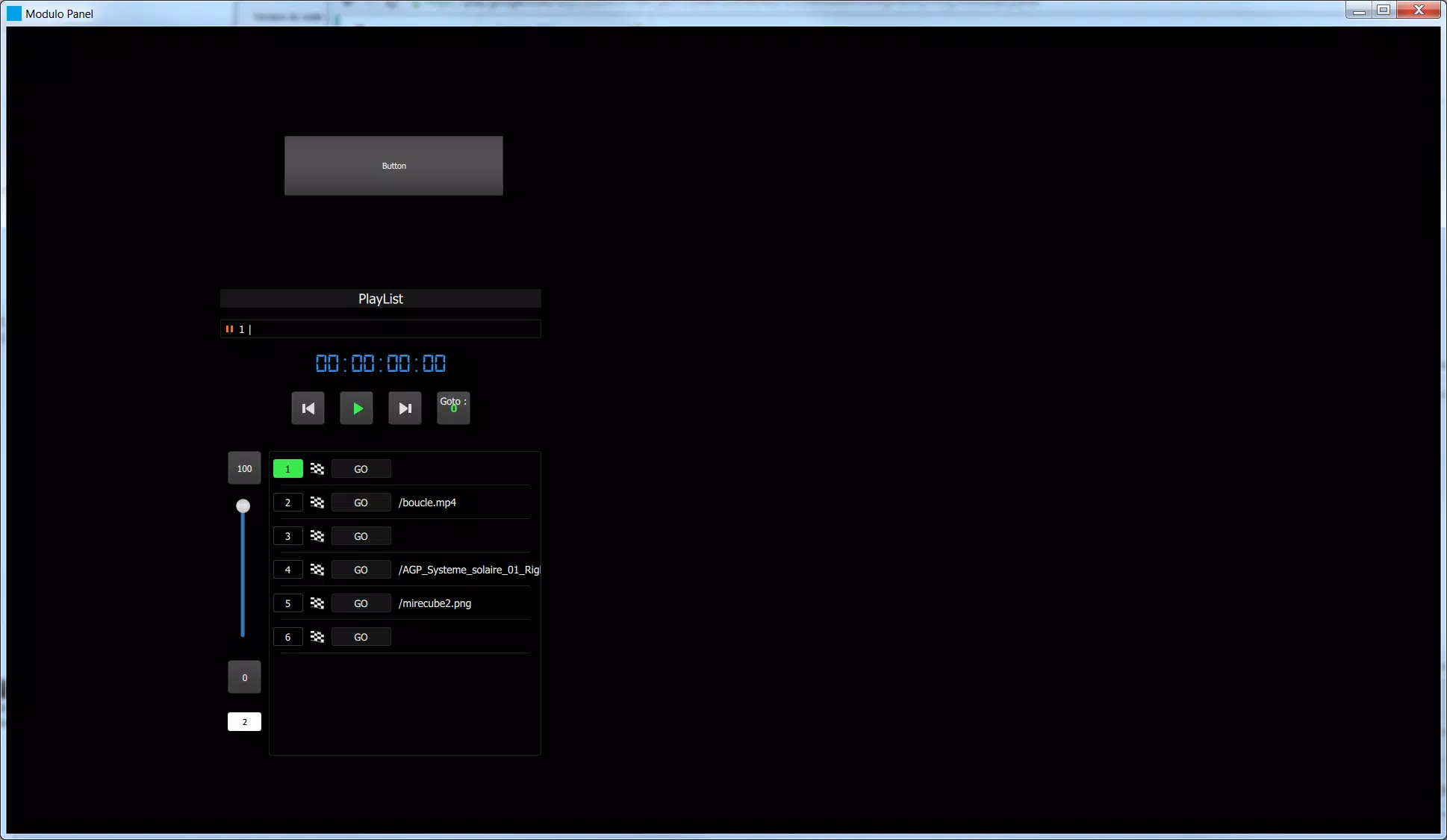
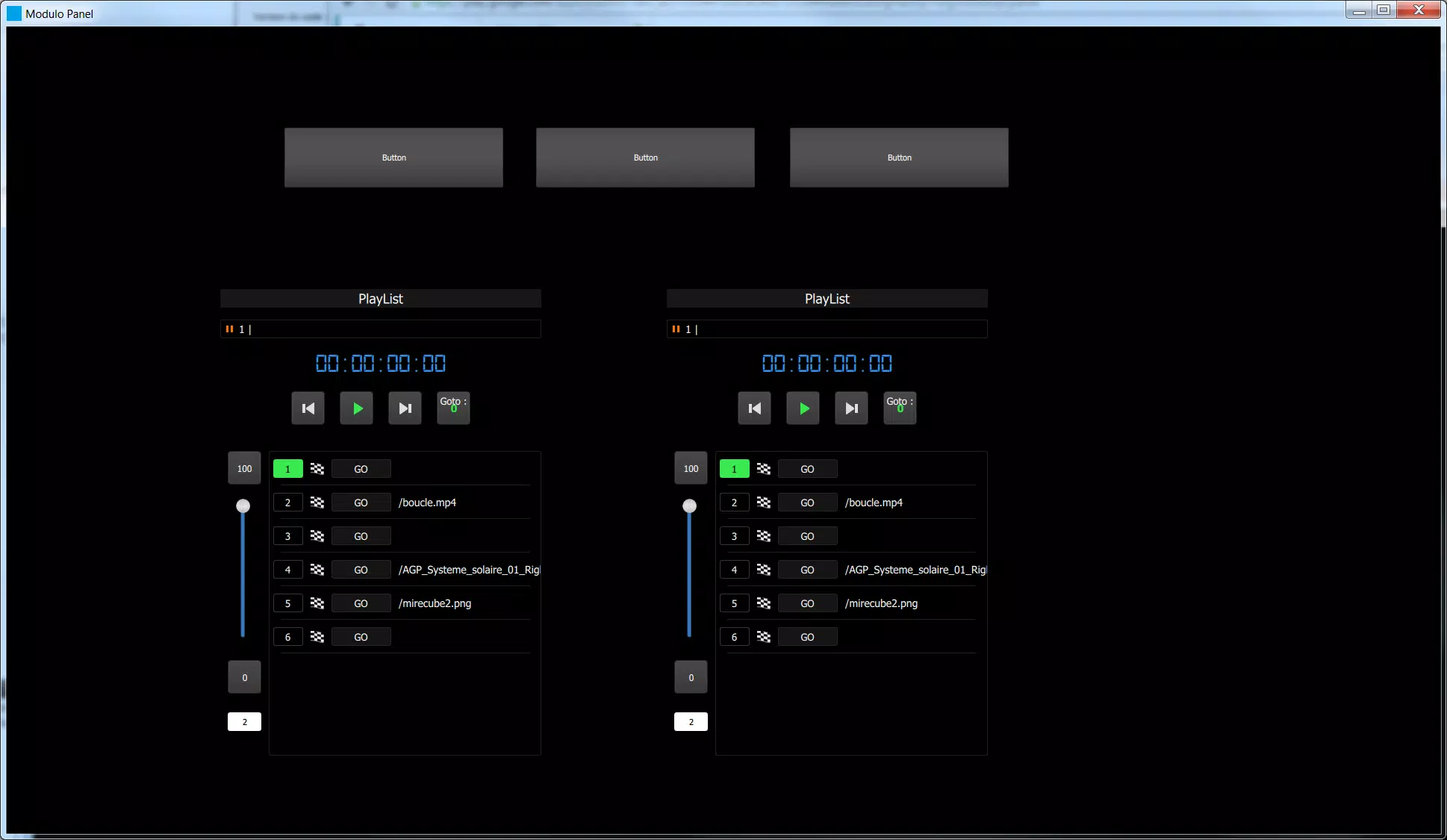
Controls in Modulo Panel mirror common show-control elements: large faders and rotary encoders for smooth parameter adjustment, tappable buttons and toggles for cues and macros, and multi-touch support for gestures such as pinch-to-zoom on complex layouts. Input is optimized for capacitive screens so sliders respond to finger movements with low latency and visual feedback. The interface prioritizes predictable touch targets, allowing quick, confident operation in fast-paced environments.
Panels are structured into pages and layers created in Modulo Player’s UI Designer, and Modulo Panel preserves that organization on mobile. Each page can contain grouped widgets, custom graphics and labeled controls, enabling task-specific layouts like patching, effects control, or cue triggering. While all authoring is done in Modulo Player, Modulo Panel supports loading multiple saved configurations and recalling presets or snapshots to reconstruct a particular show state instantly.
Instead of traditional game-style progression, progression here refers to iterative show preparation: users build panel versions and snapshot presets during rehearsals and then deploy those same presets on event day. Modulo Panel’s ability to switch quickly between saved panel configurations increases the app’s replay value across different shows and venues, because the same mobile interface can be re-skinned and repurposed for new productions without rebuilding control logic.
The visual presentation is optimized for readability under stage lighting and in dim backstage areas, with scalable controls, clear typography and good contrast between active and inactive elements. Accessibility considerations include adjustable control sizes and text scaling for operators who need larger touch targets, and visual state indicators to reduce ambiguity when multiple users are operating similar panels from different devices.
Modulo Panel is built for local Wi‑Fi operation and intentionally avoids cloud dependencies: it communicates with Modulo Player and connected equipment on the same network to keep latency predictable and secure. If the device loses network connectivity, previously loaded panel pages remain visible for reference but control commands cannot reach hardware until the connection is restored. The app includes basic network diagnostics to help identify connectivity or router issues during setup.
Onboarding focuses on straightforward connection steps and documentation: a detailed manual walks users through pairing Modulo Panel with a Modulo Player instance, loading panel files, and mapping controls to show elements. The UI emphasizes quick task flows such as selecting a show, choosing a panel page and recalling a preset. Performance tuning reduces CPU and battery load during long events while keeping interface responsiveness high.
Modulo Panel is compatible with lighting, audio and other equipment controlled through Modulo Player and reachable on the same local network. It is not a panel authoring tool — panels must be created in Modulo Player — and it does not extend control beyond the wireless range of the host network. These design choices focus the app on reliable local operation and close integration with the primary Modulo Player workflow.
The team behind Modulo Panel targets professionals who need flexible, portable control for shows, installations, and studio environments. Ongoing documentation, setup guides and troubleshooting tips are provided to help both newcomers and experienced users get uninterrupted, predictable control from handheld devices. Regular updates refine network handling and usability while maintaining compatibility with panels authored in Modulo Player.
File size: 84.30 M Latest Version: 2.2.1
Requirements: Android Language: English
Votes: 153 Package ID: org.modulopi.panel
Developer: MODULO PI

Top Events Free Apps for Android
Discover and share the hottest events around with our intuitive apps. Find local concerts, festivals, shows, and more based on your unique interests. Create customizable calendars of upcoming events to coordinate schedules with friends. Purchase tickets seamlessly from our integrated platforms. Check real-time transit schedules to plan your trip. Access maps, directions, and parking information for any venue.






LIVE A HERO
Retro Hero Mr Kim
Empire of Passion
Arcane Quest Legends
Magic Snap: Momotaro
AllStar Manga Heroes
Lunescape
ONE PIECE Thousand Storm JP
Tap Titans 2