Scan to Download
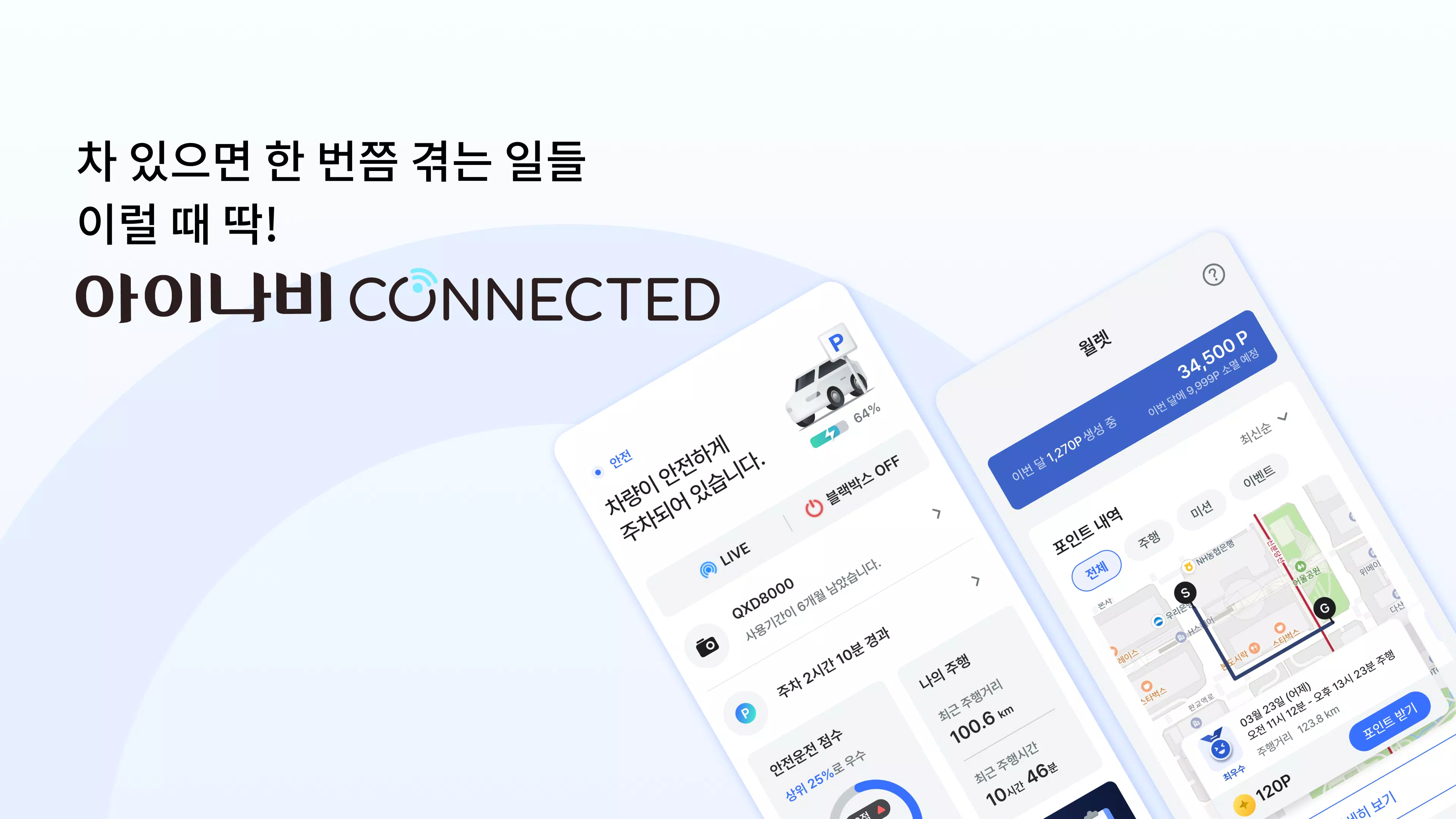
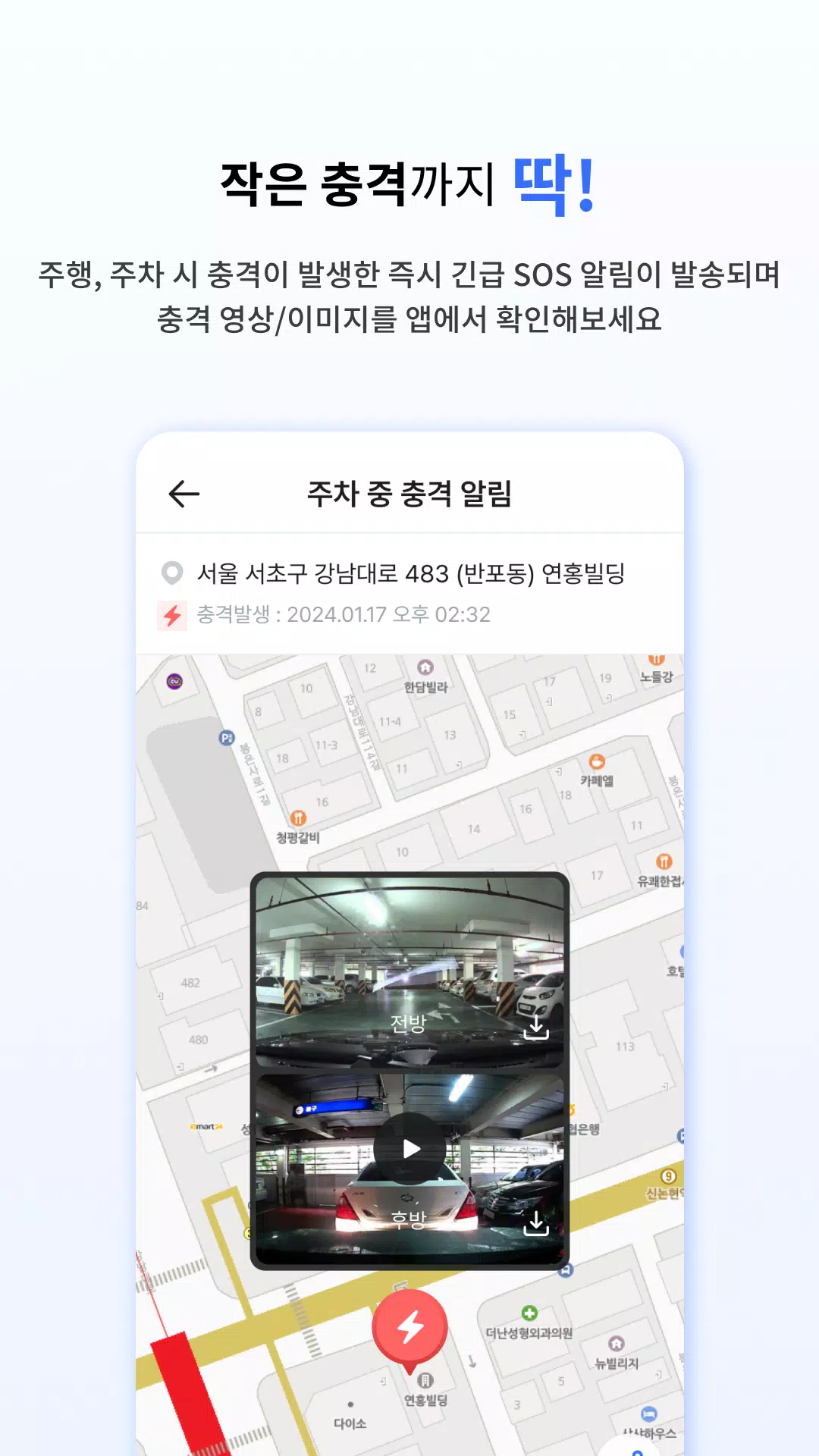
아이나비 Connected is a connected black box application designed to give drivers clear, timestamped video evidence, remote oversight and practical vehicle controls from a smartphone. With 아이나비 Connected you can receive front and rear HD impact videos, parking mode captures and SOS alerts pushed directly to authorized contacts, while the companion device continues to record even when you are away from the car. The app targets commuters and frequent travelers who want convenient access to recorded footage, OTA maintenance and daily reward tracking without needing to connect the dash camera to a PC.
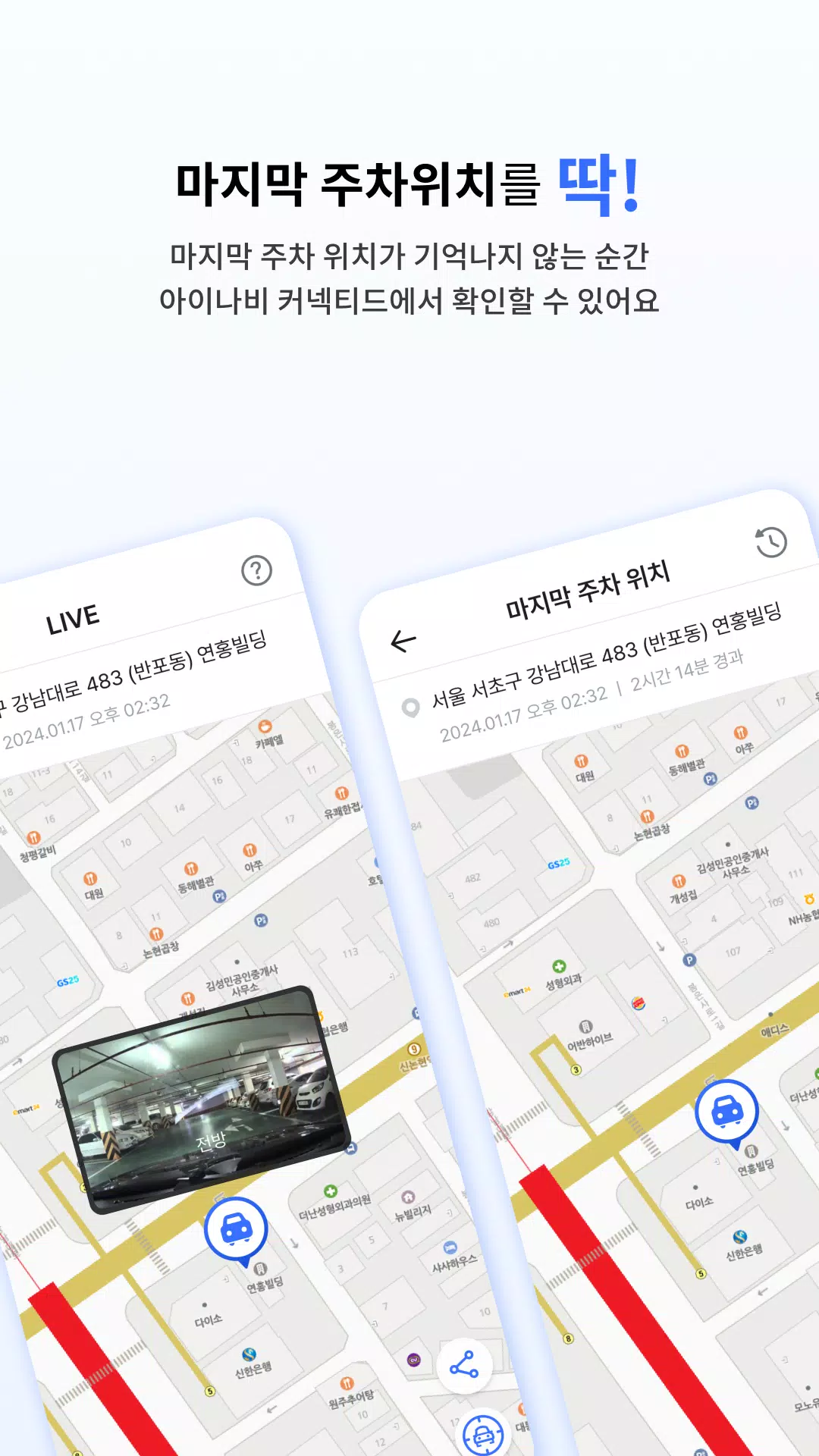
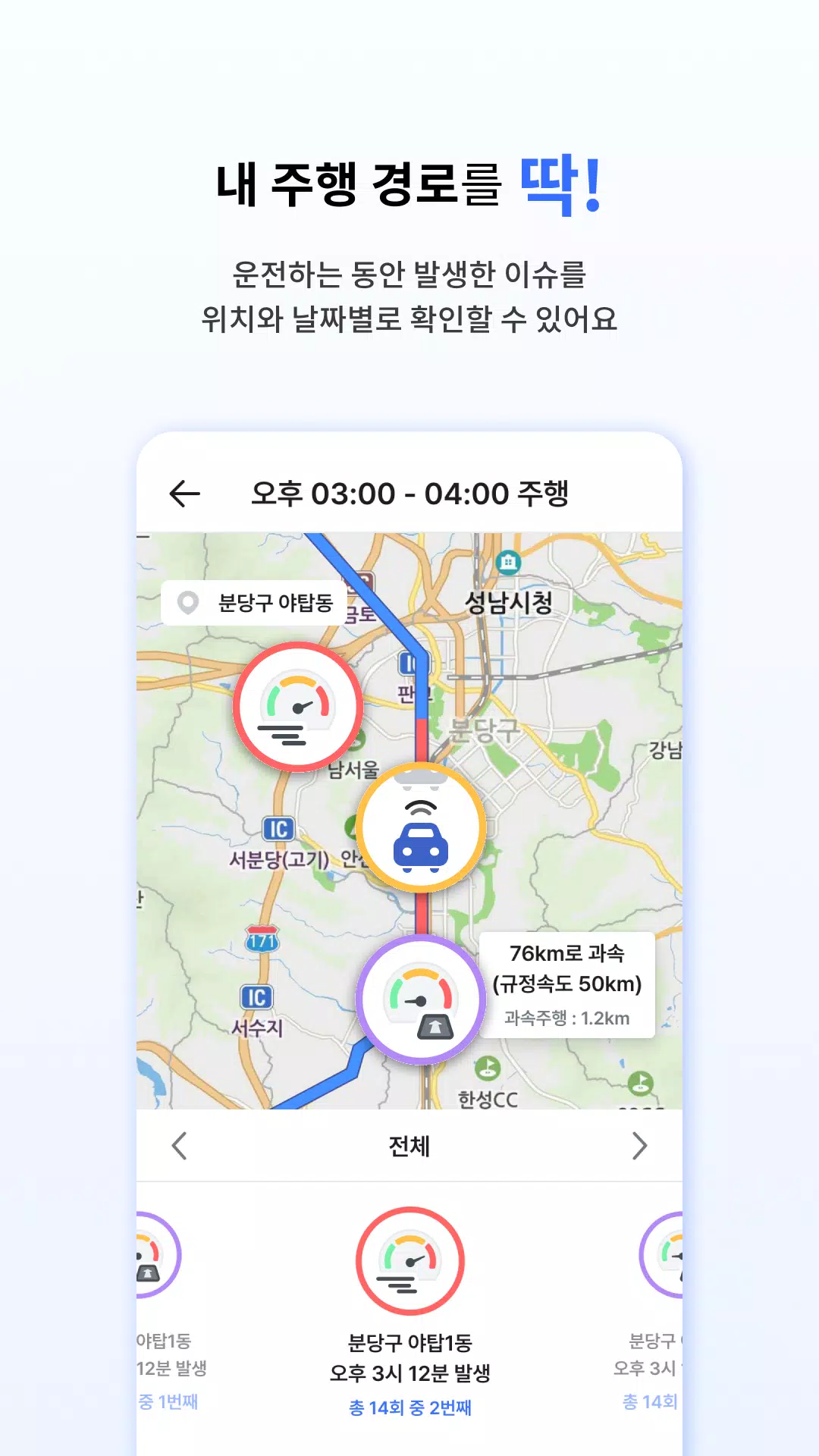
The app delivers LTE-powered notifications for impact events and stores high-definition clips for review in the built-in player. Remote live view lets you check the vehicle’s surroundings on demand and capture still images from the camera stream. Parking mode saves motion-triggered snapshots and a final parking position image to help locate and document incidents. OTA firmware updates keep the dash camera feature set current, and the app wallet accumulates daily iNavi Points that can be redeemed for in-app services or discounts according to the current program.
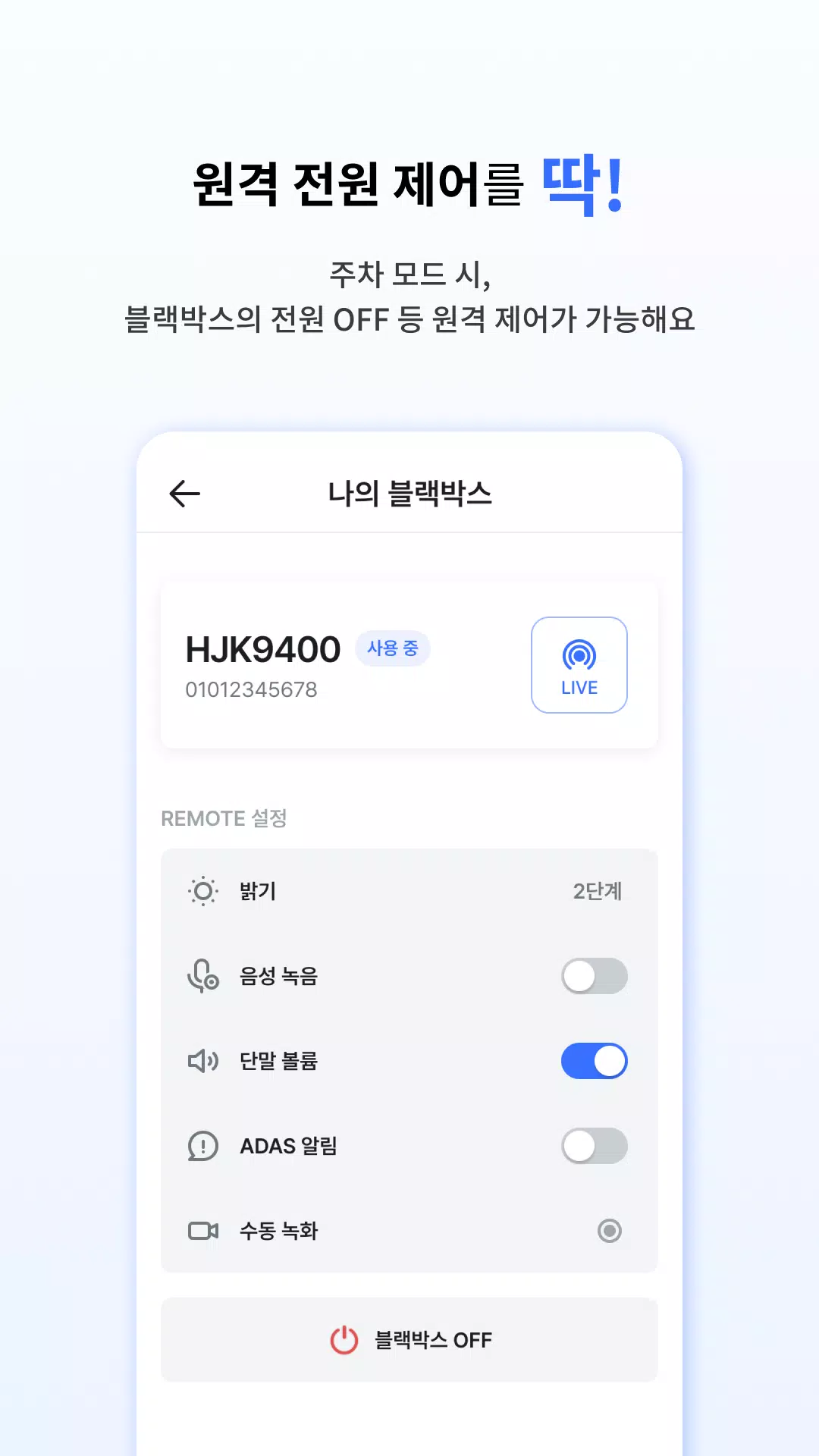
Controls are arranged to be accessible from the main screen and optional widgets: manual recording, microphone and voice-toggle settings, volume and display brightness controls, and a Pro Plus menu for advanced remote settings. Sensitivity levels for collision and parking motion detection are adjustable so users can reduce false alerts in dense urban environments. The app supports simple account sign-in and role-based sharing so family members or trusted contacts can receive alerts and view authorized recordings without exposing unrelated account data.
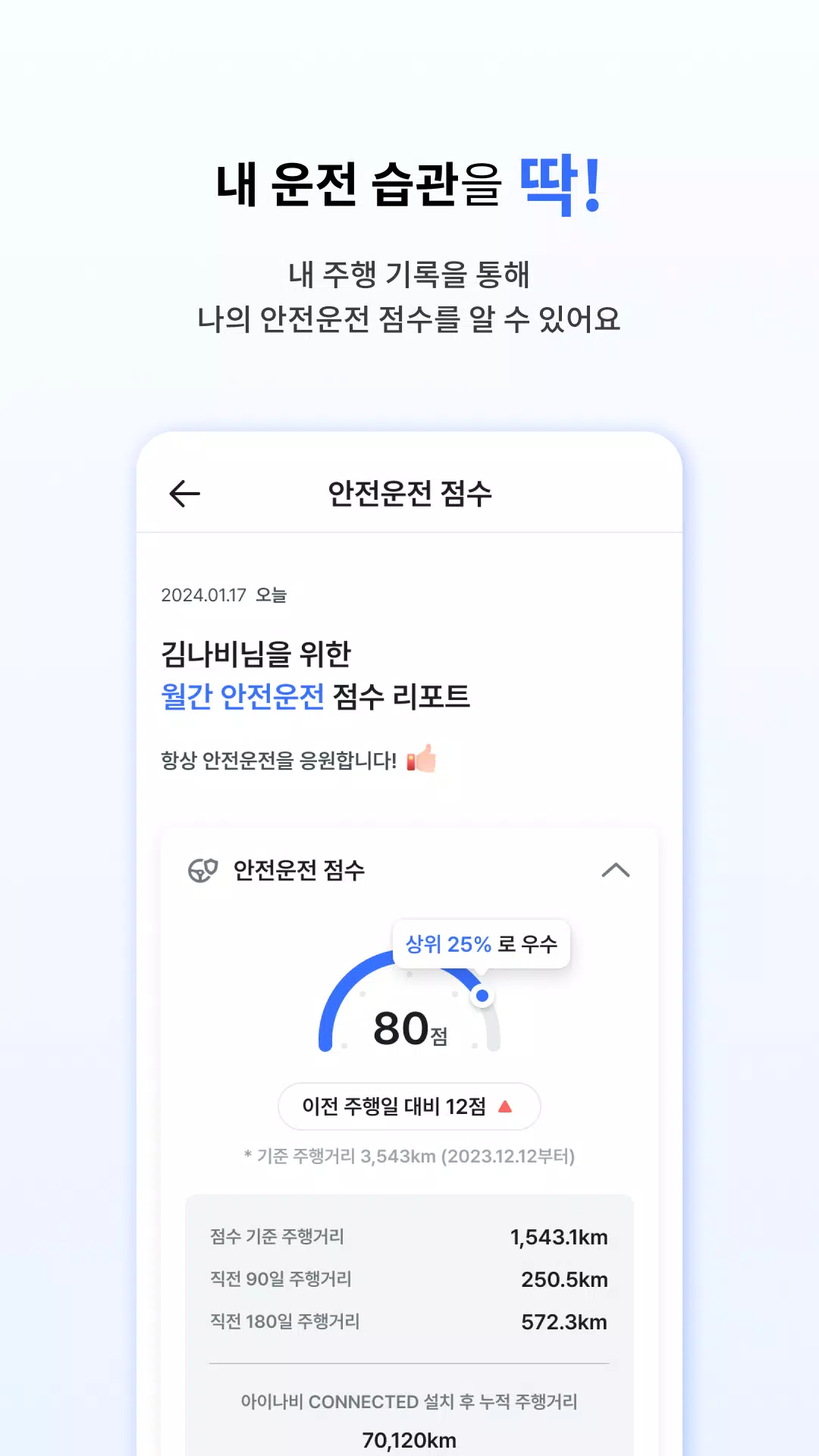
The application organizes device behavior into distinct modes—normal driving, event recording, and parking surveillance—so users can quickly switch or schedule behavior based on their needs. A progression-like experience appears through the daily iNavi Points system: consistent driving habits and regular device usage increase points over time, visible in the wallet and redeemable according to the app’s reward rules. Monthly driving reports summarize acceleration, braking events and ADAS warnings to help improve habits and to make long-term trend analysis straightforward for individual drivers.
Recorded clips are available for immediate playback within the app’s video viewer, which supports timeline scrubbing, frame capture and clip trimming for easy evidence export. When LTE is unavailable, the dash camera continues on-device recording and the app allows local file transfer when connected to the camera or when the vehicle returns to coverage. This balance of cloud synchronization and on-device storage provides practical offline access while still enabling remote retrieval of important footage when connectivity resumes.
The interface emphasizes clear visual cues and simple workflows: event thumbnails with timestamps, color-coded status indicators for connectivity and battery, and one-tap actions for SOS alerts or sharing clips with contacts or insurers. Video quality settings let users select between higher-definition footage for important drives and reduced-resolution modes to conserve mobile data. Menus and control surfaces are sized for thumb reach, and the app includes basic accessibility considerations such as contrast options and straightforward labeling to aid users with differing needs.
The app integrates with cloud services for remote access and supports account-based sign-in to control who can view or receive footage. Selective cloud sync gives users control over which clips are uploaded automatically and which remain stored locally until explicitly shared. The app also provides links to insurance-related features where available—policy reminders and information about provider partnership benefits—but any insurance discounts or offers depend on local partner programs and separate terms.
Full functionality such as real-time HD notifications, continuous live view and cloud backups relies on LTE connectivity and may be tied to a subscription tier for Pro Plus features. Remote controls and some convenience options are available only with advanced plans, and continuous monitoring can increase mobile data and vehicle battery usage. Users should review subscription details and local compatibility before relying on remote features as sole evidence retrieval methods.
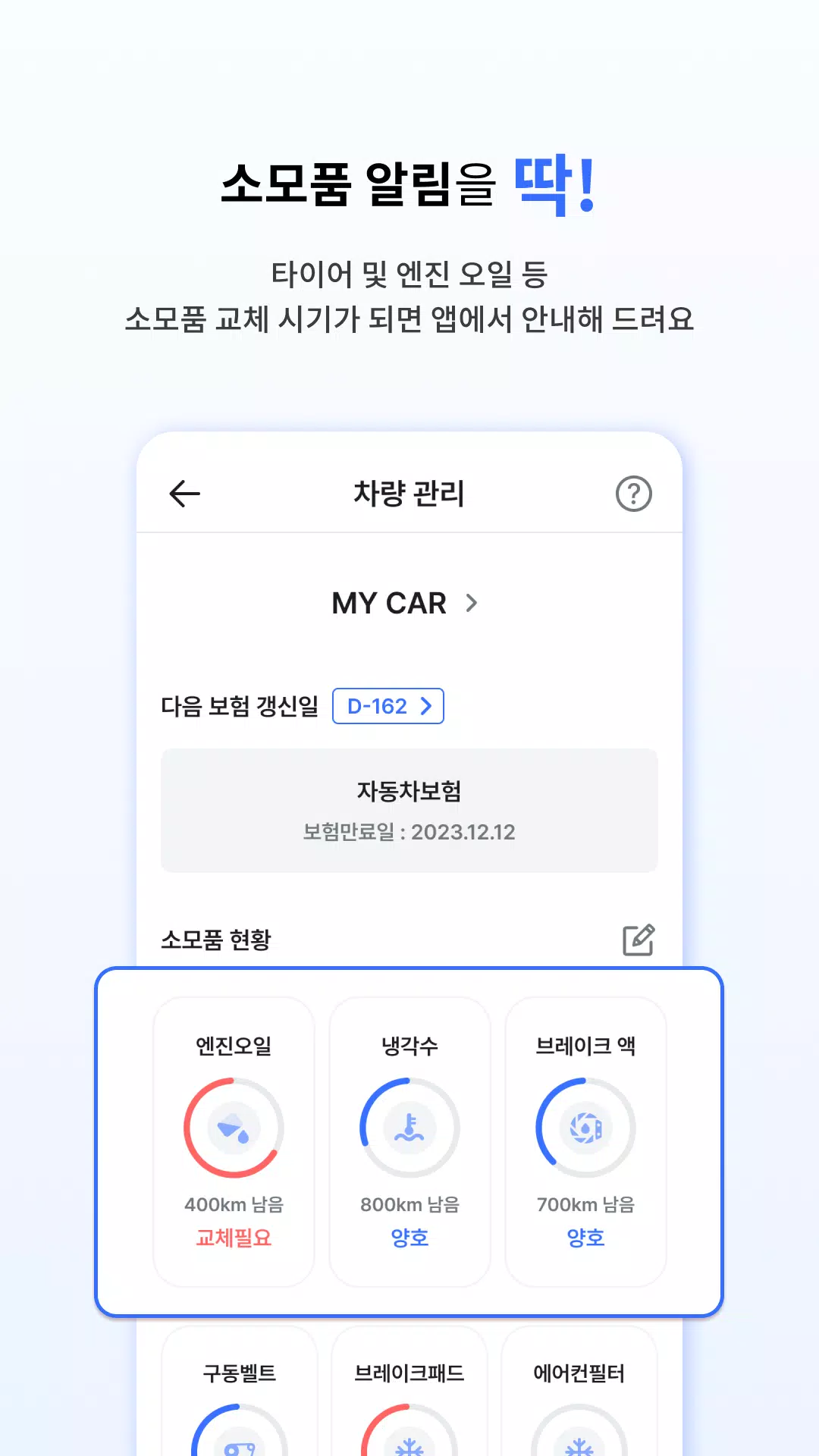
To begin, pair your LTE-equipped dash camera with the app, configure contact alerts and sensitivity levels, and enable daily point tracking if you wish to participate in rewards. 아이나비 Connected provides guided steps for initial setup and checks for firmware updates during first-time pairing so the device and app are ready for everyday use. Regularly reviewing recorded footage and monthly reports helps maximize the device’s usefulness while keeping maintenance and data costs in mind.
File size: 47.40 M Latest Version: 1.1.4
Requirements: Android Language: English
Votes: 223 Package ID: com.thinkware.dartnbiot
Developer: THINKWARE

Top Events Free Apps for Android
Discover and share the hottest events around with our intuitive apps. Find local concerts, festivals, shows, and more based on your unique interests. Create customizable calendars of upcoming events to coordinate schedules with friends. Purchase tickets seamlessly from our integrated platforms. Check real-time transit schedules to plan your trip. Access maps, directions, and parking information for any venue.






LIVE A HERO
Retro Hero Mr Kim
Empire of Passion
Arcane Quest Legends
Magic Snap: Momotaro
AllStar Manga Heroes
Lunescape
ONE PIECE Thousand Storm JP
Tap Titans 2