Scan to Download
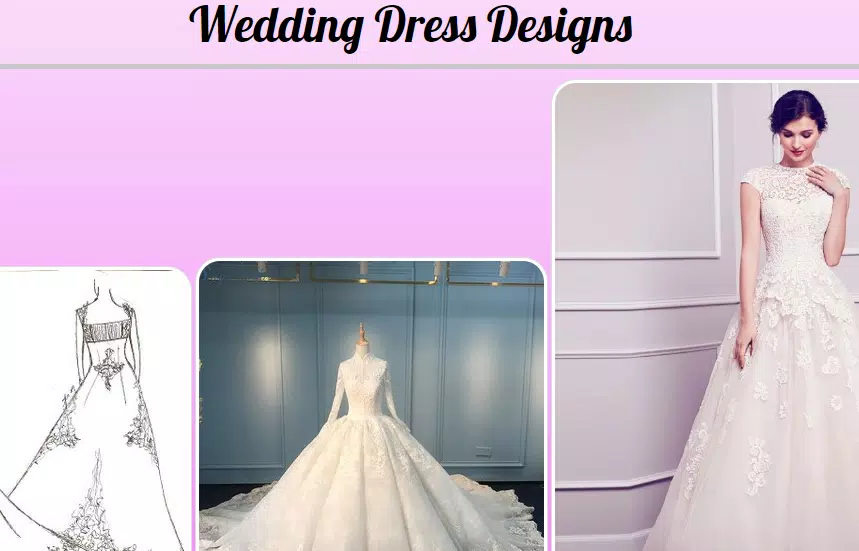
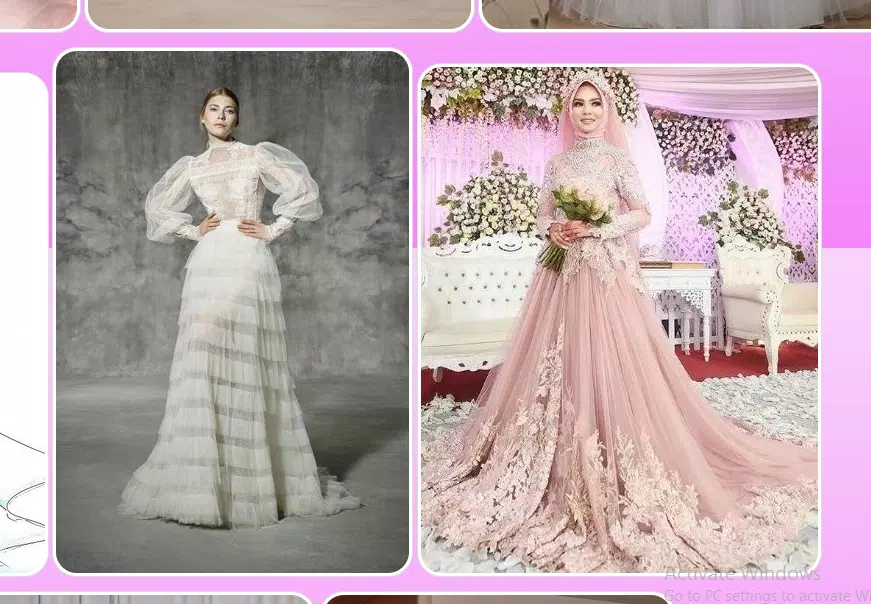
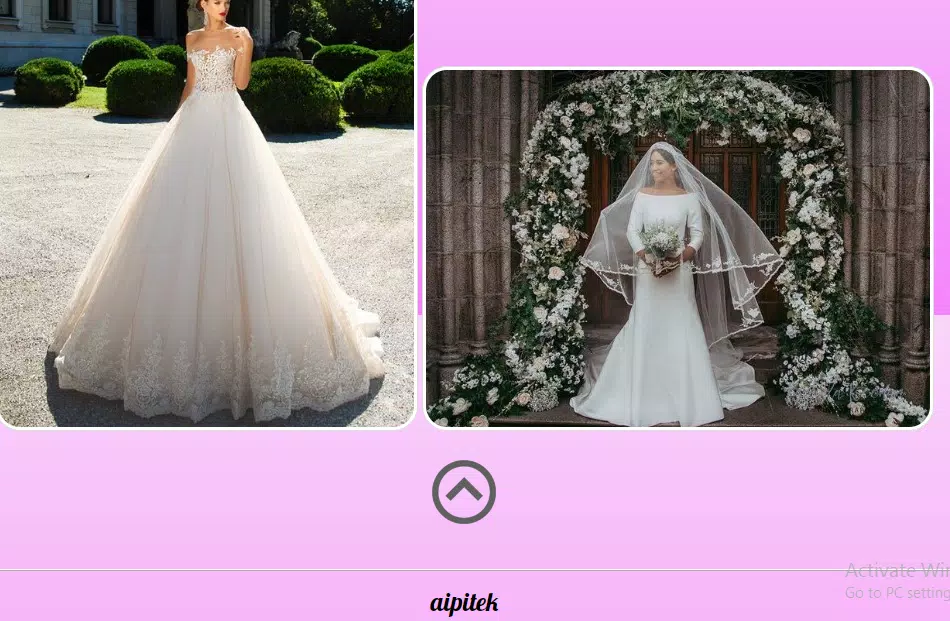
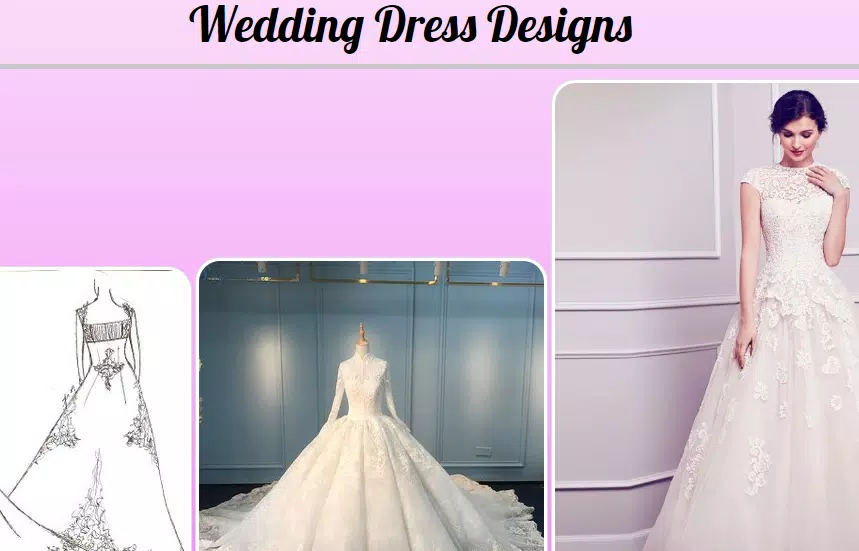
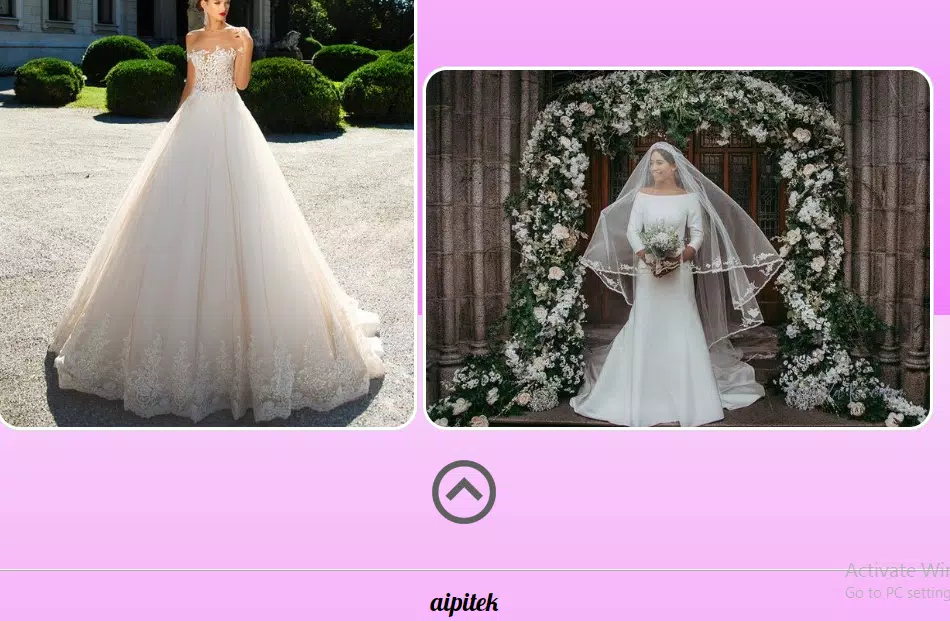
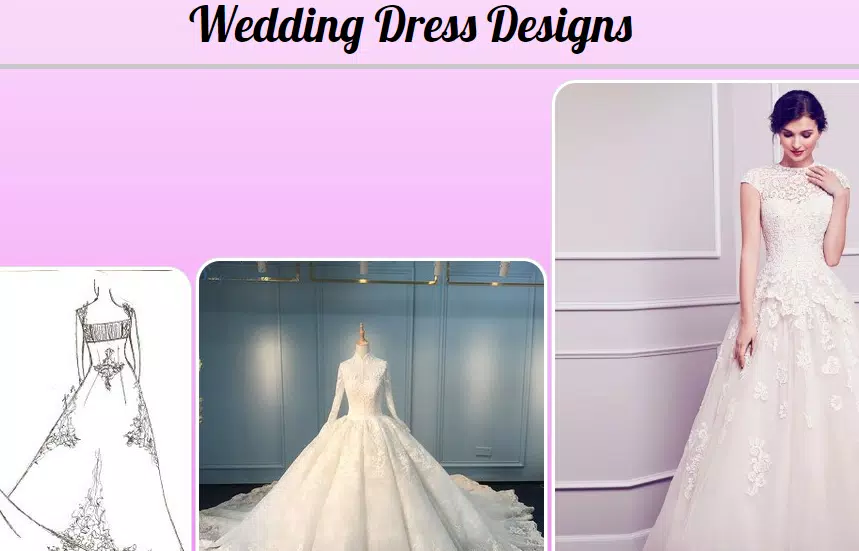
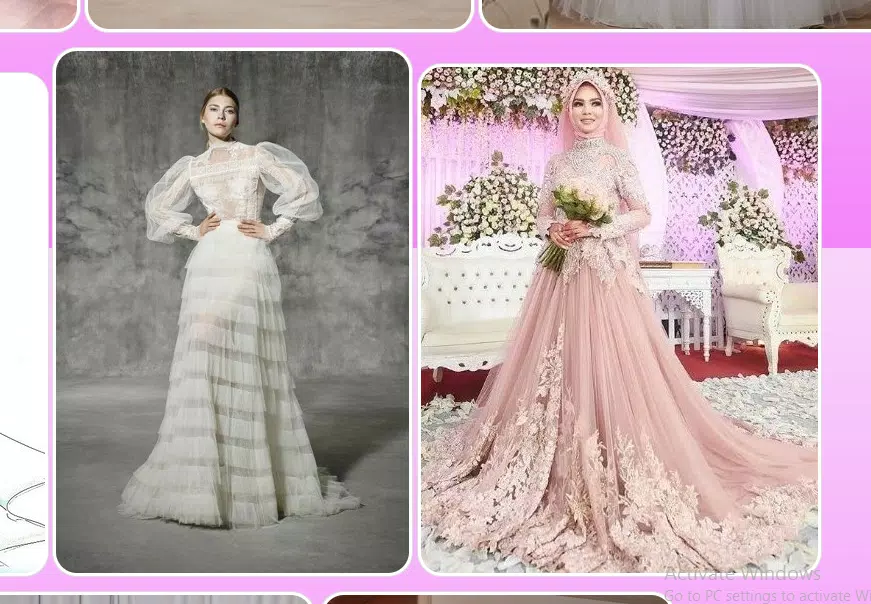
Wedding Dress Designs is a practical mobile design studio that helps brides, designers and dressmakers explore, customize and plan an ideal wedding gown using an intuitive interface and practical resources. Wedding Dress Designs places a broad collection of silhouettes, fabric previews and planning tools in one workspace so you can compare styles, track measurements and build clear specifications before a fitting or commission. The app is geared toward real-world planning rather than purely visual mockups, helping you move from inspiration to a tangible project brief.
The template library covers classic and contemporary bridal silhouettes, from A-line and ball gown shapes to sheath and minimalist designs, with zoomable images and fabric swatches that show texture and drape at multiple scales. Templates include labeled panels and seam lines so you can examine construction details. Customization controls let you experiment with sleeve length, neckline variation, hemline shape and train options while keeping earlier versions for reference. Measurement fields, an onscreen ruler and exportable measurement tables turn creative choices into actionable technical notes you can hand to a seamstress or atelier.
The app uses touch-first controls optimized for phones and tablets: drag-and-drop to place trims and appliqués, pinch-to-zoom for close inspection of lace and stitch work, and tap-to-toggle to switch between front, back and detail views. Layered previews allow you to show and hide construction elements such as linings or boning so you can understand how the garment will be assembled. Controls are intentionally simple so non-experts can sketch realistic options while professionals can access the same technical detail without a steep learning curve.
Project stages guide you from concept to specification. Start by collecting inspiration and selecting a template, then refine silhouette, fabrics and trims in a focused workspace that preserves context. The app tracks version history for each project so you can compare early ideas with current drafts and restore prior versions when needed. Progression is linear but flexible: you can pause at any stage, annotate technical notes and later return to update measurements or materials without starting over.
Customization emphasizes practical choices: realistic swatch-to-template mapping helps you judge how a fabric will fall on a particular silhouette, and color palettes can be tested against skin-tone guides to evaluate contrast. Applied trims, lace overlays and layered elements preview how textures will interact. Rendering favors clarity over photorealism so seam lines, panel divisions and construction notes remain readable for patternmaking and fittings. You can also import sketches and inspiration photos to overlay on templates, aligning hand-drawn marks with digital patterns to communicate bespoke ideas precisely.
To support collaboration with local makers, the app generates shareable project exports that include annotated images, measurement tables and material notes formatted for printing or emailing. Exports are deliberately straightforward so they integrate with a seamstress workflow: clear labels for panels, measured dimensions and a concise materials list help turn a digital plan into an actionable brief. Because the app is built to work with independent designers and small ateliers, these exports are compatible with in-person consultations and wardrobe planning meetings.
The user experience balances detailed control with simple navigation so both hobbyists and dress professionals can use the same workspace. Replay value comes from the ability to generate multiple variations from a single base template—test different sleeve styles, skirt fullness and trim placements without rebuilding a project. Accessibility options include adjustable text sizes, a high-contrast viewing mode to clarify trims and stitch lines, and a simplified layout that keeps main controls within thumb reach on larger phones. Many core tools are available offline so you can refine ideas in boutiques or at fittings where internet access may be limited.
While Wedding Dress Designs streamlines planning and produces professional-looking project notes, it is not a substitute for in-person fittings, patternmaking or final alterations. Accurate fit still requires hands-on measurement and test garments, and custom commissions coordinated through the app may require direct conversations and additional fees arranged outside the tool. The app is meant to reduce uncertainty, centralize decisions and make consultations with makers more productive rather than replace the essential craft of tailoring.
File size: 3.60 M Latest Version: 2.0
Requirements: Android Language: English
Votes: 102 Package ID: com.WeddingDressDesigns.aipitek
Developer: aipitek


Must Have Tools Apps for Android
Equip yourself with our all-in-one toolbox app for everyday tasks and projects. Instantly convert between units, calculate tips, scan documents, manage files, and more with handy productivity tools. Includes a level, compass, QR code reader, ruler, speedometer, decibel meter, and flashlight. Save frequently used tools to your customizable dashboard for one-tap access. Track billable hours, wages, budgets, and invoices. Annotate screenshots, magnify labels, and sign PDFs on the go.






LIVE A HERO
Retro Hero Mr Kim
Empire of Passion
Arcane Quest Legends
Magic Snap: Momotaro
AllStar Manga Heroes
Lunescape
ONE PIECE Thousand Storm JP
Tap Titans 2