Scan to Download
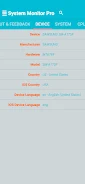
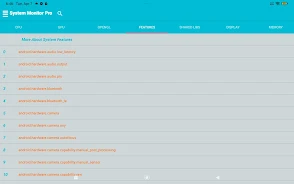
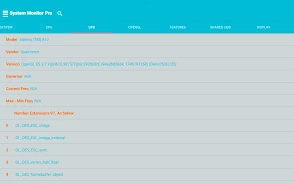
System Information Monitor is a compact diagnostic tool for Android that displays real-time system data and device status. The app presents CPU, memory, storage, battery, network, sensors and running process information in a clear, readable format to help you inspect device behavior and performance.
Real-time CPU load, per-core usage and clock frequency information; memory and storage usage with per-app and overall summaries; battery status, temperature and charging history; network traffic monitoring for Wi-Fi and mobile data; sensor readings and device temperature tracking; a list of running processes with basic process details; exportable logs and CSV reports for troubleshooting; optional home screen widgets designed for low resource impact.
System Information Monitor keeps data on your device by default and only shares information when you choose to export or send a report. The app requests only the permissions needed to display system statistics and provides clear explanations for each permission within the app. Use System Information Monitor to review device status and gather diagnostic information locally without automatic data uploads.
File size: 9.48 M Latest Version: 0.0.4
Requirements: Android Language: English
Votes: 356 Package ID: com.haiphan.systemmonitorinfo
Developer: Phan Nhut Hai


Must Have Home Apps for Android
Make your house a home with our suite of helpful home apps. Discover clever tools to organize closets, streamline chores, and simplify cooking. Take the stress out of cleaning and maintenance with handy checklists and schedules. Enhance security and control appliances and lighting with our smart home integrations. Design, visualize, and renovate like a pro using our 3D planning software.






LIVE A HERO
Retro Hero Mr Kim
Empire of Passion
Arcane Quest Legends
Magic Snap: Momotaro
AllStar Manga Heroes
Lunescape
ONE PIECE Thousand Storm JP
Tap Titans 2