Scan to Download
PiP Christmas Camera brings festive picture-in-picture frames and holiday overlays to your Android camera, letting you create seasonal photos and video clips with animated stickers, instant filters, and customizable borders. The app is designed for quick edits and social sharing, combining playful Christmas themes with straightforward controls for all users.
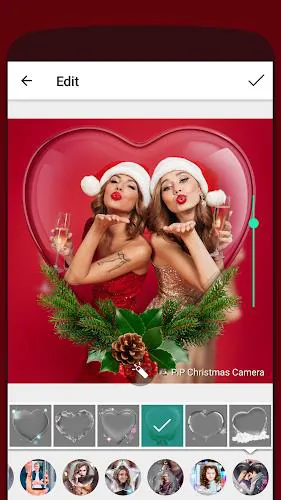
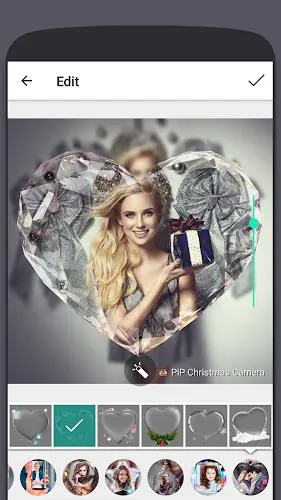
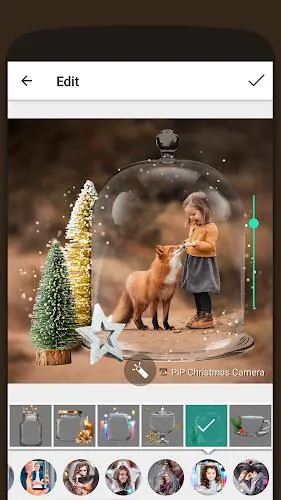
PiP Christmas Camera delivers a focused toolkit for holiday photo creation without overwhelming menus. You get a library of themed templates, dual-layer picture-in-picture frames, moving snow or glitter effects, and a selection of seasonal stickers like wreaths, lights, and Santas. Built-in filters tune color and warmth to match cozy indoor scenes or cool outdoor snowscapes. For short video clips, simple loop and freeze-frame functions add motion to your greetings.
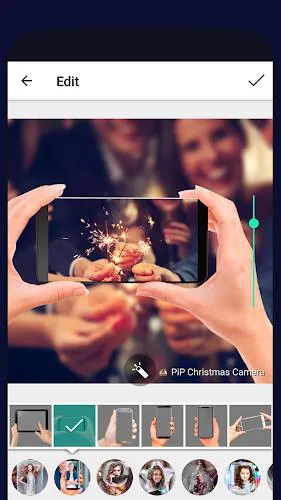
The interface keeps camera controls and editing options accessible on one screen. Tap to switch between front and rear cameras, swipe to preview filters, and pinch to resize the inner picture-in-picture layer. Editing remains non-destructive: adjustments to frames, overlays, and stickers can be undone or re-applied so you can experiment without losing the original capture. A guided overlay helps line up subjects for best composition in dual-frame shots.
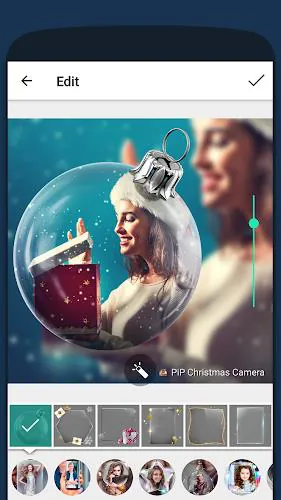
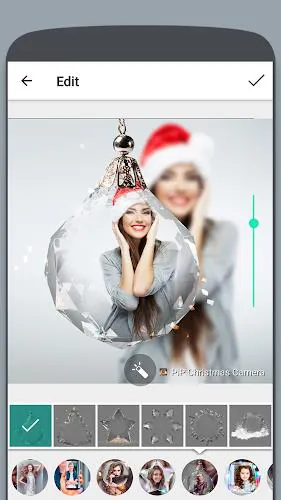
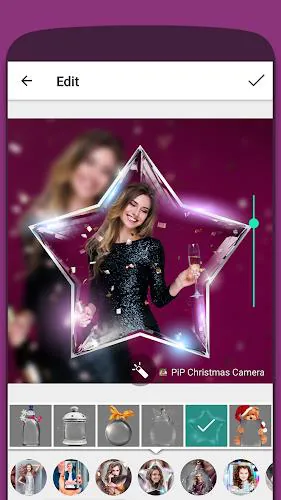
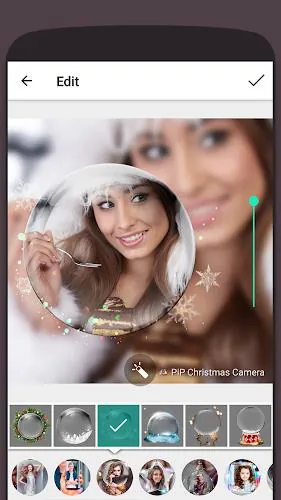
Customization is a strength. Choose from multiple PiP shapes—circles, windows, polaroids—and adjust border thickness, shadow, and corner radius. Animated elements such as falling snow, twinkling lights, and ribbon banners can be timed or looped. Text tools include a set of seasonal fonts, color pickers, and drop shadows to make greetings pop. Users can also import their own images into the PiP layer and apply masks for unique effects.
The app supports high-resolution exports for both photos and short videos, with configurable quality to balance file size and clarity. Share directly to social platforms, messaging apps, or cloud storage from the export screen. For users creating multiple cards, batch export streamlines saving a group of edited images. Exports include metadata options so you can keep timestamps or strip location information for privacy.
PiP Christmas Camera is optimized for a broad range of Android devices. Lightweight animations and hardware-accelerated filters reduce battery drain during edits. On older devices the app offers an economy mode that disables some particle effects to maintain smooth preview and capture performance. Camera permission handling is straightforward and the app prompts only for required permissions, making setup quick and transparent.
For well-balanced PiP compositions, avoid placing important facial features on image edges; keep subjects centered inside the secondary frame. Use warm filters for indoor lighting to enhance skin tones and switch to cooler presets for snowy scenes. When adding animated overlays, preview the full loop before exporting to ensure the timing matches any intended caption or audio.
Open PiP Christmas Camera, grant camera and storage access, then choose a template or start from a blank canvas. Capture a shot or import from your gallery, place the PiP layer, and apply stickers and text. Use the undo and redo buttons as you refine edits, then pick an export size and share. New users will find the learning curve gentle thanks to in-app guidance and one-tap presets.
PiP Christmas Camera is a compact, holiday-focused editor built to speed up festive content creation while keeping control in your hands. With a blend of playful templates and practical export options, it’s a useful tool for anyone wanting to craft seasonal visuals quickly and with personality.
File size: 60.61 M Latest Version: 1.0.8
Requirements: Android Language: English
Votes: 99 Package ID: com.kvadgroup.pipcamera_ce

Must Have Tools Apps for Android
Equip yourself with our all-in-one toolbox app for everyday tasks and projects. Instantly convert between units, calculate tips, scan documents, manage files, and more with handy productivity tools. Includes a level, compass, QR code reader, ruler, speedometer, decibel meter, and flashlight. Save frequently used tools to your customizable dashboard for one-tap access. Track billable hours, wages, budgets, and invoices. Annotate screenshots, magnify labels, and sign PDFs on the go.






LIVE A HERO
Retro Hero Mr Kim
Empire of Passion
Arcane Quest Legends
Magic Snap: Momotaro
AllStar Manga Heroes
Lunescape
ONE PIECE Thousand Storm JP
Tap Titans 2