
Scan to Download
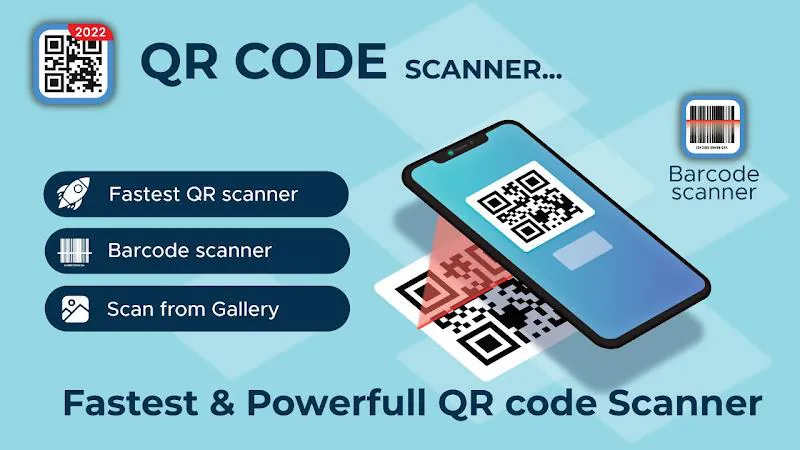
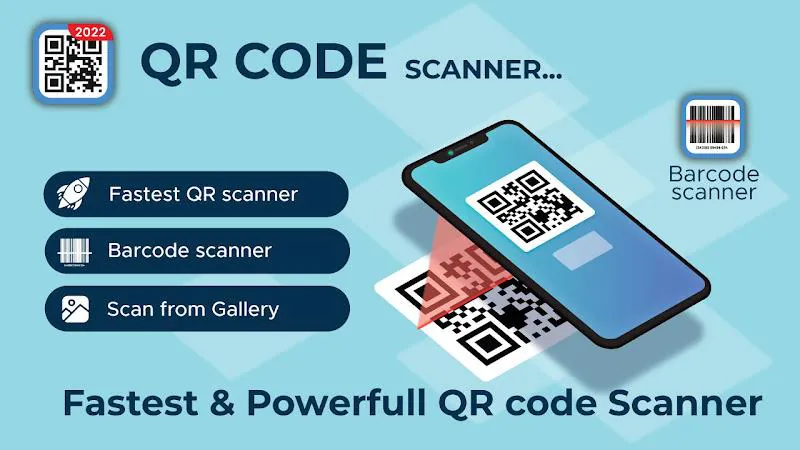
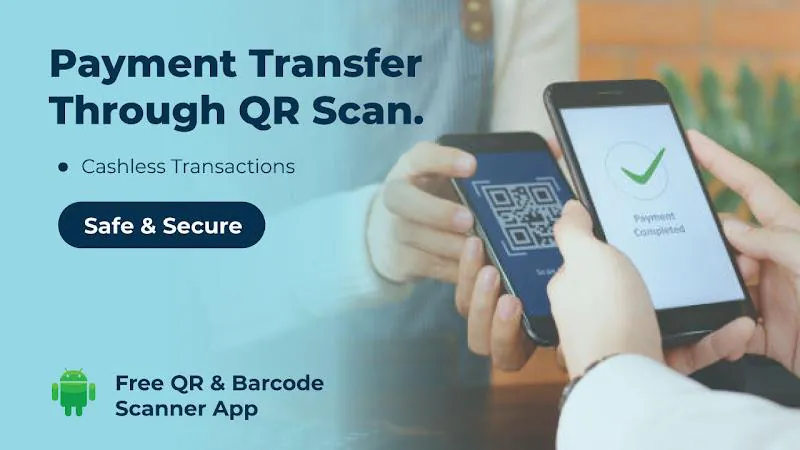
QR Scanner & Barcode Scanner makes scanning QR codes and barcodes quick and intuitive on Android devices. The app pairs a straightforward camera interface with instant results, history tracking, and one-tap sharing. Use it to open links, copy contact details, compare prices, or save scanned data for later reference.
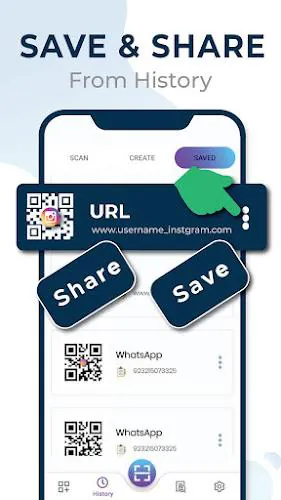
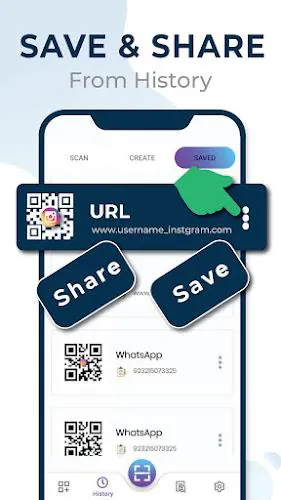
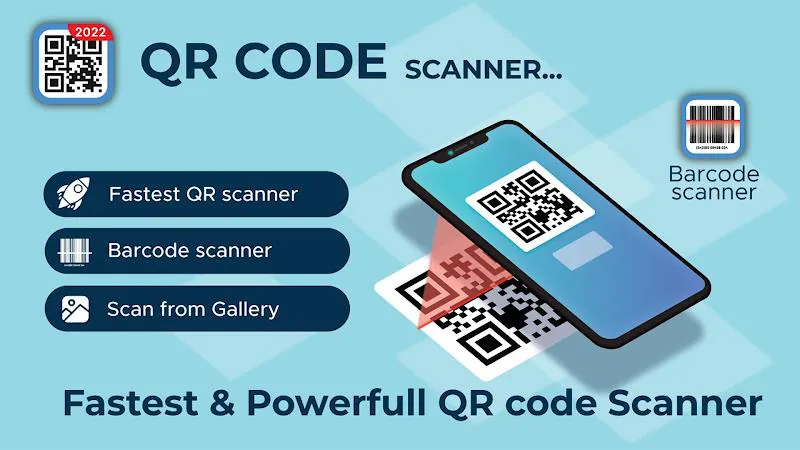
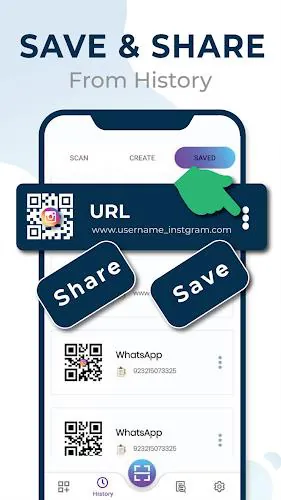
QR Scanner & Barcode Scanner offers rapid recognition for QR codes, EAN, UPC, Code 39, Code 128 and other common barcode types. It includes a persistent scan history, the ability to export results, and flexible sharing options so scanned URLs, text, or contact cards can be passed to email, messaging apps, or cloud storage in one tap.
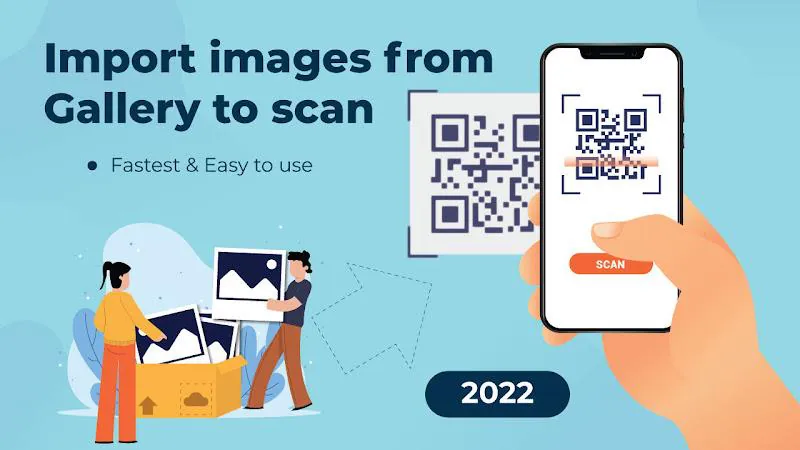
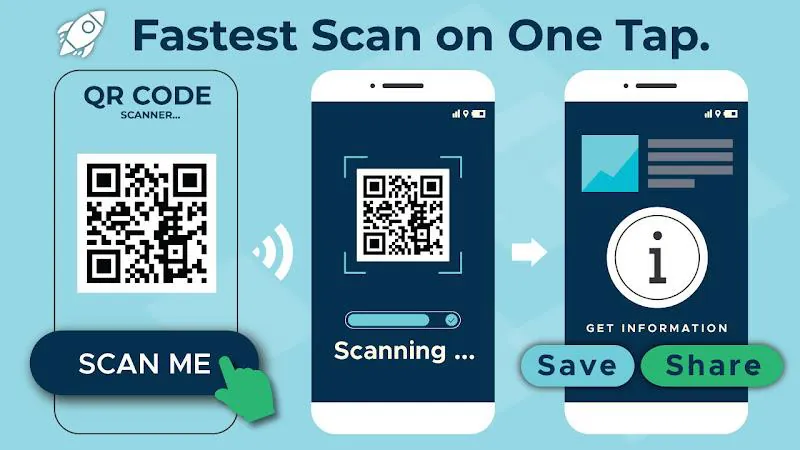
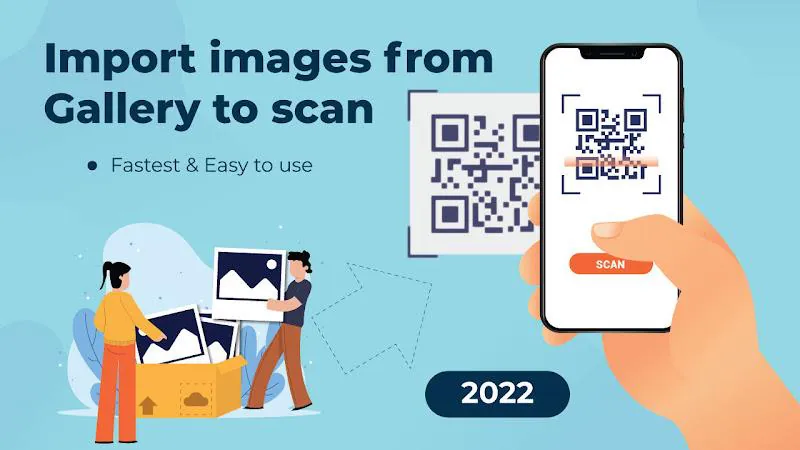
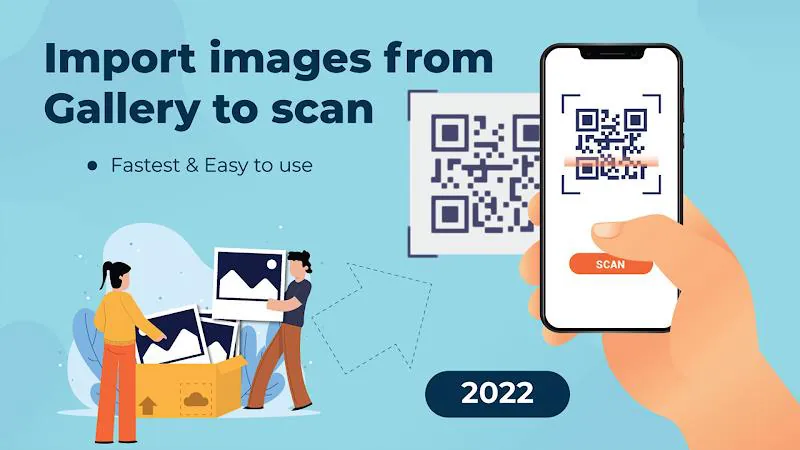
The app uses the device camera to detect contrast patterns and decode information in real time. Point your camera at a code and the app automatically focuses and reads the symbol without requiring a photo to be taken. For low-light conditions a built-in torch can be toggled, and a manual image import feature lets you decode codes from screenshots or saved pictures.
People use QR Scanner & Barcode Scanner in many everyday scenarios: quickly joining a Wi-Fi network from a printed QR, saving a contact from a business card, verifying product barcodes while shopping, or accessing event details from a ticket. Small businesses also benefit from fast inventory checks and price lookups when scanning UPC or EAN codes on-pack.
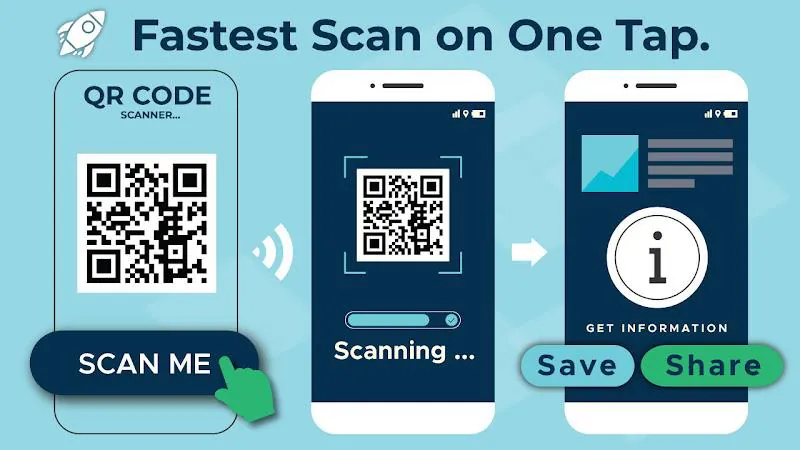
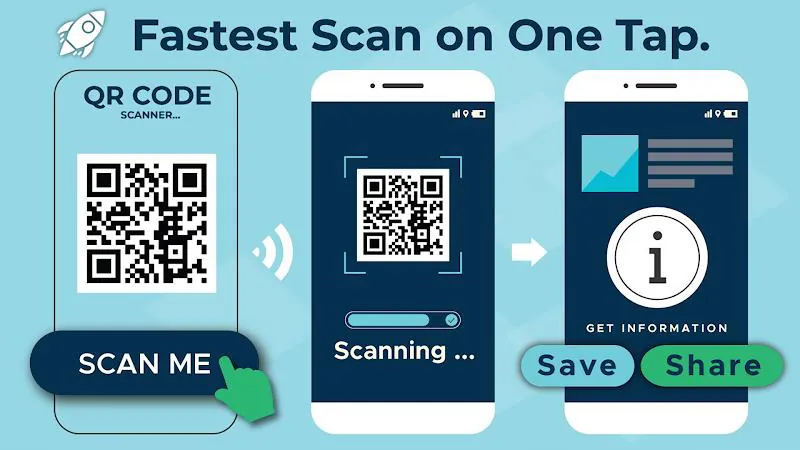
The interface prioritizes speed and minimal taps. The main screen shows a live camera view with unobtrusive alignment guides and simple controls for history, torch, and settings. After a scan, results are presented immediately with contextual actions—open URL, copy text, add contact, or perform a web search—so users can take the next step without leaving the app.
Designed for efficiency, the app is optimized to decode codes on a wide range of Android devices without draining battery life. Lightweight background processing ensures fast recognition while keeping memory usage low. It supports older Android versions as well as newer phones with high-resolution cameras, delivering consistent performance across screen sizes and hardware capabilities.
Privacy-conscious users will appreciate that QR Scanner & Barcode Scanner keeps scanning local to the device. Scan history is stored on-device and can be cleared at any time. No automatic uploads are performed, and explicit share controls let you choose where decoded information is sent. Optional export tools make it easy to back up history when needed.
Beyond basic scanning, the app includes features for users who need more control: customizable beep and vibration feedback, an option to disable automatic opening of URLs, and batch export of scan logs to CSV. Developers and analysts can rely on full-text copying and QR content previews to integrate scanned data into other workflows or spreadsheet tools.
Getting started is straightforward: grant camera permission when prompted, point the camera at a code, and follow the on-screen action that appears. In settings you can manage history retention, switch scanning sound on or off, and enable the torch for dim environments. New users typically complete their first scan within seconds of installing the app.
For users who want a dependable everyday tool, QR Scanner & Barcode Scanner combines speed, simplicity, and useful extras like history export and image decoding. Whether you scan occasionally or use the app as part of a retail workflow, it delivers consistent results while keeping controls and privacy straightforward.
File size: 6.76 M Latest Version: 1.4.5
Requirements: Android Language: English
Votes: 198 Package ID: com.qrscanner.qrreader.qr.barcode.maximustools




Top Free Business Necessary Apps for Android
Streamline operations and maximize productivity with our innovative business apps. Manage contacts, schedule meetings, and route calls seamlessly. Collaborate on documents and projects in real-time. Track inventory, finances, and analytics to inform smart decisions. Build customized proposals, invoices, and contracts to win clients. Stay on top of emails, tasks, and passwords for efficient work.






LIVE A HERO
Retro Hero Mr Kim
Empire of Passion
Arcane Quest Legends
Magic Snap: Momotaro
AllStar Manga Heroes
Lunescape
ONE PIECE Thousand Storm JP
Tap Titans 2










































