OMC Mobile is a compact decision-support app designed to deliver time-sensitive maritime information to help captains, shore teams, and logistics planners make real-time choices about voyages and port operations. Built to present concise, actionable updates rather than long raw reports, OMC Mobile prioritizes alerts and short summaries for faster situational awareness at a glance.
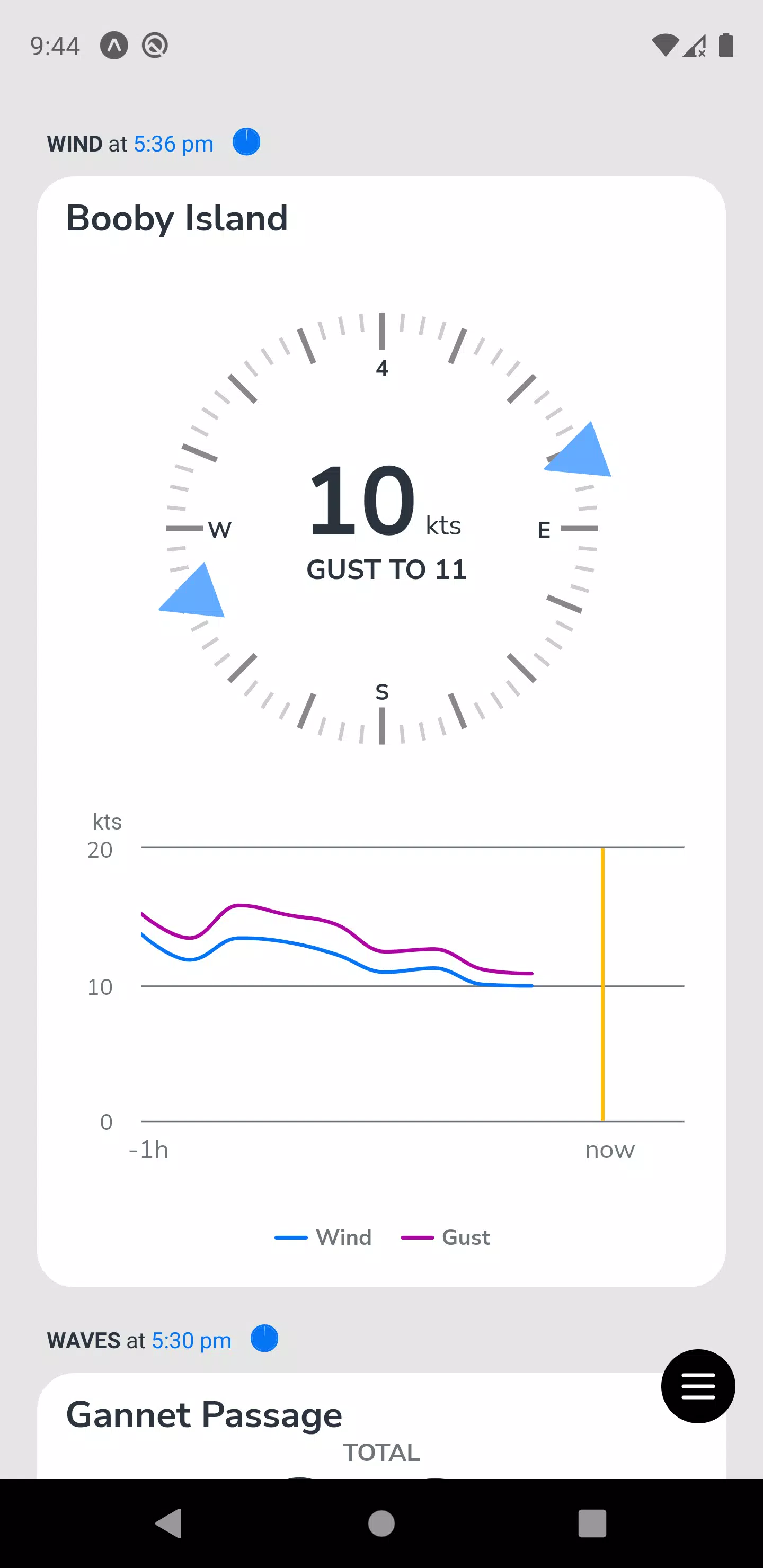
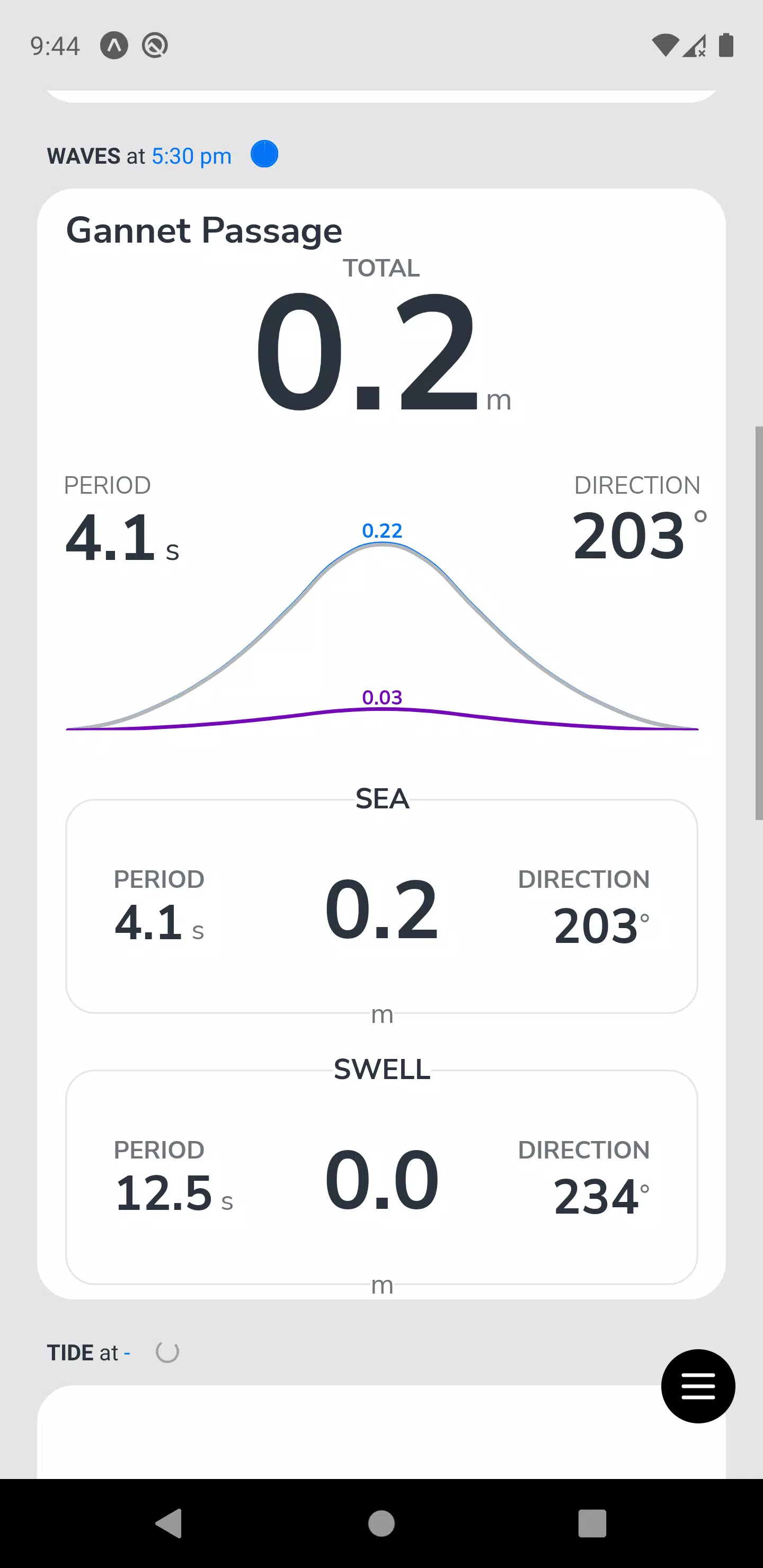
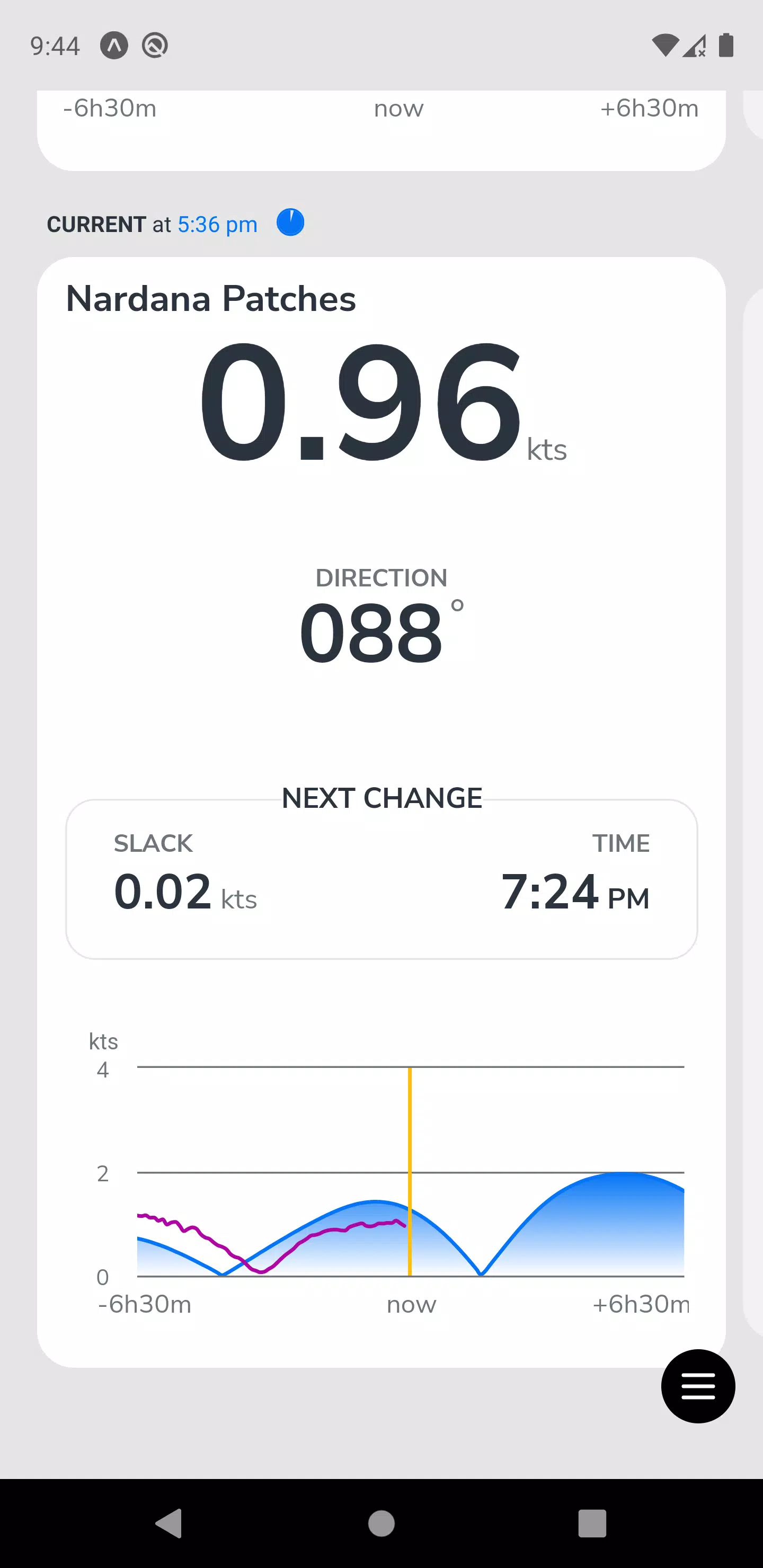
This app surfaces marine weather, tide and passage-planning data tailored to a selected port and the next vessel on schedule. It highlights critical changes such as wind shifts, visibility, or berth restrictions in a prioritized alert stream you can scan quickly. Each alert links to a short contextual summary explaining why the change matters and what standard responses or precautions teams commonly take.
Navigation is focused on speed and clarity: a compact dashboard shows current priorities, a timeline lets you scroll through near-term forecasts, and a dedicated alert view separates urgent items from informational updates. Controls are gesture-friendly for on-deck use — tap to expand details, swipe to acknowledge or share, and long-press to pin important alerts. Settings allow you to tune alarm thresholds so the app surfaces only the events that matter to your operation.
Information is presented in layers that help users progress from overview to action. The first layer is a short, scannable headline about the most time-sensitive items, the second layer provides concise passage-planning metrics and near-term forecasts, and the third layer offers explanatory context and recommended actions. This progression reduces time to awareness and helps teams move quickly from recognition to decision without sifting through raw data files.
OMC Mobile supports user customization so each role sees the most relevant information. You can set preferred ports, define vessel context, choose alert sensitivity, and save commonly used report views. Shared view presets make it easy for a bridge team and a shore planner to look at the same summary. The interface emphasizes readable typography, clear contrast for sunlight visibility, and compact cards that keep critical information visible on smaller phones.
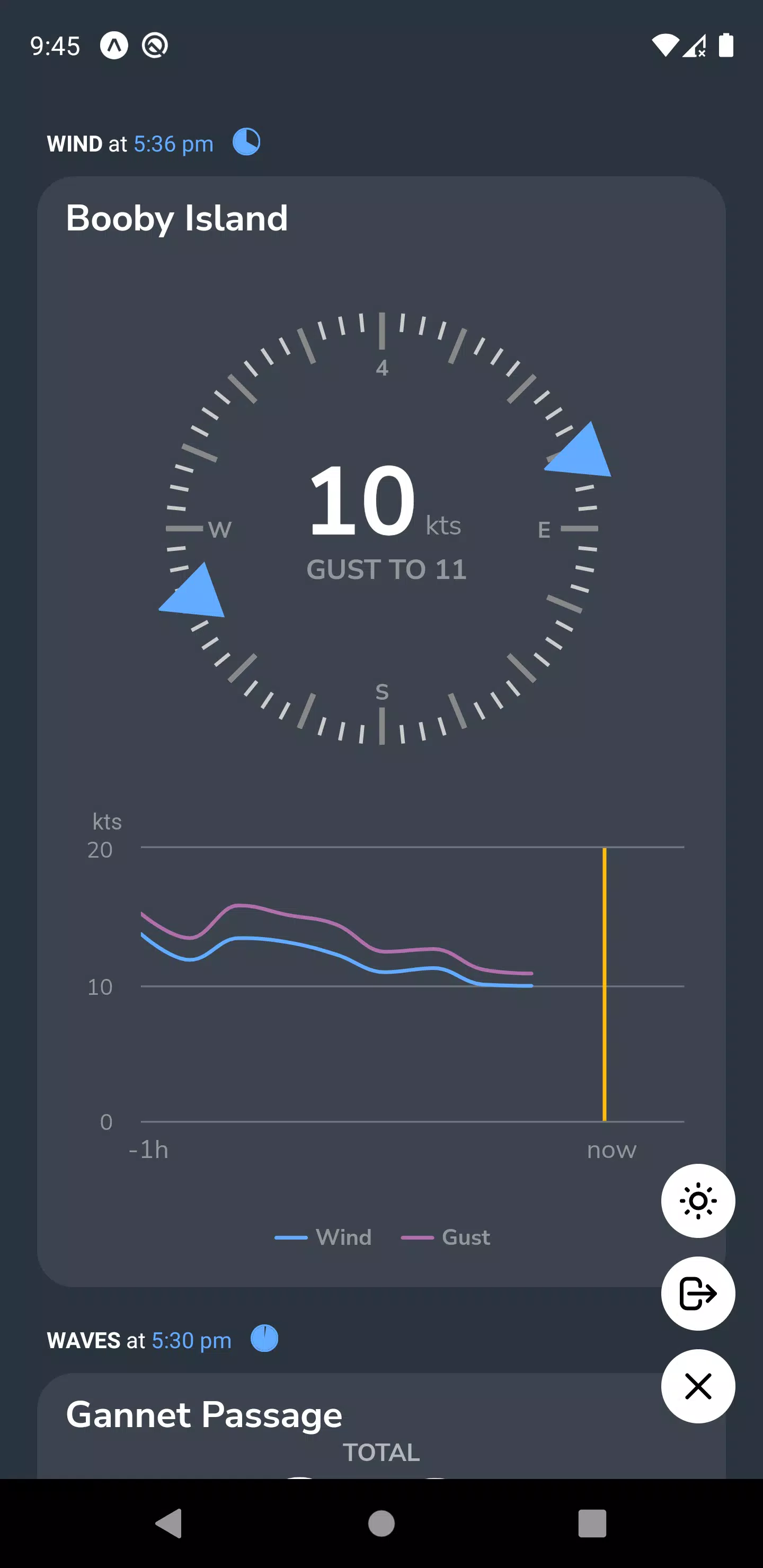
The visual design prioritizes legibility in operational environments: high-contrast text, simplified icons, and color coding that denotes alert severity without relying on color alone. Accessibility features include larger text modes, adjustable contrast, and logical focus order for screen readers so users with different needs can access the same situational picture. Clear visual cues and brief explanatory copy help new users understand what an alert means and what actions are typically taken.
Recognizing that connectivity can be intermittent at sea, the app provides configurable short-term data caching so recent alerts and forecasts remain available when connectivity is limited. Where live feeds are required, the app indicates data freshness and warns if a data source is delayed. The effectiveness of the alerts depends on the timeliness and availability of the underlying data, and the app is designed to make those limitations transparent to the user.
OMC Mobile is built for repeated, operational use rather than one-time interaction. Teams rely on it for daily voyage checks, pre-arrival briefings, and rapid updates during changing conditions. The ability to pin recurring ports, save preferred views, and share concise summaries with colleagues increases the app’s value over time, making it a practical assistant in routine and exceptional situations.
Typical use cases include pre-departure planning, on-route monitoring for short-term weather changes, and coordinating shore responses to port-side constraints. The app is specialized for maritime operations and passage planning, so its scope is narrower than general weather or logistics apps; users outside of shipping and port operations may find limited benefit. Where possible, the app explains the provenance of its data so users can assess relevance and reliability for their specific workflows.
Simple sharing features let you export concise alert summaries by message or email so shore teams and other crew members can coordinate responses quickly. While OMC Mobile focuses on clear situational summaries rather than raw datasets, it supports common workflows for passing decision-relevant information between team members to help maintain a common operating picture across ship and shore.
File size: 36.00 M Latest Version: 1.55.2
Requirements: Android Language: English
Votes: 196 Package ID: com.omcmobile
Developer: OMC International Pty Ltd

Must Have Weather Apps for Android
Be prepared and plan your days better with our new weather app. Get real-time hyperlocal forecasts, customizable alerts and widgets, and detailed hourly projections. Beautiful photo backgrounds change dynamically based on conditions. Intuitive radar and satellite imagery help you visualize storms and patterns. Get humidity, precipitation probability, pollen count, and other useful data at a glance. Save favorite locations like home, work, or travel destinations for quick access.





LIVE A HERO
Retro Hero Mr Kim
Empire of Passion
Arcane Quest Legends
Magic Snap: Momotaro
AllStar Manga Heroes
Lunescape
ONE PIECE Thousand Storm JP
Tap Titans 2