
Scan to Download
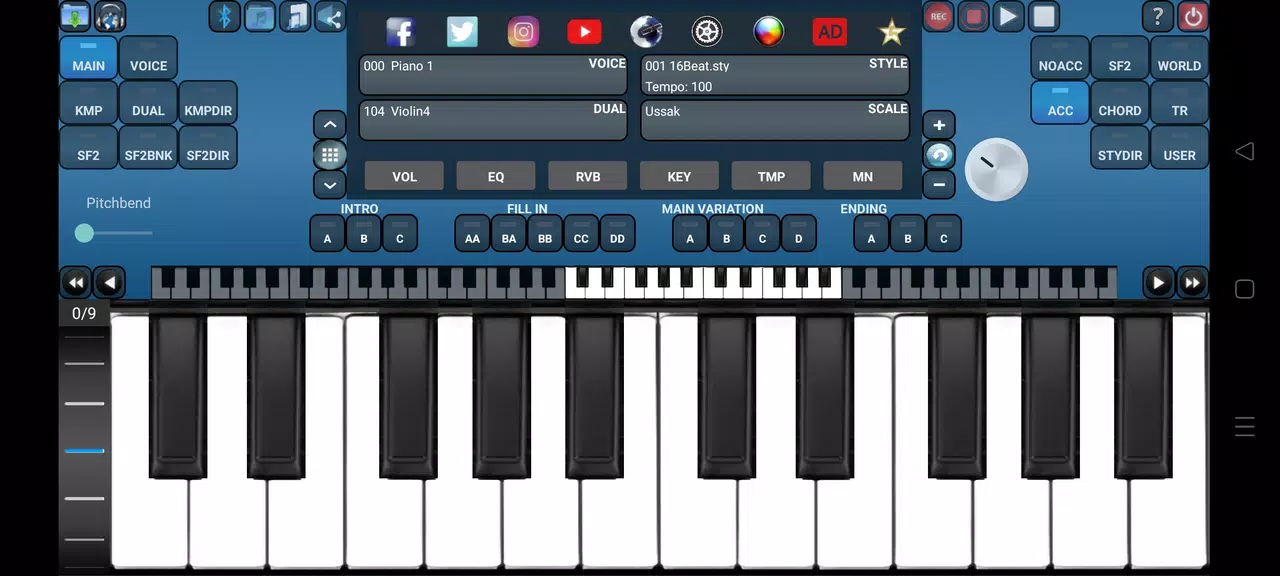
Arranger Keyboard is a powerful Android input tool designed to speed typing and streamline repetitive tasks with customizable layouts, smart prediction, and macro-driven shortcuts. It blends a familiar typing experience with advanced snippet management and design options to boost productivity for writers, developers, and power users.
Arranger Keyboard reimagines the on-screen keyboard by focusing on workflows. Instead of a single one-size-fits-all layout, it supplies configurable rows, instant-access snippet bars, and context-aware suggestions that adapt to what you type. The result is a keyboard that learns and accelerates common tasks without getting in the way.
The keyboard integrates with Android input methods, appearing whenever you need to type. Configure a default profile, then add specialized profiles for tasks like note-taking or programming. When composing, the snippet bar surfaces your saved phrases, while prediction suggestions refine themselves the more you type.
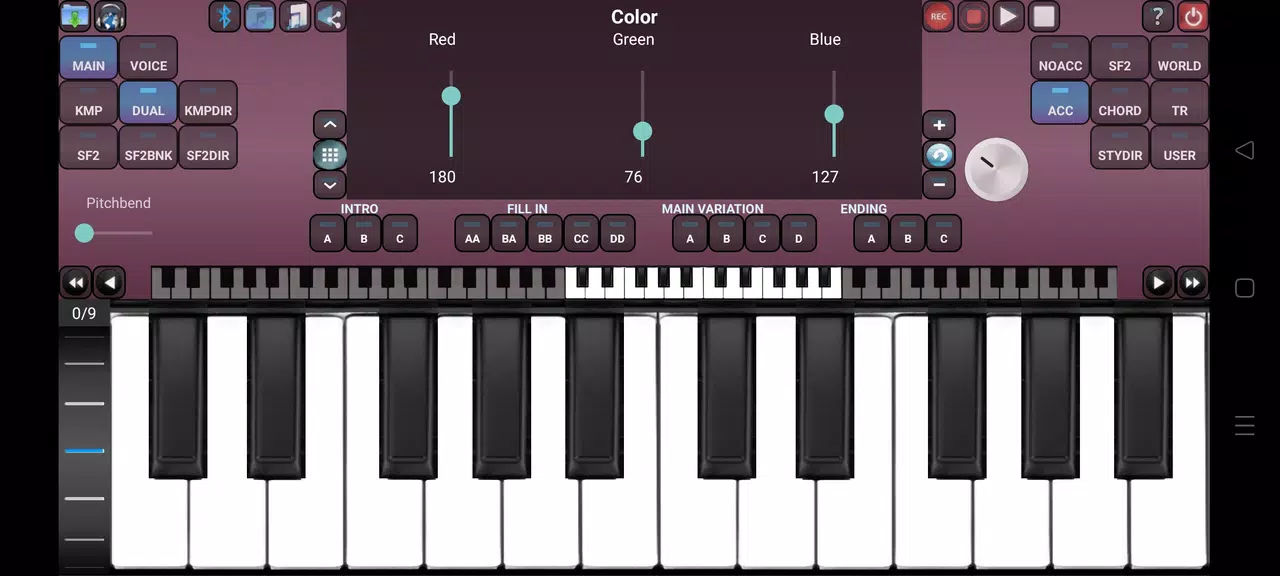
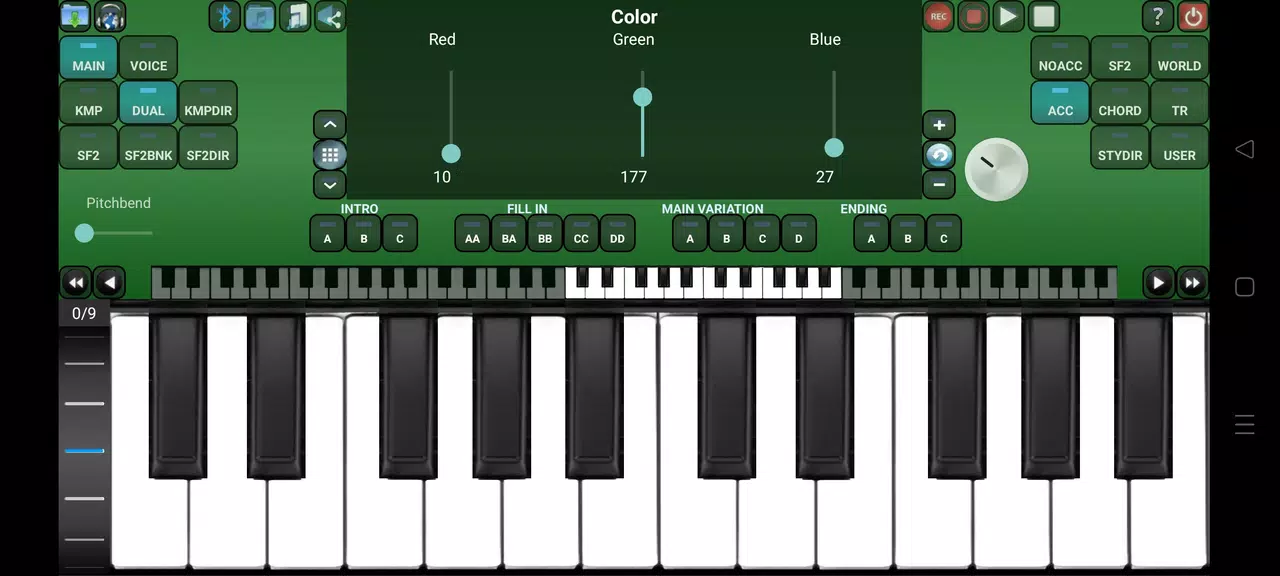
Arranger Keyboard includes several built-in utilities that enhance productivity. A clipboard history stores recent entries for fast retrieval. A lightweight text expander replaces abbreviations with full phrases. A themes engine lets you switch visual styles quickly, and a privacy dashboard controls what data is stored locally versus sent to optional cloud sync.
Customization is central to the app. You can rearrange keys, add dedicated macro buttons, and set long-press behaviors. For developers, a code-mode enables common symbols and indentation shortcuts. For casual users, one-tap emoji rows and configurable autocorrect zones simplify everyday chats.
Arranger Keyboard is optimized for responsiveness and battery efficiency. Animations are subtle to keep latency low, and the app supports hardware acceleration on capable devices. The interface balances clarity and density: large keys where accuracy matters, compact rows for advanced functions, and a minimal settings menu for quick adjustments.
The user experience centers on predictability. Frequent actions are surfaced within reach, while deeper customization remains tucked away in settings. Privacy controls allow users to disable networked learning and keep all personalization on-device. Backup options include encrypted exports and secure cloud sync for users who opt in.
Installing Arranger Keyboard follows standard Android steps: download from a trusted source, enable the keyboard in system input methods, and grant optional permissions for clipboard or cloud sync. A guided setup walks you through creating your first profile and adding snippets, so you can be productive in minutes.
Whether you need a compact typing layout for quick messages or a powerful toolkit for repetitive text tasks, Arranger Keyboard offers a flexible, privacy-conscious approach to modern input. Its combination of customization, smart suggestions, and practical utilities makes it a strong option for anyone wanting to speed up typing on Android devices.
File size: 120.70 M Latest Version: 3.9.8
Requirements: Android Language: English
Votes: 113 Package ID: com.audiosdroid.arrangerkeyboard
Developer: Audiosdroid OU

Must Have Tools Apps for Android
Equip yourself with our all-in-one toolbox app for everyday tasks and projects. Instantly convert between units, calculate tips, scan documents, manage files, and more with handy productivity tools. Includes a level, compass, QR code reader, ruler, speedometer, decibel meter, and flashlight. Save frequently used tools to your customizable dashboard for one-tap access. Track billable hours, wages, budgets, and invoices. Annotate screenshots, magnify labels, and sign PDFs on the go.






LIVE A HERO
Retro Hero Mr Kim
Empire of Passion
Arcane Quest Legends
Magic Snap: Momotaro
AllStar Manga Heroes
Lunescape
ONE PIECE Thousand Storm JP
Tap Titans 2










































