
Scan to Download
Aloha is a privacy-focused Android browser that blends fast browsing with built-in VPN, ad blocking, and media download tools. Designed for users who want speed and control, Aloha provides a compact feature set and intuitive controls to browse, stream, and manage downloads while keeping trackers and intrusive ads at bay.
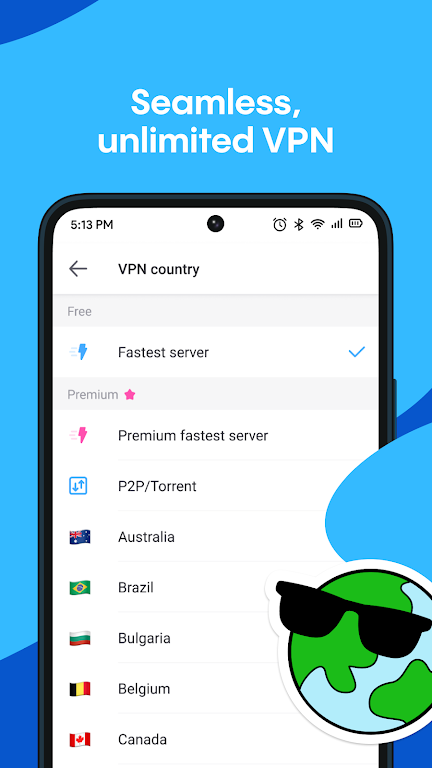
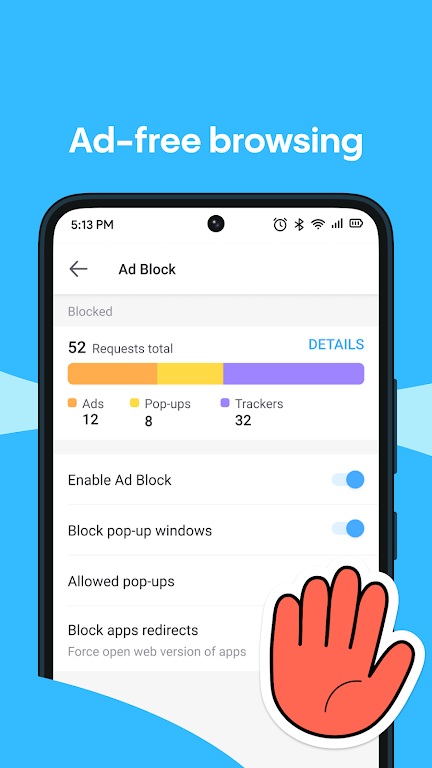
Aloha organizes everyday browsing into straightforward tools: a private mode for sessions that leave no traces, a native VPN to mask your network traffic, and an ad blocker to reduce clutter and speed up page loads. The app also includes a media downloader that detects videos and audio on pages so you can save content for offline viewing.
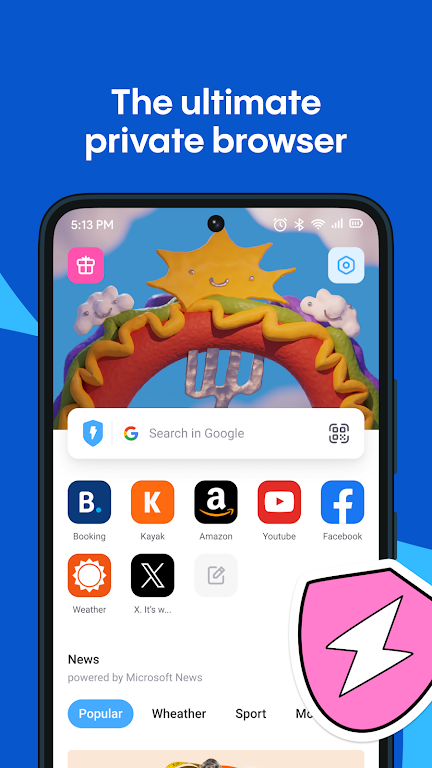
The interface keeps primary actions within easy reach. Aloha places commonly used controls along the bottom of the screen for one-handed operation, while the start page offers speed dials for favorite sites. Settings are grouped so you can tune privacy, downloads, and appearance without digging through long menus. Users switching from other browsers should find the transition fast thanks to familiar navigation patterns and import options for bookmarks.
On modern Android devices, Aloha delivers snappy page rendering and responsive scrolling. The ad blocker and data-saving options can noticeably reduce bandwidth usage, which is useful for limited data plans. Compatibility spans a broad range of Android versions and hardware, and the app adapts resource usage depending on device capabilities to keep background memory use reasonable.
Privacy is central to the app’s design: the integrated VPN, private tabs, tracker blocking, and optional file encryption help minimize exposure of browsing habits. The app asks for only necessary permissions and presents clear toggles for each privacy-related feature. For users who need extra assurance, Aloha allows manual control over permissions and site-level settings.
Personalization options let you adjust the browsing experience to suit your habits. Choose between light and dark themes, organize the home screen with frequently visited sites, and set default behaviors for downloads and video playback. Power users will appreciate granular control over cookie handling, ad blocking aggressiveness, and whether media downloads are stored in the app’s protected vault.
Installing Aloha and setting it up takes just a few minutes. After launch, import bookmarks if desired, toggle the VPN if you want immediate protection, and enable the ad blocker for cleaner pages. Explore the media downloader on a few favorite sites to see how detection works, and pin essential pages to the home screen for quick access. The app guides you through core features during the first run to speed setup.
Aloha works well for commuters who rely on public Wi-Fi, students saving lecture clips for offline study, and anyone who gets frustrated by aggressive advertising. Travelers benefit from the integrated VPN and privacy modes, while regular readers will notice faster article loads with fewer distractions. The app can also act as a focused browsing environment for specific tasks like research or media collection.
For users seeking a balance between speed, privacy, and media handling, Aloha is a compact choice that bundles useful features typically spread across several apps. Its combination of a native VPN, ad blocking, and download tools reduces friction, and the configuration options allow the app to scale from basic browsing to a more private, media-focused workflow.
File size: 64.30 M Latest Version: 6.6.0
Requirements: Android Language: English
Votes: 153 Package ID: com.aloha.browser
Developer: Aloha Mobile

Must Have Home Apps for Android
Make your house a home with our suite of helpful home apps. Discover clever tools to organize closets, streamline chores, and simplify cooking. Take the stress out of cleaning and maintenance with handy checklists and schedules. Enhance security and control appliances and lighting with our smart home integrations. Design, visualize, and renovate like a pro using our 3D planning software.






LIVE A HERO
Retro Hero Mr Kim
Empire of Passion
Arcane Quest Legends
Magic Snap: Momotaro
AllStar Manga Heroes
Lunescape
ONE PIECE Thousand Storm JP
Tap Titans 2










































