Scan to Download
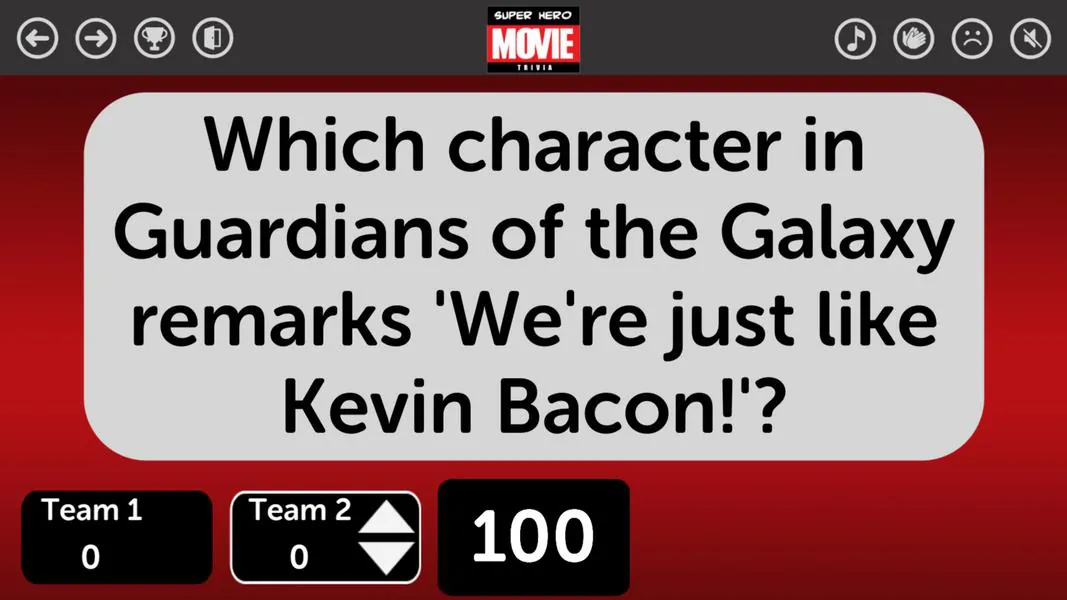
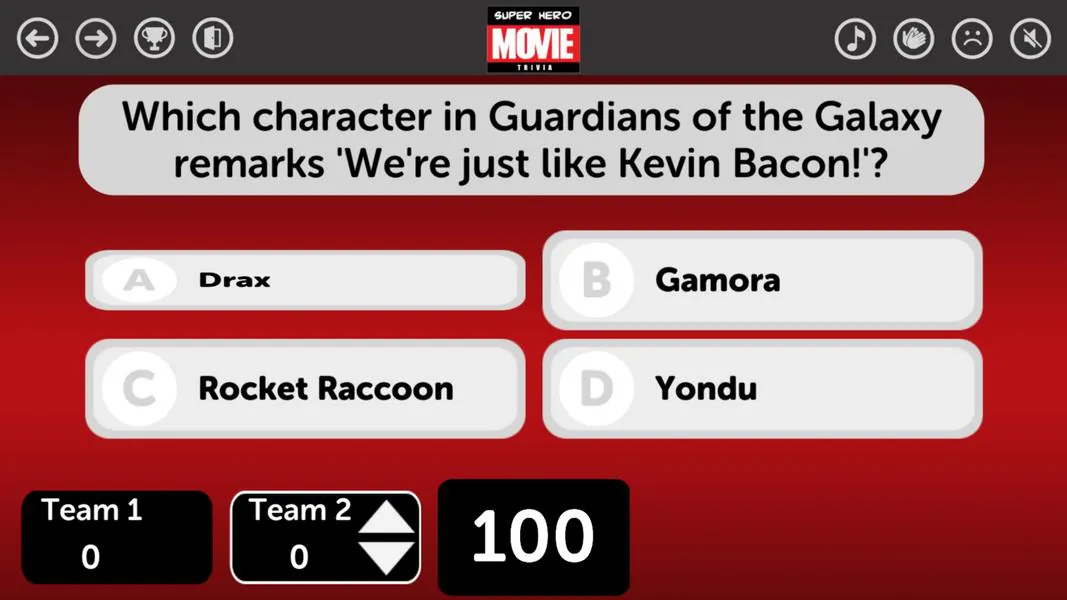
TriviaMaker is a flexible quiz creation app designed to help educators, trainers and hosts build interactive quizzes, polls and live game shows. TriviaMaker focuses on workflow speed and presentation polish, offering production-ready templates and a live preview stage. TriviaMaker helps teams spend less time on formatting and more time on question design, whether you are preparing a classroom review, a corporate check, or an evening trivia event.
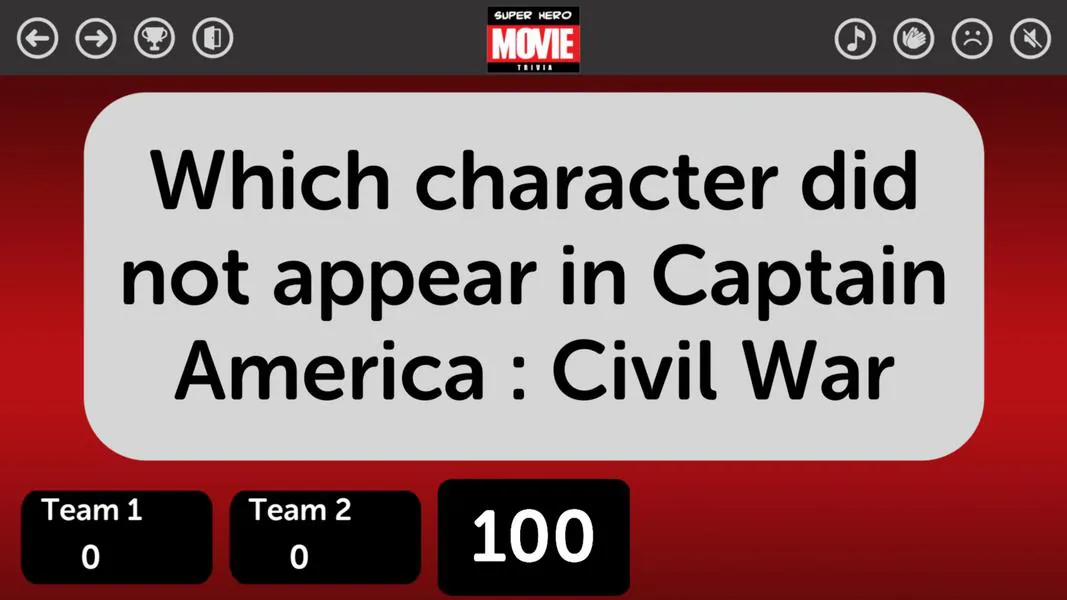
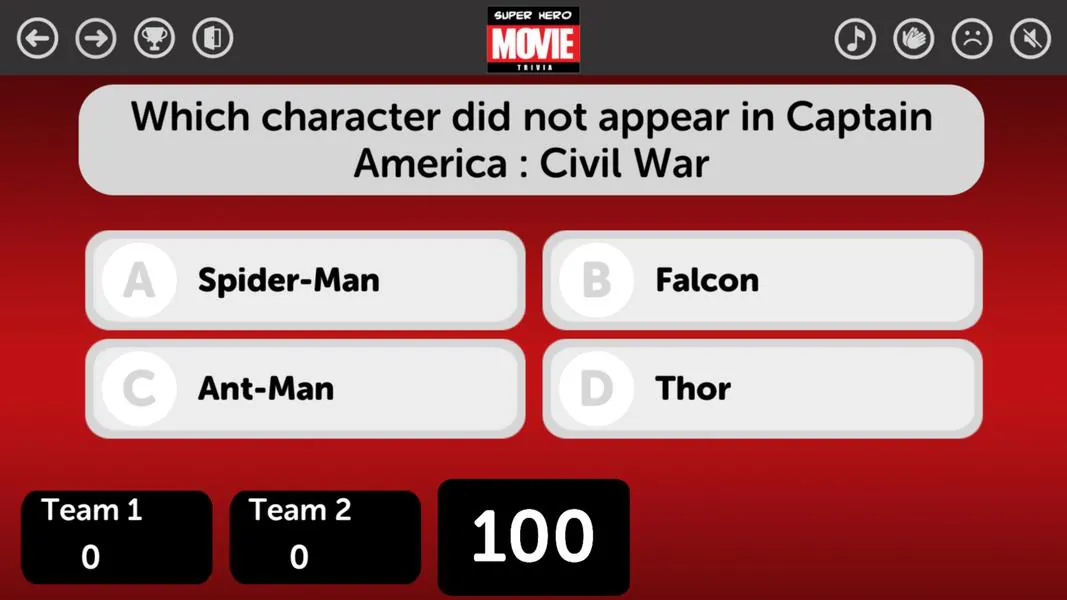
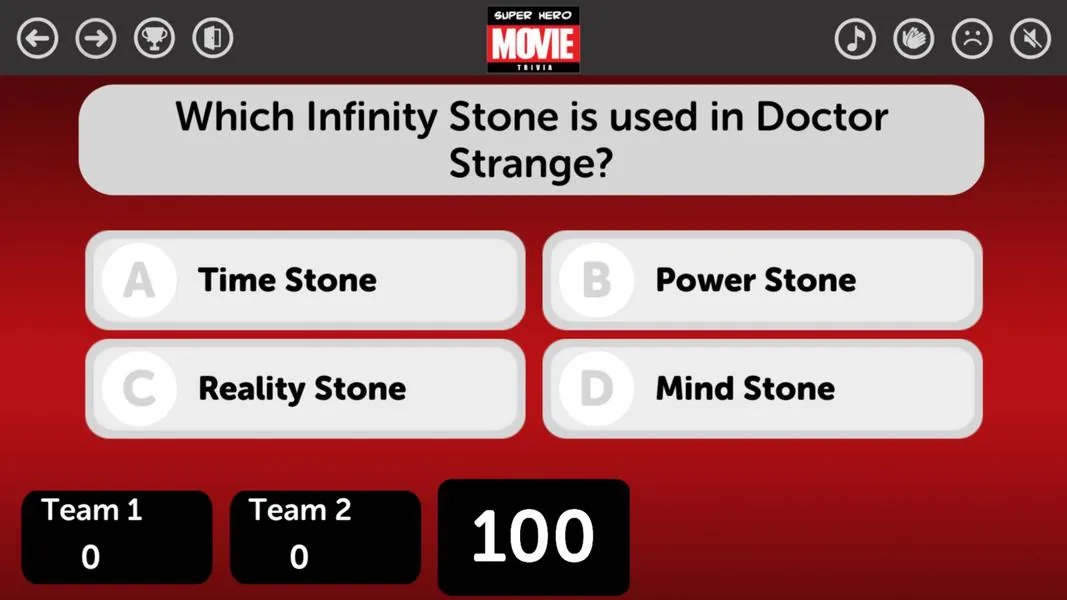
The core of the app is an editor built to remove friction from quiz production. You get adaptable templates for common formats, slide-style question layouts and exportable designs for offline use. The editor supports timed questions, multimedia prompts and multiple answer types so sessions can move between fast-response items and longer reasoning prompts. Hosts can run games in person or remotely while participants join with a session code or link, and local leaderboards and immediate feedback help maintain engagement during live play.
Quizzes are organized into sequential rounds or sections that act like levels in a game-show format. Each round can use different timing rules, scoring methods and question orders; for example you can start with quick warmups, then introduce team rounds or longer individual challenges. Scoring is flexible: assign point weights, mark bonus or sudden-death questions and enable tie-break rules to keep close sessions decisive. Built-in randomization lets you cycle question and answer order to preserve replayability without rewriting content.
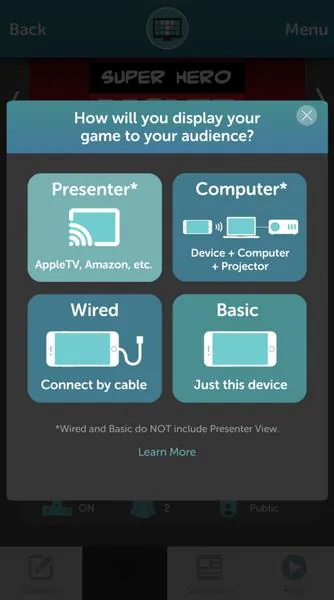
The editor emphasizes intuitive, compact controls so authors can move from idea to play quickly. Select a template, drag questions into the timeline, attach images or short video clips and preview timing and scoring instantly. Controls are grouped in a small toolbar and the preview pane updates as you edit, making it easy to validate pacing and transitions. Simple toggles let you choose how players enter a session, whether scores are visible during play and if answers are revealed immediately or at the end of a round.
Visual customization is straightforward and designed for non-designers. Choose color palettes, slide transitions, fonts and layout variations to match an organization's branding. Themes provide consistent spacing and typography across all slides, while lightweight animation options add polish to a live presentation. These styling controls let you make a quiz look broadcast-ready without requiring specialist design skills, ensuring a professional appearance for classrooms, meetings and public events alike.
Teams can collaborate on projects with role-based access and inline commenting so multiple contributors can edit content and review pacing before a session. Projects save to the cloud to preserve continuity across devices, and completed quizzes export to common formats for archiving or offline presentation. Presenters can export a session for use without internet access and embed quizzes into learning platforms using shareable links or embed codes, which makes it practical to deliver content in spaces with limited connectivity.
The app prioritizes clear interfaces and responsive performance for a wide range of devices. Editing and previewing are optimized to keep loading times short, and settings such as hiding answers until reveal, permitting multiple practice attempts, and scaling text size make it easier to adapt sessions for diverse learners. Guidance on optimizing media sizes helps reduce bandwidth during live play so sessions remain smooth for participants with varying connection speeds.
Replay value is driven by configurable randomness, modular round design and adjustable scoring and timers. Challenge systems can be created by increasing time pressure, varying question difficulty between rounds, or introducing team-based mechanics that encourage strategic play. Instructors can insert short surveys between sections to collect feedback or enable practice modes that allow repeated attempts without affecting official scores, which is useful for training and formative assessment uses.
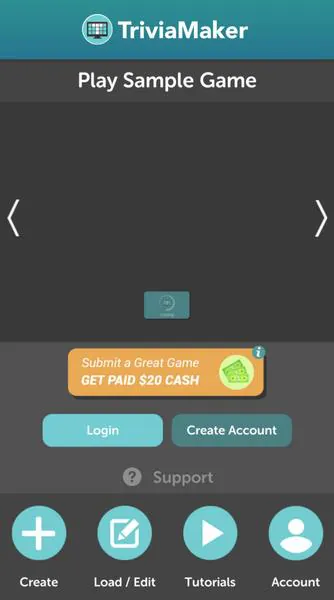
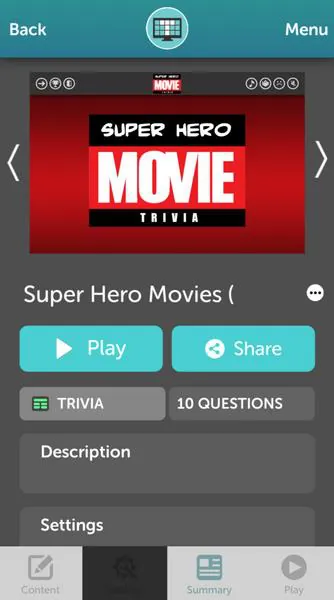
To begin, sign up, choose a template that fits your format and add or import questions. Use the live preview to check timing and scoring, invite collaborators to review content and then launch a session by sharing the entry code or link. With its combination of templates, editor controls, customization and export options, TriviaMaker helps teams move from concept to a polished live experience quickly—whether you're preparing a short classroom drill or a multi-round competition.
File size: 102.10 M Latest Version: 6.3.7
Requirements: Android Language: English
Votes: 126 Package ID: com.triviamaker
Developer: Redwood Pro Media

Enjoy your favorite media anywhere with our sleek new all-in-one multimedia app! Stream video, music, and podcasts online or offline, downloaded directly to your device. Customize playlists and get smart recommendations based on your tastes. Adjust audio settings and enable bass boost for the ultimate listening experience. Easily cast and share to other devices. With a gorgeous, intuitive interface, media controls at your fingertips, and no distracting ads, this is the ultimate personal media hub.






LIVE A HERO
Retro Hero Mr Kim
Empire of Passion
Arcane Quest Legends
Magic Snap: Momotaro
AllStar Manga Heroes
Lunescape
ONE PIECE Thousand Storm JP
Tap Titans 2










































