
Scan to Download
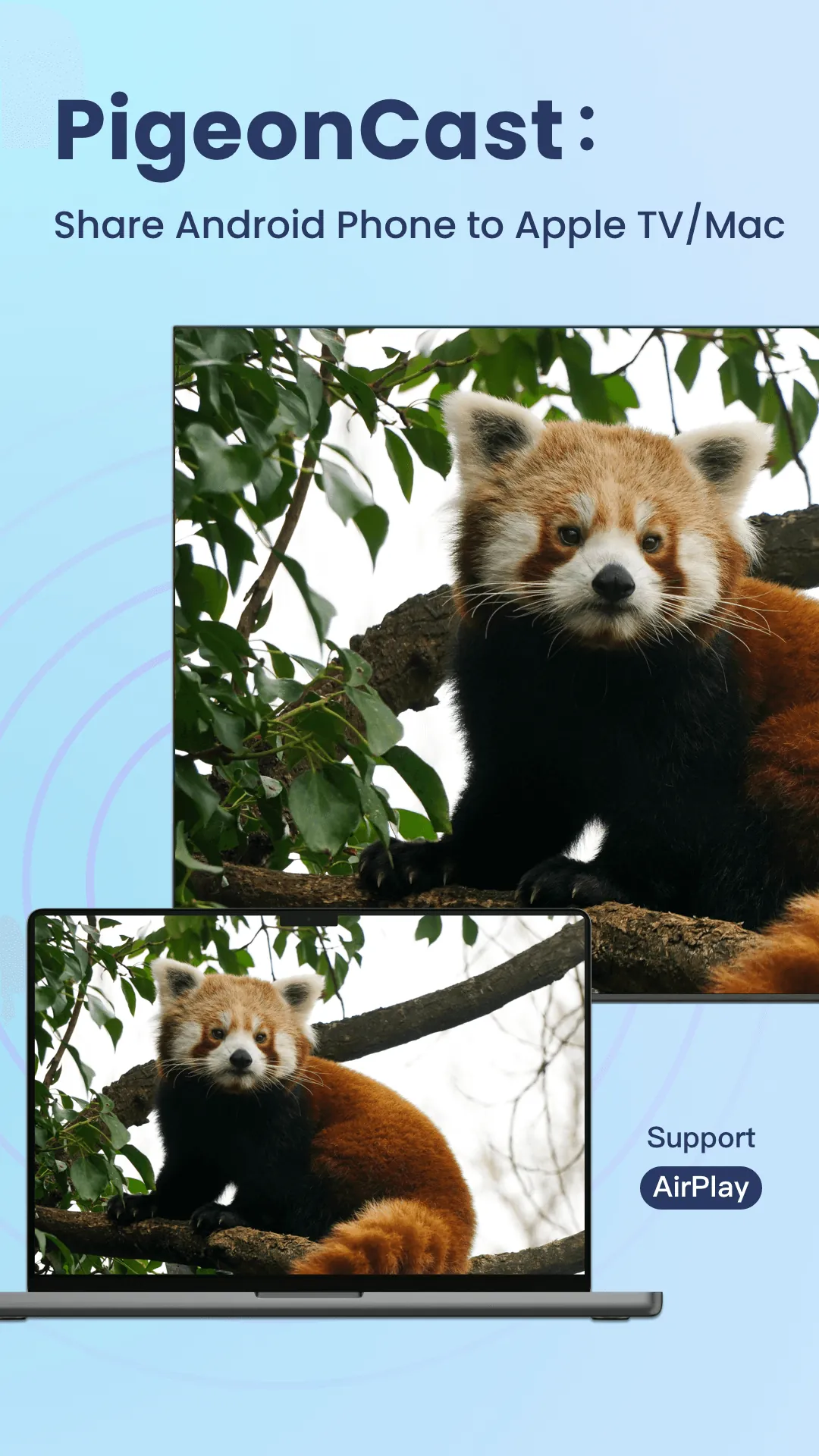
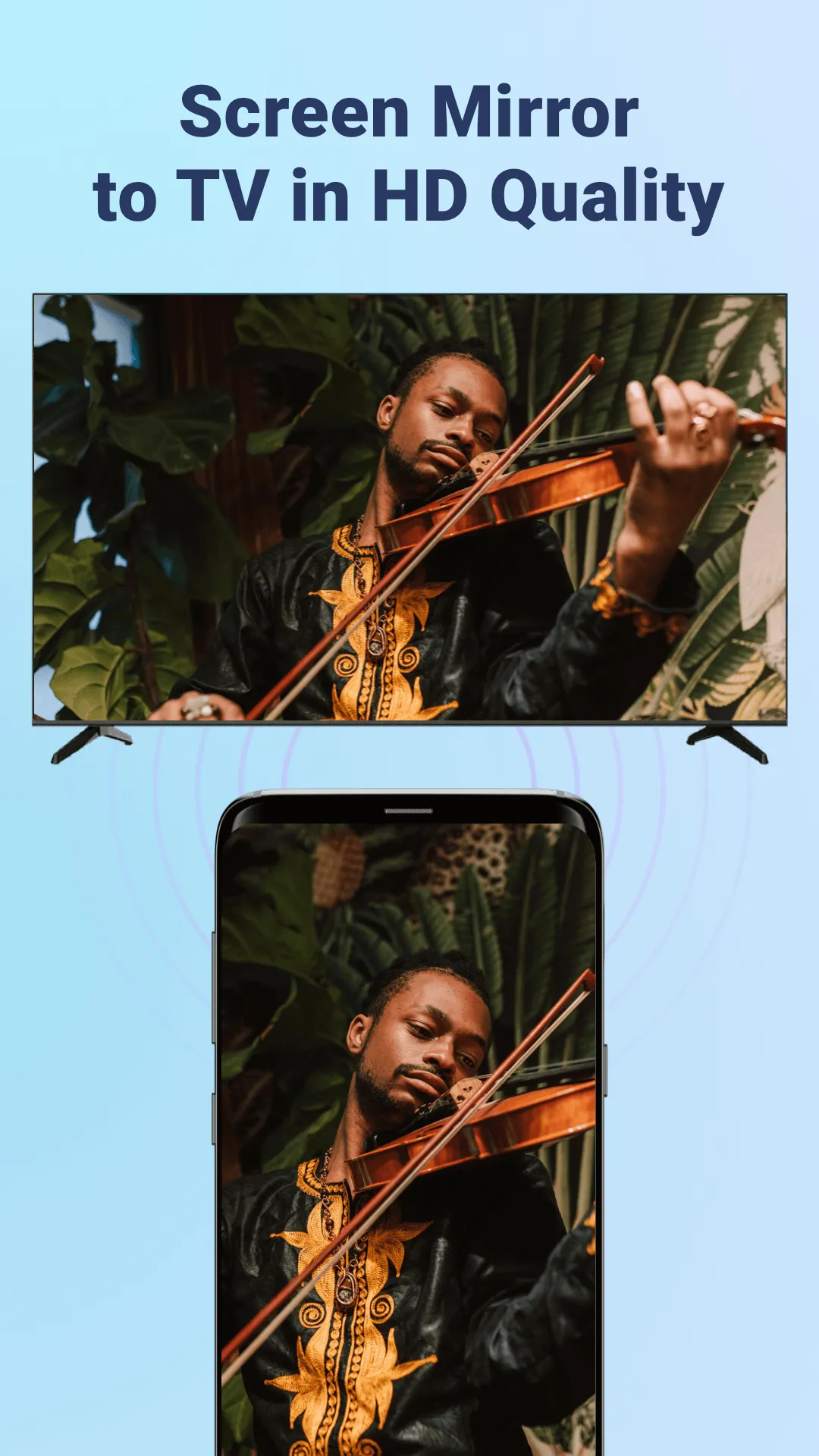
PigeonCast:Mirror via AirPlay turns your Android device into a reliable AirPlay receiver, allowing seamless screen mirroring, media playback, and audio casting from iPhones or iPads. It emphasizes fast connection, minimal configuration, and stable performance over a local Wi‑Fi network for presentations or home media sharing.
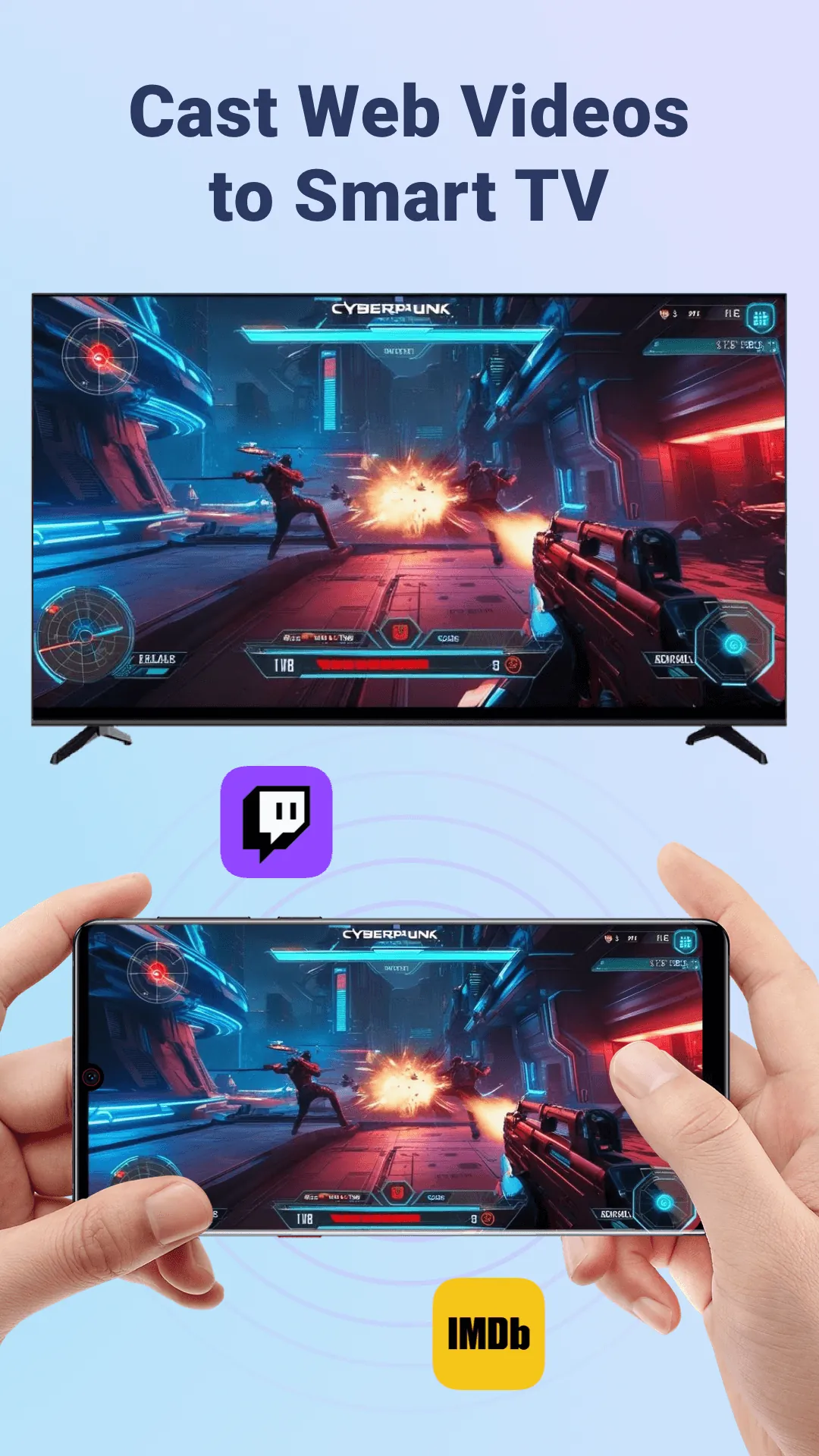
PigeonCast:Mirror via AirPlay targets users who want a simple way to display Apple device screens on Android devices without extra hardware. The app supports AirPlay protocols for video and audio, and aims to keep latency low while preserving image quality. It works well for demoing apps, streaming streamed videos, and sharing slides.
The app implements standard AirPlay services to announce itself on the LAN so Apple devices detect it as a receiver. Once connected, the sender chooses the Android device and begins mirroring or casting. For most setups, no additional account or cloud permissions are required — everything remains within the home or office network, which reduces overhead and simplifies privacy settings.
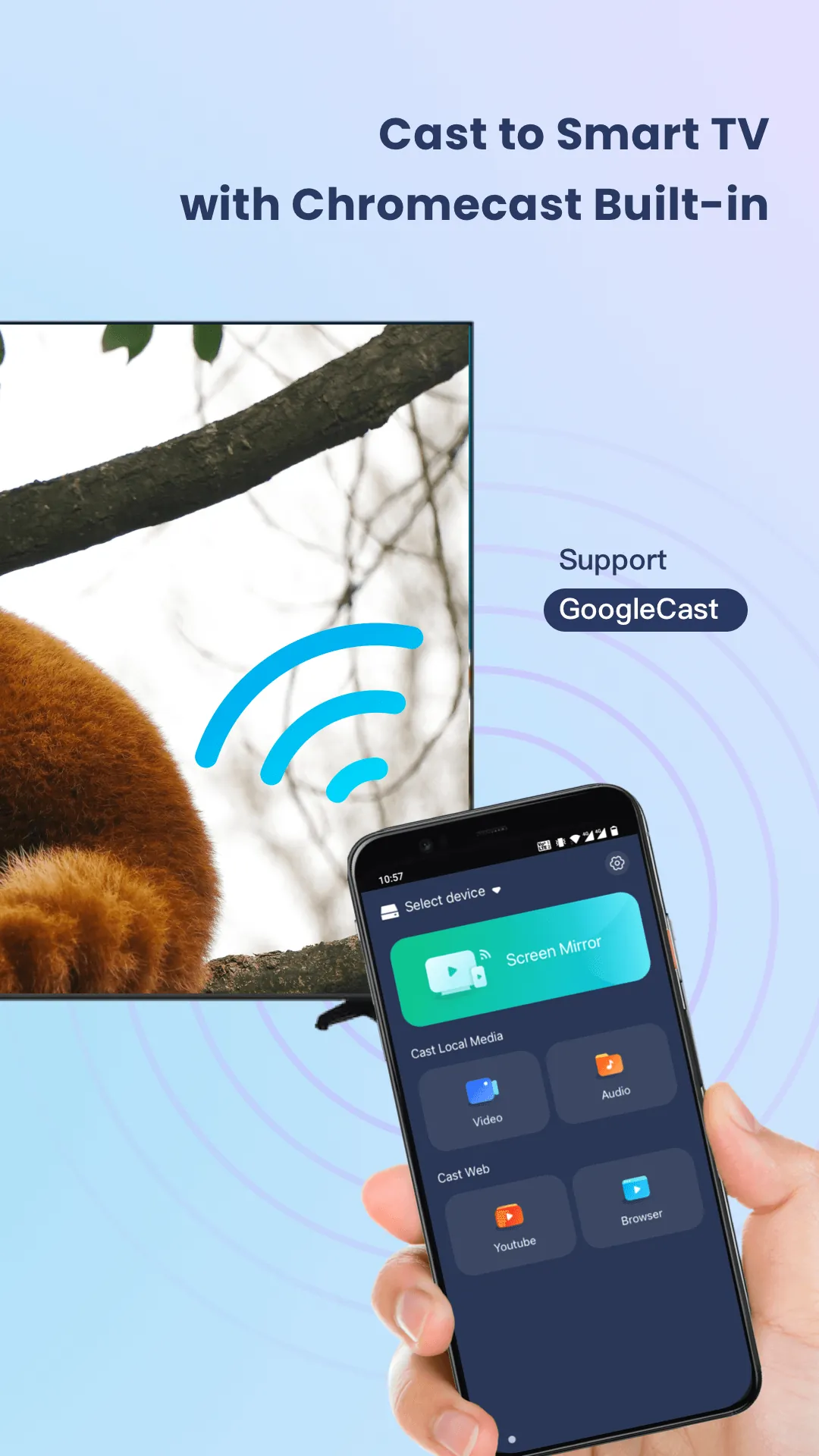
Design choices focus on clarity and quick access. The main screen presents device name and connection status, with a single action to stop or start the session. PigeonCast:Mirror via AirPlay offers basic quality controls and shows latency indicators so you can judge responsiveness. Performance depends on network quality; a 5 GHz Wi‑Fi band and a modern router significantly improve smoothness.
Installing PigeonCast:Mirror via AirPlay is straightforward from typical app stores. After first launch, allow local network permission so the app can announce itself to AirPlay senders. Name the device clearly if you use multiple receivers in the same area, and test with a short video before presenting to confirm audio routing and video quality.
Users appreciate how quickly PigeonCast:Mirror via AirPlay establishes a connection and how little fuss is required to start casting. The app’s minimal interface lowers the learning curve, and the focus on local network operation reassures those concerned about cloud privacy. Some advanced users request deeper settings for bitrate control or hardware acceleration; these are useful areas for future updates.
For those seeking a compact, practical AirPlay receiver for Android, PigeonCast:Mirror via AirPlay delivers a solid balance of simplicity and reliability. Test it in your environment to verify performance under your network conditions and adjust router settings for the best mirroring experience.
File size: 33.60 M Latest Version: 1.0.0
Requirements: Android Language: English
Votes: 205 Package ID: com.pigeoncast.screen.mirroring
Developer: PigeonCast

Must Have Home Apps for Android
Make your house a home with our suite of helpful home apps. Discover clever tools to organize closets, streamline chores, and simplify cooking. Take the stress out of cleaning and maintenance with handy checklists and schedules. Enhance security and control appliances and lighting with our smart home integrations. Design, visualize, and renovate like a pro using our 3D planning software.






LIVE A HERO
Retro Hero Mr Kim
Empire of Passion
Arcane Quest Legends
Magic Snap: Momotaro
AllStar Manga Heroes
Lunescape
ONE PIECE Thousand Storm JP
Tap Titans 2