
Scan to Download
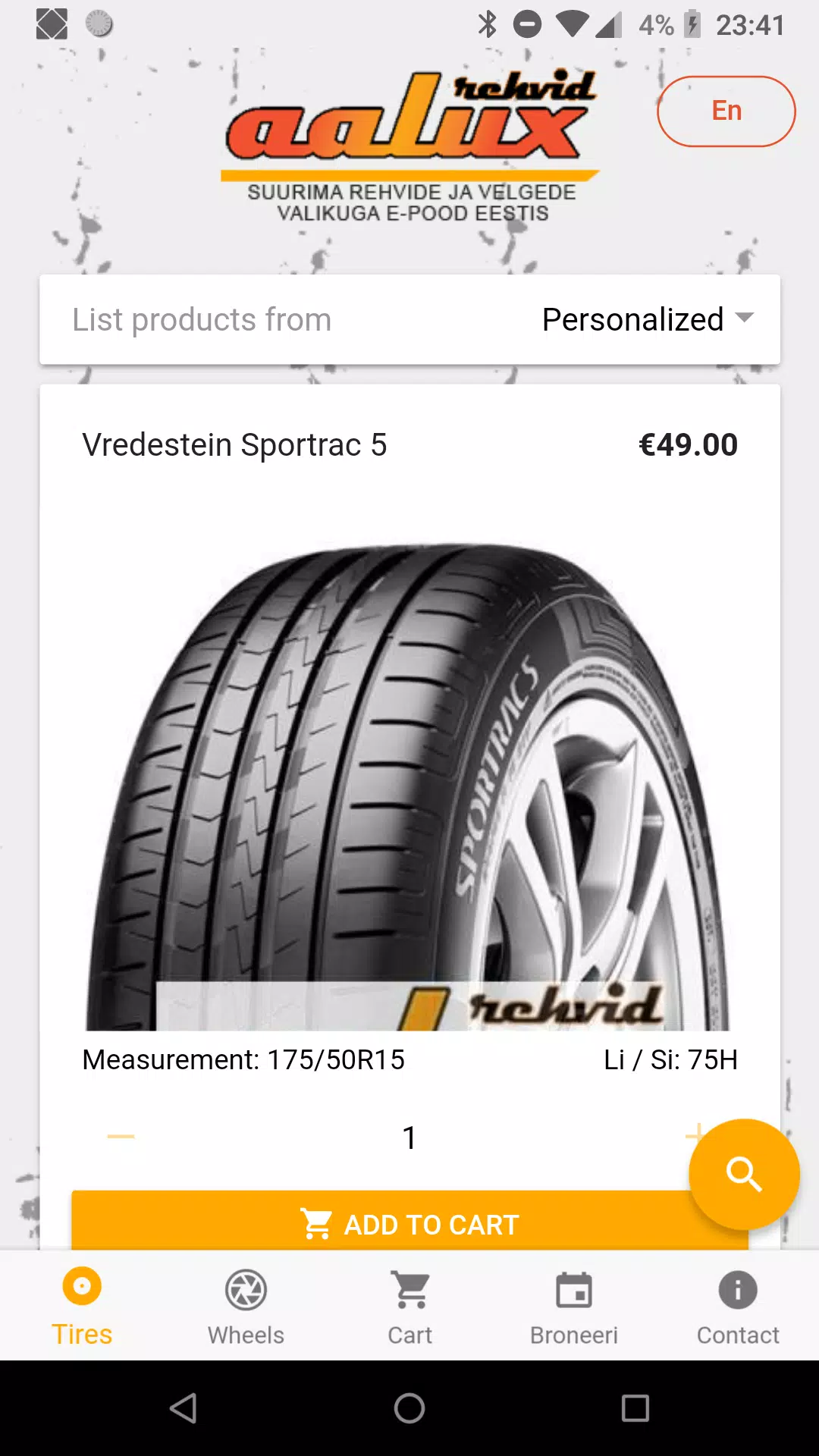
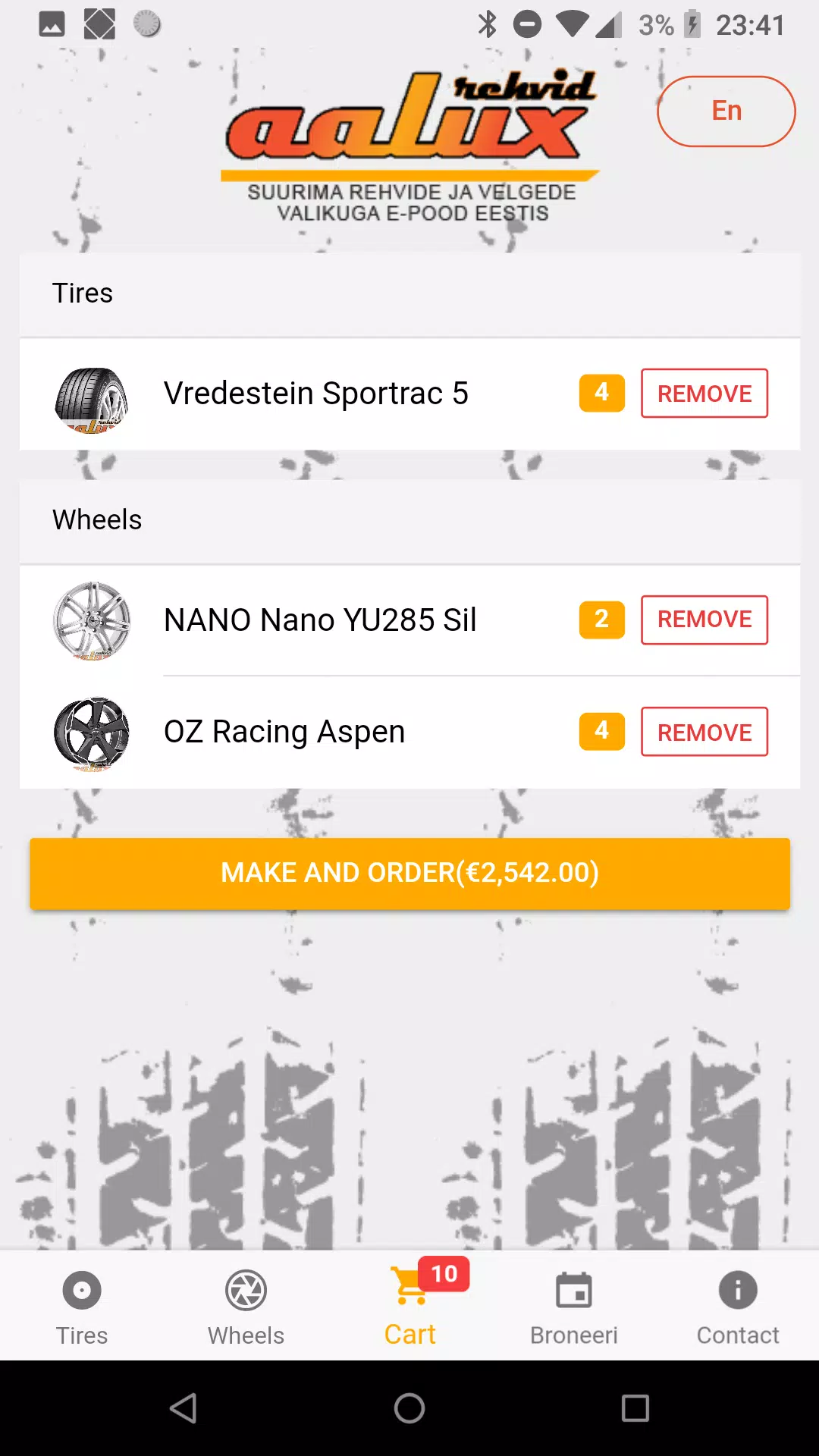
Aalux is a lightweight Android utility designed to streamline your home screen, offering fast customization and practical tools to improve daily device use. It focuses on smooth animations, gesture controls, and personalized themes while keeping battery impact low and delivering a responsive experience across a wide range of phones and tablets.
Aalux provides a collection of essentials for anyone wanting a cleaner, more efficient interface. Expect a compact launcher-style layout with support for icon packs, adaptive icons, and resizable widgets. Built-in gesture shortcuts let you assign common actions—open apps, toggle settings, or launch utilities—without digging through menus.
The interface places emphasis on clarity and speed. Aalux uses minimal visual clutter and subtle transitions to make navigation feel fluid. Menus are organized for quick access, and home screen grids can be adjusted for density and spacing. Visual themes and color accents help you match the phone’s look to your preferences.
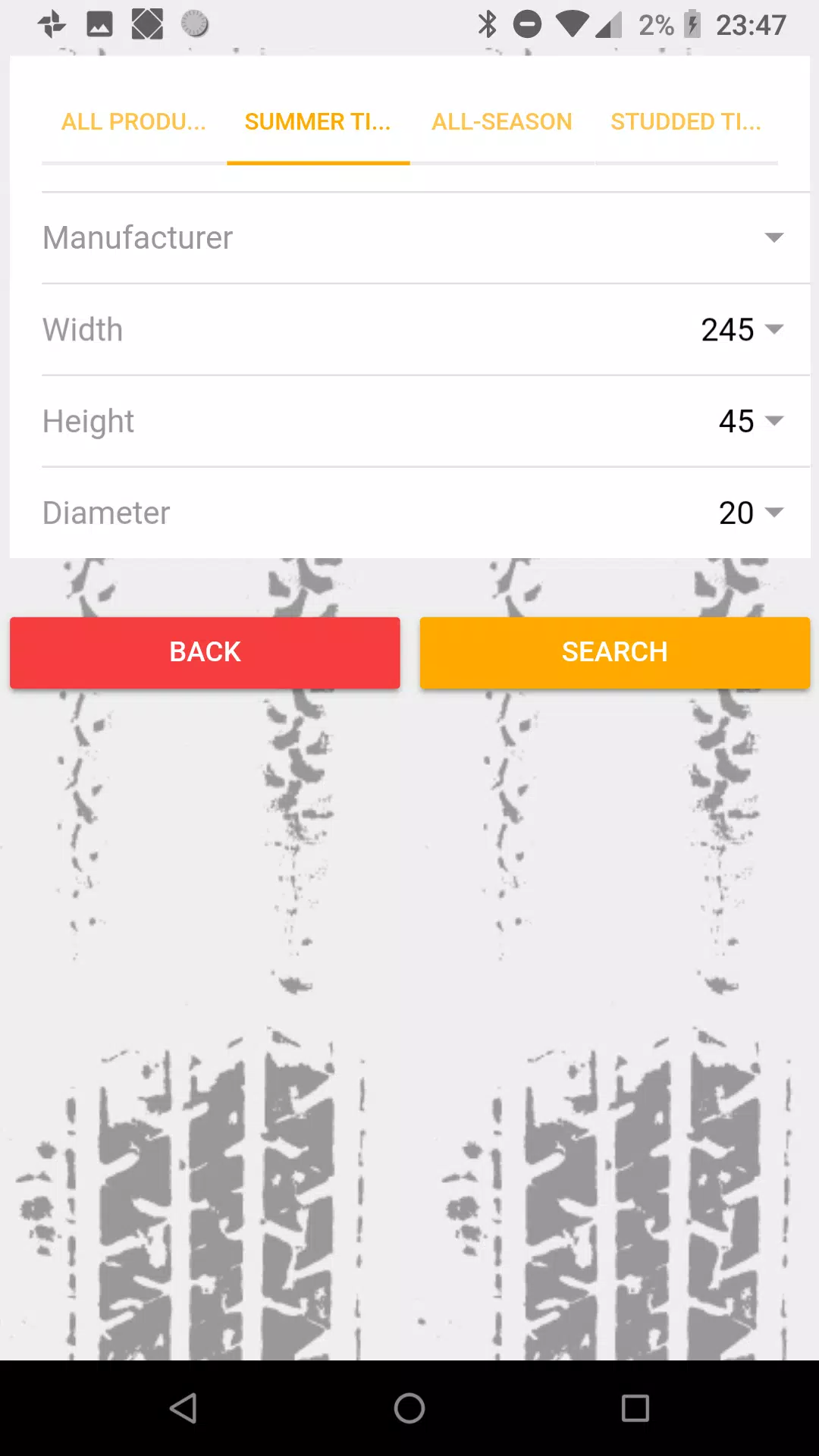
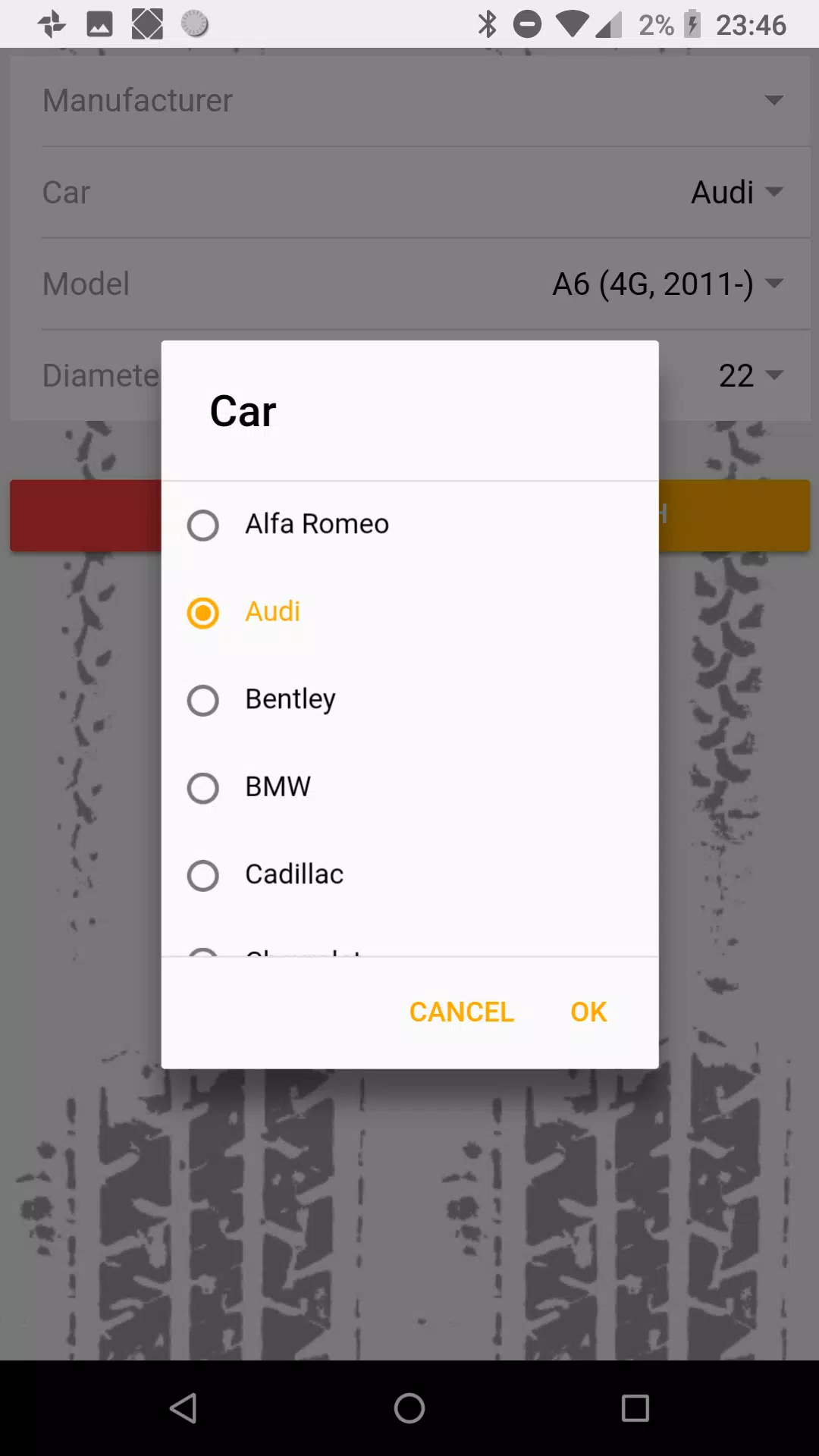
Customization in Aalux covers both appearance and behavior. Choose between several theme palettes, alter icon sizes, enable or disable app labels, and rearrange app drawers. You can fine-tune folder behavior and set default home screens for multi-tasking workflows. The app supports importing popular icon packs so third-party designs integrate smoothly.
Aalux is optimized to run with modest resource usage. Animations are hardware-accelerated where supported, and background services are minimized to preserve battery life. On mid-range devices the app maintains consistent frame rates for scrolling and transitions, while older hardware benefits from simplified animation options to reduce load.
Gesture controls are a central productivity tool. Assign swipes, double-taps, and long-presses to open applications, toggle system settings, or run shortcuts. These mappings can be combined with app shortcuts for faster access to frequently used functions, making Aalux useful for people who prefer touch-based efficiencies.
Aalux supports a broad spectrum of Android versions and hardware configurations. It adapts to different screen sizes and densities, including tablets and foldable devices. Permissions are limited to essentials such as launcher access and optional storage access for backups, keeping privacy considerations straightforward.
To protect your layout and settings, Aalux includes a simple backup and restore mechanism. Save your home screen arrangements and theme selections locally or export them for migration to another device. This feature is especially handy when switching phones or performing a factory reset.
Users frequently praise Aalux for its balance of simplicity and depth. Novice users find the default setup approachable, while power users appreciate the fine-grained controls available under settings. Small touches like adaptive icon support and smooth folder animations contribute to a polished daily experience.
Installation is straightforward: download and set Aalux as the default home app, then choose whether to import layouts or start from a blank canvas. The first-time setup walks you through basic adjustments such as grid size, dock icons, and gesture assignments so the home screen is ready in minutes.
The app receives periodic updates that refine performance and add incremental features. A help section within the app covers troubleshooting steps, common settings, and guidance for restoring backups. Regular updates aim to improve compatibility with new Android releases and expand customization options over time.
Aalux targets users seeking a functional, low-overhead launcher experience with strong customization potential. Its combination of gesture-driven controls, theme flexibility, and careful resource management makes it a solid alternative for users who want to tailor their interface without compromising speed or battery life.
File size: 7.20 M Latest Version: 1.1.4
Requirements: Android Language: English
Votes: 314 Package ID: ee.codehouse.aalux
Developer: Codehouse OÜ


Must Have Home Apps for Android
Make your house a home with our suite of helpful home apps. Discover clever tools to organize closets, streamline chores, and simplify cooking. Take the stress out of cleaning and maintenance with handy checklists and schedules. Enhance security and control appliances and lighting with our smart home integrations. Design, visualize, and renovate like a pro using our 3D planning software.






LIVE A HERO
Retro Hero Mr Kim
Empire of Passion
Arcane Quest Legends
Magic Snap: Momotaro
AllStar Manga Heroes
Lunescape
ONE PIECE Thousand Storm JP
Tap Titans 2










































