Scan to Download
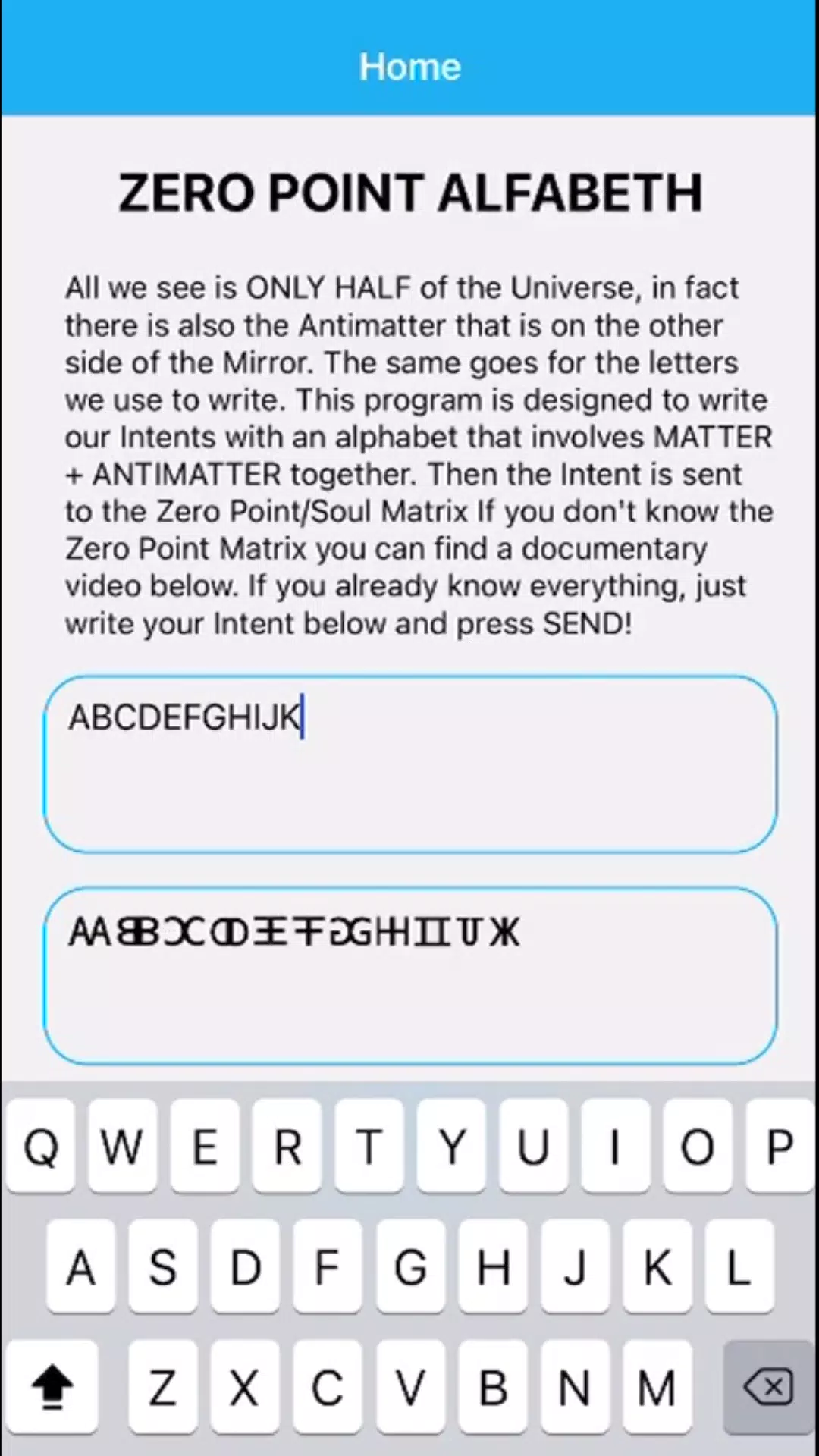
Intent Radionics Point Zero is a compact Android utility designed for focused intention-setting and session management, combining a clean editor for symbolic targets with timed cycles and lightweight performance for mobile use. Intent Radionics Point Zero emphasizes straightforward workflows, privacy-by-default storage, and accessible controls so you can create, test, and refine configurations quickly whether you are new to these practices or use them regularly.
The app organizes tools around a central chart editor where you compose symbolic targets, attach short notes, and layer frequency presets. Chart construction is intentionally modular: add symbols, text anchors, and nested elements that can be positioned and scaled, then save that composition as a reusable preset. A session manager coordinates timed runs, letting you queue single or sequential sessions with adjustable durations, and an activity log records each run so you can compare outcomes over time. Templates are provided for common starting points while advanced controls expose parameter granularity for experienced users.
The interface is designed for touch-first operation: a central canvas supports pinch-to-zoom, two-finger pan, and drag handles for precise placement, while a collapsible side panel holds sliders and dropdowns for parameter adjustments. Tooltips appear on first use and an onboarding dialog walks through creating a first target, selecting a template, and launching a test session. Common commands such as start, pause, and stop are grouped in a compact bottom bar to reduce accidental taps, and adaptive touch targets make the app comfortable to operate on both phones and tablets.
Customization is extensive but controlled. You can save multiple presets for frequently used configurations, switch between symbolic libraries, and adjust visual styling such as color-coding and opacity to keep targets readable at a glance. Preset types include basic target layouts for rapid setup, stacked frequency arrangements that combine tones and cycles, and multi-step session sequences that automate a series of timed runs. Export and import options allow you to move presets between devices while preserving privacy metadata like timestamps and version notes.
Session controls let you build a progression-style routine: start with short calibration runs, then lengthen or chain sessions as you refine a configuration. The app’s scheduler supports daily or recurring short sessions to create a consistent practice, and session sequences can be set to incrementally adjust parameters to explore different configurations over time. A progress graph displays runtime trends and active parameter changes to help you evaluate which setups you return to most often, supporting repeatable, incremental experimentation rather than randomized guessing.
Visual design focuses on clarity and utility rather than ornamentation. Canvases present high-contrast symbols, adjustable grid snapping, and optional overlays that show alignment guides and relative scaling. Projects are organized into folders or tags, enabling a structure similar to levels or stages: draft, test, and archived versions help you track development. This simple level structure supports iterative refinement and makes it easy to revert to a previous configuration when experimenting.
Replay value comes from the combination of preset libraries, the ability to chain sessions, and exportable logs you can review externally. Logs are available in human-readable formats for examination in spreadsheets or other tools, which encourages pattern discovery and deliberate adjustments. The app keeps workflows efficient with keyboard shortcuts for external keyboards, a compact HUD for frequently used controls, and a help section containing contextual FAQs and troubleshooting tips for common device-specific issues.
Privacy is a central consideration: local storage is the default for all targets and session logs, and optional encryption is available for backups. Nothing is transmitted off-device unless the user explicitly enables cloud backup. Intent Radionics Point Zero also supports full offline operation, reducing dependency on network connectivity and allowing uninterrupted sessions in the field. Accessibility options include adjustable font sizes, high-contrast themes, and simplified layouts for users who prefer a minimal interface.
Built to be lightweight, the app manages CPU use with an adaptive power mode for extended sessions and avoids unnecessary background processing. It targets recent Android releases while maintaining compatibility with a range of older builds where feasible. Regular updates focus on bug fixes, optimizations, and careful feature additions to keep the footprint small and responsive on both midrange and high-end devices.
Begin by creating a new target, choosing a provided template, and running a short calibration session to learn how controls affect timing and layering. Use the activity log to compare runs, export a preset for safekeeping, and try incremental adjustments to build a personal progression of configurations. For users who want a portable toolkit for structured session work or an environment to experiment and document changes, Intent Radionics Point Zero provides a practical, well-documented platform with sensible defaults and advanced options when you need them.
File size: 39.70 M Latest Version: 1.0.0
Requirements: Android Language: English
Votes: 285 Package ID: com.reverser
Developer: Loris Sichetti

Must Have Tools Apps for Android
Equip yourself with our all-in-one toolbox app for everyday tasks and projects. Instantly convert between units, calculate tips, scan documents, manage files, and more with handy productivity tools. Includes a level, compass, QR code reader, ruler, speedometer, decibel meter, and flashlight. Save frequently used tools to your customizable dashboard for one-tap access. Track billable hours, wages, budgets, and invoices. Annotate screenshots, magnify labels, and sign PDFs on the go.






LIVE A HERO
Retro Hero Mr Kim
Empire of Passion
Arcane Quest Legends
Magic Snap: Momotaro
AllStar Manga Heroes
Lunescape
ONE PIECE Thousand Storm JP
Tap Titans 2