Scan to Download
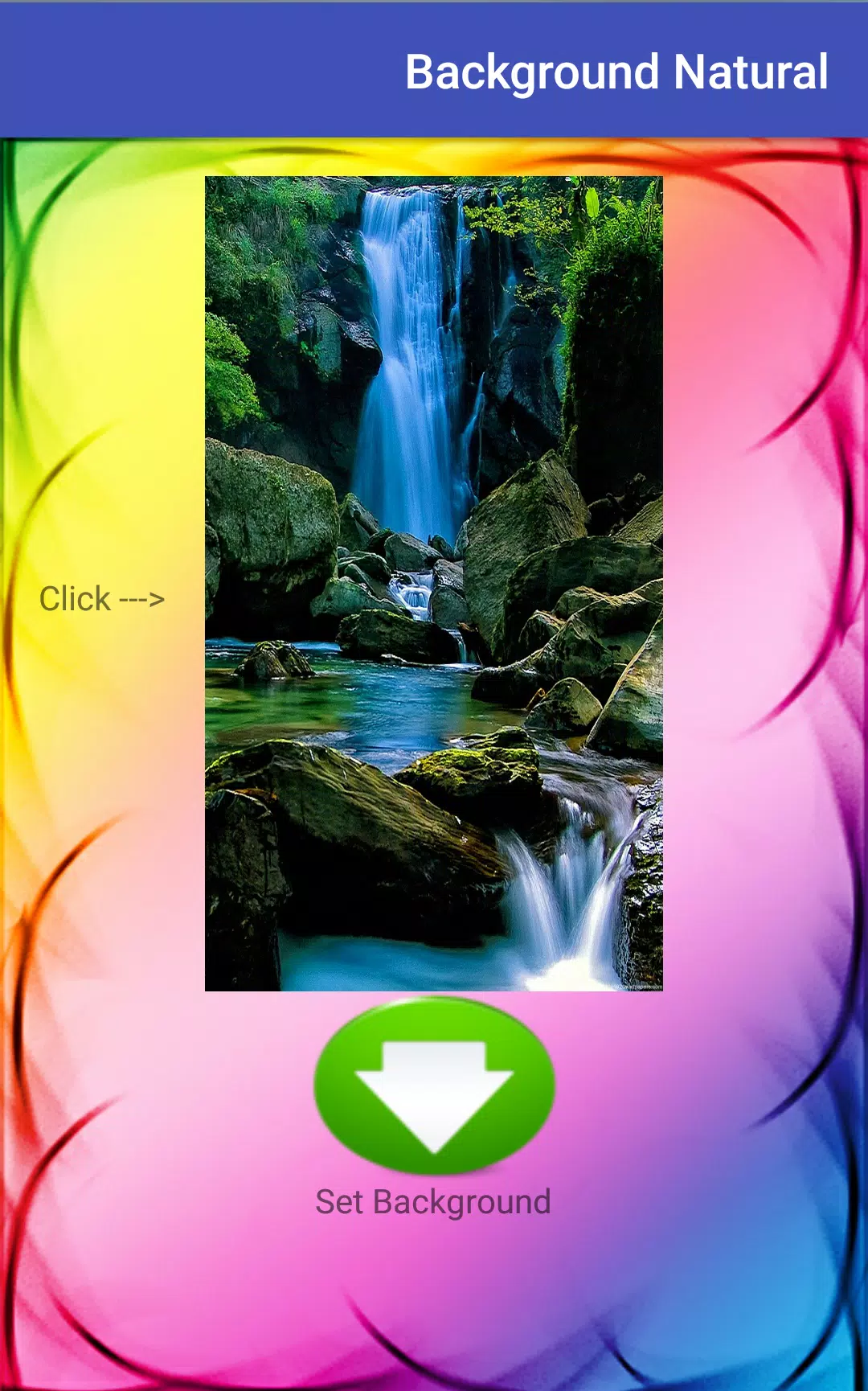
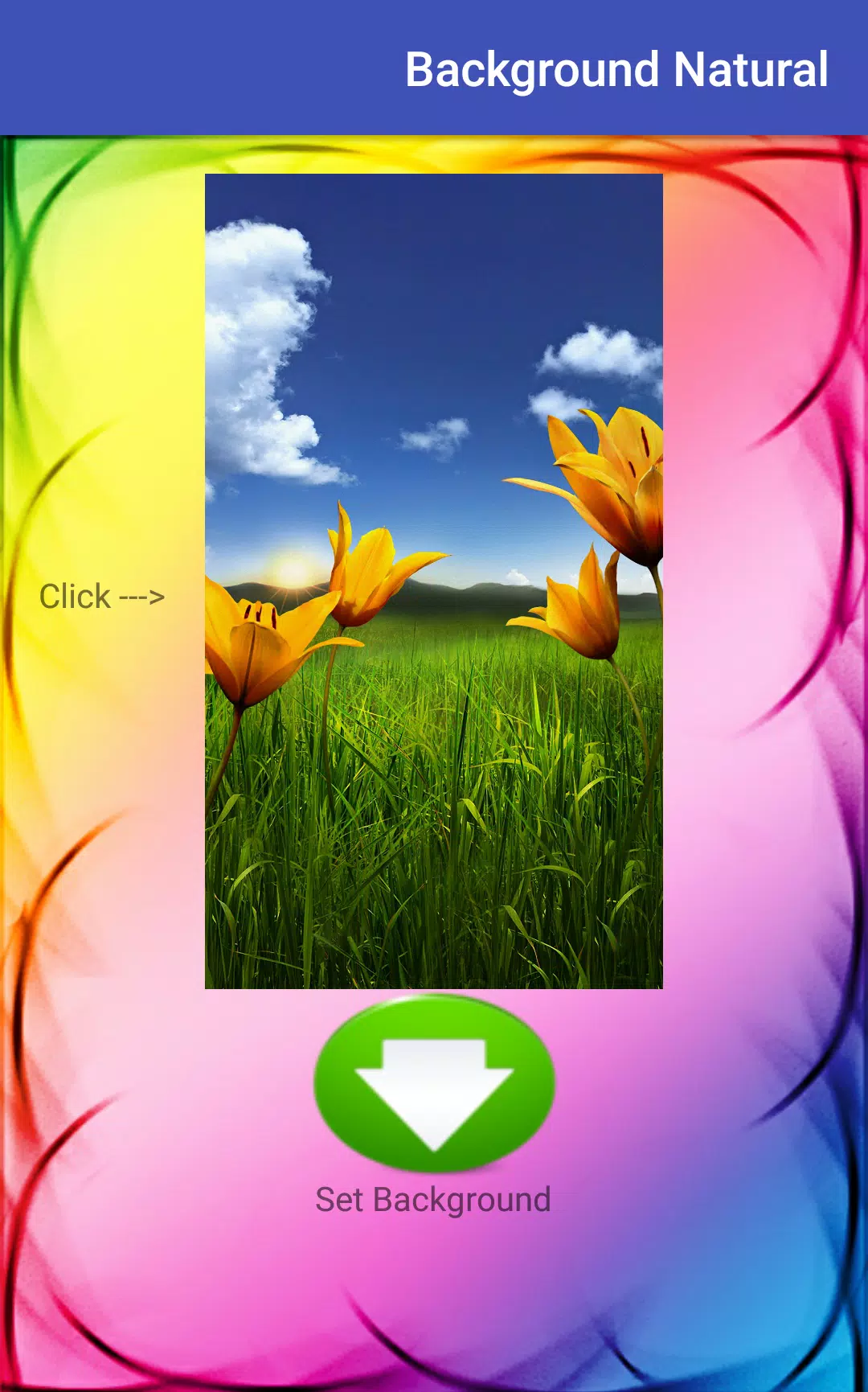
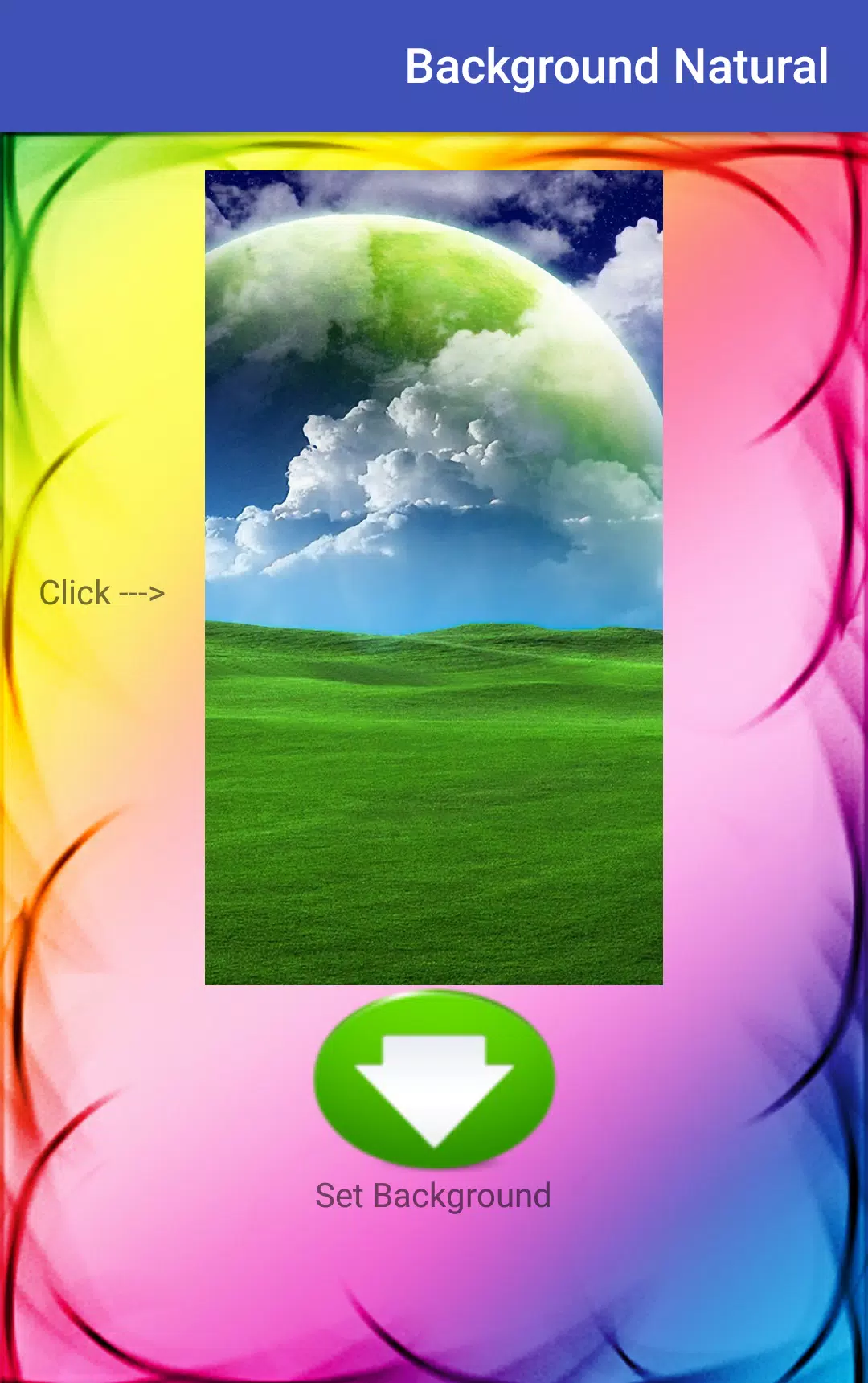
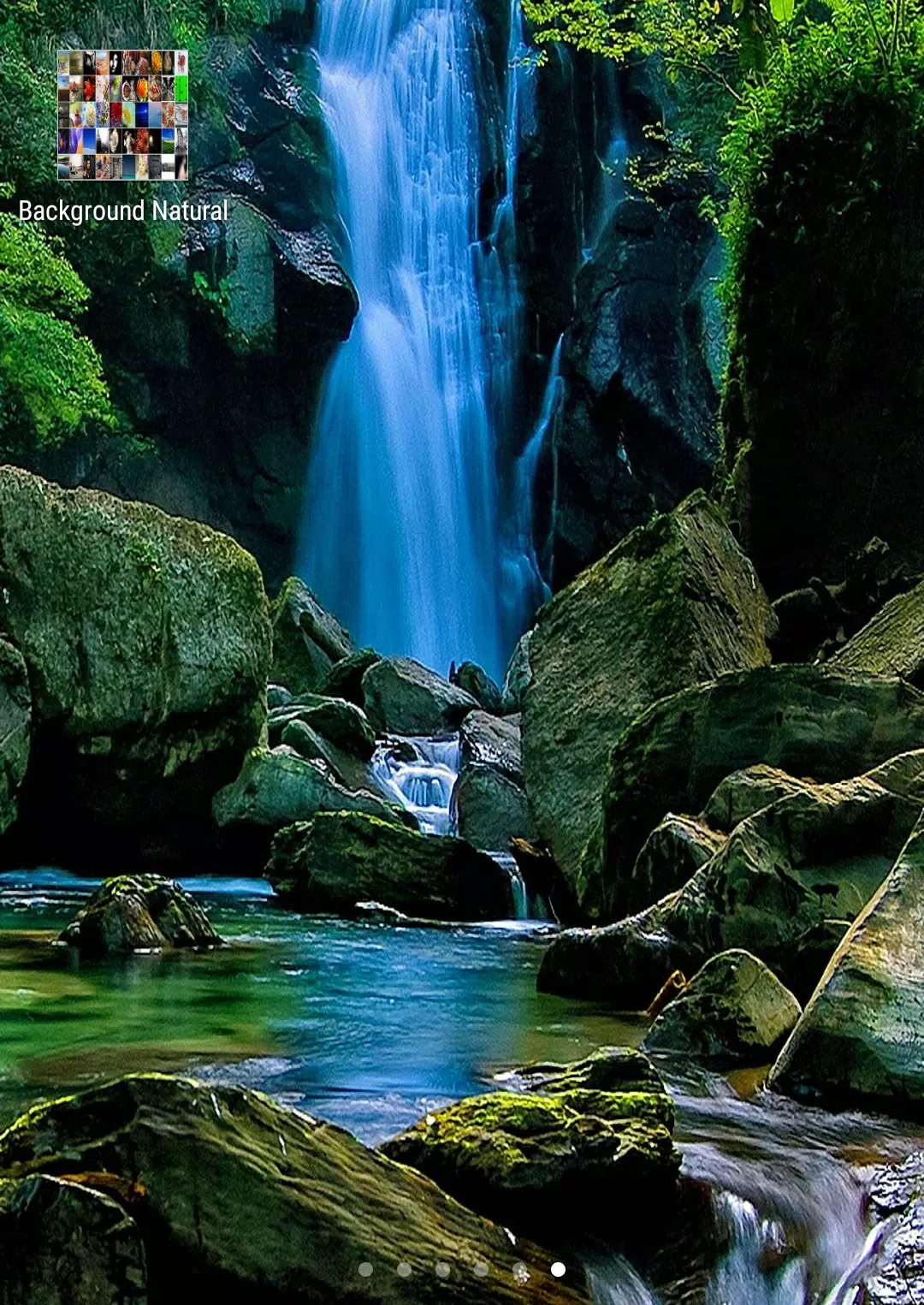
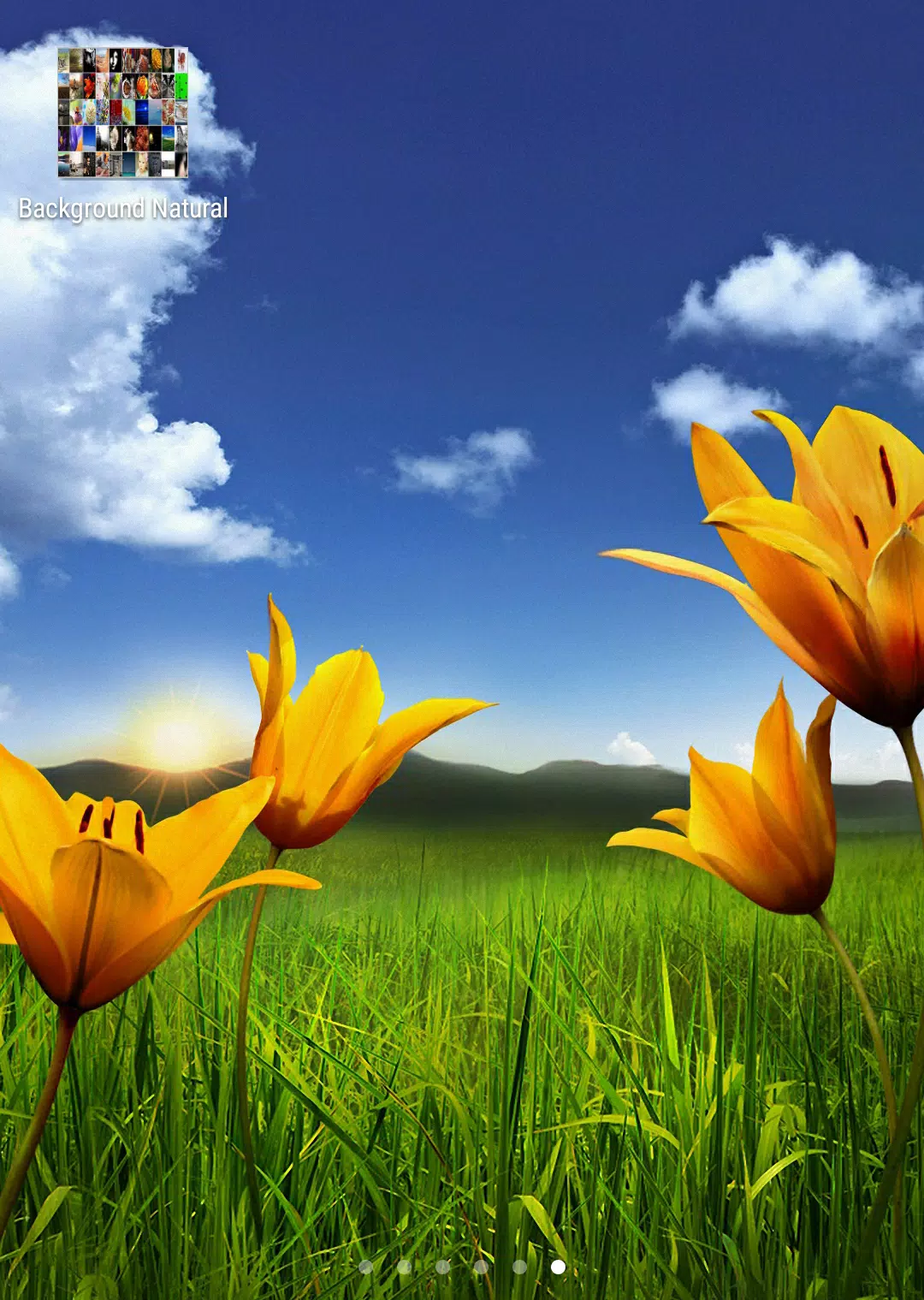
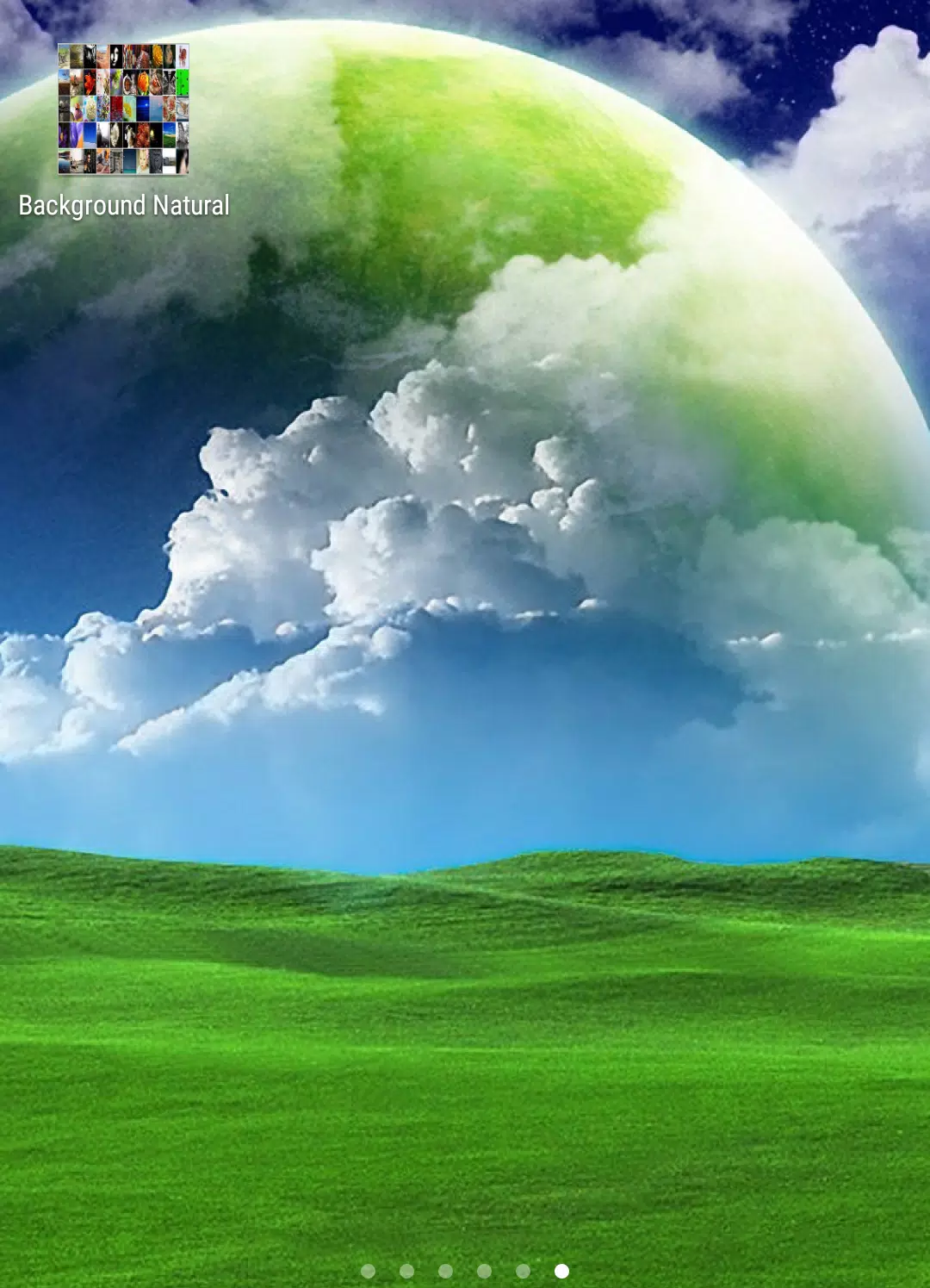
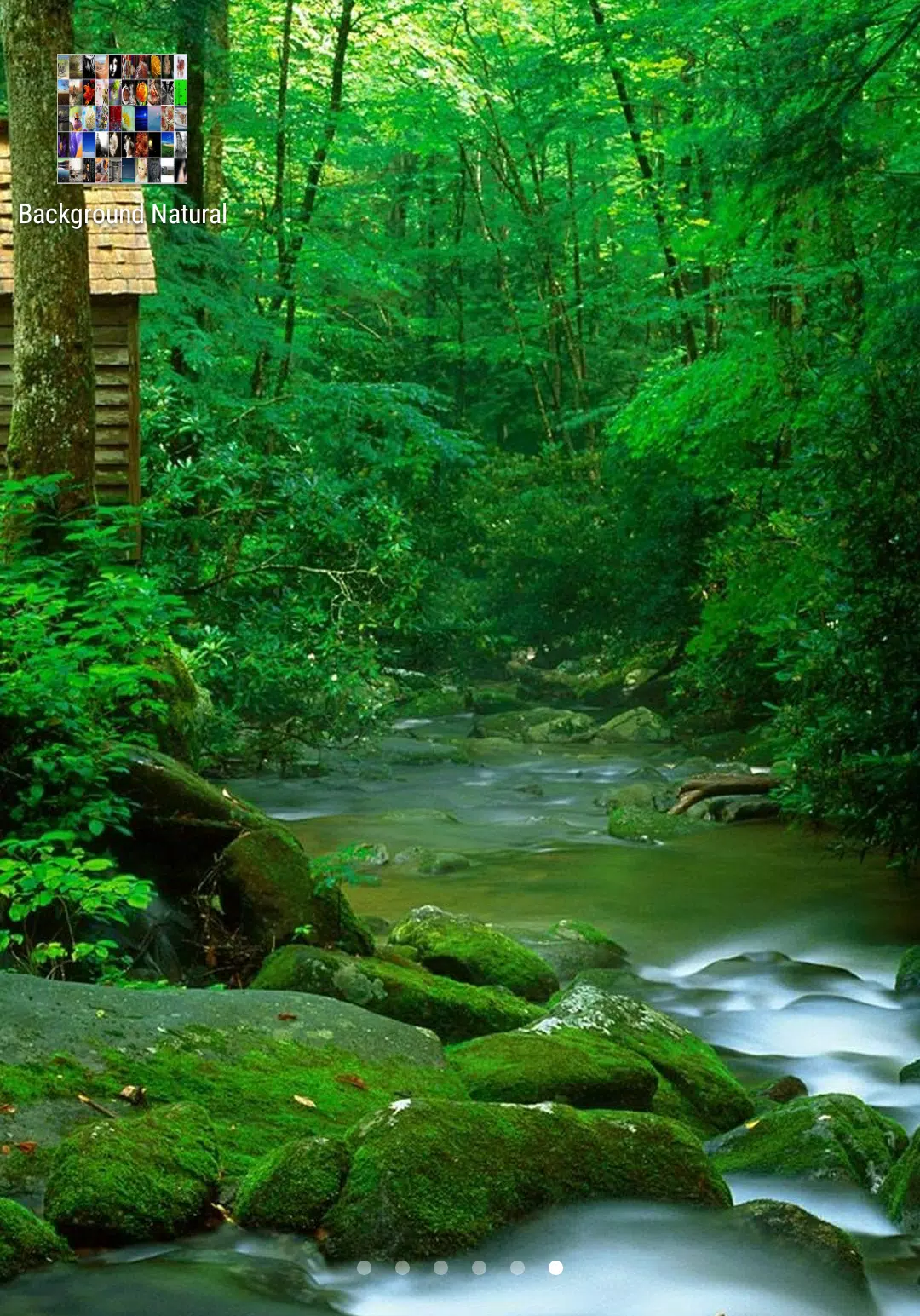
خلفيات رائعة بنقرة زر HD is a focused wallpaper app that makes it simple to refresh your device with high-definition nature photography. In the first view you can browse a curated selection of mountains, coasts, forests and open skies, preview how each image will sit behind icons and widgets, and apply a new background with a single tap. The app name, خلفيات رائعة بنقرة زر HD, reflects the one-tap workflow that keeps routine personalization fast and predictable while preserving image quality.
The visual approach favors uncluttered composition and balanced color so wallpapers remain readable beneath app icons and system chrome. Photographs are chosen for contrast and framing, with attention to horizon placement and focal points so important details aren’t hidden by status bars or widget clusters. Each image is optimized for modern phone and tablet dimensions to avoid awkward cropping or stretched pixels, and the selection emphasizes timeless, natural scenes rather than seasonal fads.
Interaction in the app is deliberately simple: horizontal swipes move you through themed galleries, a single tap opens a full-screen preview, and the apply control sets the wallpaper for home and lock screens. Preview mode includes clear visual cues showing how icons and widgets will overlay the image, and lightweight metadata tags describe the location and mood of the photo. These controls are designed so that both novice and experienced users can navigate quickly without reading a manual.
Progression in this context is about discovery rather than achievement. Wallpapers are grouped into collections—mountain vistas, coastal horizons, forest scenes, minimalist skies—and curated sequences and daily highlights guide users through the catalog. Regularly surfaced selections encourage exploration over time: users can follow a seasonal gallery, revisit daily picks, or let the app suggest images that match a recent pattern of choices, making gradual discovery feel natural and personal.
Galleries present images in a continuous swipe flow so you can move from broad landscapes into more intimate compositions without abrupt context switches. Each themed collection is assembled to maintain visual cohesion; images within a gallery share tonal qualities and framing conventions so switching between them preserves a consistent home-screen aesthetic. There are no levels or locked content: progression is purely about navigating collections and finding images you want to use repeatedly.
Customization focuses on placement rather than heavy editing: you can select the exact crop and preview how a chosen frame interacts with on-screen elements before applying. Simple fitting and centering options allow you to prioritize a subject in the scene, and a subtle set of alignment tools ensures the most meaningful portion of the photo remains visible. Advanced photo editors are intentionally excluded to keep the app lightweight and fast.
Performance is tuned for low battery and memory use: images are delivered at resolutions matched to device screen sizes and decoded efficiently to reduce load times. The interface emphasizes large tap targets, clear labels in preview mode, and readable typography to help users with varied dexterity and sight. The app runs consistently across a wide range of phones and tablets, adapting aspect ratios without resorting to visual scaling that compromises sharpness.
To minimize repeated downloads and to support intermittent connectivity, frequently used wallpapers and recently viewed images are cached locally. This cache speeds up previews after the first view and keeps applied wallpapers available while offline. Data usage is managed by providing optimized image sizes appropriate for the current device rather than forcing full-size transfers, and users can clear cached items if they want to reclaim storage space.
Replay value comes from a broad catalog and the one-tap habit loop: switching looks for different times of day, matching backgrounds to seasons, or preparing a specific scene for an event. Because the app avoids heavy feature bloat, it works well as a daily tool—refresh your screen in seconds, set a calming morning scene for focus, or rotate images weekly to keep the home screen feeling new. The app name, خلفيات رائعة بنقرة زر HD, stays relevant in daily use by promising speed and quality.
This app is ideal for users who prefer curated, high-quality photographic backgrounds and a predictable, quick workflow. It does not include live wallpapers, generative art, or complex photo-editing suites, so those seeking full creative tools or urban and abstract art collections may find the selection narrower than specialized platforms. If you want dependable, beautiful static backgrounds with minimal fuss, خلفيات رائعة بنقرة زر HD offers a practical solution built around clarity and ease of use.
File size: 39.20 M Latest Version: 3.0
Requirements: Android Language: English
Votes: 257 Package ID: com.suhaibrajb.backgraund
Developer: Suhaib AlQeisii

Must Have Tools Apps for Android
Equip yourself with our all-in-one toolbox app for everyday tasks and projects. Instantly convert between units, calculate tips, scan documents, manage files, and more with handy productivity tools. Includes a level, compass, QR code reader, ruler, speedometer, decibel meter, and flashlight. Save frequently used tools to your customizable dashboard for one-tap access. Track billable hours, wages, budgets, and invoices. Annotate screenshots, magnify labels, and sign PDFs on the go.






LIVE A HERO
Retro Hero Mr Kim
Empire of Passion
Arcane Quest Legends
Magic Snap: Momotaro
AllStar Manga Heroes
Lunescape
ONE PIECE Thousand Storm JP
Tap Titans 2










































