Category: News & Magazines Date:2026-10-14 09:03:01
Rating: 4.1 Tags: Events
Scan to Download
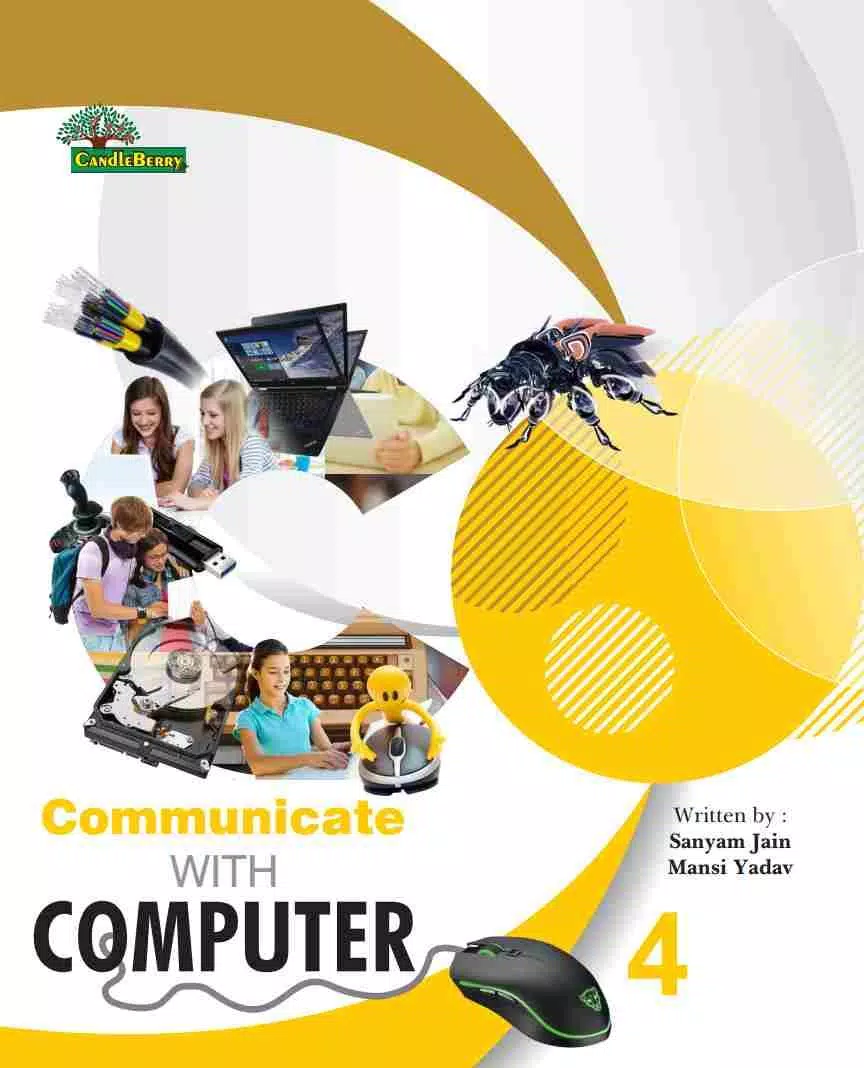
Communicate With Computer 4 is an Android utility that bridges your phone and PC, enabling remote control, scripted commands, and file exchange through secure connections. Designed for productivity and automation, it streamlines common workflows and provides quick access to desktop tools from your mobile device.
Communicate With Computer 4 turns your Android device into a compact control center for a computer. Whether you need to run background scripts, copy files between devices, or send keyboard and mouse input remotely, the app focuses on practical, repeatable tasks. It supports fast connections and a range of protocols to fit different setups.
The design emphasizes clarity and speed. The main screen lists active connections, recent commands, and quick actions. Creating a new connection uses a short wizard: choose the protocol, enter credentials, and test the link. Once paired, you can save command templates and organize them into groups for recurring tasks.
Advanced users will appreciate the macro editor. Build sequences of commands that run one after another, optionally with delays and conditional checks. Macros can call external scripts or local helper apps, making it simple to automate multi-step operations from a single button tap.
Communicate With Computer 4 is engineered for low latency and minimal battery impact. Connection retries, background task handling, and intelligent timeout settings reduce the need for manual intervention. Large file transfers use chunking to maintain throughput while keeping memory usage modest on mobile devices.
The app supports common network protocols and integrates with desktop agents for extended features like clipboard sync and system monitoring. It works well alongside VPNs and can be configured to run only over trusted Wi‑Fi to prevent accidental data exposure on public networks.
Installation and setup are straightforward. Install the Android app, optionally install the desktop helper for full functionality, and follow the on-screen pairing steps. Keep credentials handy and enable any required services or ports on the computer. The app offers troubleshooting hints when a connection attempt fails.
Power users, IT professionals, presenters, and anyone who needs quick remote access to a desktop will find value in Communicate With Computer 4. It reduces context switching and lets you complete routine tasks without returning to the computer physically.
Compared to basic remote desktop tools, this app emphasizes automated control and workflow efficiency. The combination of secure command execution, macros, and convenient file management positions it as a productivity-focused bridge between mobile and desktop environments.
Before relying on the app for critical work, configure backups for important scripts and test restore scenarios. Keep the app and any desktop helper updated to benefit from performance improvements and security patches. With a few minutes of setup, Communicate With Computer 4 can meaningfully speed up day-to-day operations and simplify remote administration tasks.
File size: 7.00 M Latest Version: 1.0
Requirements: Android Language: English
Votes: 117 Package ID: com.ugs.communicatewithcomputer4
Developer: UGS BOOKS


Top Events Free Apps for Android
Discover and share the hottest events around with our intuitive apps. Find local concerts, festivals, shows, and more based on your unique interests. Create customizable calendars of upcoming events to coordinate schedules with friends. Purchase tickets seamlessly from our integrated platforms. Check real-time transit schedules to plan your trip. Access maps, directions, and parking information for any venue.






LIVE A HERO
Retro Hero Mr Kim
Empire of Passion
Arcane Quest Legends
Magic Snap: Momotaro
AllStar Manga Heroes
Lunescape
ONE PIECE Thousand Storm JP
Tap Titans 2










































