
Scan to Download
sactto! Filing is a streamlined Android app designed to help users organize digital documents and manage records quickly. It combines folder-based filing, fast search, and simple tagging into an efficient workflow that works across devices. Ideal for professionals who need tidy, retrievable file storage on the go.
This app focuses on practical document management rather than decorative extras. Users can import PDFs, images, office files and receipts, then assign them to nested folders or attach custom tags. sactto! Filing supports batch actions, allowing multiple files to be renamed, moved or converted at once, which saves time for heavy users.
For professionals who receive invoices, contracts or scanned papers regularly, sactto! Filing acts as a single repository. You can scan a document with your phone camera, let the app extract text using OCR, then tag and file it without leaving the app. That shortens the time between receipt and archiving, so documents are ready when you need them.
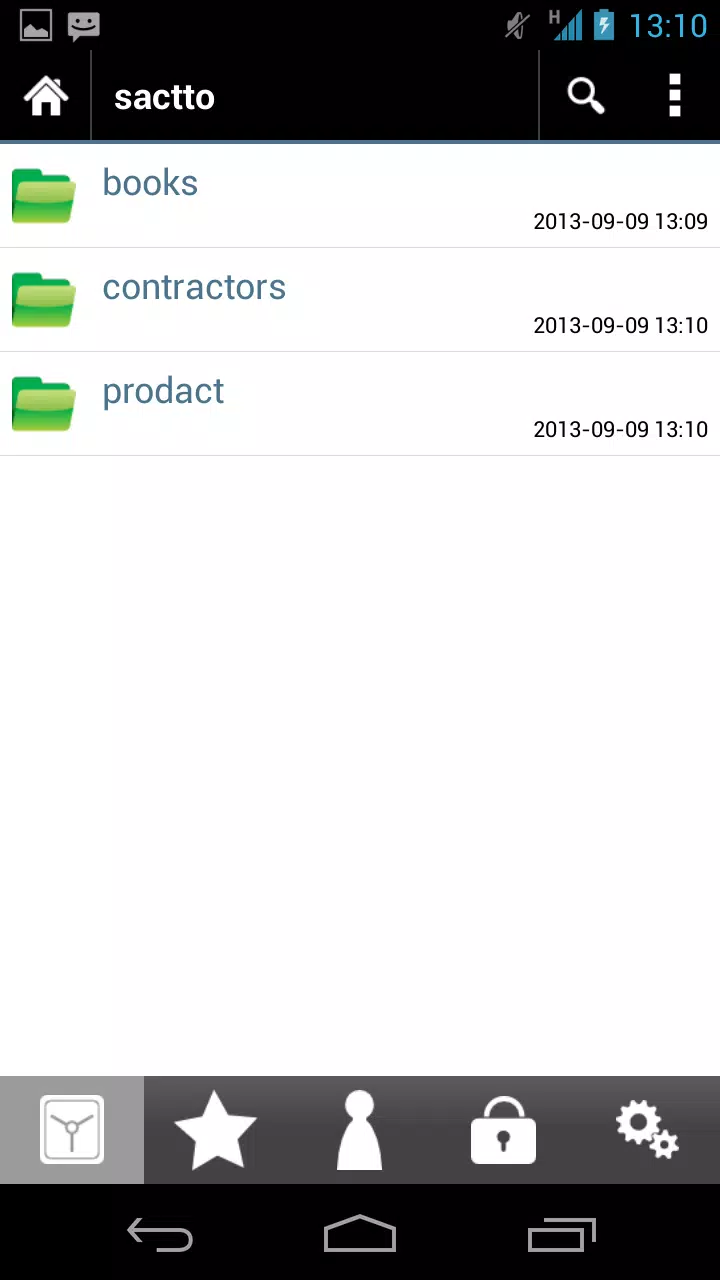
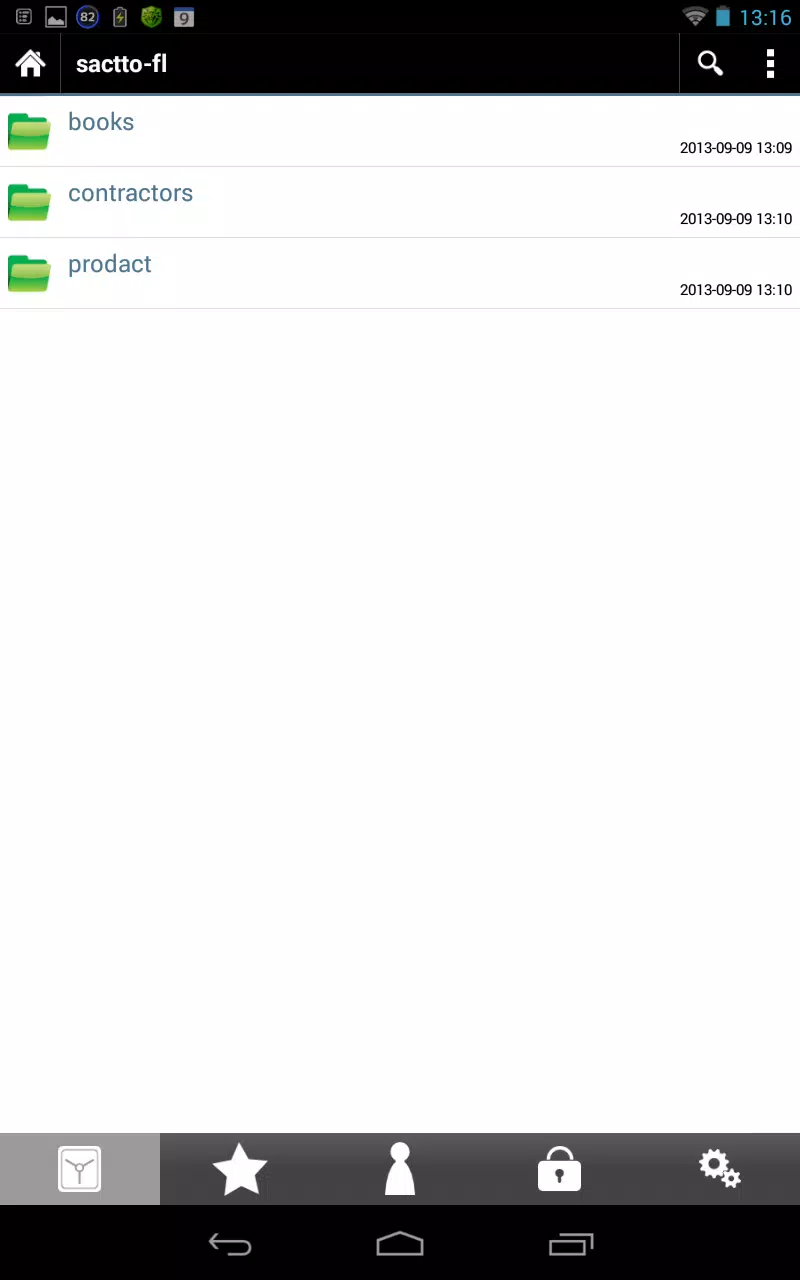
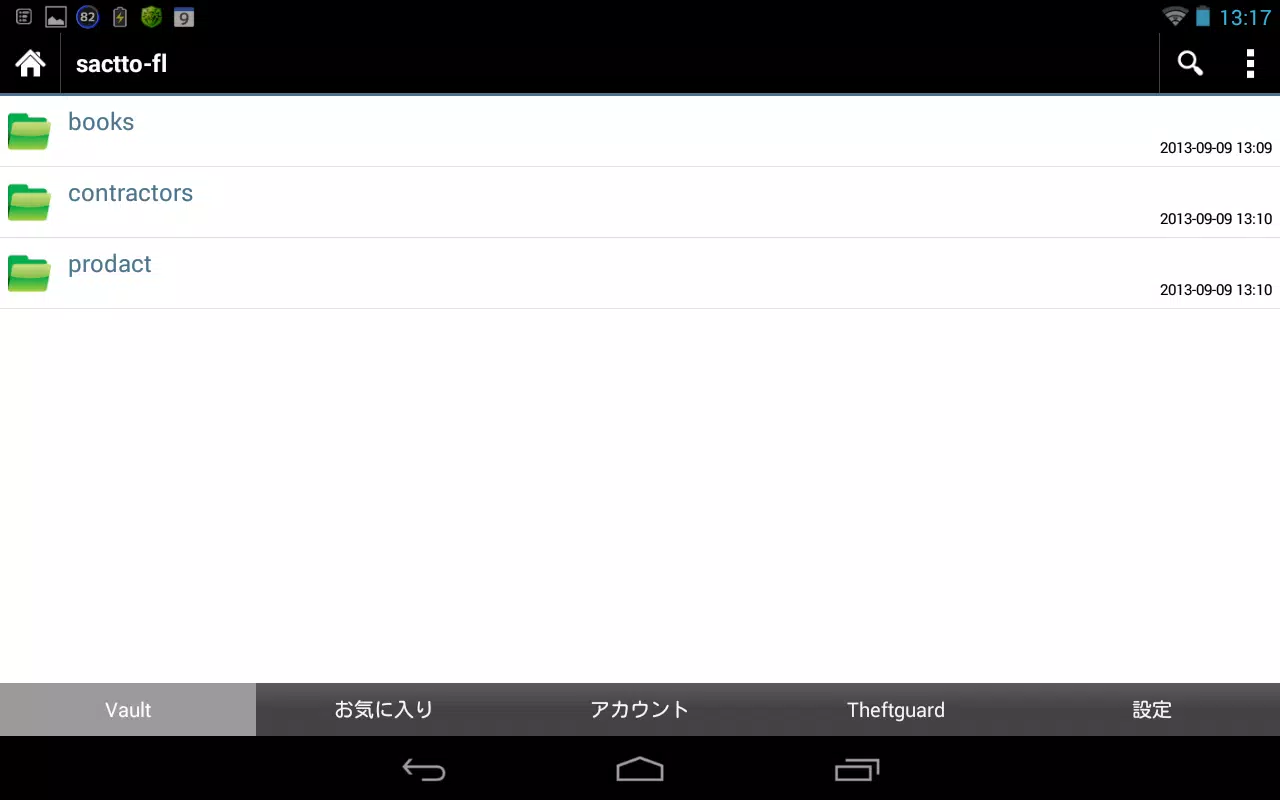
The interface favors clarity: a left-hand navigation drawer for folders, a main list view with preview thumbnails and a top search bar. Transitions are smooth on modern devices and the app keeps a low memory footprint by loading thumbnails on demand. If you work with very large libraries, background indexing runs intelligently to avoid impacting battery life.
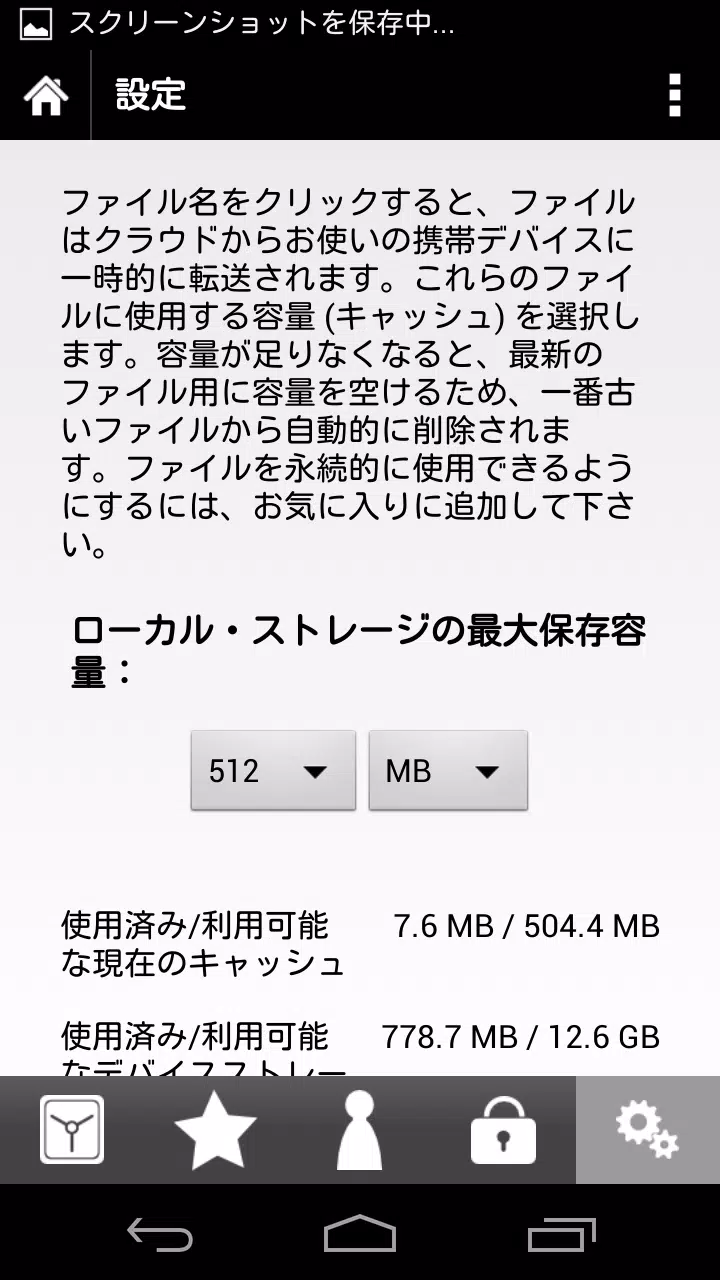
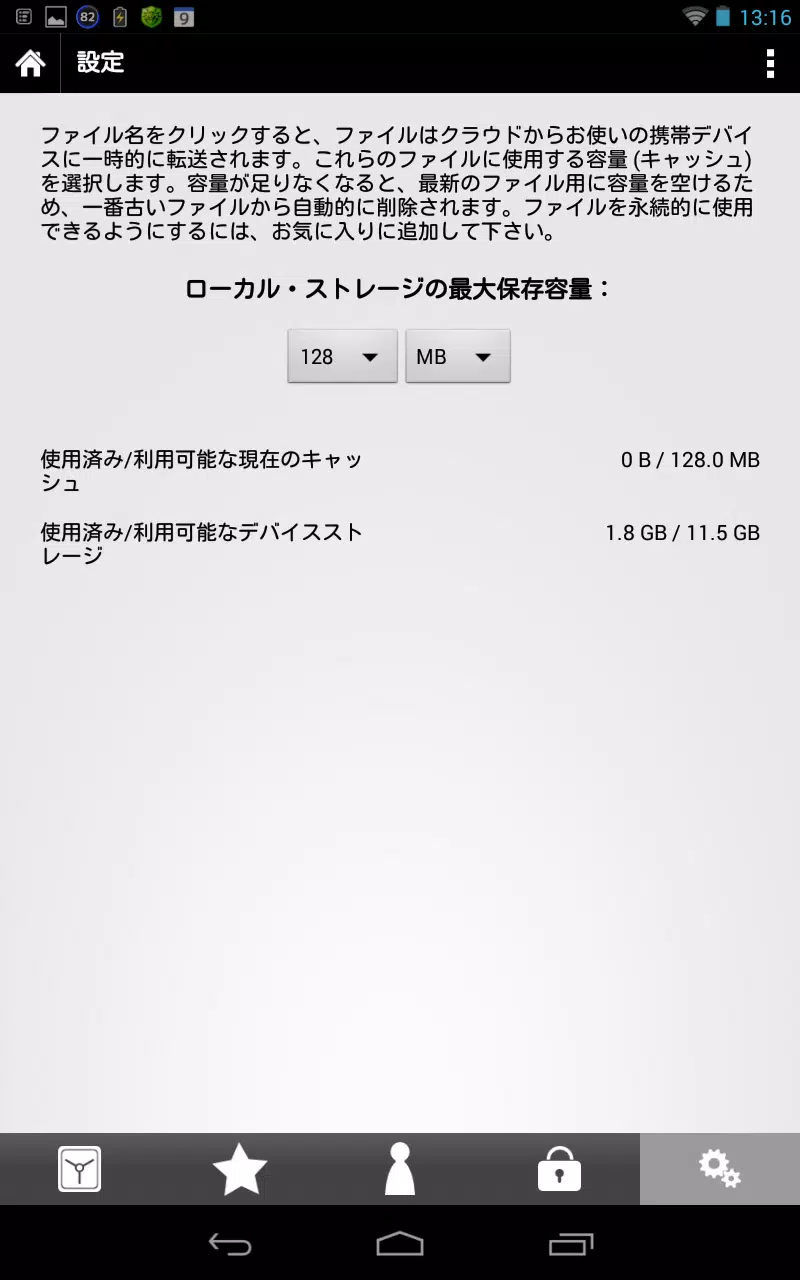
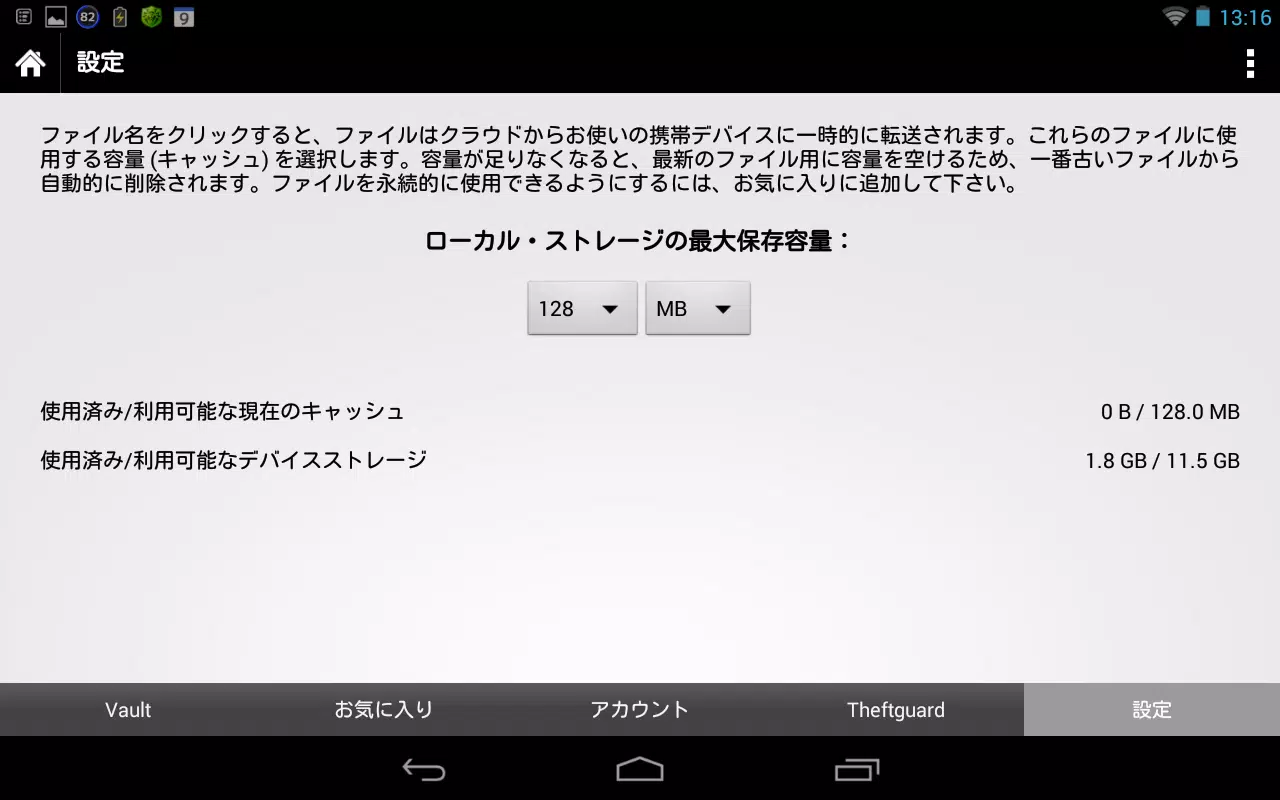
sactto! Filing includes settings to adapt to individual needs. Choose default folder locations, set automatic naming templates for scanned files, or enable two-step verification for added security. The app recognizes common document formats and maintains original file metadata so compatibility with other tools is preserved.
Security is treated as a core function. Local encryption options protect files stored on the device and integration with biometric unlocks keeps access convenient. Cloud sync is optional and uses encrypted transfer; you control whether files are backed up automatically or only when connected to Wi‑Fi.
Beginners appreciate sactto! Filing for its low learning curve. The onboarding walkthrough highlights scanning, tagging and search in a few screens so new users can be productive quickly. Help resources and an in-app FAQ answer common questions about importing and exporting files.
Connectors for email and scanner apps let you send attachments directly into the filing system. Export features support ZIP archives and single-file sharing, which makes moving documents to a desktop or another app straightforward. For teams, shared folders are possible with proper permissions, turning the app into a lightweight document hub.
sactto! Filing is a strong candidate for freelancers, small business owners, and anyone who needs a compact, mobile-first filing system. It balances powerful features with a clean interface, making it useful whether you manage a few dozen files or thousands. If you want to reduce clutter and find documents reliably, this app provides practical tools without a steep learning curve.
Overall, sactto! Filing emphasizes speed, clarity and control, delivering a mobile filing solution that fits into modern work routines. Try the free tier to explore core features, and consider upgrading if you need advanced automation or team sharing.
File size: 20.80 M Latest Version: 6.0.2
Requirements: Android Language: English
Votes: 303 Package ID: jp.co.sandi.sacttofiling
Developer: エス・アンド・アイ株式会社(S&I Co.,Ltd.)


Top Free Business Necessary Apps for Android
Streamline operations and maximize productivity with our innovative business apps. Manage contacts, schedule meetings, and route calls seamlessly. Collaborate on documents and projects in real-time. Track inventory, finances, and analytics to inform smart decisions. Build customized proposals, invoices, and contracts to win clients. Stay on top of emails, tasks, and passwords for efficient work.






LIVE A HERO
Retro Hero Mr Kim
Empire of Passion
Arcane Quest Legends
Magic Snap: Momotaro
AllStar Manga Heroes
Lunescape
ONE PIECE Thousand Storm JP
Tap Titans 2