Scan to Download
DIGITAL ELD is a mobile and tablet application designed to simplify hours-of-service logging and fleet compliance for drivers and dispatchers, combining automatic engine sync, intuitive duty status editing, and clear violation alerts that streamlines reporting across teams. The app focuses on practical workflows so drivers can stay compliant with minimal distraction.
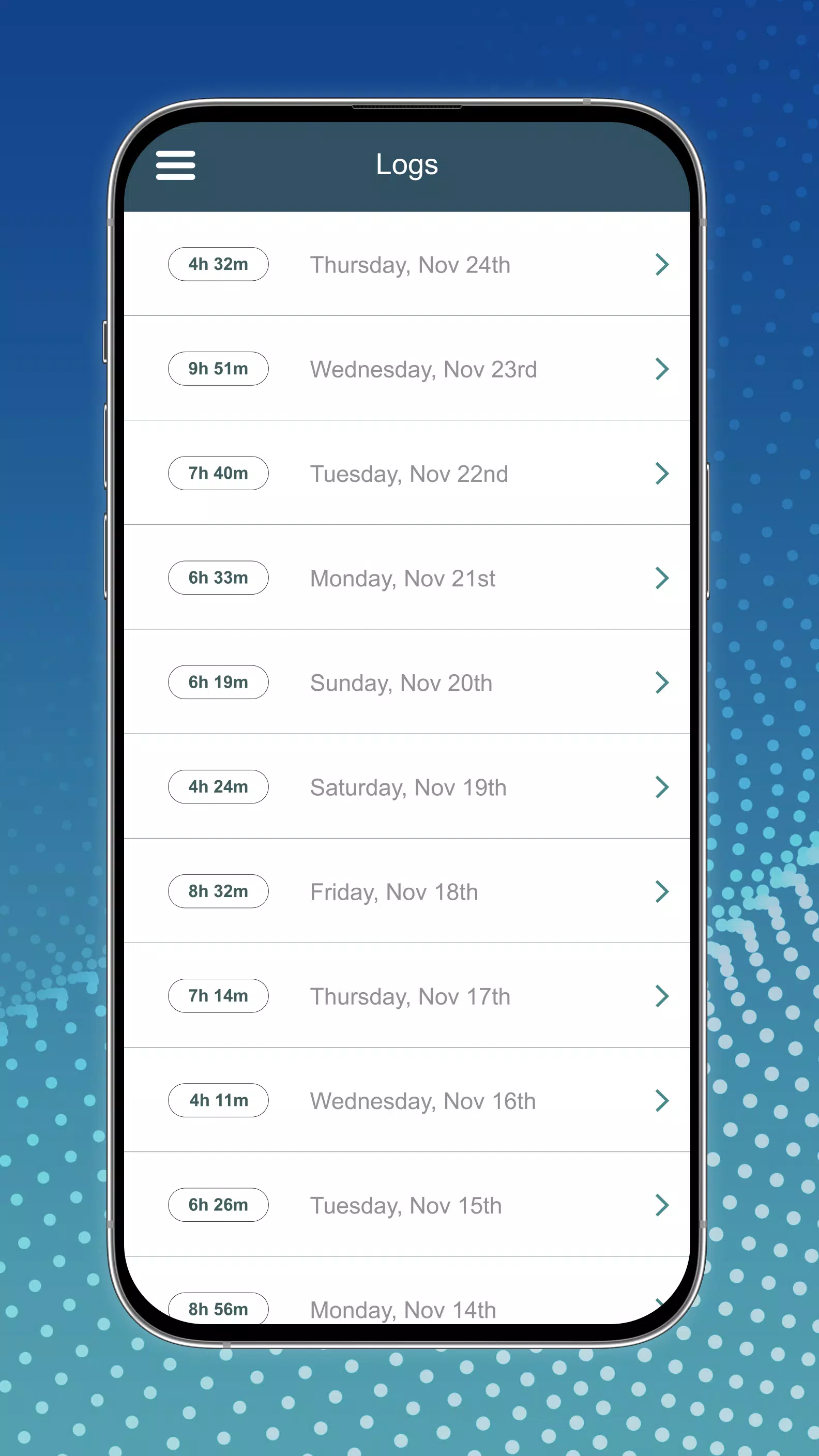
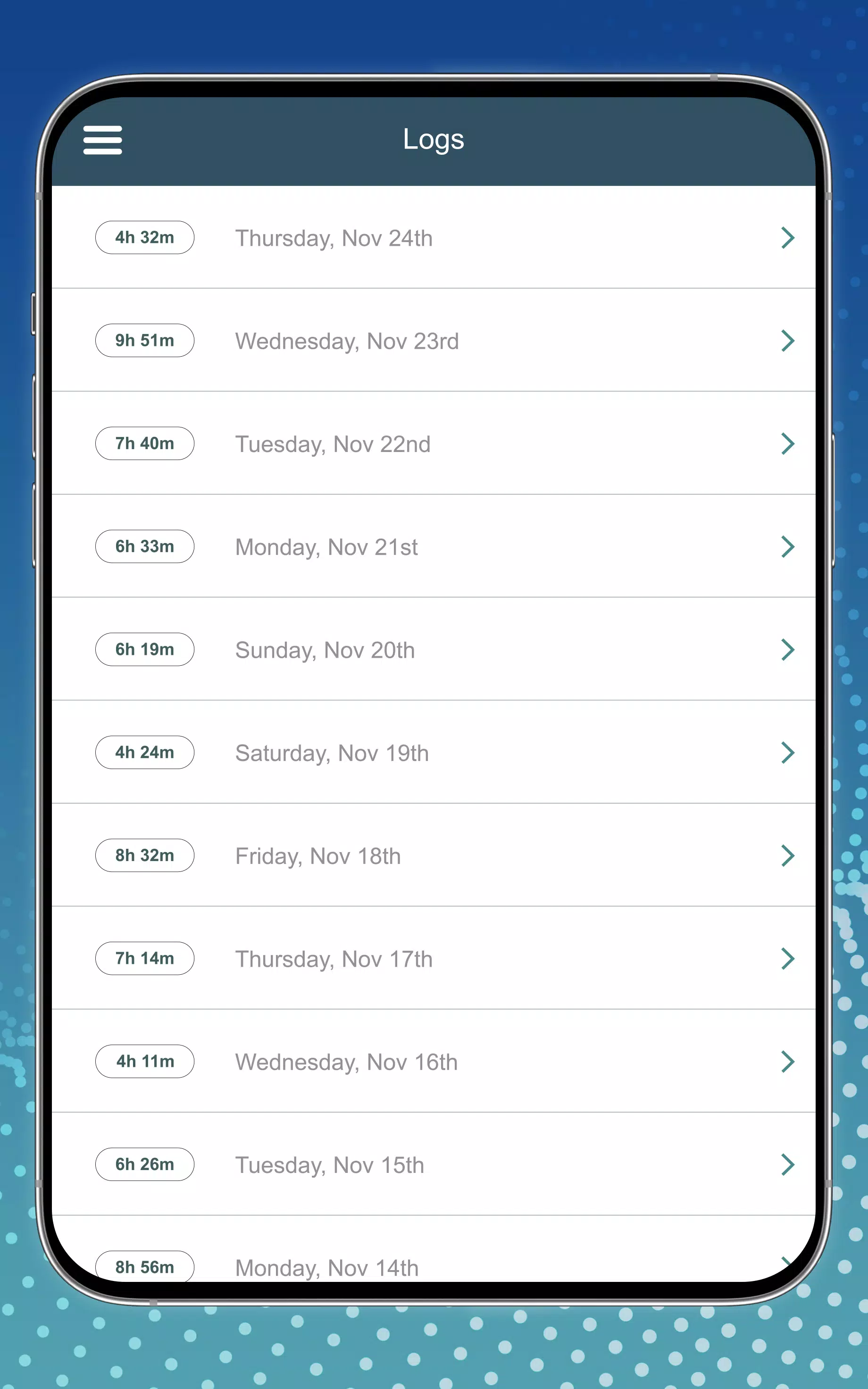
DIGITAL ELD centralizes the essential tools carriers need to manage driving time and document activity. Automatic vehicle data capture records engine hours, ignition status, and miles to build compliant records without manual entry. A clear duty status timeline displays driving, on-duty, off-duty, and sleeper berth periods. Built-in alerts notify users when HOS limits approach, reducing the risk of violations.
The interface emphasizes rapid access to the most-used screens: current duty status, recent trips, and compliance alerts. Drivers see a simplified view while moving, with larger touch targets and minimal text. Dispatchers and safety managers access a richer control panel for reviewing logs, approving edits, and exporting data for audits. Workflow steps are logical and concise to minimize training time and on-the-job confusion.
DIGITAL ELD is designed around regulatory requirements. Time-stamped records, tamper-evident logs, and synchronized roadside inspection modes make it straightforward to demonstrate compliance during audits. Administrators can review driver logs remotely, approve corrective edits, and produce printable or exportable reports for fleet records or enforcement review.
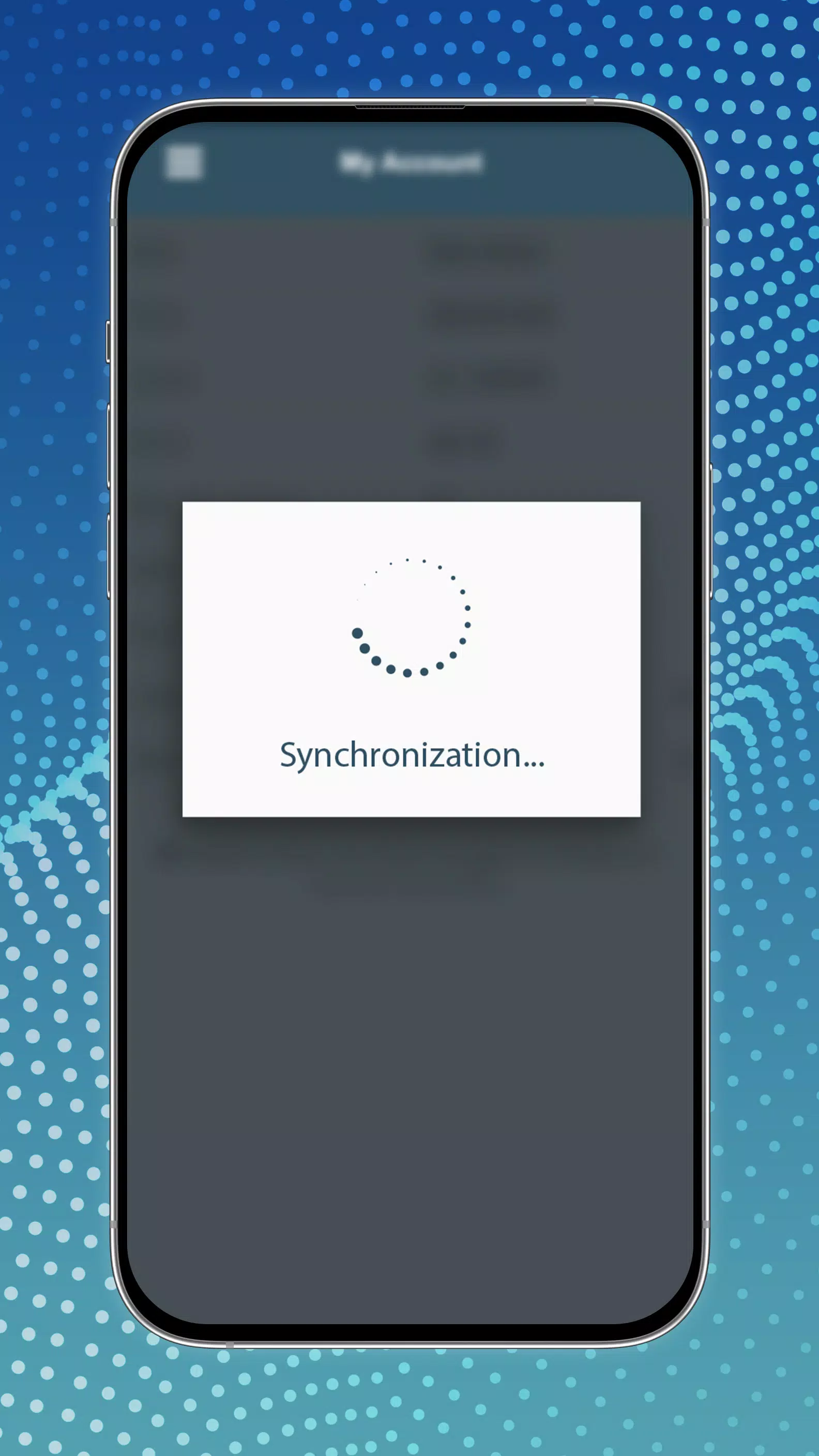
The app supports Bluetooth and wired connections to a wide range of vehicle telematics units and third-party devices, ensuring reliable data capture in diverse hardware environments. Offline caching keeps logs intact when cellular service drops; once connectivity returns, entries synchronize with the central fleet server. DIGITAL ELD supports multiple device profiles so drivers can switch between phones and tablets without losing records.
Flexibility is important for mixed fleets. DIGITAL ELD allows administrators to set custom rule sets, regional HOS parameters, and company-specific reminder schedules. Reporting tools let safety managers generate summaries by driver, vehicle, or time period, and schedule automated deliveries of compliance packages to email or cloud storage.
Data protection is handled through encrypted transmissions and role-based access controls. Drivers retain the ability to add annotations while managers maintain oversight through an audit log that tracks edits and approvals. Backups are automated so records remain available for required retention periods without manual intervention.
Getting started with DIGITAL ELD is straightforward. The onboarding wizard guides fleet administrators through device pairing, rules configuration, and user provisioning. Drivers receive a concise tutorial that covers daily use, inspection mode, and how to submit edits. Support resources include in-app help, documentation, and responsive technical assistance for integration questions.
Performance is optimized for low battery use and minimal processing while driving. The interface prioritizes responsiveness and clear visual cues so drivers can confirm status at a glance. For fleets, the server-side components scale to handle thousands of users, maintaining fast lookup and export operations even during peak reporting windows.
DIGITAL ELD combines dependable data capture with an uncluttered user experience, helping fleets reduce administrative load and stay aligned with regulatory demands while keeping drivers focused on the road.
File size: 6.50 M Latest Version: 2.100.168
Requirements: Android Language: English
Votes: 299 Package ID: com.digitaleld.mobile
Developer: digital eld


Top Auto Free Apps for Android
Hit the open road with confidence using our automotive apps. Access comprehensive makes/models reference guides for expert vehicle knowledge. Get step-by-step repair and maintenance tutorials so you can DIY with ease. Scan diagnostic codes and get repair estimates from local shops. Stay on top of your vehicle's health with digital logs and alerts. Plan road trips leveraging real-time maps, traffic data, and trip computer integration.






LIVE A HERO
Retro Hero Mr Kim
Empire of Passion
Arcane Quest Legends
Magic Snap: Momotaro
AllStar Manga Heroes
Lunescape
ONE PIECE Thousand Storm JP
Tap Titans 2