
Scan to Download
LightShop streamlines lighting selection and visualization for designers, retailers, and homeowners. The app centralizes product browsing, virtual placement, and specification details into a single polished interface, making it fast to compare fixtures, simulate illumination, and prepare practical shopping lists for real-world installation projects.
LightShop offers a range of tools focused on practical decision-making: an extensive catalog of fixtures with technical specs, a room preview mode for virtual placement, and a comparison tool that highlights lumen output, color temperature, energy consumption, and pricing. Integration with manufacturer data ensures accurate measurements and downloadable spec sheets. Users can save favorite items into lists, annotate selections, and export a consolidated purchase list for easy ordering.
The visualization engine models how different luminaires interact with room surfaces and furnishings. By selecting a fixture and positioning it within a plan or photo, the system simulates light spread, shadows, and color rendering. Adjustable parameters such as dimming level, beam angle, and color temperature allow users to preview subtle differences. This practical preview helps avoid surprises at installation and supports informed choices for ambiance and function.
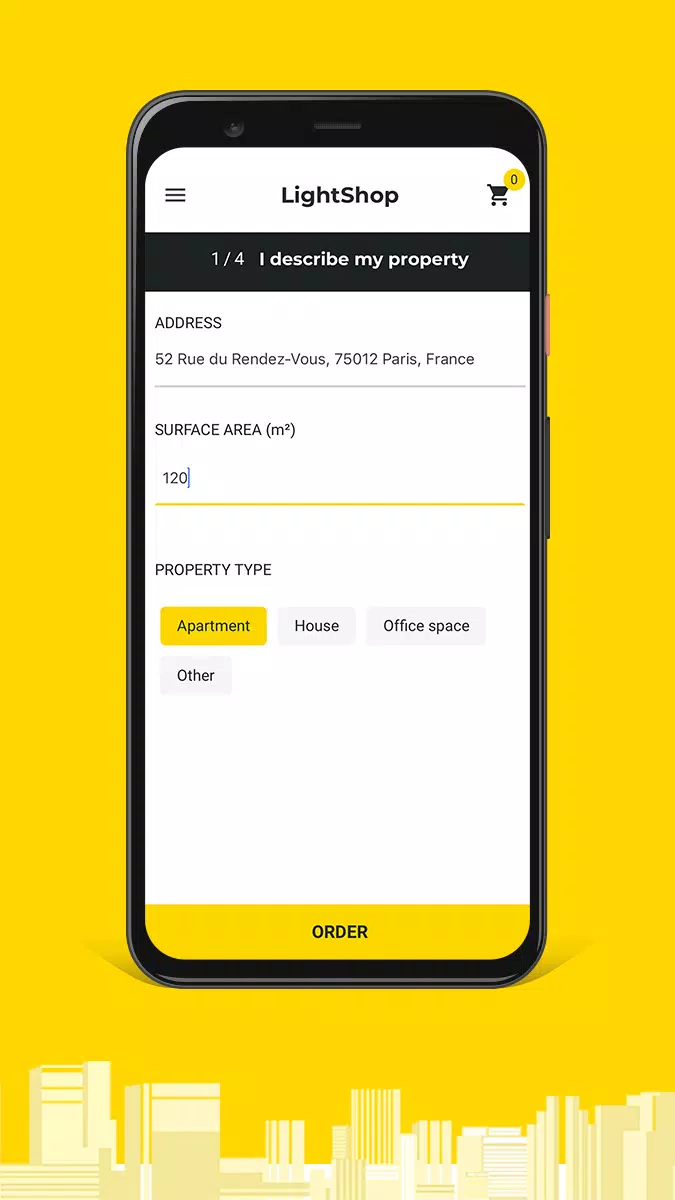
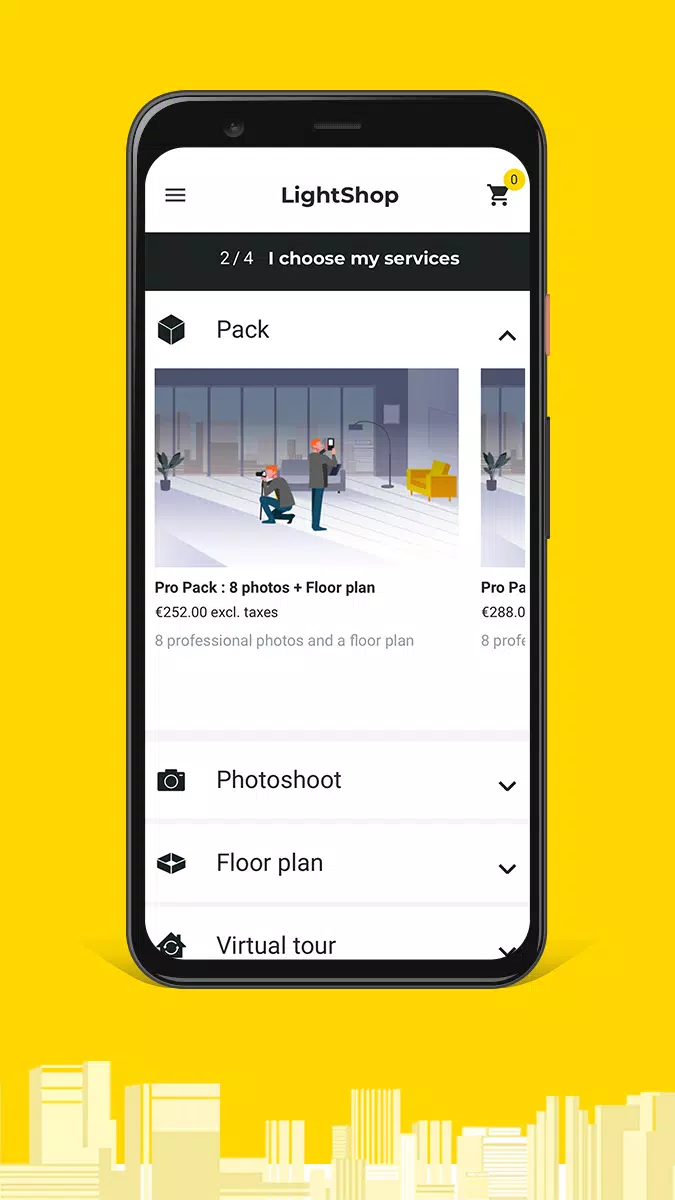
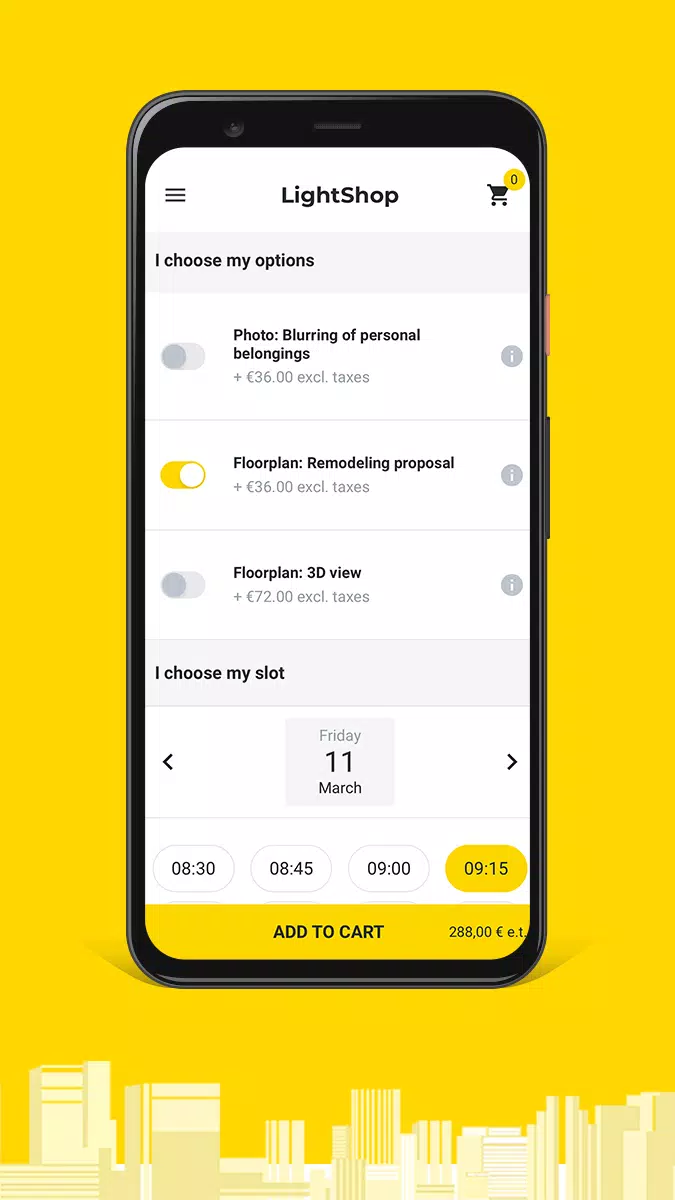
LightShop presents an organized workspace that keeps tools accessible without clutter. A left-hand catalog panel lets you filter by type, wattage, and style, while the central canvas displays your room or 3D model. Context-sensitive controls appear when a fixture is selected, making it simple to tweak placement and properties. The workflow follows a clear sequence: pick products, place them in the scene, refine parameters, and generate a shopping or specification output.
Optimized for modern Android devices, the app balances visual fidelity with responsive performance. Image-based room previews load quickly and use progressive rendering to maintain interactivity on mid-range phones. For larger projects, the app offloads heavier calculations to a background thread to keep the interface smooth. LightShop supports common image formats and integrates with cloud storage providers for importing plans and saving project files.
Beyond visualization, LightShop focuses on delivering actionable technical information. Each product entry includes detailed specifications such as CRI, beam spread, mounting options, and estimated power draw. Custom tags and notes let teams annotate fixtures according to project needs. A built-in calculator helps estimate total load and energy costs based on user-defined schedules, making it easier to compare long-term operating expenses across alternatives.
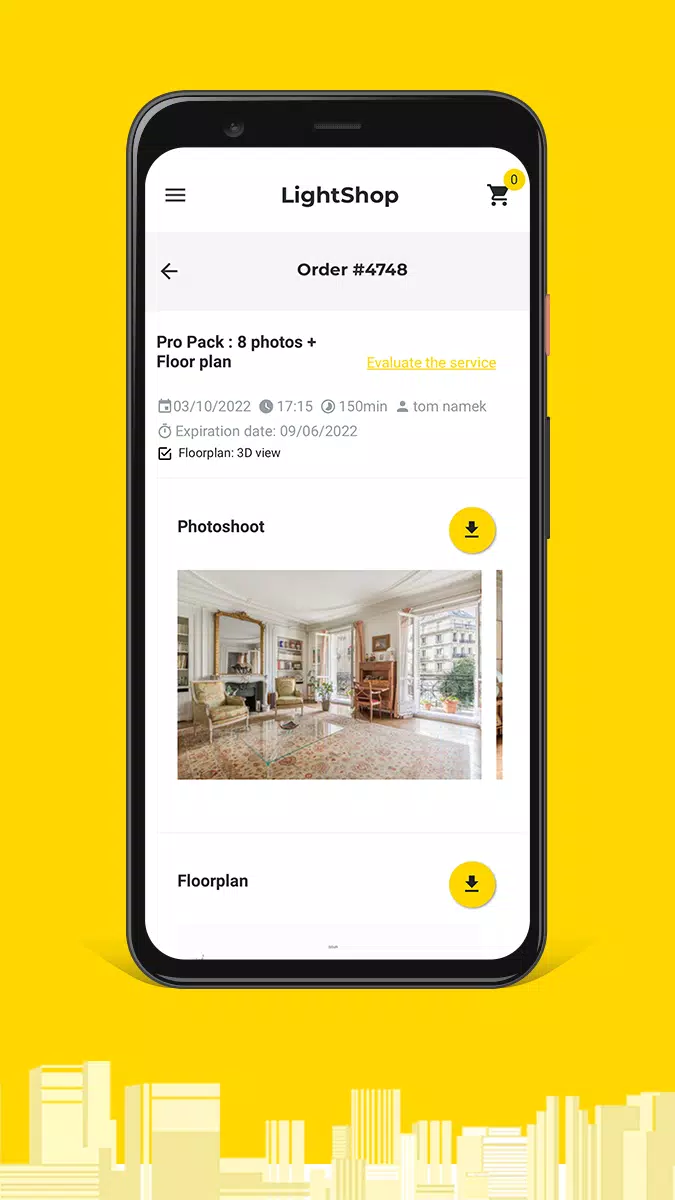
Design professionals can use LightShop to present multiple lighting scenarios to clients, switching quickly between warm and cool palettes or accent and task lighting setups. Retailers benefit from the app’s product-export feature, which creates clear purchase lists that link directly to supplier SKUs. Homeowners appreciate the ability to visualize the final look before committing to purchases, reducing returns and installation friction.
Download LightShop, create a free account, and begin by importing a floor plan or photo. Use the guided setup to calibrate scale and set your preferred measurement units. From there, browse the catalog, drag fixtures into your scene, and refine settings until the preview matches your goal. When ready, export a specification or shopping list to share with contractors or clients.
LightShop receives regular updates that expand the catalog, improve simulation accuracy, and add workflow integrations requested by users. A help section within the app includes quick tutorials and troubleshooting guides. For technical queries, in-app feedback channels connect users to support staff who can assist with file imports, device-specific performance, and feature suggestions.
By focusing on realistic previews, clear specifications, and an efficient workflow, LightShop helps bridge the gap between design intent and actual installation, making the lighting selection process faster and more reliable for all stakeholders.
File size: 44.30 M Latest Version: 1.4.3
Requirements: Android Language: English
Votes: 333 Package ID: com.lightshop
Developer: Wall Market

Must Have Tools Apps for Android
Equip yourself with our all-in-one toolbox app for everyday tasks and projects. Instantly convert between units, calculate tips, scan documents, manage files, and more with handy productivity tools. Includes a level, compass, QR code reader, ruler, speedometer, decibel meter, and flashlight. Save frequently used tools to your customizable dashboard for one-tap access. Track billable hours, wages, budgets, and invoices. Annotate screenshots, magnify labels, and sign PDFs on the go.






LIVE A HERO
Retro Hero Mr Kim
Empire of Passion
Arcane Quest Legends
Magic Snap: Momotaro
AllStar Manga Heroes
Lunescape
ONE PIECE Thousand Storm JP
Tap Titans 2










































