
Scan to Download
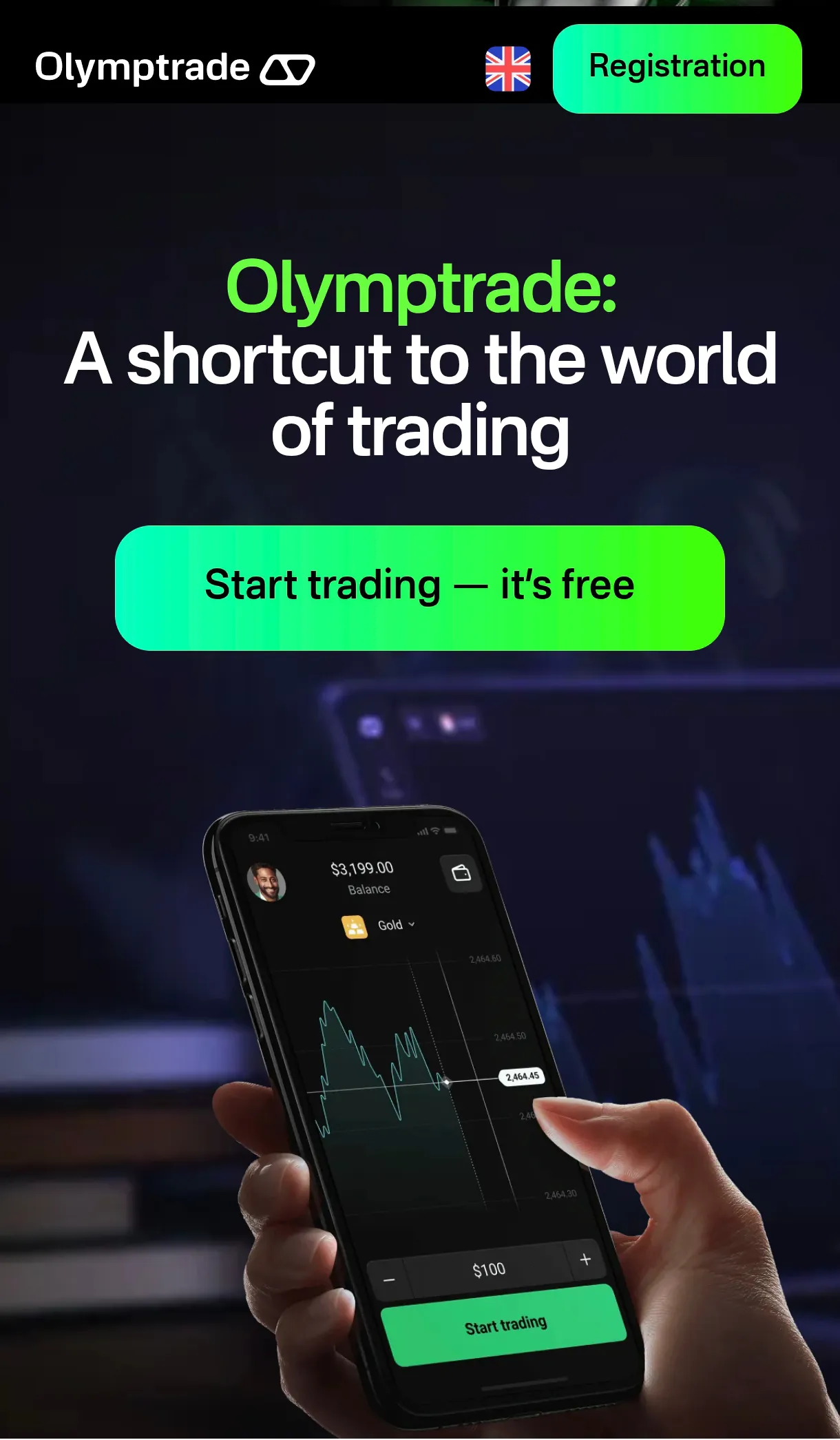
Olymp Trade Broker delivers a compact mobile trading environment designed for spotting market opportunities and executing orders quickly. The app combines live charts, multiple order types, and a user-friendly layout to help traders manage positions, monitor analytics, and practice strategies with either demo or live funds on the go.
Olymp Trade Broker organizes tools into an intuitive dashboard where charts, account balances, and recent orders are visible at a glance. The interface supports multiple chart types, timeframes, and a selection of technical indicators such as moving averages, RSI, and MACD. Quick-access buttons let you place market, limit, and stop orders without navigating deep menus, and the layout adapts cleanly to different screen sizes.
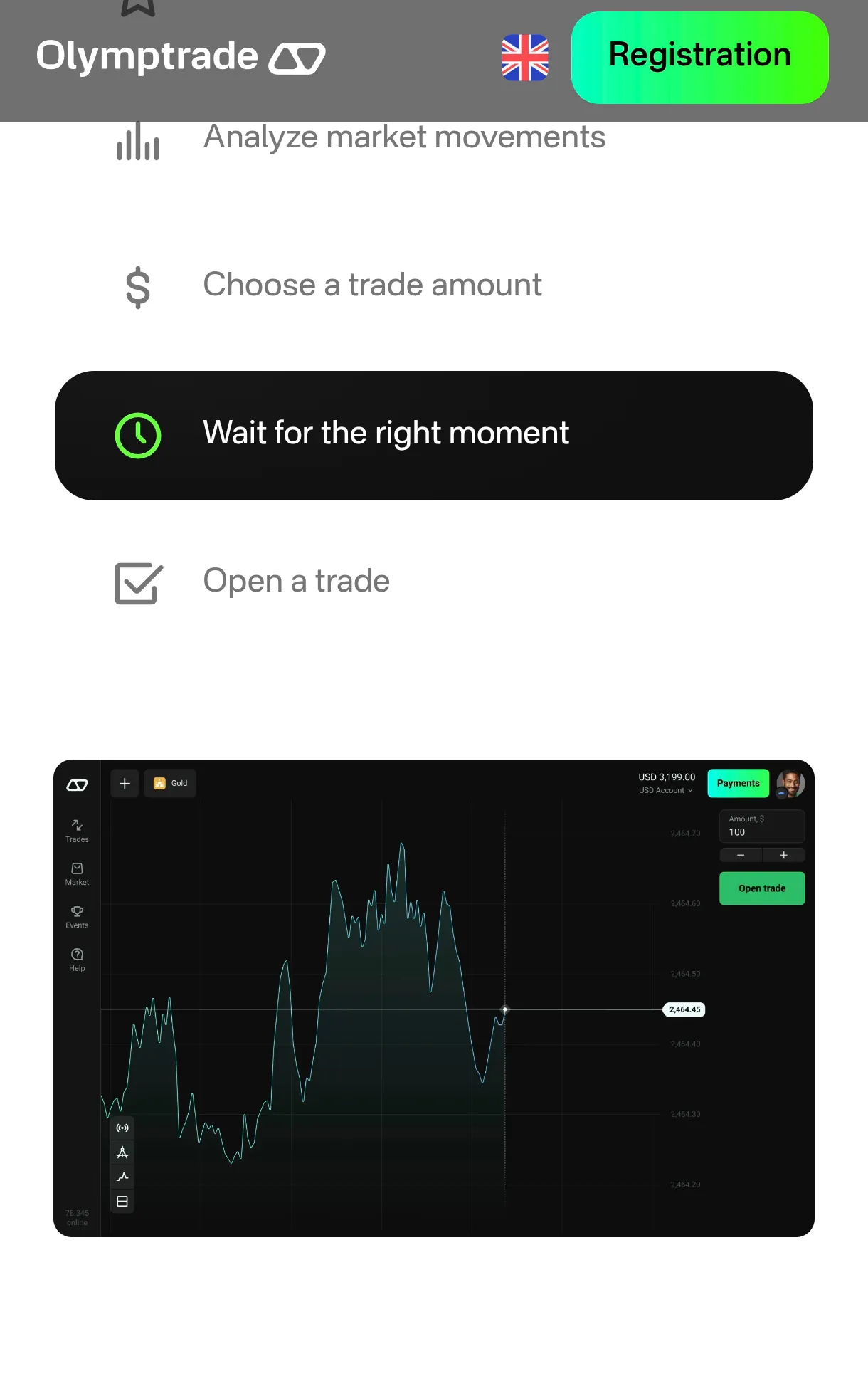
Placing a trade in Olymp Trade Broker follows a straightforward flow: choose an asset, analyze the chart with built-in indicators, set order parameters, and confirm execution. The app highlights open positions and pending orders in a dedicated panel, making it easy to adjust stop-loss, take-profit, or close trades manually. Order confirmations include estimated fees and execution price to reduce surprises.
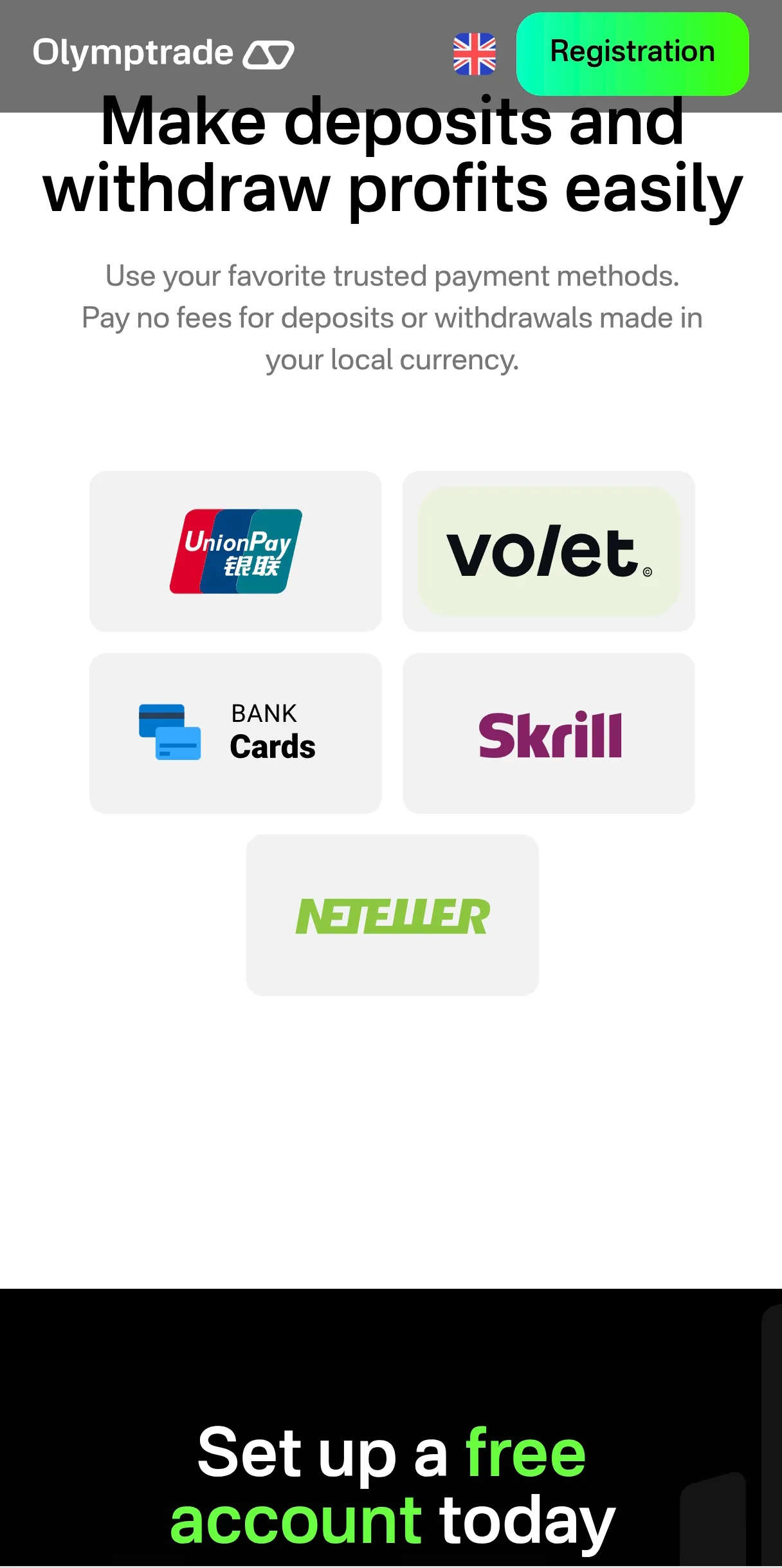
New users can switch between a demo account and a live account in seconds. The demo mode replicates real-market conditions using virtual funds, which is ideal for testing strategies or familiarizing yourself with the platform’s tools. When ready, transitioning to a live account supports multiple funding options and clear balance tracking. Olymp Trade Broker displays account history with filters for deposits, withdrawals, and closed trades for easier record keeping.
Robust charting is a central feature. Users can apply overlays and indicators, draw trendlines, and save custom chart layouts for repeat use. Built-in analytics include event calendars and price alerts to keep traders informed about market-moving news. For tactical traders, the app provides short-term timeframe views alongside longer-view charts to support multi-horizon decision making.
Risk controls are accessible at the point of order entry. Set precise stop-loss and take-profit levels, attach trailing stops, and view margin requirements before confirming a trade. Olymp Trade Broker also offers configurable push notifications and price alerts so you never miss key levels. These notification tools help manage exposure without requiring constant screen monitoring.
Security measures include biometric login options and two-factor authentication to protect account access. Sensitive data is encrypted in transit, and the app prompts users about account verification steps needed for deposits and withdrawals. Compliance-related features include transaction histories and documents upload to streamline verification while keeping account activity transparent.
Olymp Trade Broker is optimized for mobile performance: chart rendering is smooth, indicators update in real time, and order execution aims to minimize latency. The app supports current Android versions and is designed to run efficiently on mid-range devices. Background syncing ensures account data and notifications remain current without excessive battery drain.
Keep indicators to a manageable number to avoid overfitting charts, and use the demo account to rehearse new strategies. Enable alerts on significant support and resistance levels so you can react quickly. Regularly review trade history to identify strengths and weaknesses in your approach and adjust risk settings to protect capital during periods of high volatility.
Whether you need rapid order entry, clear analytics, or a convenient demo environment, Olymp Trade Broker focuses on delivering essential trading tools in a compact mobile package suitable for active traders and those building their skills.
File size: 28.80 M Latest Version: 9.8.2
Requirements: Android Language: English
Votes: 274 Package ID: neu.olymptrade
Developer: Kallogermany

Must Have Tools Apps for Android
Equip yourself with our all-in-one toolbox app for everyday tasks and projects. Instantly convert between units, calculate tips, scan documents, manage files, and more with handy productivity tools. Includes a level, compass, QR code reader, ruler, speedometer, decibel meter, and flashlight. Save frequently used tools to your customizable dashboard for one-tap access. Track billable hours, wages, budgets, and invoices. Annotate screenshots, magnify labels, and sign PDFs on the go.






LIVE A HERO
Retro Hero Mr Kim
Empire of Passion
Arcane Quest Legends
Magic Snap: Momotaro
AllStar Manga Heroes
Lunescape
ONE PIECE Thousand Storm JP
Tap Titans 2